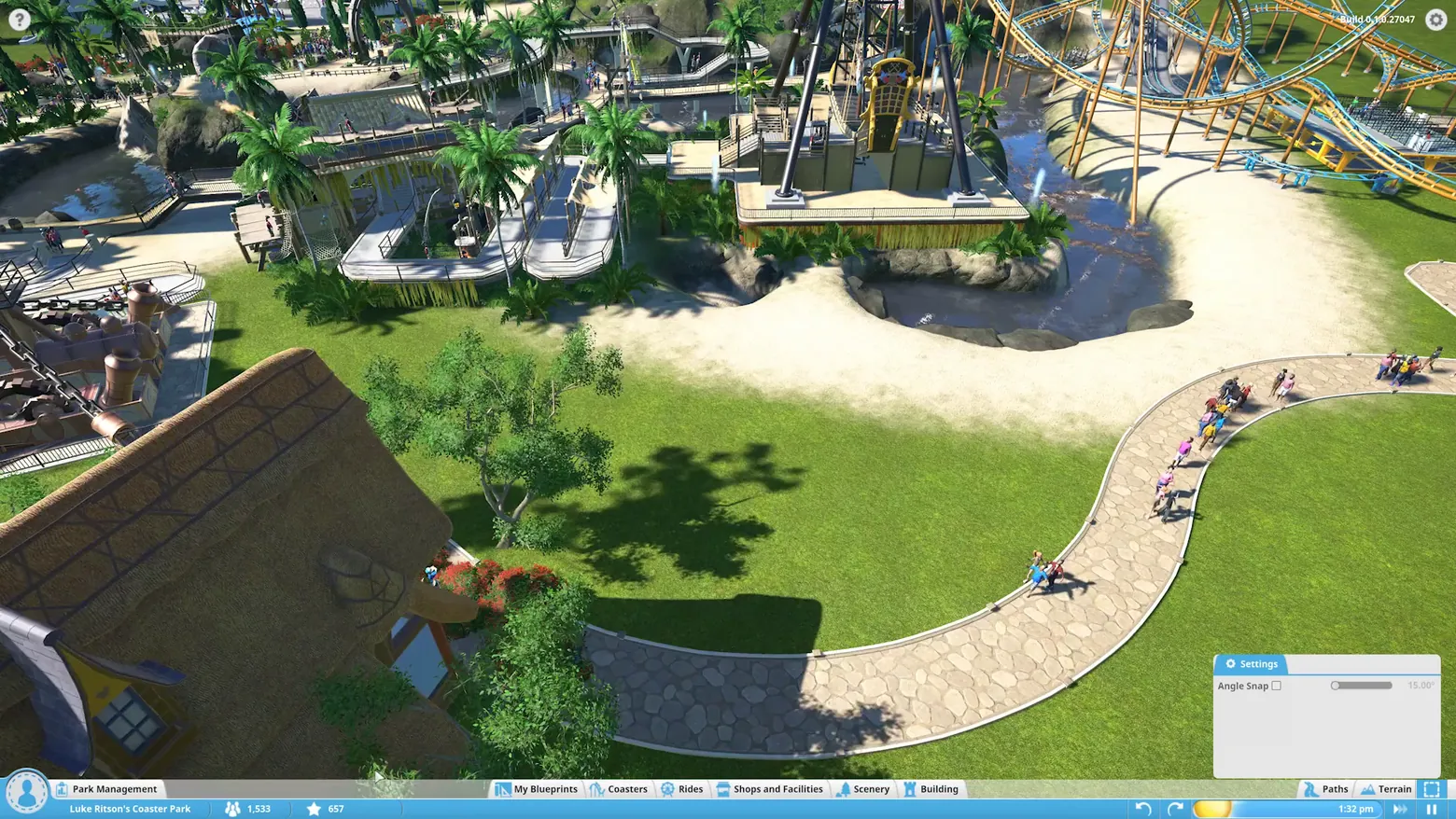
Path tool: Angle Snap Settings over Luke Ritson's park
Planet Coaster · City & Base Management
Art style Stylized 3D
About this game
Developer: Frontier Developments · Publisher: Frontier Developments · Platform: PC (Steam) · Art style: Stylized 3D · Screen type: City & Base Management
More Planet Coaster screens in the Gallery
What to study
The path tool is Planet Coaster's signature editor, paths are drawn as smooth splines, not painted on a grid, and this frame shows how little chrome that takes. The whole tool is the park view itself, one curving stone path with its white live-edit outline, and a single small Settings card floating at the bottom right: Angle Snap, a checkbox, a slider, and the value spelled out as 15.00°. No modal, no toolbar stack; the option that defines the tool's feel (whether curves snap to angles) sits beside the work at the moment it matters. The bottom bars tell the workflow's other half: this is Luke Ritson's Coaster Park (1,533 guests, 657 stars, 1:32 pm), Paths is the active tab family, and undo/redo arrows plus a brush-size slider ride in the status strip, editing controls kept in the same line as the park's vital signs. A beat later in the same sequence (held as an alternate) the Fairytale House blueprint from the Workshop profile is standing beside this path: browse, download, place is one continuous gesture across the keeper frames. Frame at about 0:20 in the Planet coaster GamePlay Trailer 2 video (Steam), a scene-change survivor at 20.5s. The source capture carries a small 'Build 0.1.0.27047' string at the top right, an earlier pre-release build than the plaza frame's 0.1.0.33210, since the trailer edits two captures together; disclosed here rather than cropped out.
Patterns
How the screen is arranged.
Components
Parts on screen.
Card Tabs Toolbar Menu Clock Toggle Slider
Screen inventory
- bottom right, the floating Settings panel, the path tool's only options, given a whole card: a gear-tab header 'Settings', one row 'Angle Snap' with an unticked checkbox, a slider, and its value '15.00°', the tool's precision stated in degrees, not hidden in a menu
- the work the panel controls: a wide stone-flagged path curving through the park in a smooth S, its edges picked out with the white outline of the path tool's live footprint, guests already walking the finished stretch at the right
- the same bottom system as the plaza frame, one park over: avatar button and Park Management at the left, 'Luke Ritson's Coaster Park' named in the status strip with 1,533 guests and a 657 star rating, the build tabs (here without Track Rides), Paths highlighted as the active tool family, and undo/redo arrows plus a yellow brush-size slider beside the 1:32 pm clock
Top 3 colors
#31392f 23%#7f9553 23%#f2e9d3 14%
Top three palette colors by share. The remaining colors make up the rest.
Source and credit
© Frontier Developments, Planet Coaster screenshot: Planet coaster GamePlay Trailer 2 and Planet Coaster Launch Trailer videos (Steam), shown for design study and commentary. PlayCraft is an unofficial fan project, not affiliated with or endorsed by Frontier Developments.
Source tier 2 (publisher-released) · screenshot: Steam store page · Steam page
Source details
Fetched 2026-10-21. verified 2026-10-21: frame inspected at full resolution (1920x1080 native), genuine in-game path-tool screen, settled and legible (Settings header, Angle Snap label, checkbox, slider and 15.00° value, the park name, 1,533 guests, 657 stars and 1:32 pm all readable); the 'Build 0.1.0.27047' string at top right is part of the pre-release source capture and is disclosed in the study note; no trailer typography overlays the frame
no published policy found (checked 2026-10-21); fair-use study use, takedown honored within 48h
Rights holders: see Copyright & takedown.
Similar screens
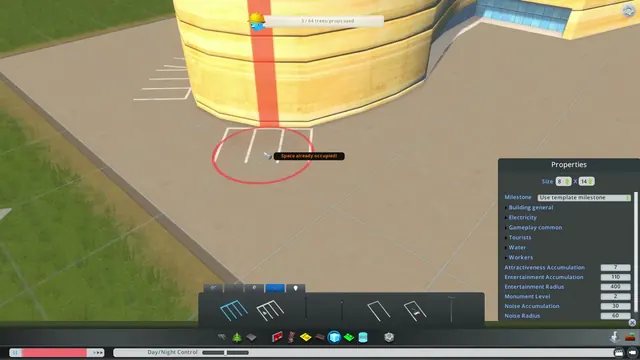 Cities: Skylines - Asset editor: building Properties panel
Same type: City & Base Management; Shared patterns: detail-panel
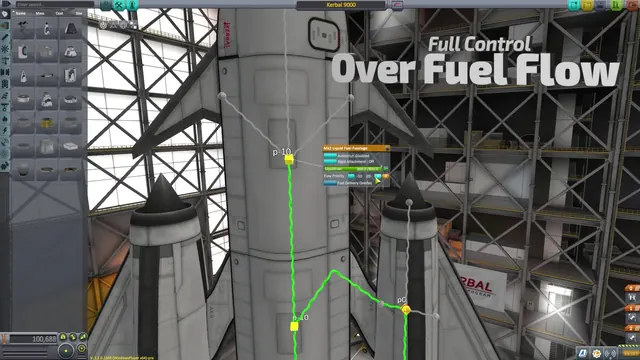 Kerbal Space Program - Fuel delivery overlay: flow lines and priority on the stack
Same type: City & Base Management; Shared patterns: detail-panel
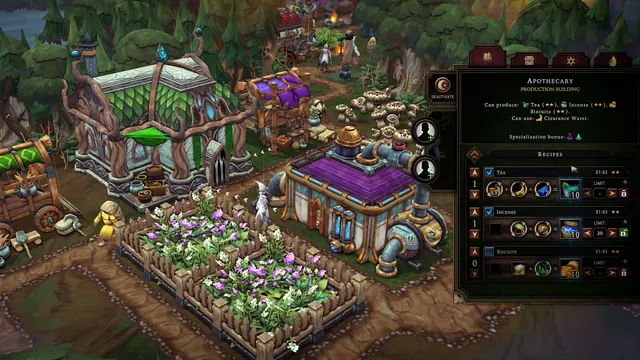 Against the Storm - Apothecary: three recipe equations with priorities, limits and worker slots
Same type: City & Base Management; Shared patterns: detail-panel
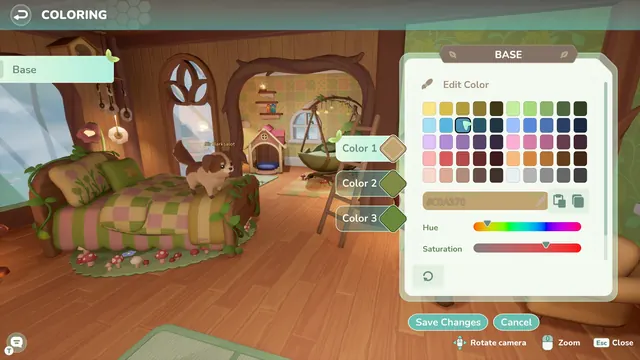 Loftia - Coloring a room: BASE editor over a treehouse bedroom
Same type: City & Base Management; Shared patterns: detail-panel
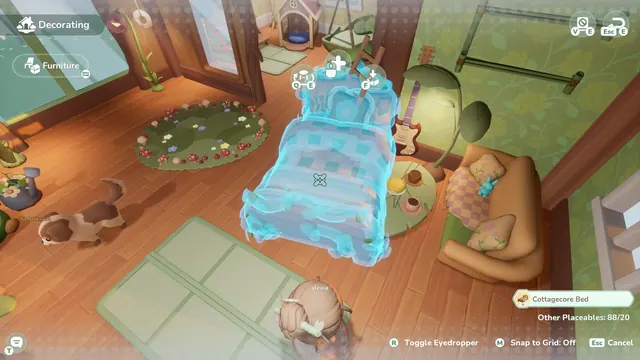 Loftia - Decorating mode: holographic Cottagecore Bed
Same type: City & Base Management; Shared patterns: detail-panel
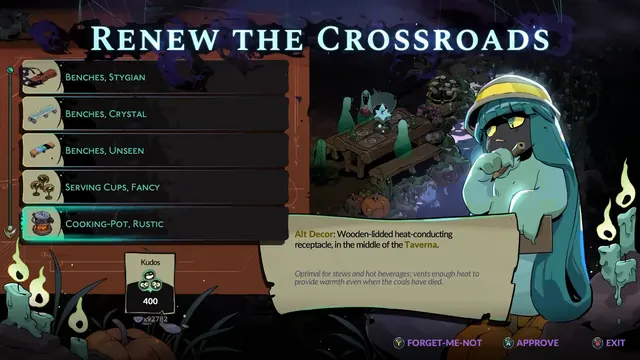 Hades II - Renewing the Crossroads: Dora's decor shop
Same type: City & Base Management; Shared patterns: detail-panel