Asset editor: building Properties panel
Cities: Skylines · City & Base Management
Art style Realistic 3D
About this game
Developer: Colossal Order · Publisher: Paradox Interactive · Platform: PC (Steam) · Art style: Realistic 3D · Screen type: City & Base Management
More Cities: Skylines screens in the Gallery
What to study
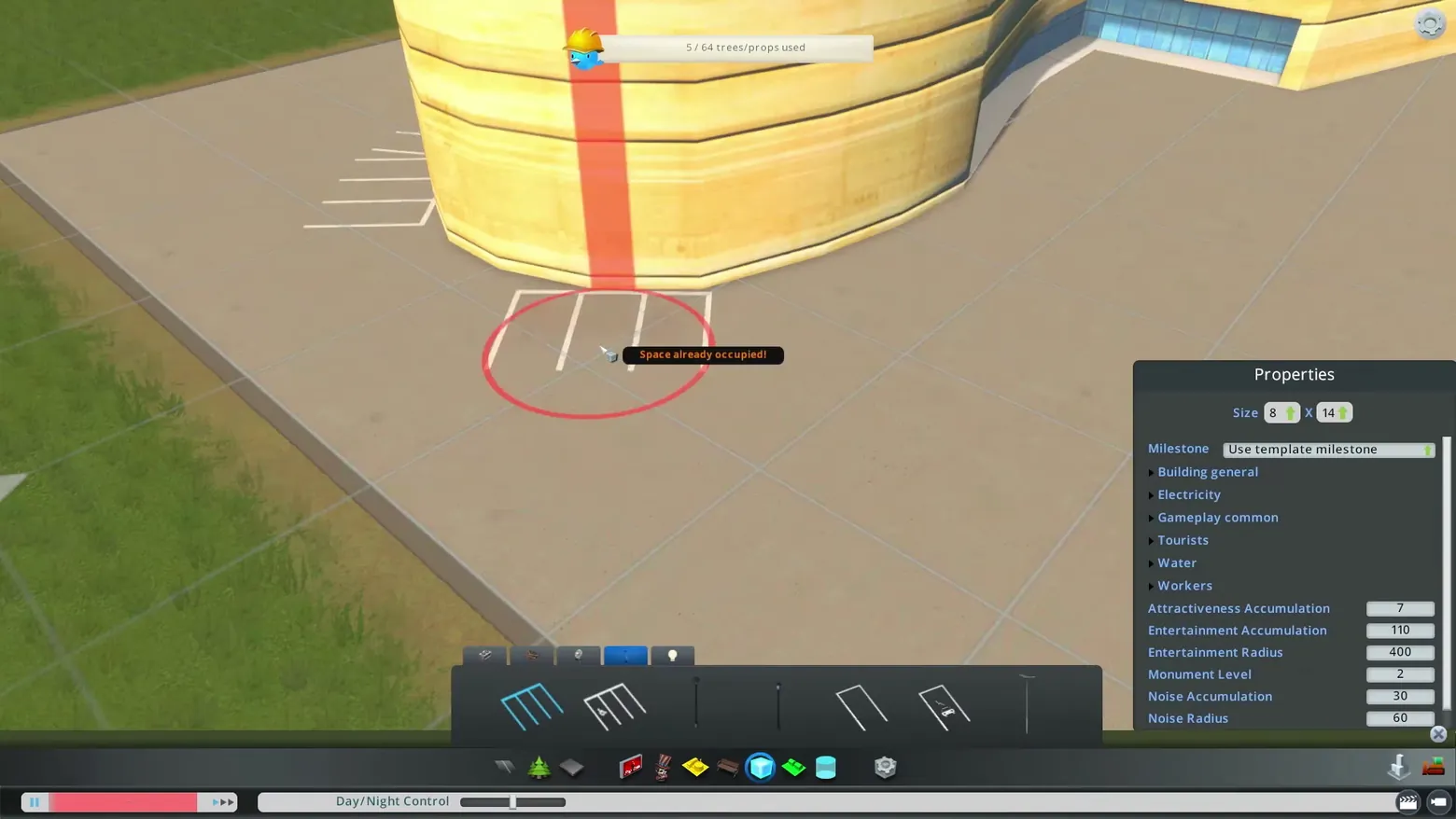
The asset editor exposes a building as an editable spec sheet: the right-hand Properties panel groups dozens of simulation values (size, milestone, attractiveness and entertainment accumulation, noise radius) into collapsible sections with plain numeric fields, while the lot itself stays visible for placing props. A red placement ring and a 'Space already occupied!' tooltip give the error in place, a counter tracks the prop budget (5 / 64 trees/props used), and a Day/Night Control slider at the foot lets the author preview lighting without leaving the editor. Frame at about 1:02 in the Trailer 2020 (Steam).
Patterns
How the screen is arranged.
detail-panel property-editor form-fields
Components
Parts on screen.
Screen inventory
- Properties panel
- Size fields
- Milestone dropdown
- collapsible property groups
- numeric accumulation and radius fields
- prop placement tools
- Space already occupied tooltip
- trees/props used counter
- Day/Night Control slider
Top 3 colors
#404641 23%#af9b82 22%#7a794e 18%
Top three palette colors by share. The remaining colors make up the rest.
Source and credit
© Colossal Order / Paradox Interactive, Cities: Skylines screenshot: Trailer 2020 (Steam), shown for design study and commentary. PlayCraft is an unofficial fan project, not affiliated with or endorsed by Paradox Interactive.
Source tier 2 (publisher-released) · screenshot: Steam store page · Steam page
Source details
Fetched 2026-10-20. verified 2026-10-20: frame extracted from the official Trailer 2020 (Steam) and inspected visually; real game UI (asset editor Properties panel and placement tools) confirmed visible
Paradox EULA Section 6: free access, own commentary required
Rights holders: see Copyright & takedown.
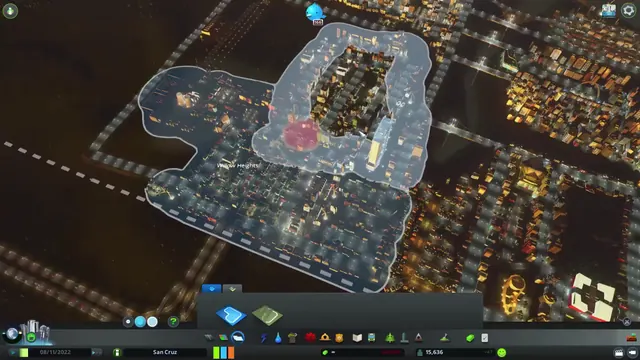
Similar screens
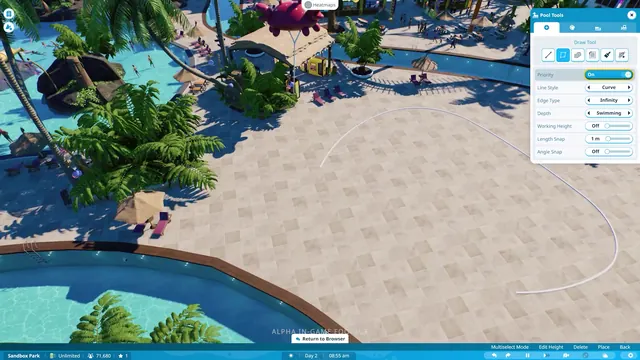 Planet Coaster 2 - Pool Tools: drawing a pool outline with curve, edge, and depth settings
Same type: City & Base Management; Shared patterns: detail-panel, property-editor, form-fields
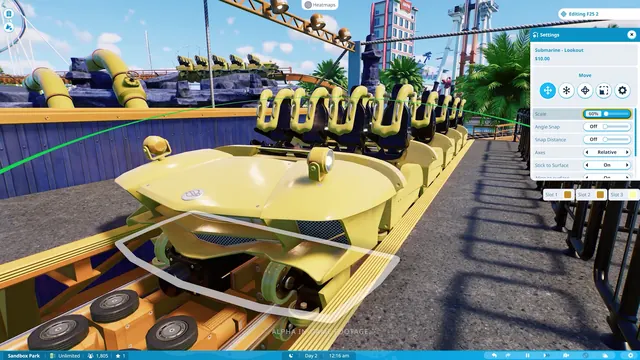 Planet Coaster 2 - Ride Settings: moving and scaling a coaster train in the station
Same type: City & Base Management; Shared patterns: detail-panel, property-editor, form-fields
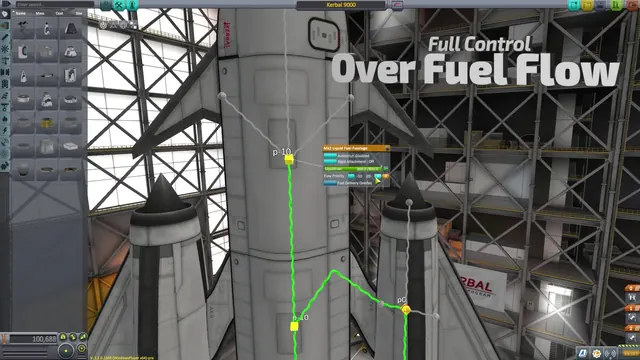 Kerbal Space Program - Fuel delivery overlay: flow lines and priority on the stack
Same type: City & Base Management; Shared patterns: detail-panel
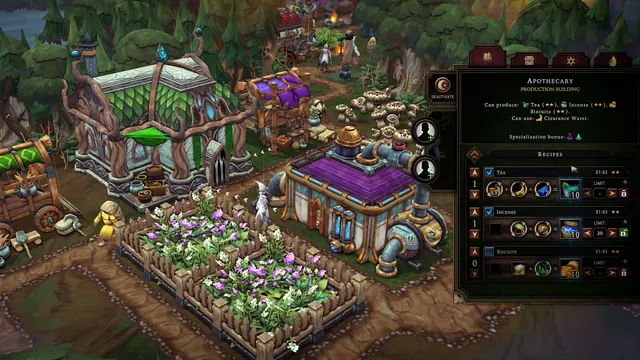 Against the Storm - Apothecary: three recipe equations with priorities, limits and worker slots
Same type: City & Base Management; Shared patterns: detail-panel
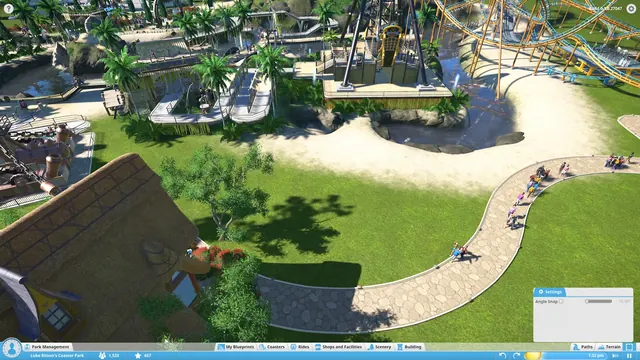 Planet Coaster - Path tool: Angle Snap Settings over Luke Ritson's park
Same type: City & Base Management; Shared patterns: detail-panel
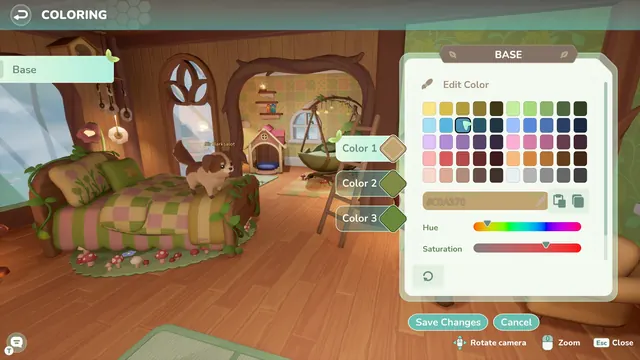 Loftia - Coloring a room: BASE editor over a treehouse bedroom
Same type: City & Base Management; Shared patterns: detail-panel