Fuel delivery overlay: flow lines and priority on the stack
Kerbal Space Program · City & Base Management
Art style Stylized 3D
About this game
Developer: Squad · Publisher: Private Division · Platform: PC (Steam) · Art style: Stylized 3D · Screen type: City & Base Management
More Kerbal Space Program screens in the Gallery
What to study
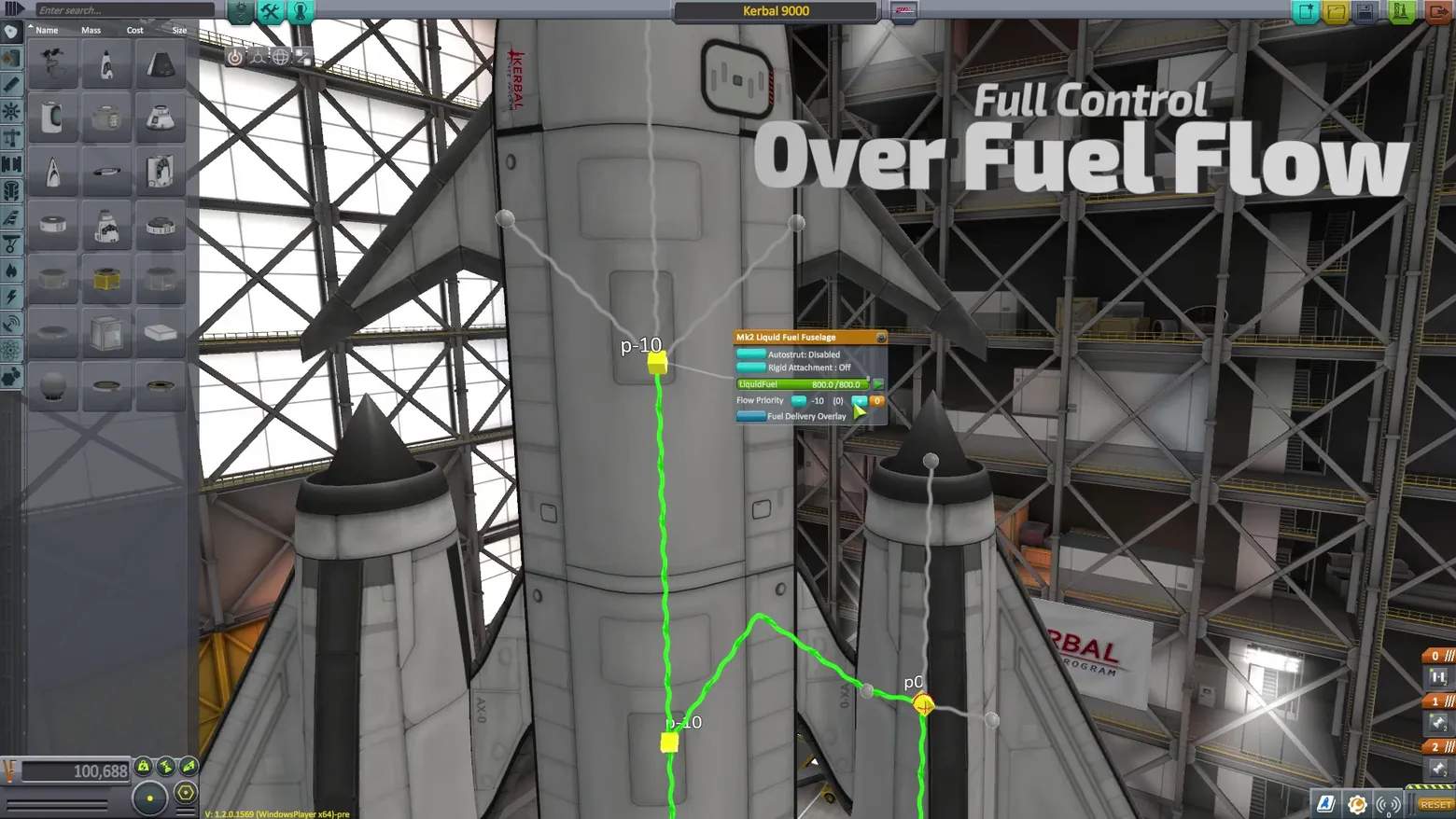
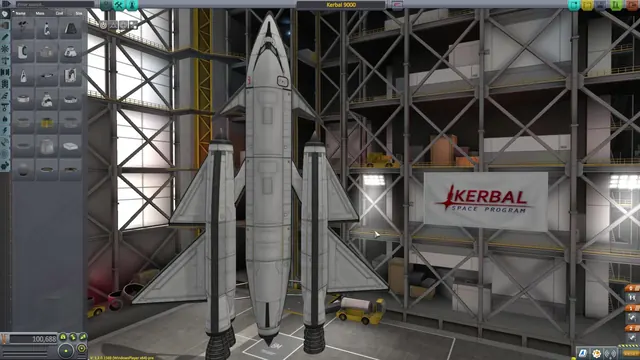
The hardest system in KSP - which tank drains first, and whether the engines starve - is edited as a diagram drawn on the rocket itself. Turning on the Fuel Delivery Overlay re-skins the craft in the VAB: green lines trace the actual fuel paths between tanks, grey lines mark crossfeed connections, and yellow nodes carry the flow-priority numbers (p-10, p0) that decide the drain order. The part popup for the Mk2 fuselage keeps the whole model in one card - fuel quantity 800.0/800.0 as a green bar, the Flow Priority stepper, and the overlay's own toggle - so the player edits a number and immediately sees the plumbing change colour on the vehicle. It is the Factorio-style data-overlay idea applied to a single machine: the interface is the system, drawn at 1:1 scale. Frame at about 0:39 in the CommNet Trailer (Steam), a scene-change survivor (v1_0006). Honest flag: the trailer's burned-in segment headline 'Full Control Over Fuel Flow' sits across the upper-right of this frame; it covers scaffolding scenery only - no panel, readout or part row - the same acceptance as the Hades Showcase headlines; the study note does not hide it and the elements list names it.
Patterns
How the screen is arranged.
data-overlay detail-panel route-planning
Components
Parts on screen.
Screen inventory
- bright green fuel-delivery lines drawn over the craft, running tank to tank down the stack
- grey crossfeed lines with round node joints and yellow priority nodes labelled p-10 and p0
- part popup for the Mk2 Liquid Fuel Fuselage: Autostrut Disabled, Rigid Attachment Off, LiquidFuel bar 800.0/800.0
- Flow Priority row in the popup with -10 (0) steppers and the 'Fuel Delivery Overlay' toggle
- the same VAB parts palette and staging tabs framing the shot left and right
Top 3 colors
#6a6a6a 23%#2a2826 20%#81807d 18%
Top three palette colors by share. The remaining colors make up the rest.
Source and credit
© Squad / Private Division, Kerbal Space Program screenshot: CommNet Trailer video (Steam), shown for design study and commentary. PlayCraft is an unofficial fan project, not affiliated with or endorsed by Private Division.
Source tier 2 (publisher-released) · screenshot: Steam store page · Steam page
Source details
Fetched 2026-10-21. verified 2026-10-21: scene-change frame v1_0006 (CommNet Trailer @39.0s) inspected at full resolution (1920x1080 native); genuine in-game VAB fuel-delivery overlay confirmed (green flow lines, priority nodes, Mk2 popup with legible 800.0/800.0 and Flow Priority rows); FLAGGED: the trailer's burned-in headline 'Full Control Over Fuel Flow' overlays the upper-right scenery - it covers no UI element, per the Hades headline precedent; the 'V: 1.2.0.1569-pre' build string at the bottom edge is the source capture's own readout
no published policy found (checked 2026-10-21); fair-use study use, takedown honored within 48h
Rights holders: see Copyright & takedown.
Similar screens
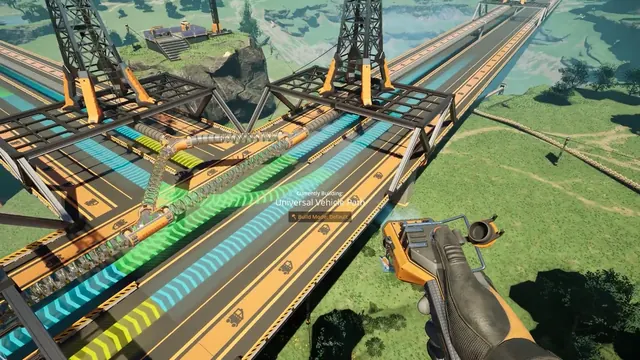 Satisfactory - Build mode: 'Currently Building: Universal Vehicle Path' over a bridge, Build Mode: Default
Same type: City & Base Management; Shared patterns: route-planning, data-overlay
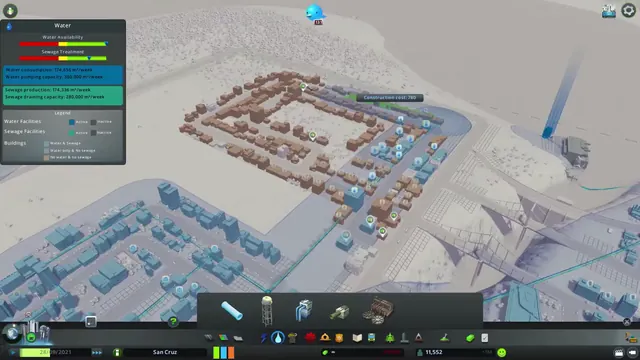 Cities: Skylines - Water info view: availability, sewage and served buildings
Same type: City & Base Management; Shared patterns: data-overlay
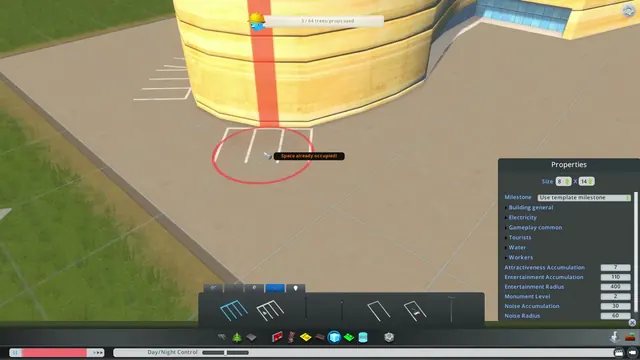 Cities: Skylines - Asset editor: building Properties panel
Same type: City & Base Management; Shared patterns: detail-panel
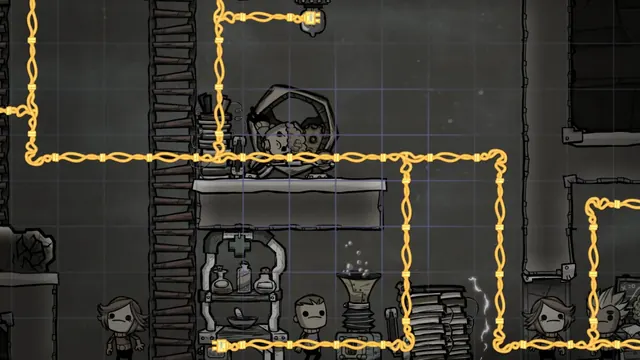 Oxygen Not Included - Power overlay: the base goes grey, only the wiring stays yellow
Same type: City & Base Management; Shared patterns: data-overlay
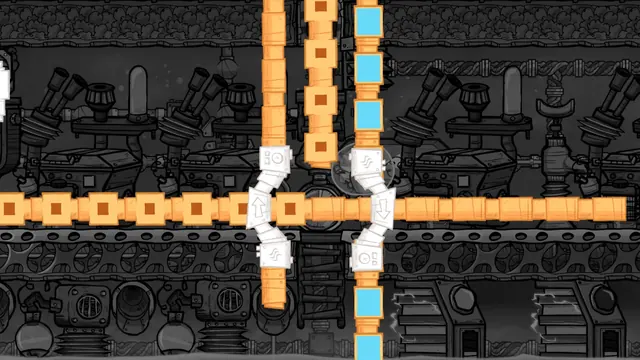 Oxygen Not Included - Conveyor overlay: orange rails and blue packets over a grey base
Same type: City & Base Management; Shared patterns: data-overlay
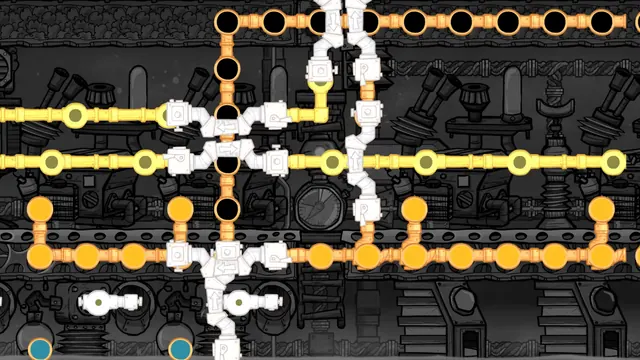 Oxygen Not Included - Pipe networks overlay: liquid and gas flows drawn as moving packets
Same type: City & Base Management; Shared patterns: data-overlay