House plan overlay: rooms named by furniture pictograms
Unpacking · Campaign / World Map
Art style Pixel art
About this game
Developer: Witch Beam · Publisher: Balor Games · Platform: PC (Steam) · Art style: Pixel art · Screen type: Campaign / World Map
More Unpacking screens in the Gallery
What to study
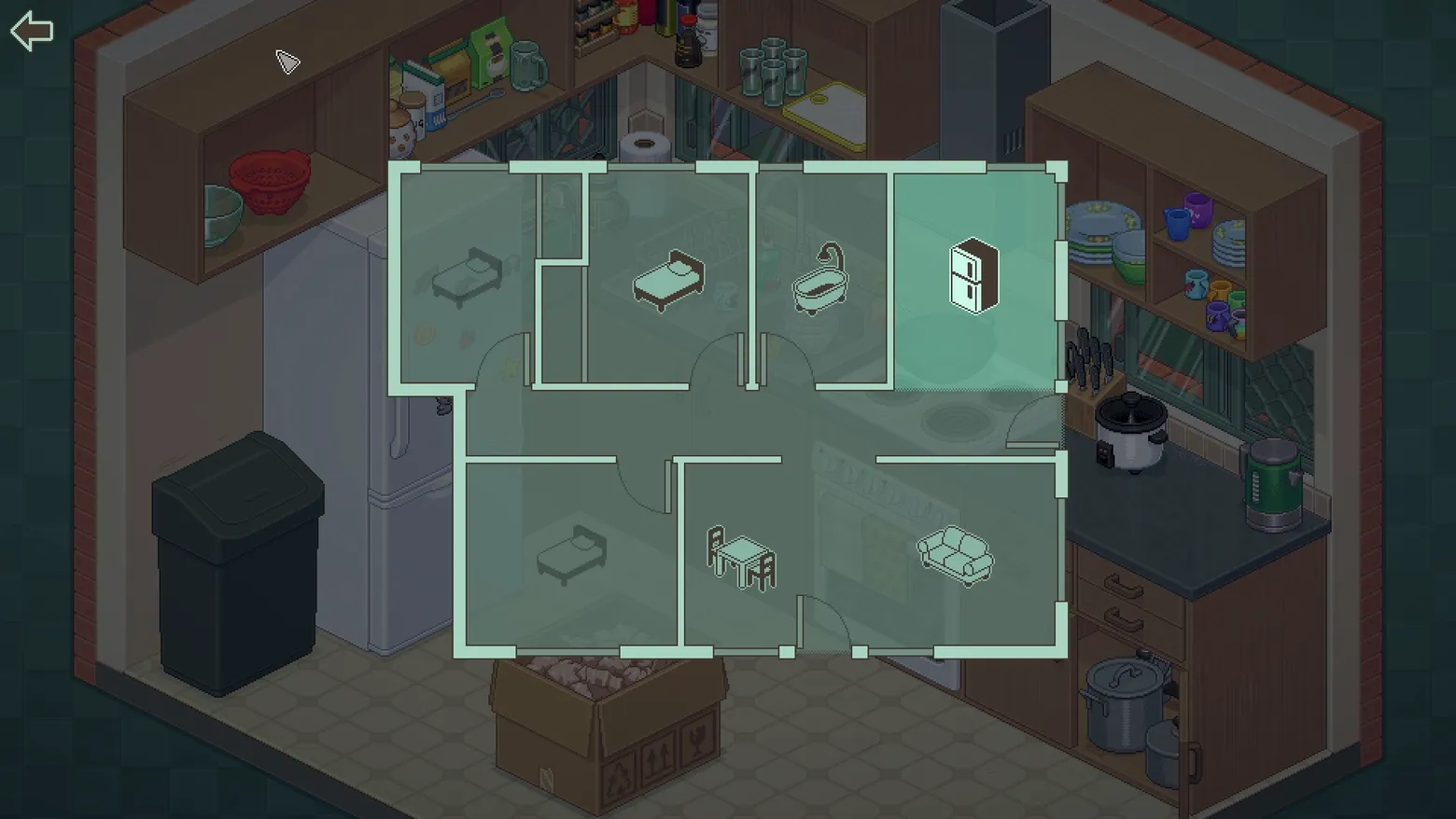
Multi-room houses need a map, and Unpacking draws one without a single label: an architect's plan in translucent mint, each room identified by the one piece of furniture that defines it, the current room simply lit brighter than the rest. Because the plan is an overlay, the kitchen dims behind it instead of disappearing, the player never leaves the space they are navigating. It is the same pictogram vocabulary as the edge-of-screen room arrows, scaled up: bed, bath, fridge, sofa, learned once and reused at both sizes. Frame at about 0:44 in the Launch Trailer (Steam; manual extraction, the plan opens over the kitchen and settles between the trailer's scene cuts).
Patterns
How the screen is arranged.
map-overlay pictogram-labels overlay-panel
Components
Parts on screen.
Data table Map Marker Progress bar
Screen inventory
- a translucent mint-green floor plan floats centred over the dimmed, still-visible kitchen: walls, door swings drawn as arcs, and seven rooms, the plan never replaces the room, it is laid on top of it
- no room has a name: each is labelled by one furniture pictogram, two different beds, a bathtub, a fridge, a dining table, a sofa, and a small bed in the annex, so the map is read the same way the game is played, by objects
- the room you are standing in is the bright one: the kitchen's cell, with the fridge pictogram, is lit near-opaque while the rest of the plan stays ghosted, position is shown by brightness, not by a marker or a 'you are here' dot
- the only other controls are a back arrow in the top-left corner and the white cursor hovering above the plan; below the overlay, the kitchen's own open packing box sits in the foreground, tying the abstract plan back to the unpacking in progress
Top 3 colors
#576b62 24%#3e342d 21%#4c4e4c 18%
Top three palette colors by share. The remaining colors make up the rest.
Source and credit
© Witch Beam / Balor Games, Unpacking screenshot: Steam trailers (Launch Trailer / Accolades Trailer), Witch Beam, shown for design study and commentary. PlayCraft is an unofficial fan project, not affiliated with or endorsed by Balor Games.
Source tier 2 (publisher-released) · screenshot: Steam store page · Steam page
Source details
Fetched 2026-10-27. verified 2026-10-27: manual extraction fine/manual-map-launch-44.png @ 44.0s in the Launch Trailer, MD5 e97570213faa4f9876010af1a3cb5b1d, from the verified-clean curl-shim download (84,330,115 B, MD5 17f48a516dfa189ffcfce30e65b1f018; full decode to null with -xerror exit 0, zero error lines, decode-steam-1135690-Launch-Trailer.err), inspected visually at full resolution (1920x1080 native); the complete plan outline, all seven room pictograms, the brighter current-room cell, the door arcs and the back arrow all legible; no trailer text or marketing overlay in frame
no published policy found (checked 2026-10-27); fair-use study use, takedown honored within 48h
Rights holders: see Copyright & takedown.
Similar screens
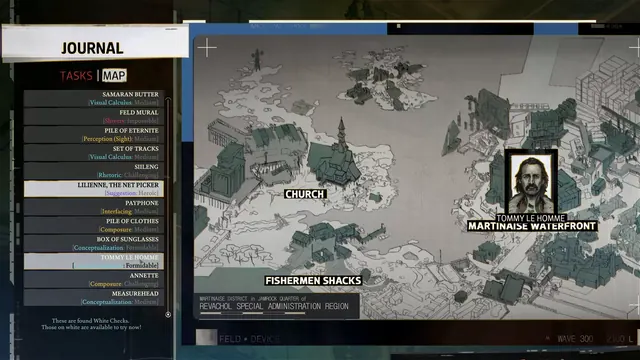 Disco Elysium - Journal: White Checks over the Martinaise map
Same type: Campaign / World Map; Shared patterns: map-overlay
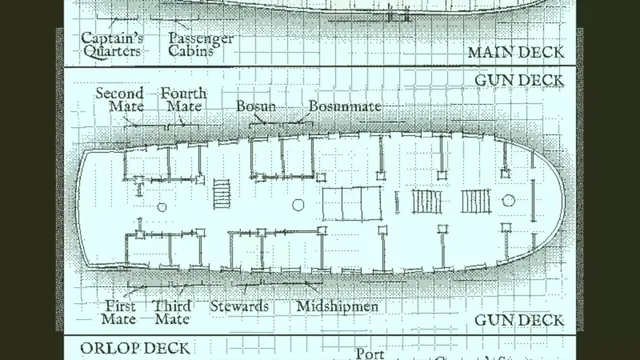 Return of the Obra Dinn - Ship deck plans labelled by who sleeps where
Same type: Campaign / World Map; Shared patterns: map-overlay
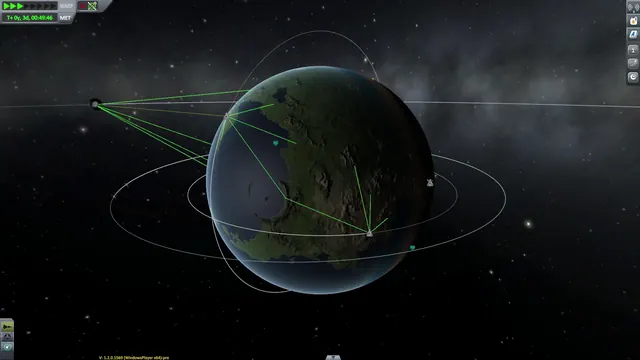 Kerbal Space Program - CommNet map view: relay links drawn around Kerbin
Same type: Campaign / World Map; Shared patterns: map-overlay
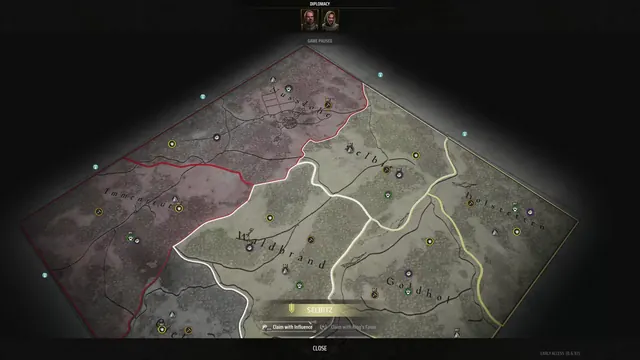 Manor Lords - Diplomacy map: claiming Selbitz with Influence or the King's Favor
Same type: Campaign / World Map; Shared patterns: map-overlay
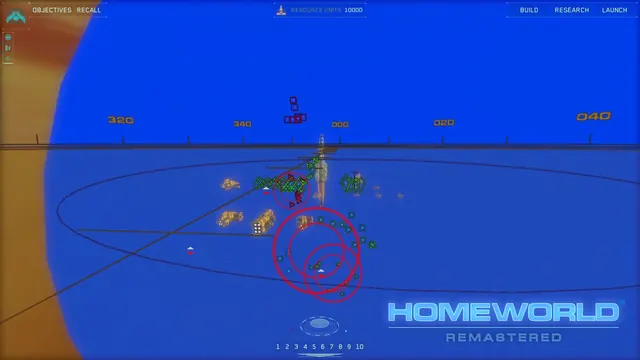 Homeworld Remastered Collection - Sensors Manager: the fleet as icons on a blue tactical sphere, range rings in red
Same type: Campaign / World Map; Shared patterns: map-overlay
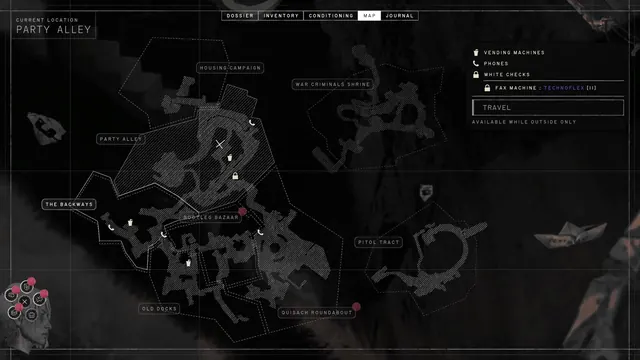 ZERO PARADES: Director's Cut - Map: Portofiro's districts drawn as hatched line-work
Same type: Campaign / World Map; Shared patterns: map-overlay