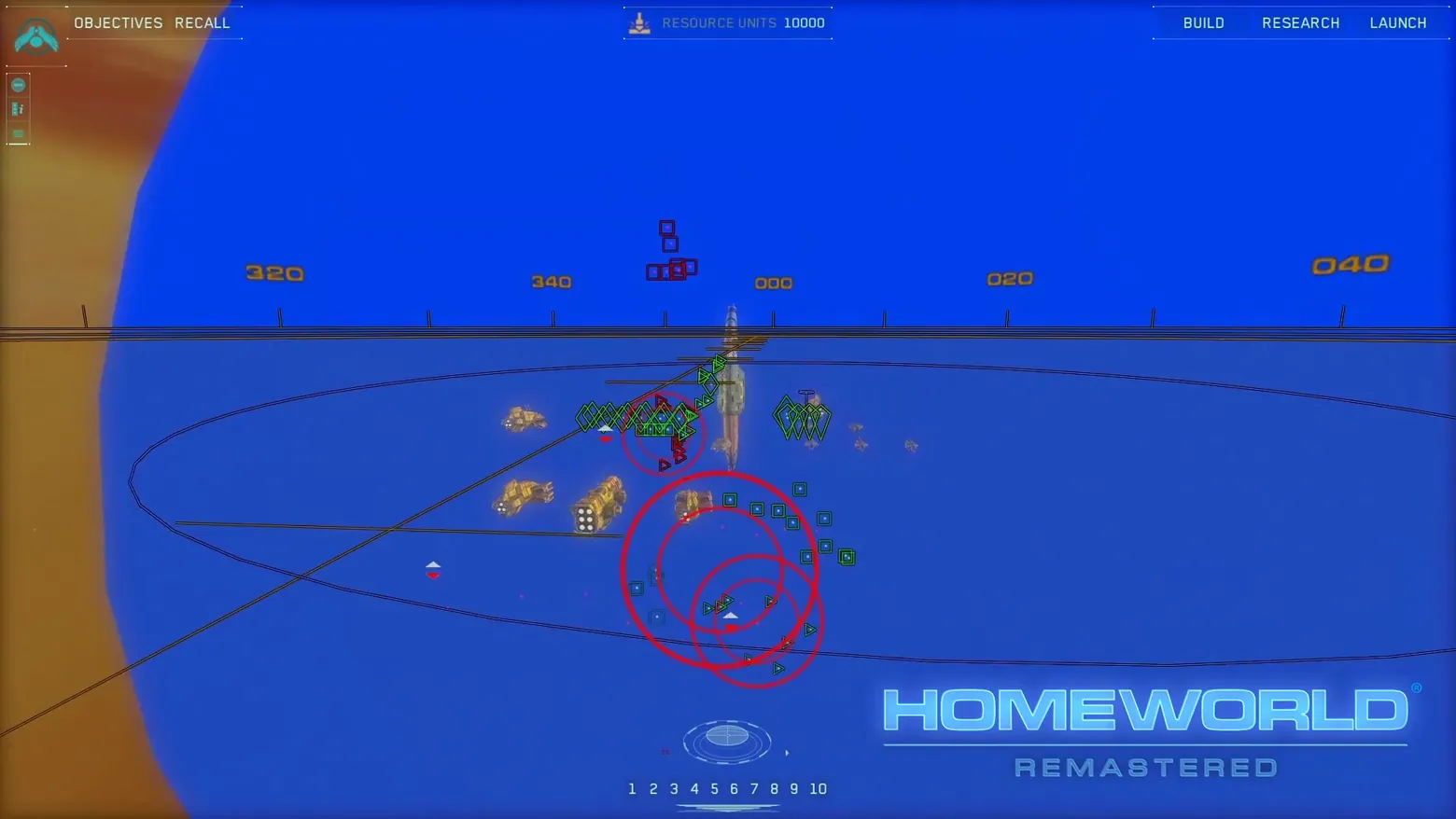
Sensors Manager: the fleet as icons on a blue tactical sphere, range rings in red
Homeworld Remastered Collection · Campaign / World Map
Art style Realistic 3D
About this game
Developer: Relic Entertainment / Gearbox Software · Publisher: Gearbox Publishing · Platform: PC (Steam) · Art style: Realistic 3D · Screen type: Campaign / World Map
More Homeworld Remastered Collection screens in the Gallery
What to study
Homeworld's most imitated idea, caught for about three seconds in the middle of its own story trailer: the Sensors Manager. One keypress leaves the cinematic 3D view behind and replaces the whole battlespace with this, a saturated blue tactical sphere, the ecliptic as an ellipse with a bearing tape (320 through 040), and the fleet rewritten as a grammar of small icons: green diamonds for strikecraft formations, teal squares, triangles, one red enemy group floating above the plane. Three red range rings do the only arithmetic on screen. Nothing about it is decorative: in a genuinely 3D RTS with no terrain, this abstraction IS the map, and the frame shows the working chrome around it too, OBJECTIVES / RECALL top-left, RESOURCE UNITS 10000 top-centre, BUILD / RESEARCH / LAUNCH top-right, fleet-group hotkeys 1-10 along the bottom. The trailer is otherwise cut HUD-off, so the movement disc, formation controls and the normal-view HUD never appear in either fetched movie; this single settled second is the queue's headline target and the only interface frame either trailer contains. Frame at about 1:39 in the Homeworld Remastered Collection Story Trailer video (Steam), a manual extraction (probes/v0-probe-99.0.png at 99.0s, copied to the workdir root as sensors-manager-range-rings.png), the pipeline's scene-change pass missed the passage entirely inside a sphere-wipe transition. The trailer's HOMEWORLD REMASTERED watermark is burned into the bottom-right of the source frame and is disclosed here rather than cropped out.
Patterns
How the screen is arranged.
data-overlay map-overlay top-bar icon-rail
Components
Parts on screen.
Tabs Character model Quest tracker
Screen inventory
- the Sensors Manager fills the screen with a solid royal-blue tactical sphere: the 3D battlespace flattened into a readable sensor picture, with the ecliptic plane drawn as a wide ellipse and a bearing tape across its diameter marked 320 / 340 / 000 / 020 / 040
- every ship is reduced to a small geometric icon coded by type and allegiance: green diamond strikecraft formations clustered by the mothership (drawn as a small vertical model at centre), teal square icons in loose groups, green triangles, and a red square enemy group holding position above the plane with a height offset the flat view still communicates
- three large red concentric range rings overlap around the lower-centre group, weapon/sensor ranges drawn as plain geometry, the one piece of threat maths the view insists on showing
- the chrome never leaves: top-left OBJECTIVES / RECALL, top-centre RESOURCE UNITS 10000, top-right BUILD / RESEARCH / LAUNCH tabs, a slim icon rail down the left edge, and along the bottom centre the fleet-group hotkeys 1 2 3 4 5 6 7 8 9 10 under a small orientation widget
- a few ships near the centre are still drawn as small 3D models rather than icons, the view grades detail by distance instead of switching it off, so the mothership and nearby capital ships stay recognisable inside the abstraction
Top 3 colors
#1f49ba 38%#003eeb 17%#013dea 17%
Top three palette colors by share. The remaining colors make up the rest.
Source and credit
© Relic Entertainment / Gearbox Software / Gearbox Publishing, Homeworld Remastered Collection screenshot: Homeworld Remastered Collection - Homeworld Remastered Collection Story Trailer video (Steam), shown for design study and commentary. PlayCraft is an unofficial fan project, not affiliated with or endorsed by Gearbox Publishing.
Source tier 2 (publisher-released) · screenshot: Steam store page · Steam page
Source details
Fetched 2026-10-21. verified 2026-10-21: manual extraction (probes/v0-probe-99.0.png, 99.0s) inspected visually at full resolution (1920x1080 native) and confirmed as a genuine, settled, fully legible Sensors Manager frame, bearing tape, icon clusters, red range rings, top bar (OBJECTIVES / RECALL, RESOURCE UNITS 10000, BUILD / RESEARCH / LAUNCH) and bottom group hotkeys 1-10 all sharp; no transition effect overlays the frame (the 98.0s probe is the same view caught mid-wipe and was rejected); the only non-game overlay is the trailer's own watermark, disclosed in the study note
no published policy found (checked 2026-10-21); fair-use study use, takedown honored within 48h
Rights holders: see Copyright & takedown.
Similar screens
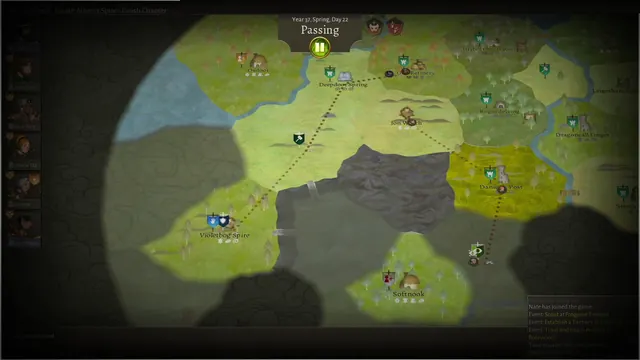 Wildermyth - Overworld in Passing: Year 37, the company on the map
Same type: Campaign / World Map; Shared patterns: map-overlay, top-bar
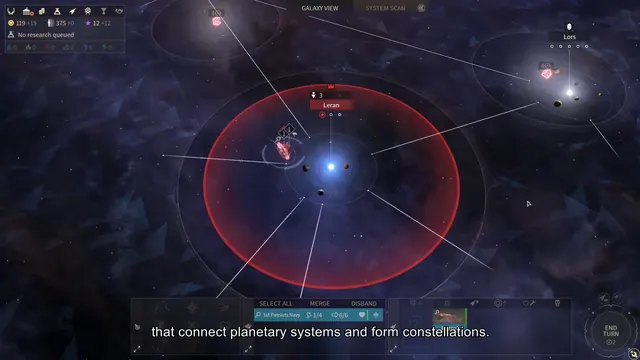 ENDLESS Space 2 - Galaxy map: Leran system with constellation links and influence zone
Same type: Campaign / World Map; Shared patterns: map-overlay, top-bar
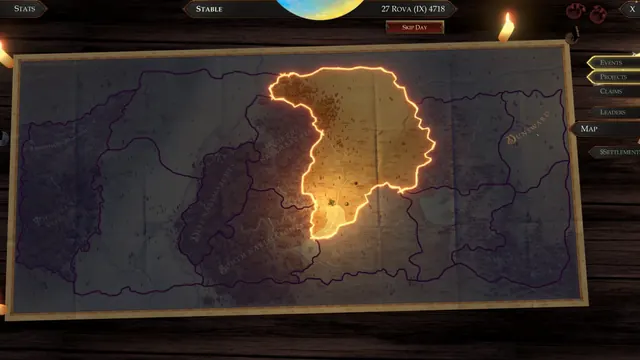 Pathfinder: Kingmaker - Kingdom map: claimed territory glowing on the Stolen Lands map
Same type: Campaign / World Map; Shared patterns: top-bar, map-overlay
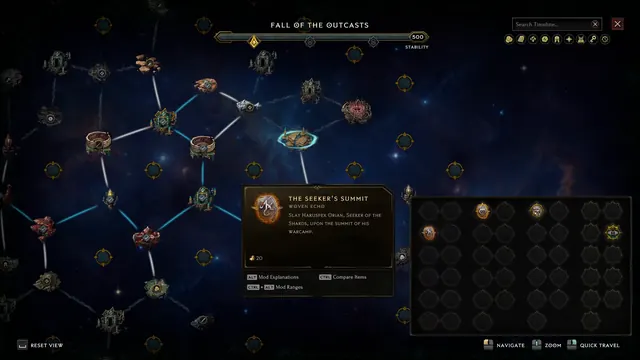 Last Epoch - Monolith timeline map: Fall of the Outcasts, Seeker's Summit
Same type: Campaign / World Map; Shared patterns: map-overlay, top-bar
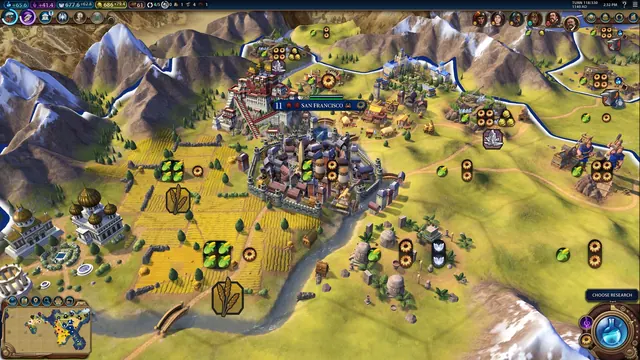 Civilization VI - Campaign map with tile yields
Same type: Campaign / World Map; Shared patterns: top-bar
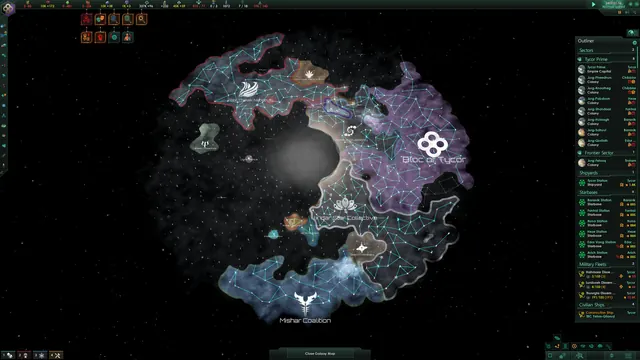 Stellaris - Galaxy map with outliner
Same type: Campaign / World Map; Shared patterns: top-bar