EVOLUTION PARAMETERS: spend points across four slot families
Cogmind · Character / Unit Detail
Art style Pixel art
About this game
Developer: Grid Sage Games · Publisher: Grid Sage Games · Platform: PC (Steam) · Art style: Pixel art · Screen type: Character / Unit Detail
More Cogmind screens in the Gallery
What to study
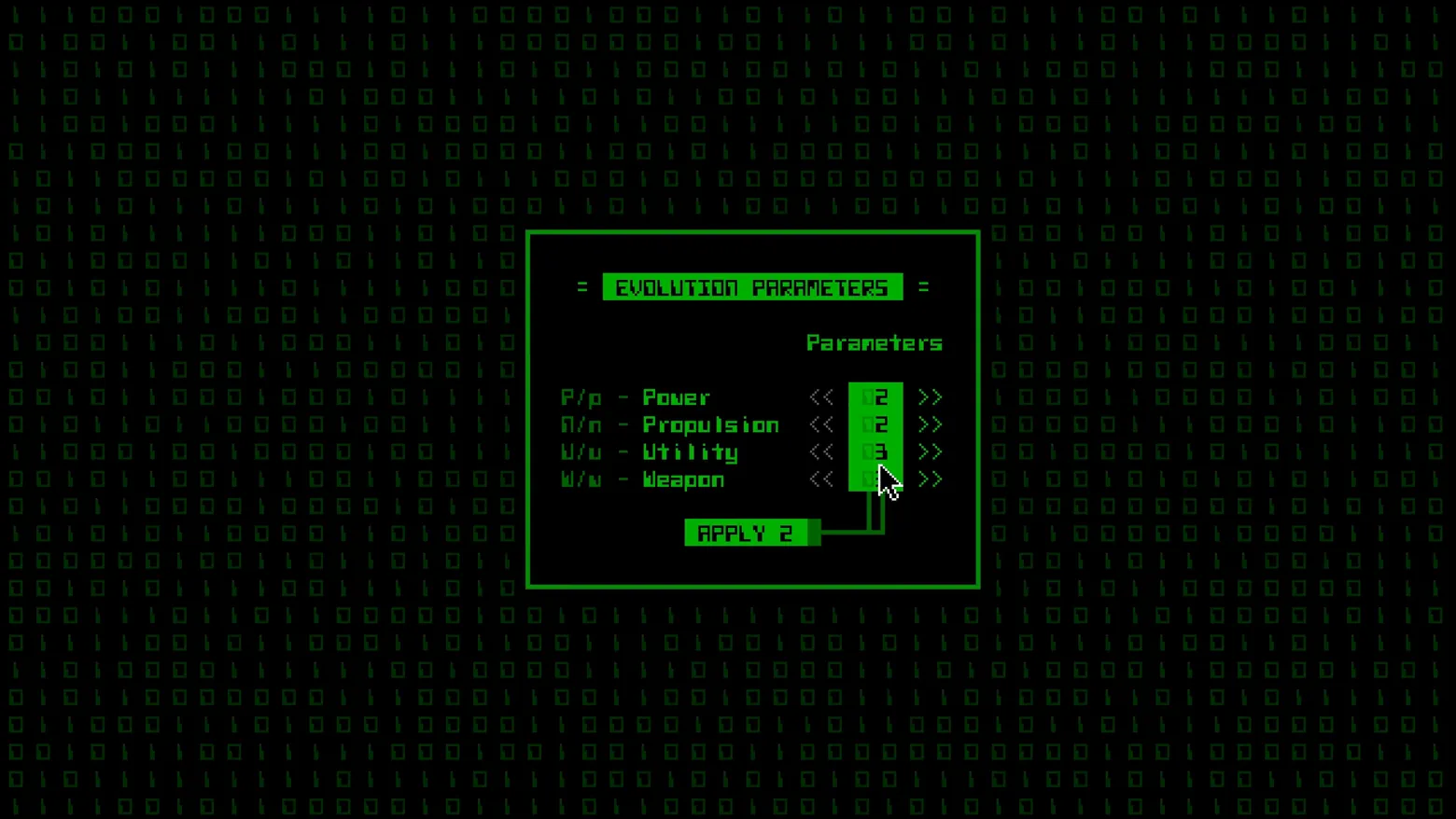
Level-up design with everything removable removed. Cogmind grants no XP and no skill tree; on reaching an evolution point the game asks a single question in a single box: how many new slots for Power, Propulsion, Utility and Weapons? Each row is a stepper with its hotkey printed in the label, the unspent budget is written onto the APPLY button itself, and a thin connector line ties the button to the column it commits. It is the build screen as a form, four numbers and a signature, and it works because the real character building in Cogmind happens elsewhere, in the parts you attach; evolution only sizes the chassis those parts will fill. Frame at about 0:41 in the Alpha Trailer (Steam; manual extraction, the dialog holds settled for roughly a second between the trailer's title cards). Disclosure: the mouse cursor partly covers the Weapon row's value in this frame.
Patterns
How the screen is arranged.
stat-rows stepper-control modal-dialog
Components
Parts on screen.
Portrait Progress bar Slots Stepper
Screen inventory
- the whole level-up is one small bordered box centred on a field of dim binary: header '= EVOLUTION PARAMETERS =' set reversed-out on a solid green bar, the only filled element on the screen
- four rows are the entire build decision, each labelled with its keyboard shortcut as part of the label, P/p - Power, R/r (rendered A/n in the trailer's tileset font) - Propulsion, U/u - Utility, W/w - Weapon, each with a << value >> stepper, the values 2, 2 and 3 readable in a solid green value column (the Weapon value is partly covered by the mouse cursor in this frame)
- a single APPLY 2 button sits under the rows, wired to the value column by a thin green connector line, the button's number is the points left to spend, so the budget is printed on the commit control itself
- nothing else competes: no XP bar, no tree, no portrait, because Cogmind has no experience points, evolving is only ever this question: which of your four slot families grows?
Top 3 colors
#010901 31%#000000 29%#000200 19%
Top three palette colors by share. The remaining colors make up the rest.
Source and credit
© Grid Sage Games, Cogmind screenshot: Steam trailer (Alpha Trailer), Grid Sage Games, shown for design study and commentary. PlayCraft is an unofficial fan project, not affiliated with or endorsed by Grid Sage Games.
Source tier 2 (publisher-released) · screenshot: Steam store page · Steam page
Source details
Fetched 2026-10-27. verified 2026-10-27: manual extraction manual-evolution-41.png @ 41.0s in the Alpha Trailer, MD5 0ce144454a231a4ae53b579dc35459f5, from the verified-clean curl-shim download (56,811,737 B, MD5 948d5564f6ea377f9cf7d30ca9622be9; full decode to null with -xerror exit 0, zero error lines, decode-steam-722730-Alpha-Trailer.err), inspected visually at full resolution (1920x1080 native); the EVOLUTION PARAMETERS header, all four parameter rows, the 2 / 2 / 3 values and the APPLY 2 button legible; the cursor overlap on the Weapon value is disclosed in the study note; no trailer text or marketing overlay in frame
no published policy found (checked 2026-10-27); fair-use study use, takedown honored within 48h
Rights holders: see Copyright & takedown.
Similar screens
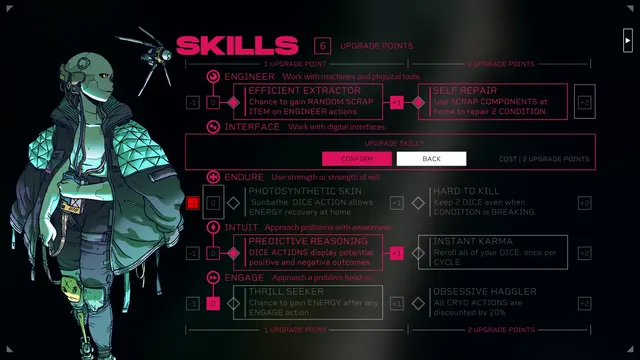 Citizen Sleeper - SKILLS upgrade screen: UPGRADE SKILL? confirm dialog
Same type: Character / Unit Detail; Shared patterns: modal-dialog
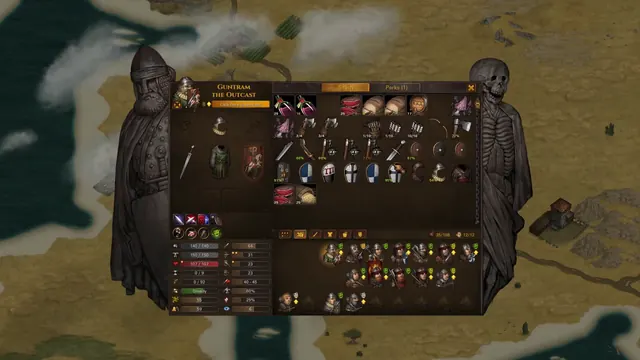 Battle Brothers - Character screen: Guntram's paper doll, stash and stat block
Same type: Character / Unit Detail; Shared patterns: stat-rows
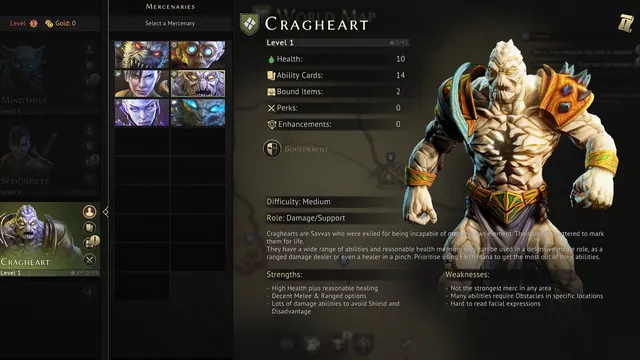 Gloomhaven - Mercenaries: the Cragheart, stats, role, strengths and flaws
Same type: Character / Unit Detail; Shared patterns: stat-rows
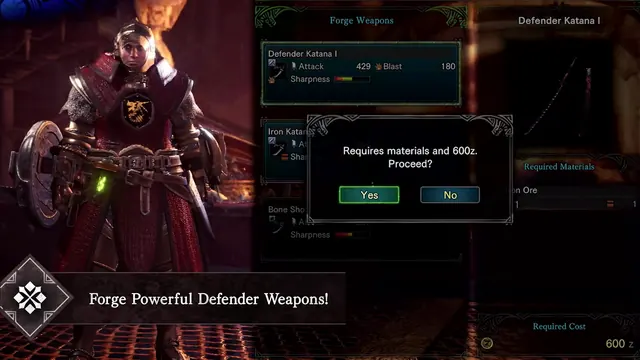 Monster Hunter: World - Forge Weapons: Defender Katana I stats behind a Proceed? modal
Same type: Character / Unit Detail; Shared patterns: stat-rows
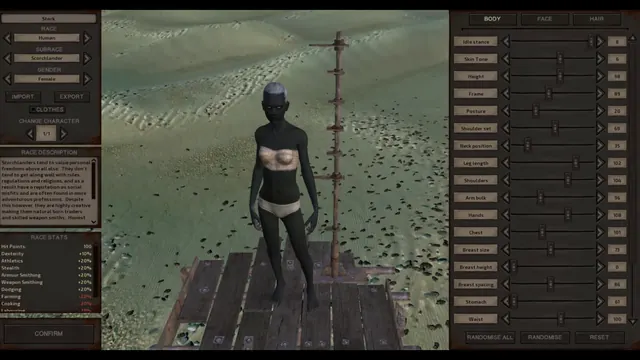 Kenshi - Character creator: Scorchlander race stats, body sliders
Same type: Character / Unit Detail; Shared patterns: stat-rows
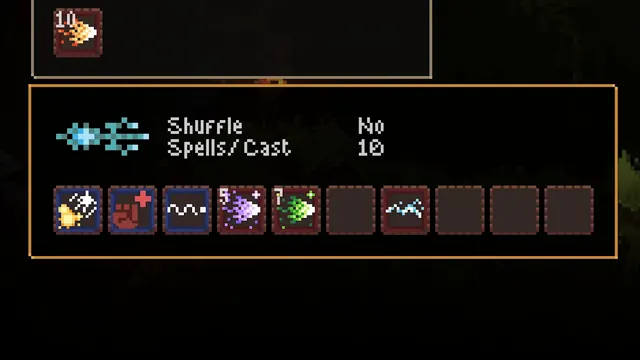 Noita - Wand panel close-up: ten slots read left to right
Same type: Character / Unit Detail; Shared patterns: stat-rows