Bases: the facility grid and its power budget
Phoenix Point · City & Base Management
Art style Realistic 3D
About this game
Developer: Snapshot Games · Publisher: Snapshot Games · Platform: PC (Steam) · Art style: Realistic 3D · Screen type: City & Base Management
More Phoenix Point screens in the Gallery
What to study
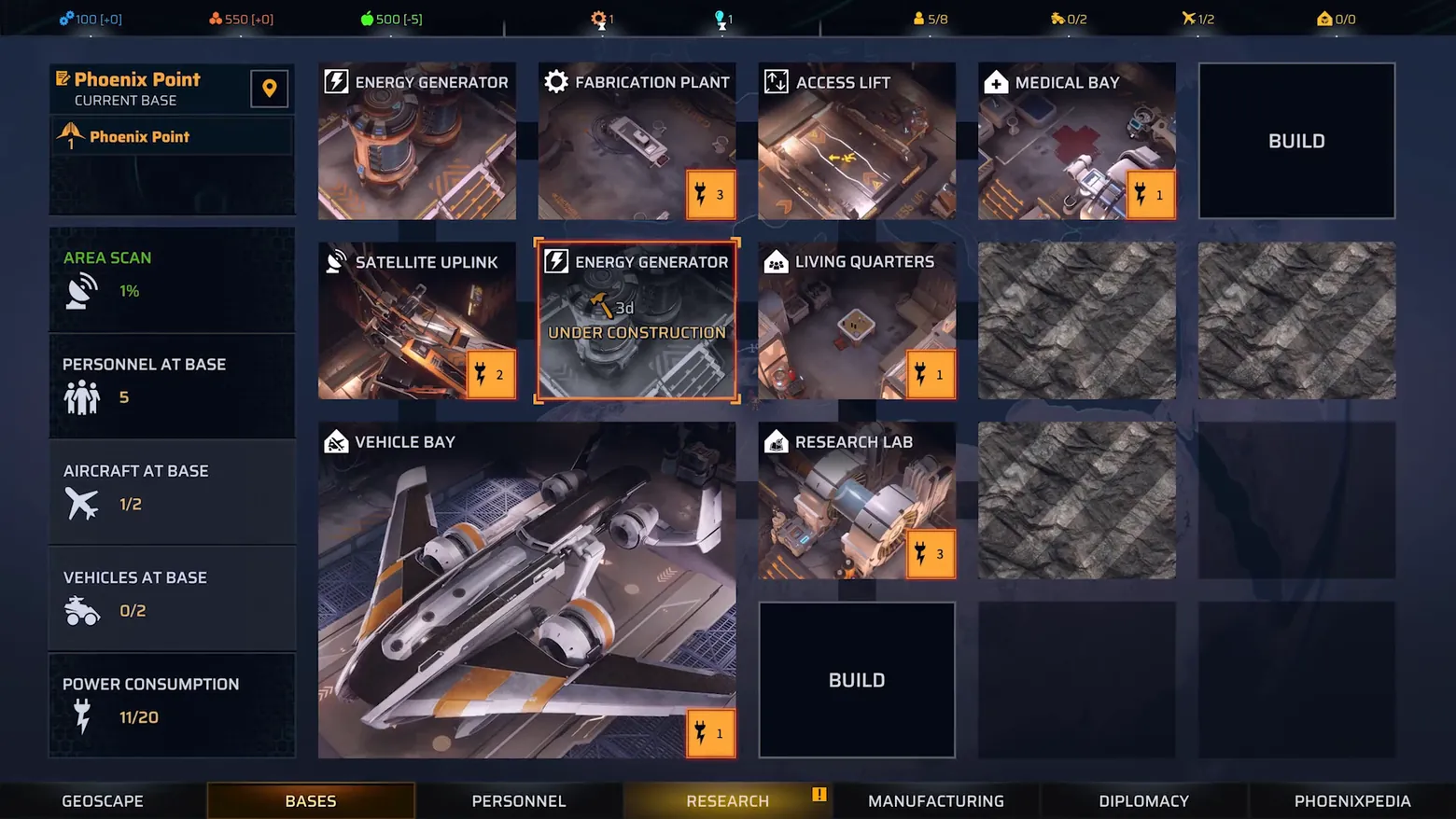
Phoenix Point's base screen is a budget sheet drawn as rooms. The grid format makes the two scarcities, space (empty rock vs BUILD tiles) and power (each facility's orange badge against the 11/20 total), visible in the same glance, and the under-construction tile puts time into that same grid rather than a separate queue screen. The left column's census (scan percentage, personnel, aircraft, vehicles) is the reason the grid matters: a base is not a diorama but a roster of capacities, and every tile either feeds or drains it. The eight-currency top bar and the seven-tab bottom nav frame the base as one department of a larger war, not a standalone minigame. Frame at about 0:31 in the Gameplay Trailer (Steam; manual extraction, the scene-change pass caught only the surrounding trailer segments).
Patterns
How the screen is arranged.
panel-grid side-panel top-bar power-budget
Components
Parts on screen.
Screen inventory
- the base is a grid of photographed facility tiles, not a map: ENERGY GENERATOR, FABRICATION PLANT, ACCESS LIFT, MEDICAL BAY, SATELLITE UPLINK, LIVING QUARTERS, VEHICLE BAY and RESEARCH LAB, each tile a small 3D diorama of the room, with empty rock tiles and black BUILD tiles marking where the base can still grow
- one tile is mid-build and says so: a second ENERGY GENERATOR ringed in orange, labelled 3d UNDER CONSTRUCTION, construction time is a property of the tile, visible in the grid, not hidden in a queue
- every facility carries its power price as an orange badge in its corner, 3, 1, 2, 1, 3, and the left column totals the budget: POWER CONSUMPTION 11/20, so the grid is also a ledger and the player can see exactly how much headroom the next build costs
- the left column is the base's census beside its budget: AREA SCAN 1%, PERSONNEL AT BASE 5, AIRCRAFT AT BASE 1/2, VEHICLES AT BASE 0/2, each with its own icon, so staffing and fleet sit next to construction rather than on another screen
- the resource bar across the top counts eight currencies at once (100, 550, 500 and more, each with a per-turn delta), and the bottom nav names the whole strategic layer in one row: GEOSCAPE, BASES, PERSONNEL, RESEARCH, MANUFACTURING, DIPLOMACY, PHOENIXPEDIA
Top 3 colors
#090d18 23%#1d1e2b 22%#252c41 16%
Top three palette colors by share. The remaining colors make up the rest.
Source and credit
© Snapshot Games, Phoenix Point screenshot: Steam trailer (Gameplay Trailer), Snapshot Games, shown for design study and commentary. PlayCraft is an unofficial fan project, not affiliated with or endorsed by Snapshot Games.
Source tier 2 (publisher-released) · screenshot: Steam store page · Steam page
Source details
Fetched 2026-10-28. verified 2026-10-28: manual extraction manual-bases-31.png @ 31.0s in the Gameplay Trailer, MD5 fb8cb9d7186246caf68011ff7d09dadd, from the verified-clean Steam download (37,837,561 B, MD5 e02aef06ea8bf3594d1b7bfc95cb92e4; full decode to null with -xerror exit 0, zero error lines), inspected visually at full resolution (1920x1080 native); every facility name, power badge, the 3d UNDER CONSTRUCTION tile, the 11/20 power total and the full bottom nav legible; no trailer text or marketing overlay in frame
not verified in Phase 1; Phase 2 to confirm before ingest
Rights holders: see Copyright & takedown.
Similar screens
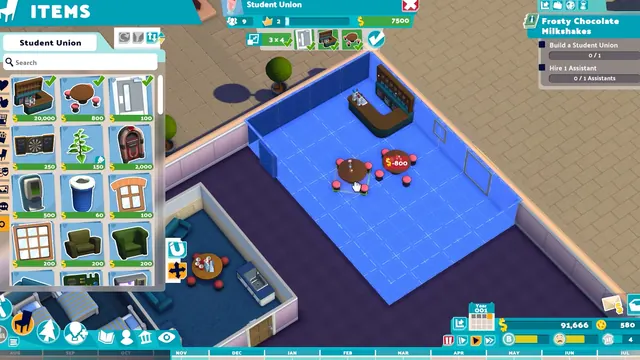 Two Point Campus - ITEMS catalog: furnishing the Student Union room from a priced grid
Same type: City & Base Management; Shared patterns: side-panel, panel-grid, top-bar
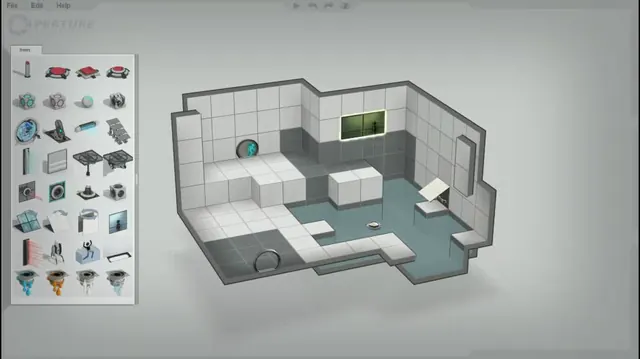 Portal 2 - Puzzle Creator: the Items palette and the isometric chamber editor
Same type: City & Base Management; Shared patterns: panel-grid, top-bar
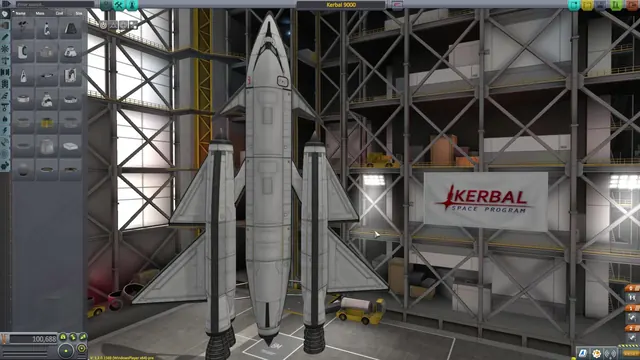 Kerbal Space Program - Vehicle Assembly Building: parts palette and the Kerbal 9000
Same type: City & Base Management; Shared patterns: side-panel, panel-grid
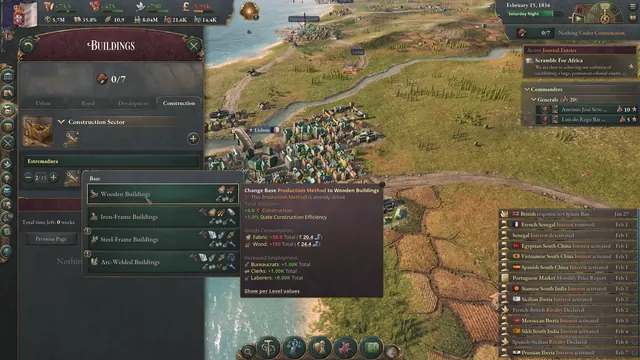 Victoria 3 - Buildings: production methods and the Wooden Buildings tooltip
Same type: City & Base Management; Shared patterns: side-panel, top-bar
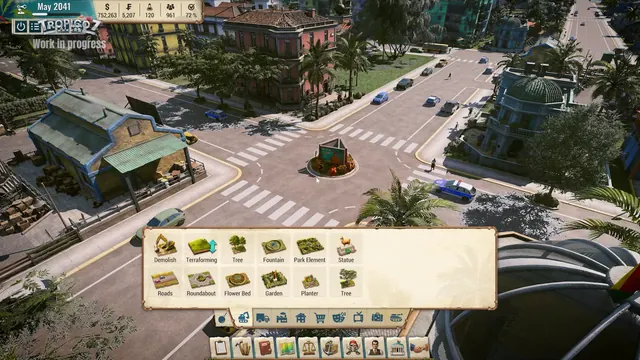 Tropico 7 - City HUD over a roundabout: May 2041, $752,263
Same type: City & Base Management; Shared patterns: top-bar, panel-grid
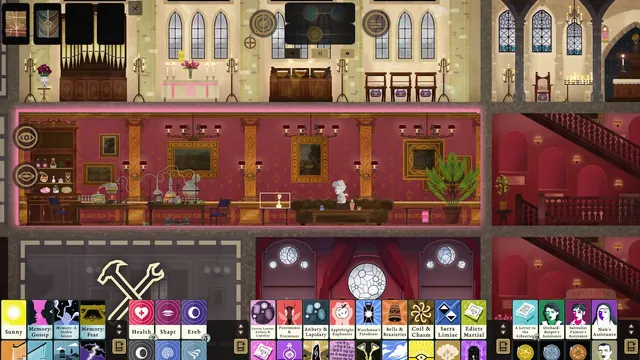 Book of Hours - Zoomed room view: the laboratory selected, pink highlight, renovation slot below
Same type: City & Base Management; Shared patterns: top-bar, side-panel