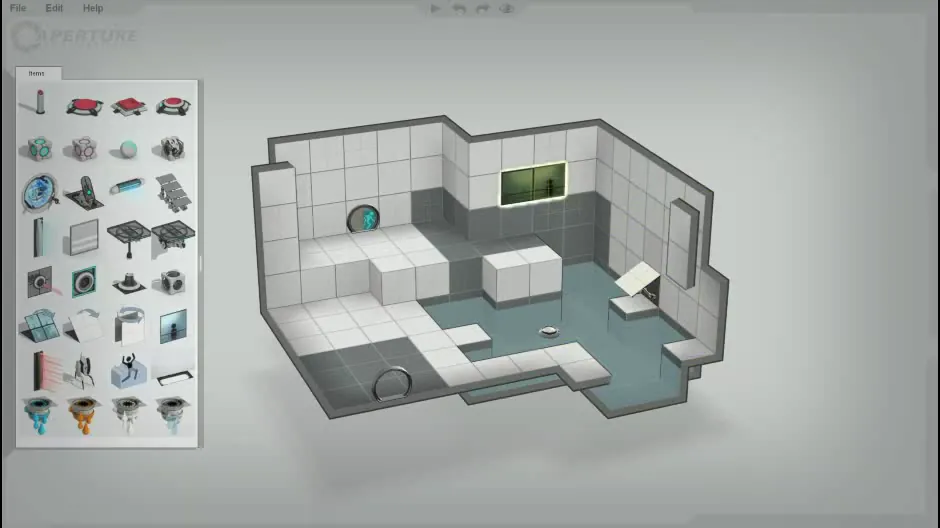
Puzzle Creator: the Items palette and the isometric chamber editor
Portal 2 · City & Base Management
Art style Realistic 3D
About this game
Developer: Valve · Publisher: Valve · Platform: PC (Steam) · Art style: Realistic 3D · Screen type: City & Base Management
More Portal 2 screens in the Gallery
What to study
The Perpetual Testing Initiative's Puzzle Creator is the one place Portal 2 grows a conventional interface, and it is a model of restraint: a plain File / Edit / Help menu bar, one Items palette down the left holding roughly thirty testing elements as small rendered icons, pedestal buttons, cubes, faith plates, funnels, gels, a turret, and the chamber itself as an isometric cutaway dollhouse in the middle of a grey void. There are no inspector stacks or layer trees: you drag an element from the palette into the room, and the room is drawn exactly as it will play, white portalable tile against dark non-portalable tile, goo in pale teal, the observation window picked out with a yellow highlight. The editor's whole argument is that a test chamber is furniture arrangement, and its interface is a catalogue page next to a floor plan. Frame at about 1:24 in the Perpetual Testing Initiative video (Steam), extracted via a dense fps probe (ffmpeg -ss 83.5, fps=8) after the scene-change material missed the palette's brief appearance; the palette is on screen for under a second of the trailer's montage. Caveats: a faint APERTURE logo from the video's background plate shows behind the palette, and the trailer's tiny transport icons sit at the top centre; neither touches the palette or the chamber. Screen type follows the Cities: Skylines tool-palette precedent (a building/planning tool filed under city-base).
Patterns
How the screen is arranged.
Components
Parts on screen.
Screen inventory
- File / Edit / Help menu bar at the window's top edge
- Items palette panel with roughly thirty testing-element icons in a grid (buttons, cubes, faith plates, funnels, gels, turret)
- isometric cutaway test chamber with white and grey tile zones
- observation window highlighted with a yellow outline on the back wall
- toxic-goo floor in pale teal across the chamber's lower half
- entrance and exit doors, a floor button and a raised platform placed in the chamber
- faint APERTURE logo in the video's background plate behind the palette
Top 3 colors
#9fa4a2 31%#bfc3c0 16%#7a807f 16%
Top three palette colors by share. The remaining colors make up the rest.
Source and credit
© Valve, Portal 2 screenshot: E3 Demo (Excursion Funnels), Perpetual Testing Initiative, Co-op Trailer and E3 Demo (Wheatley) videos (Steam), shown for design study and commentary. PlayCraft is an unofficial fan project, not affiliated with or endorsed by Valve.
Source tier 2 (publisher-released) · screenshot: Steam store page · Steam page
Source details
Fetched 2026-10-20. verified 2026-10-20: frame extracted from the Steam-downloaded Perpetual Testing Initiative video via dense fps probe and inspected visually at full resolution (940x528 native); genuine Puzzle Creator editor confirmed (File/Edit/Help bar, Items palette icon grid and isometric chamber all legible); faint background-plate APERTURE logo and tiny trailer transport icons flagged in the study note; no trailer text overlays the palette or chamber
no published policy found (checked 2026-10-20); fair-use study use, takedown honored within 48h
Rights holders: see Copyright & takedown.
Similar screens
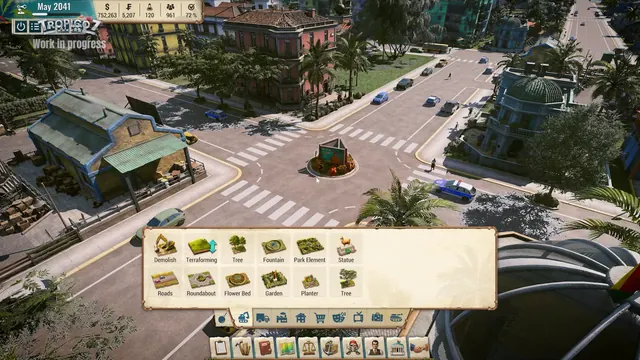 Tropico 7 - City HUD over a roundabout: May 2041, $752,263
Same type: City & Base Management; Shared patterns: top-bar, panel-grid
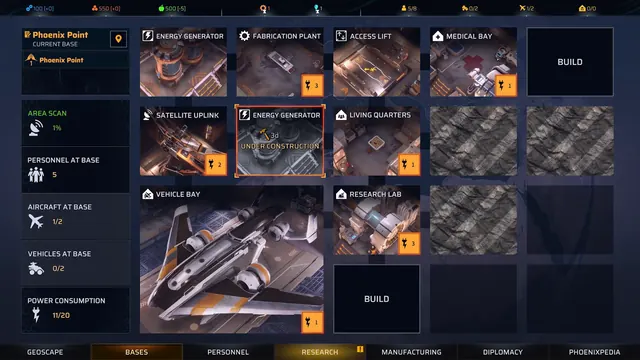 Phoenix Point - Bases: the facility grid and its power budget
Same type: City & Base Management; Shared patterns: panel-grid, top-bar
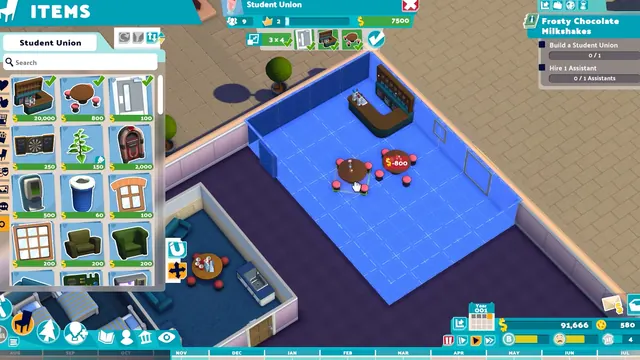 Two Point Campus - ITEMS catalog: furnishing the Student Union room from a priced grid
Same type: City & Base Management; Shared patterns: panel-grid, top-bar
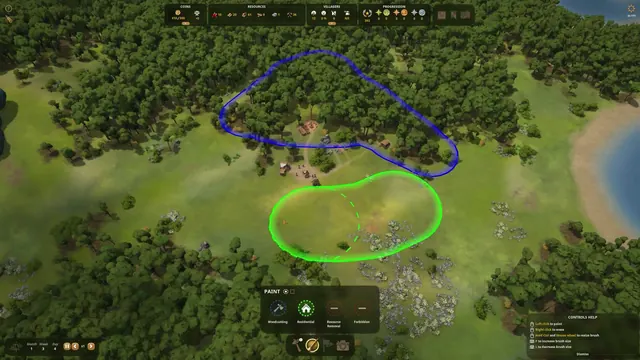 Foundation - Paint zoning tool: Woodcutting and Residential zones
Same type: City & Base Management; Shared patterns: panel-grid, top-bar
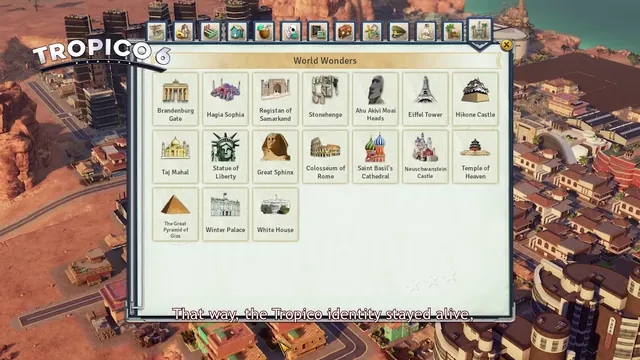 Tropico 6 - World Wonders build menu: 17 stealable landmarks
Same type: City & Base Management; Shared patterns: panel-grid, top-bar
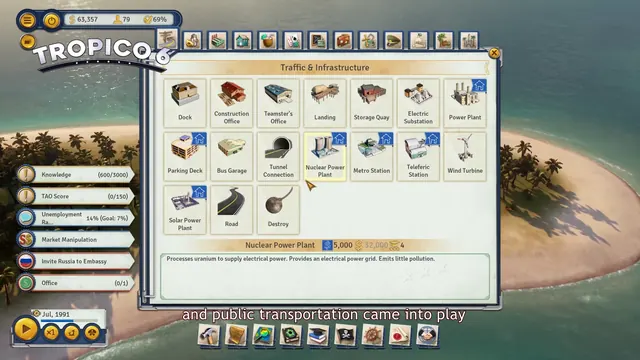 Tropico 6 - Traffic & Infrastructure build menu with full HUD
Same type: City & Base Management; Shared patterns: panel-grid, top-bar