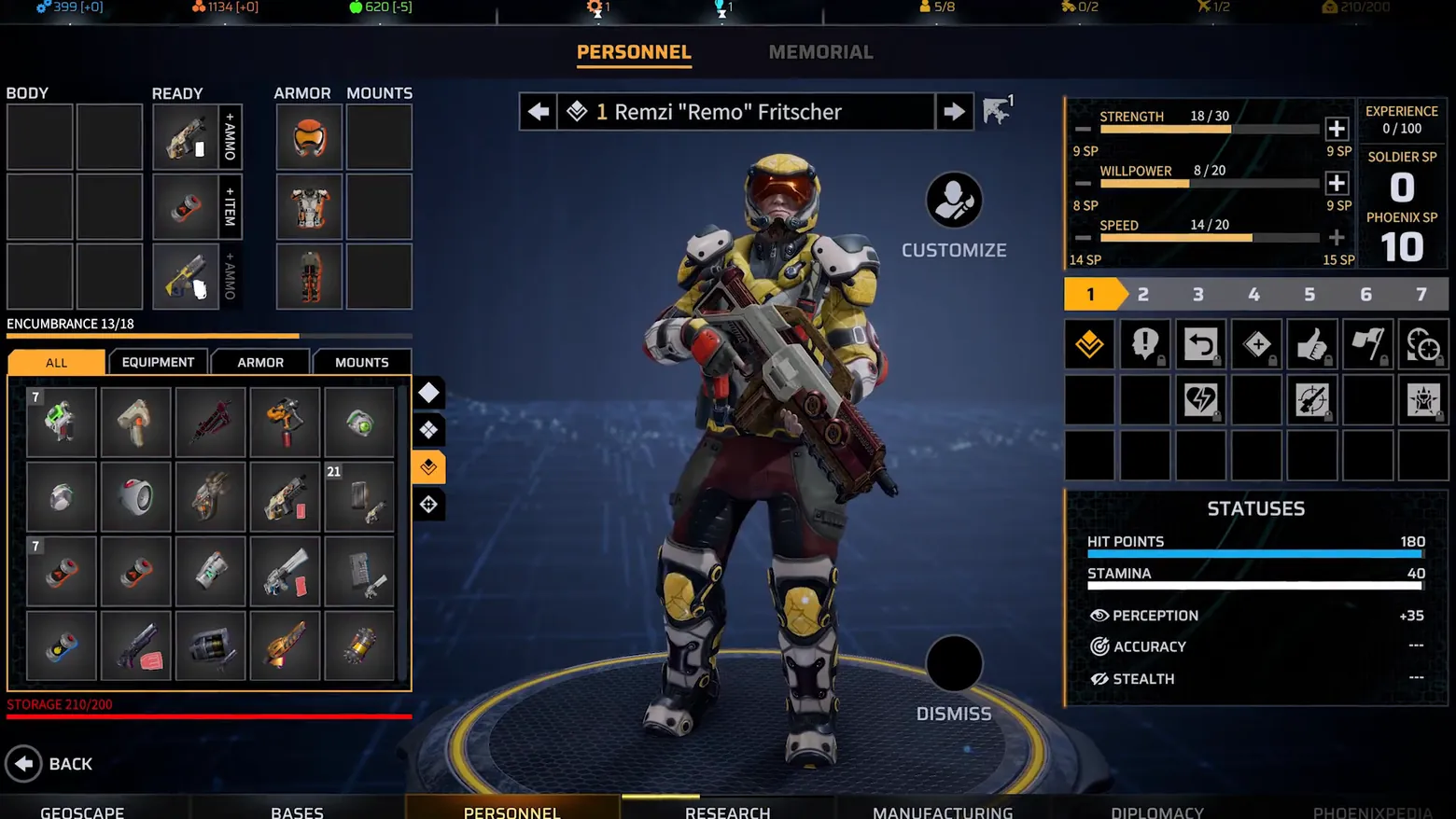
Soldier editor: BODY/READY/ARMOR/MOUNTS grids, inventory, skill points
Phoenix Point · Character / Unit Detail
Art style Realistic 3D
About this game
Developer: Snapshot Games · Publisher: Snapshot Games · Platform: PC (Steam) · Art style: Realistic 3D · Screen type: Character / Unit Detail
More Phoenix Point screens in the Gallery
What to study
Where the roster frame views soldiers, this frame builds them, and the layout insists on showing both sides of every decision at once: the BODY/READY/ARMOR/MOUNTS grids on the left, the live paper doll in the centre, and the skill-point budget on the right with its two separate currencies (Soldier SP vs Phoenix SP). The red STORAGE 210/200 line is the kind of honest friction worth studying, the game lets the player exceed a limit and then labels it, rather than silently blocking the action. Kept alongside the roster frame deliberately: same screen_type, different screen, viewing a squad and equipping a soldier are two jobs, and Phoenix Point gives each its own full layout. Frame at about 0:35 in the Gameplay Trailer (Steam; manual extraction, the scene-change pass caught only the surrounding trailer segments).
Patterns
How the screen is arranged.
loadout-grid slot-grid character-presenter stat-panel top-bar points-budget
Components
Parts on screen.
Screen inventory
- the left half is the soldier as four labelled grids, BODY, READY (+AMMO / +ITEM columns), ARMOR, MOUNTS, each cell a drawn item or an empty slot, so equipping is visibly a matter of filling named places on a body, not picking from a list
- under the grids, ENCUMBRANCE 13/18 and a red STORAGE 210/200 line state the two carrying limits, and the inventory below is a tabbed grid (ALL / EQUIPMENT / ARMOR / MOUNTS) of item icons with stack counts (7, 21), the over-capacity storage warning is printed in red, not hidden
- the centre figure updates with the kit: Remzi 'Remo' Fritscher in yellow-and-white armour with a heavy rifle, on the same lit disc as the roster view, with CUSTOMIZE and DISMISS beside him, the paper doll is the feedback for every grid change
- the right column spends skill points in the open: STRENGTH 18/30, WILLPOWER 8/20, SPEED 14/20, each with a + button and its SP price (9 SP, 8 SP, 14 SP), beside EXPERIENCE 0/100, SOLDIER SP 0 and PHOENIX SP 10, the two SP currencies are kept visibly separate
- below the level track (1-7) sits the ability grid of locked and unlocked icons, and the STATUSES panel repeats HIT POINTS 180, STAMINA 40, PERCEPTION +35, ACCURACY and STEALTH, the editor never shows gear without the numbers the gear changes
Top 3 colors
#04060c 23%#252935 22%#333a4b 19%
Top three palette colors by share. The remaining colors make up the rest.
Source and credit
© Snapshot Games, Phoenix Point screenshot: Steam trailer (Gameplay Trailer), Snapshot Games, shown for design study and commentary. PlayCraft is an unofficial fan project, not affiliated with or endorsed by Snapshot Games.
Source tier 2 (publisher-released) · screenshot: Steam store page · Steam page
Source details
Fetched 2026-10-28. verified 2026-10-28: manual extraction manual-loadout-35.png @ 35.0s in the Gameplay Trailer, MD5 6113e9af0becfaaf498d2aa1c3f3688d, from the verified-clean Steam download (37,837,561 B, MD5 e02aef06ea8bf3594d1b7bfc95cb92e4; full decode to null with -xerror exit 0, zero error lines), inspected visually at full resolution (1920x1080 native); all four equipment grids, the inventory tabs and counts, the SP allocation rows, the ability grid and the STATUSES panel legible; no trailer text or marketing overlay in frame
not verified in Phase 1; Phase 2 to confirm before ingest
Rights holders: see Copyright & takedown.
Similar screens
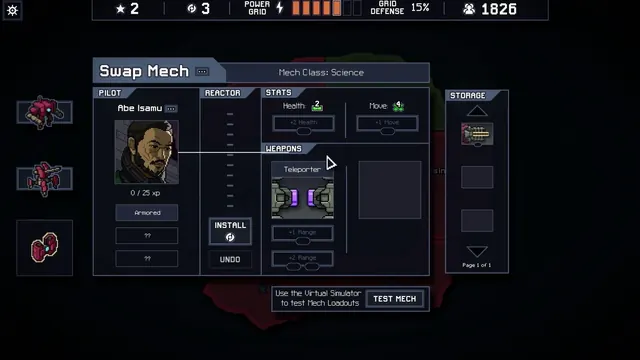 Into the Breach - Swap Mech loadout: pilot Abe Isamu, Teleporter and reactor upgrades
Same type: Character / Unit Detail; Shared patterns: loadout-grid, stat-panel, top-bar
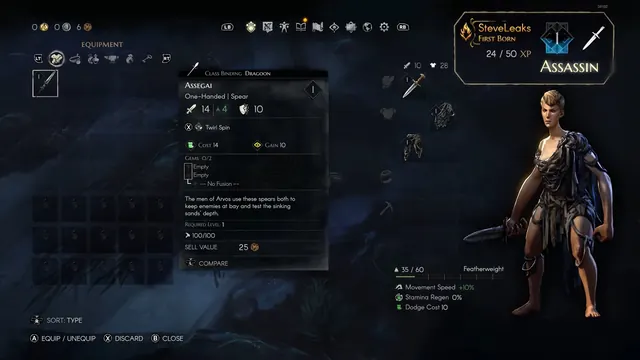 No Rest for the Wicked - Equipment screen: Assegai spear
Same type: Character / Unit Detail; Shared patterns: loadout-grid, stat-panel
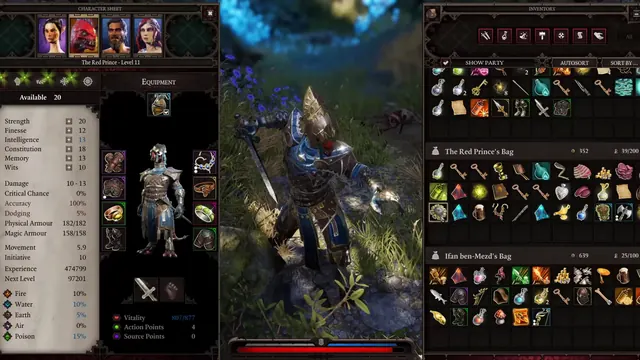 Divinity: Original Sin 2 - Character sheet and party inventory: one screen, every bag
Same type: Character / Unit Detail; Shared patterns: stat-panel, slot-grid
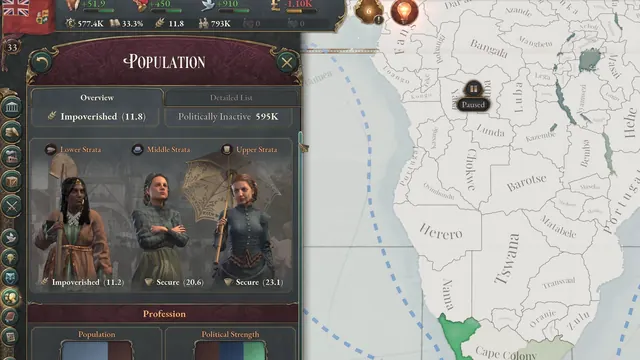 Victoria 3 - Population overview: three strata and their standard of living
Same type: Character / Unit Detail; Shared patterns: character-presenter, stat-panel
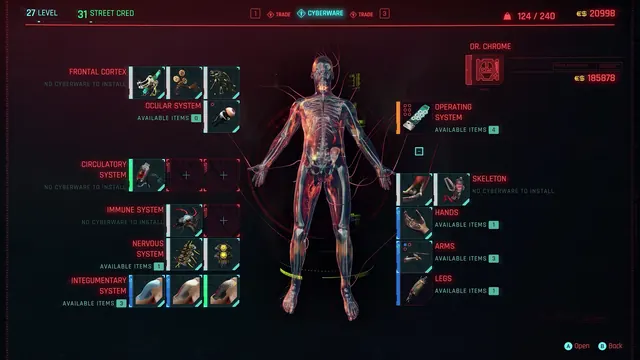 Cyberpunk 2077 - Cyberware: the body as a slot diagram at the ripperdoc
Same type: Character / Unit Detail; Shared patterns: slot-grid, stat-panel
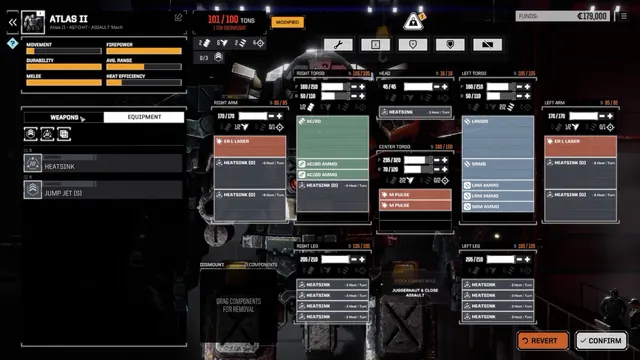 BATTLETECH - MechLab: Atlas II loadout, 101/100 tons, location columns
Same type: Character / Unit Detail; Shared patterns: loadout-grid, stat-panel