Vehicle Assembly Building: parts palette and the Kerbal 9000
Kerbal Space Program · City & Base Management
Art style Stylized 3D
About this game
Developer: Squad · Publisher: Private Division · Platform: PC (Steam) · Art style: Stylized 3D · Screen type: City & Base Management
More Kerbal Space Program screens in the Gallery
What to study
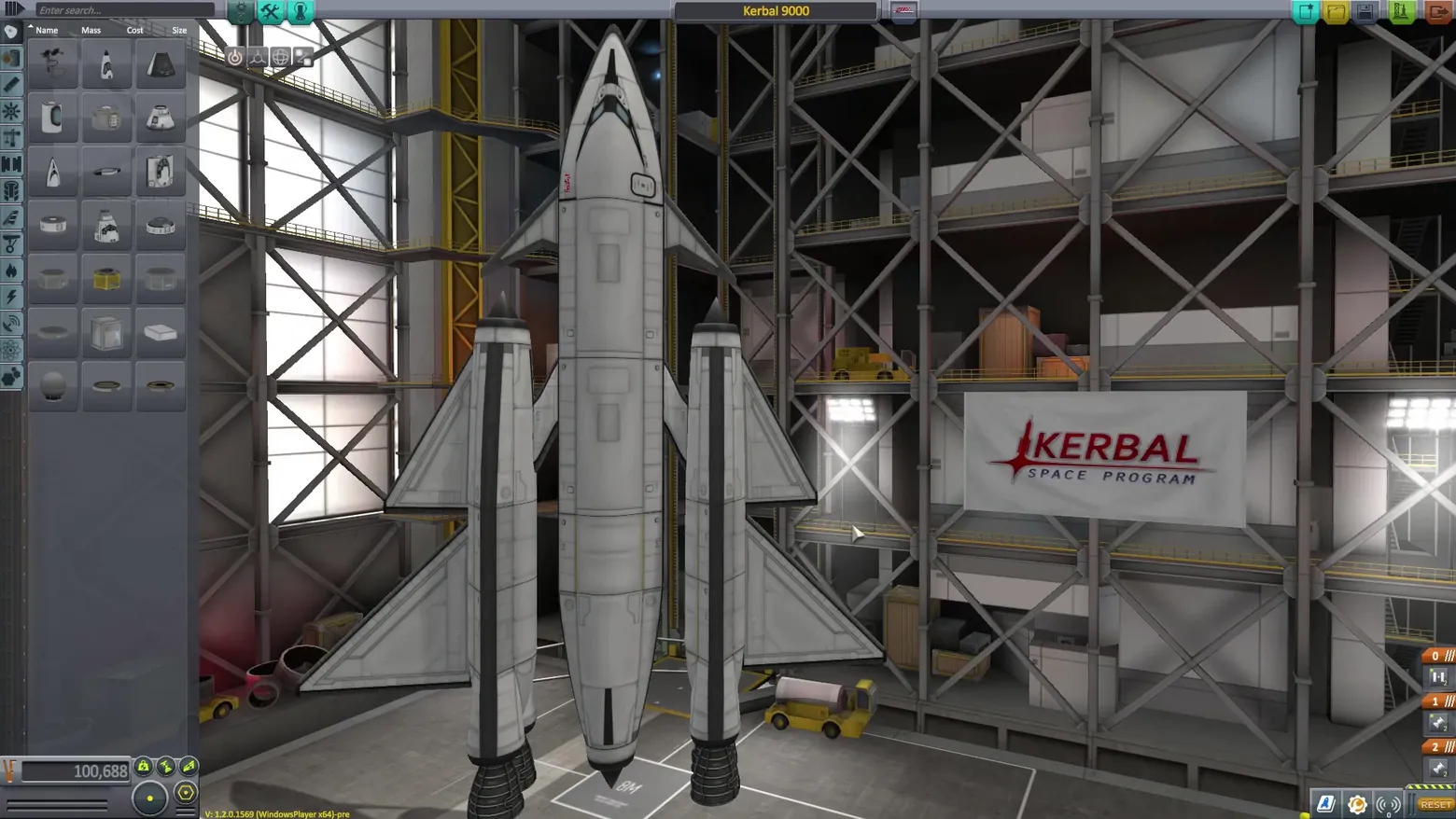
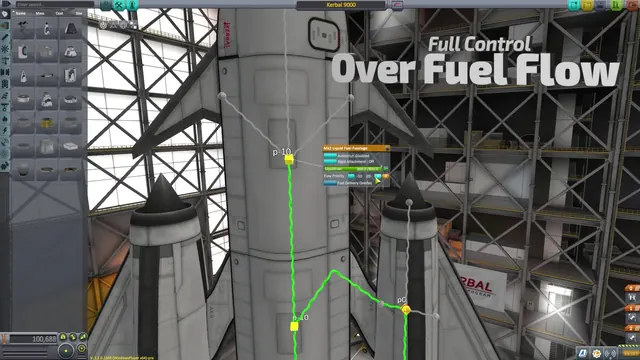
KSP's builder is a hangar you work inside, not a spreadsheet with a preview. The parts palette down the left is a grid of chunky part icons sorted by a category rail - pods, tanks, engines, science - with sortable Name/Mass/Cost/Size columns and a search box, because a mature parts catalog is a database problem. Everything else defers to the craft: the Kerbal 9000 spaceplane stack fills the building, the staging stack clings to the right edge as numbered orange tabs (the launch sequence, edited where you can see it), and money is a single number at bottom left (100,688 funds) rather than a budget screen. The editor's bet is that spatial assembly teaches itself - you learn what a craft is by standing next to it. Frame at about 0:36 in the CommNet Trailer (Steam), a scene-change survivor (v1_0005). Screen type follows the Cities: Skylines asset-editor precedent (builder filed under city-base; the manifest has no vehicle-editor bucket). The small yellow build string at the bottom edge is part of the trailer's pre-release capture, not an overlay added later.
Patterns
How the screen is arranged.
side-panel panel-grid icon-rail
Components
Parts on screen.
Screen inventory
- left parts palette: category icon rail (pods, fuel, engines, command, aero, utility, science) beside a 3-column grid of part icons
- palette header tabs reading Name / Mass / Cost / Size and an 'Enter search...' field
- craft name field at top centre reading 'Kerbal 9000'
- the craft itself centre frame: a spaceplane stack with two winged boosters, inside the scaffolded VAB interior
- right-edge staging stack: orange stage tabs 0 / 1 / 2 with engine icons
- bottom-left funds readout: 100,688 beside the green funds/reputation/science pips
- top-right window controls: new / open / save / launch / exit icon buttons
Top 3 colors
#787674 22%#4b4643 19%#26221f 19%
Top three palette colors by share. The remaining colors make up the rest.
Source and credit
© Squad / Private Division, Kerbal Space Program screenshot: CommNet Trailer video (Steam), shown for design study and commentary. PlayCraft is an unofficial fan project, not affiliated with or endorsed by Private Division.
Source tier 2 (publisher-released) · screenshot: Steam store page · Steam page
Source details
Fetched 2026-10-21. verified 2026-10-21: scene-change frame v1_0005 (CommNet Trailer @35.6s) inspected at full resolution (1920x1080 native); genuine in-game VAB editor confirmed settled and legible (parts grid, category rail, staging tabs, funds readout all readable); no trailer headline or watermark overlays the frame; the small 'V: 1.2.0.1569-pre' build string at the bottom edge is the source capture's own version readout, disclosed here
no published policy found (checked 2026-10-21); fair-use study use, takedown honored within 48h
Rights holders: see Copyright & takedown.
Similar screens
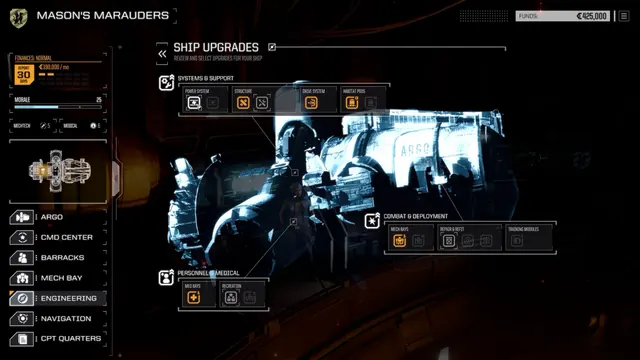 BATTLETECH - Argo Ship Upgrades: systems, combat and personnel icon groups
Same type: City & Base Management; Shared patterns: side-panel, icon-rail
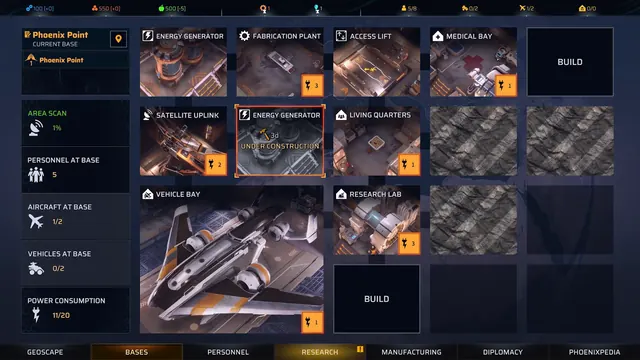 Phoenix Point - Bases: the facility grid and its power budget
Same type: City & Base Management; Shared patterns: panel-grid, side-panel
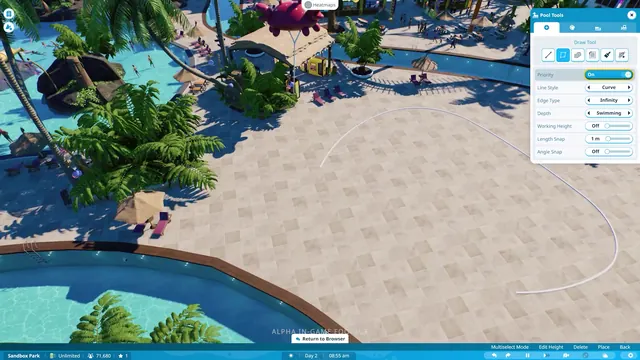 Planet Coaster 2 - Pool Tools: drawing a pool outline with curve, edge, and depth settings
Same type: City & Base Management; Shared patterns: side-panel, icon-rail
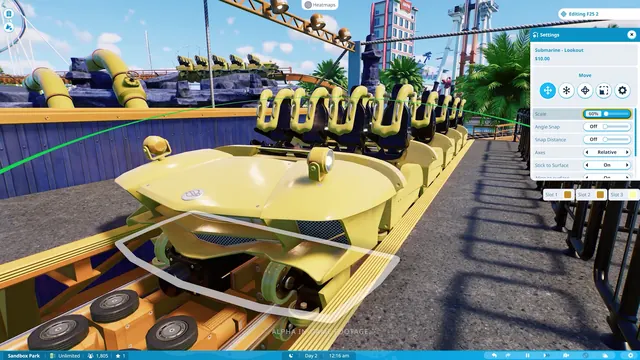 Planet Coaster 2 - Ride Settings: moving and scaling a coaster train in the station
Same type: City & Base Management; Shared patterns: side-panel, icon-rail
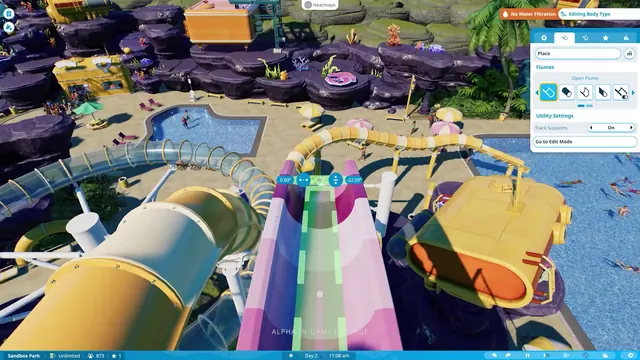 Planet Coaster 2 - Flume editor: placing an Open Flume section with angle widgets
Same type: City & Base Management; Shared patterns: side-panel, icon-rail
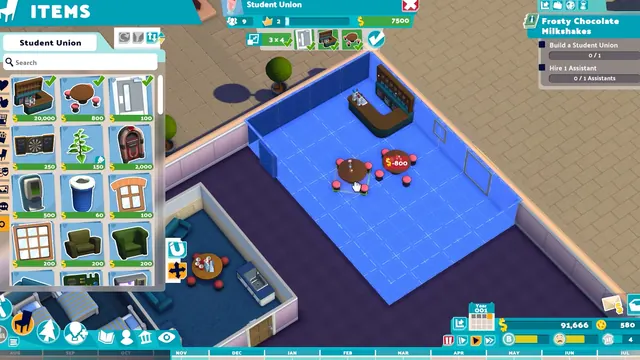 Two Point Campus - ITEMS catalog: furnishing the Student Union room from a priced grid
Same type: City & Base Management; Shared patterns: side-panel, panel-grid