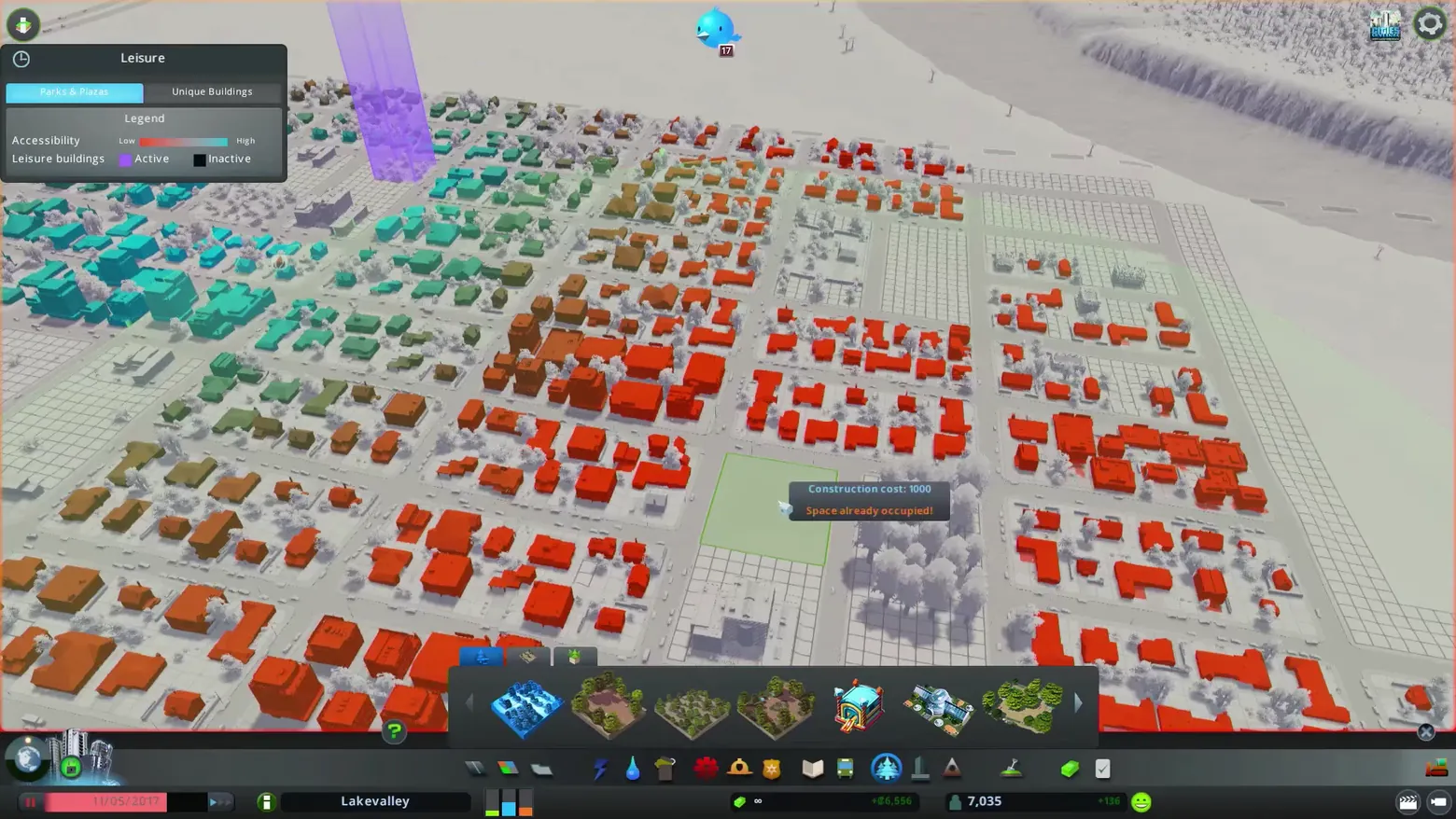
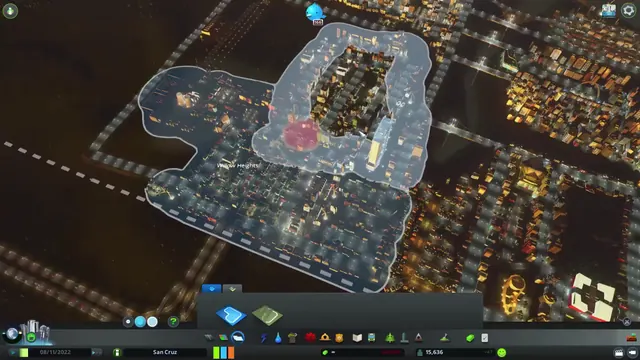
Leisure info view: accessibility across a snowy neighborhood
Cities: Skylines · HUD & Gameplay UI
Art style Realistic 3D
About this game
Developer: Colossal Order · Publisher: Paradox Interactive · Platform: PC (Steam) · Art style: Realistic 3D · Screen type: HUD & Gameplay UI
More Cities: Skylines screens in the Gallery
What to study
The Leisure info view turns accessibility into heat: buildings shade from red (low) through brown to teal (high) across a desaturated snowy map, so underserved blocks stand out as a red field you cannot miss. The panel keeps the encoding honest with a Low-to-High legend and Parks & Plazas / Unique Buildings tabs, the build palette stays open underneath, and a placement attempt answers inline with its cost and a plain 'Space already occupied!' warning. Frame at about 0:56 in the Trailer 2020 (Steam).
Patterns
How the screen is arranged.
data-overlay info-view legend-panel
Components
Parts on screen.
Tabs Toolbar Resource bar Tooltip
Screen inventory
- Leisure info panel
- Parks & Plazas and Unique Buildings tabs
- Accessibility Low to High legend
- color-coded buildings
- parks and plazas tool palette
- construction cost and Space already occupied tooltip
- city HUD bar with date, city name and population
Top 3 colors
#643c32 24%#8b8583 20%#a4a6a3 15%
Top three palette colors by share. The remaining colors make up the rest.
Source and credit
© Colossal Order / Paradox Interactive, Cities: Skylines screenshot: Trailer 2020 (Steam), shown for design study and commentary. PlayCraft is an unofficial fan project, not affiliated with or endorsed by Paradox Interactive.
Source tier 2 (publisher-released) · screenshot: Steam store page · Steam page
Source details
Fetched 2026-10-20. verified 2026-10-20: frame extracted from the official Trailer 2020 (Steam) and inspected visually; real game UI (Leisure info panel, legend and city HUD) confirmed visible
Paradox EULA Section 6: free access, own commentary required
Rights holders: see Copyright & takedown.
Similar screens
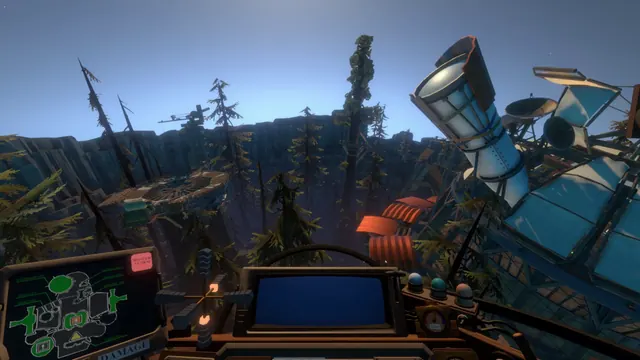 Outer Wilds - Ship cockpit: the DAMAGE schematic dashboard
Same type: HUD & Gameplay UI; Shared patterns: data-overlay
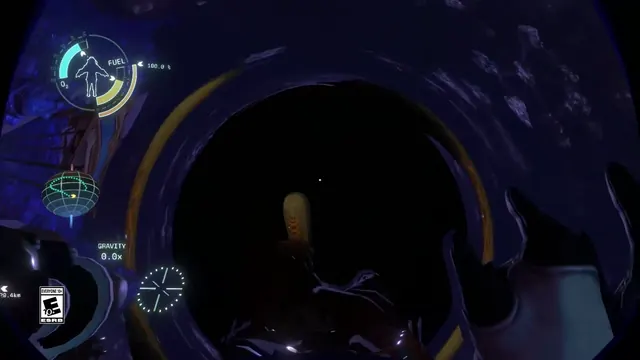 Outer Wilds - Spacesuit HUD: oxygen, fuel and gravity around an astronaut silhouette
Same type: HUD & Gameplay UI; Shared patterns: data-overlay
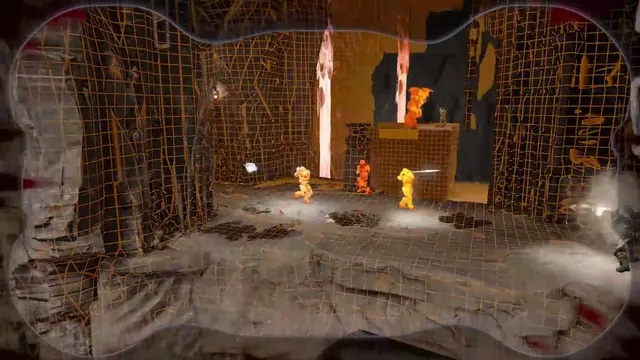 DOOM - Threat vision: the arena redrawn as a wireframe, opponents as heat-bright silhouettes
Same type: HUD & Gameplay UI; Shared patterns: data-overlay
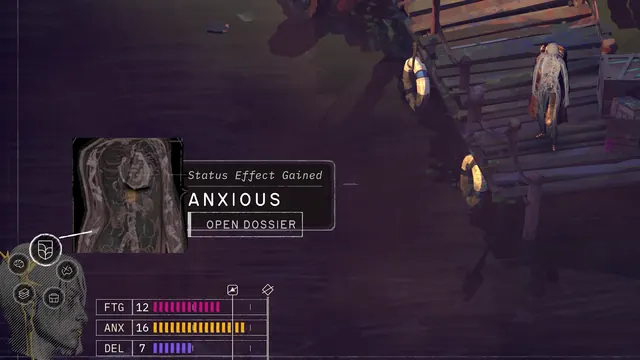 ZERO PARADES: Director's Cut - Status effect gained: ANXIOUS, the HUD calls the Dossier
Same type: HUD & Gameplay UI; Shared patterns: data-overlay
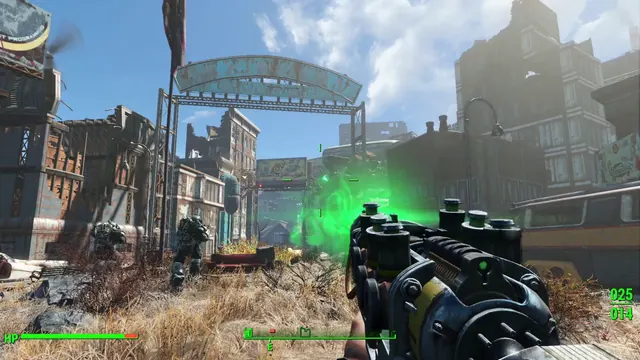 Fallout 4 - First-person HUD: HP bar, compass facing E, ammo 025/014
Same type: HUD & Gameplay UI; Shared patterns: data-overlay
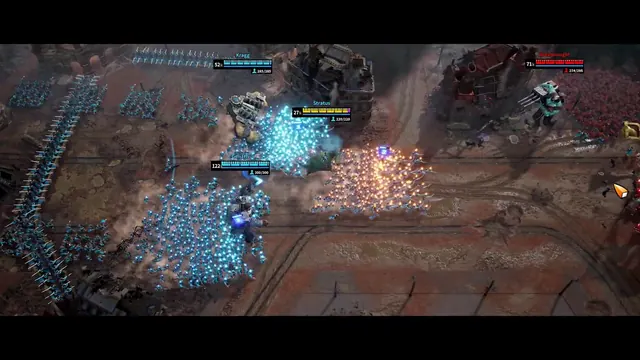 March of Giants - Battlefield HUD: four Giant nameplates, health and Soldier counts
Same type: HUD & Gameplay UI; Shared patterns: data-overlay