Landscaping: terraforming with soil availability and cost
Cities: Skylines · HUD & Gameplay UI
Art style Realistic 3D
About this game
Developer: Colossal Order · Publisher: Paradox Interactive · Platform: PC (Steam) · Art style: Realistic 3D · Screen type: HUD & Gameplay UI
More Cities: Skylines screens in the Gallery
What to study
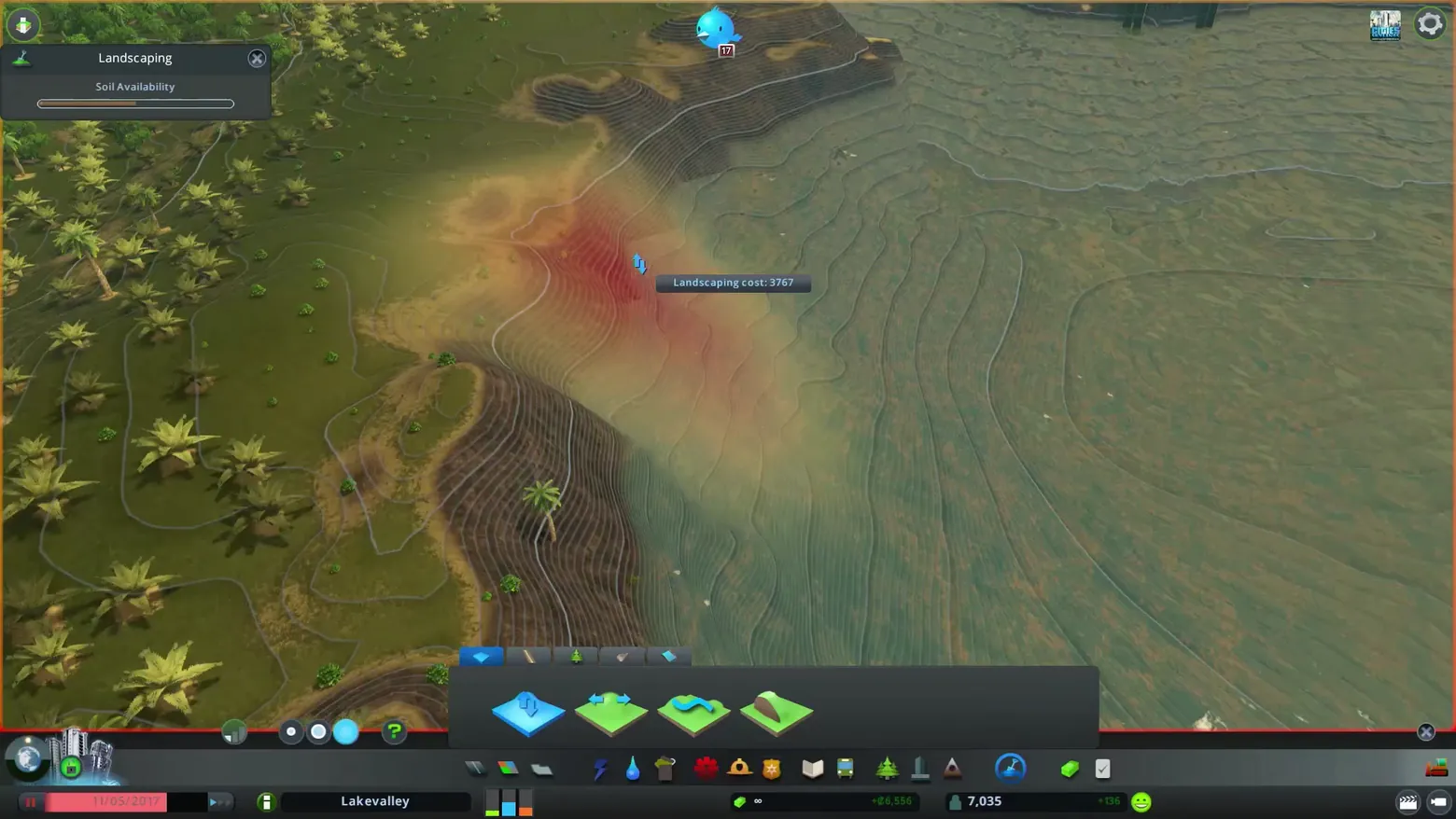
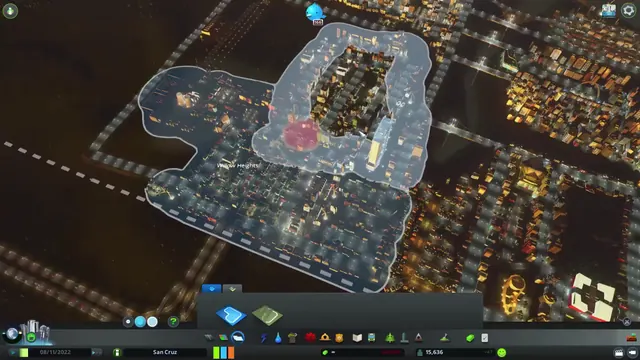
Terraforming switches the terrain to a contour-line reading, with the brush painting a red-to-yellow wash where earth is being moved so height change is legible before it is committed. Feedback stays minimal and numeric: a small Landscaping panel tracks Soil Availability as a single bar, a floating tooltip prices the current stroke (Landscaping cost: 3767), and the four terrain tools sit as simple raised/lowered land icons in the bottom palette above the normal city HUD. Frame at about 1:08 in the Trailer 2020 (Steam).
Patterns
How the screen is arranged.
data-overlay terrain-tool cost-tooltip
Components
Parts on screen.
Screen inventory
- Landscaping panel
- Soil Availability bar
- contour-line terrain view
- landscaping tool palette
- Landscaping cost tooltip
- city HUD bar with date, city name and population
Top 3 colors
#6c7156 21%#666c51 21%#544a2e 20%
Top three palette colors by share. The remaining colors make up the rest.
Source and credit
© Colossal Order / Paradox Interactive, Cities: Skylines screenshot: Trailer 2020 (Steam), shown for design study and commentary. PlayCraft is an unofficial fan project, not affiliated with or endorsed by Paradox Interactive.
Source tier 2 (publisher-released) · screenshot: Steam store page · Steam page
Source details
Fetched 2026-10-20. verified 2026-10-20: frame extracted from the official Trailer 2020 (Steam) and inspected visually; real game UI (Landscaping panel, terrain tools and city HUD) confirmed visible
Paradox EULA Section 6: free access, own commentary required
Rights holders: see Copyright & takedown.
Similar screens
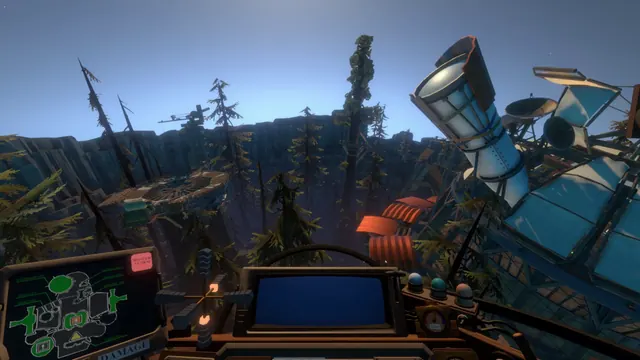 Outer Wilds - Ship cockpit: the DAMAGE schematic dashboard
Same type: HUD & Gameplay UI; Shared patterns: data-overlay
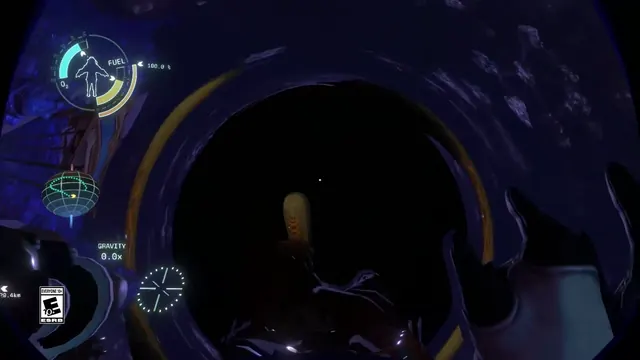 Outer Wilds - Spacesuit HUD: oxygen, fuel and gravity around an astronaut silhouette
Same type: HUD & Gameplay UI; Shared patterns: data-overlay
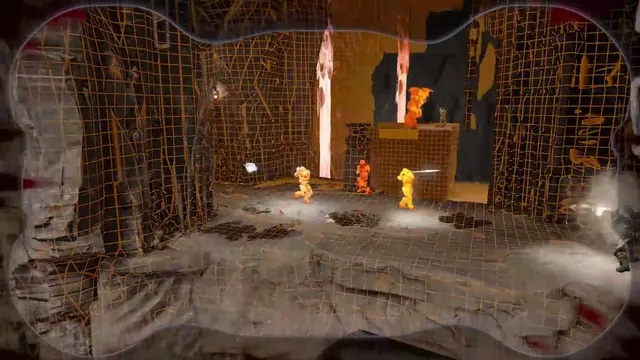 DOOM - Threat vision: the arena redrawn as a wireframe, opponents as heat-bright silhouettes
Same type: HUD & Gameplay UI; Shared patterns: data-overlay
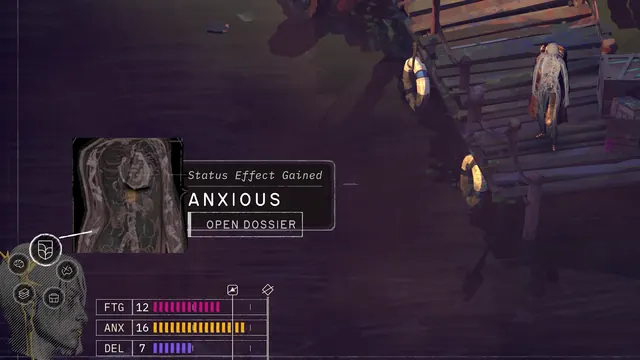 ZERO PARADES: Director's Cut - Status effect gained: ANXIOUS, the HUD calls the Dossier
Same type: HUD & Gameplay UI; Shared patterns: data-overlay
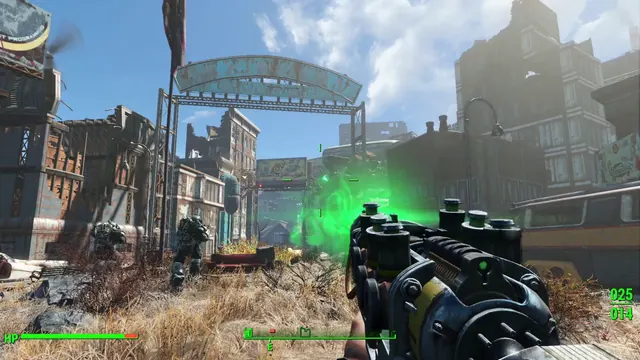 Fallout 4 - First-person HUD: HP bar, compass facing E, ammo 025/014
Same type: HUD & Gameplay UI; Shared patterns: data-overlay
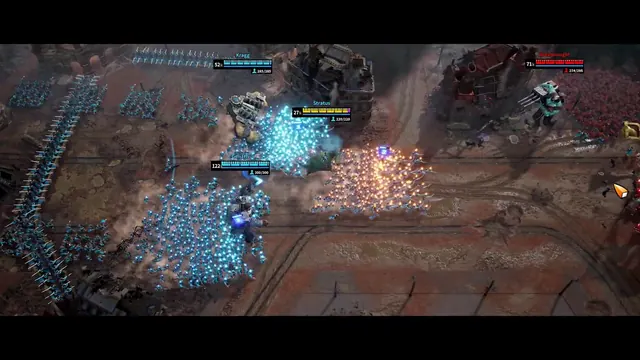 March of Giants - Battlefield HUD: four Giant nameplates, health and Soldier counts
Same type: HUD & Gameplay UI; Shared patterns: data-overlay