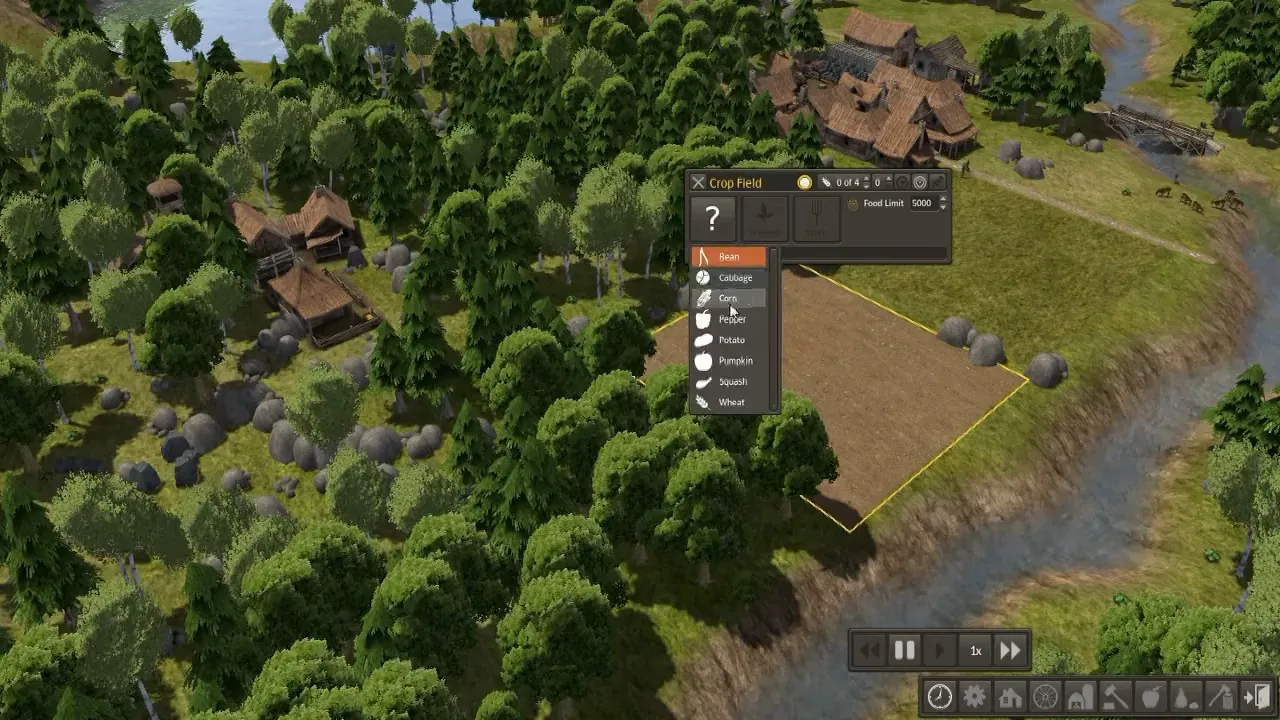
Crop Field: crop dropdown open over a freshly tilled riverside field
Banished · City & Base Management
Art style Realistic 3D
About this game
Developer: Shining Rock Software LLC · Publisher: Shining Rock Software LLC · Platform: PC (Steam) · Art style: Realistic 3D · Screen type: City & Base Management
More Banished screens in the Gallery
What to study
Banished reduces farming to two controls and trusts them. A new field opens with a literal '?' where its crop should be, the game represents 'not yet decided' as a glyph in the panel rather than defaulting to a crop and hiding the choice. The dropdown that answers it is the entire planting interface: eight named crops, each with its icon, picked once for a field that will feed the town for years. Beside it, 'Food Limit 5000' states the other half of the design in the same panel, production is capped by a number the player sets, so a good harvest stops itself instead of flooding storage. Field, choice and cap are one small window over the plot it governs. Frame at about 0:48 in the GameTrailer (Steam; manual extraction, the dropdown is open for roughly a second inside a held shot, so the scene-change pass never fired on it).
Patterns
How the screen is arranged.
dropdown-list detail-panel minimal-hud
Components
Parts on screen.
Window Toolbar Menu List Clock Toggle Stepper
Screen inventory
- the Crop Field window is a single dark panel: an X close button, a worker readout '0 of 4', a 'Food Limit 5000' stepper, and one large '?' button, the field has no crop yet, and the unassigned state is drawn as a question mark, not an error
- the crop dropdown is open beneath it, eight rows with small crop icons: Bean (highlighted orange), Cabbage, Corn, Pepper (under the cursor), Potato, Pumpkin, Squash, Wheat, the whole agricultural decision is one list, no sub-menus
- the field itself is a bare brown tilled rectangle outlined in yellow selection at a river bend, still empty: the panel and the plot are the same object seen two ways
- bottom-right, the time controls sit above the main toolbar: rewind, pause, play, a '1x' speed readout and fast-forward, the simulation's clock is ordinary chrome, always in reach
- no resource readout or population count crowds this moment: apart from the two bottom bars the screen is forest, water and the one field being decided
Top 3 colors
#1e2610 22%#5a5a38 20%#726c3f 16%
Top three palette colors by share. The remaining colors make up the rest.
Source and credit
© Shining Rock Software LLC, Banished screenshot: Banished GameTrailer (Steam), Shining Rock Software LLC, shown for design study and commentary. PlayCraft is an unofficial fan project, not affiliated with or endorsed by Shining Rock Software LLC.
Source tier 2 (publisher-released) · screenshot: Steam store page · Steam page
Source details
Fetched 2026-10-24. verified 2026-10-24: manual extraction manual-crop-field-48.png @ ~48s in the GameTrailer, MD5 9fbfffe04e232833cdff4425ed84529e, from the verified-clean curl-shim download (36,599,177 B, MD5 70ee2f713fc8318dc8227d38a36e522f; full decode to null exit 0, zero error lines, decode-steam-242920-GameTrailer.mp4.err), inspected visually at full resolution (1280x720 native); the 'Crop Field' title, '0 of 4' worker readout, 'Food Limit 5000', the '?' button and the open Bean-to-Wheat dropdown with Bean highlighted and the cursor on Pepper all legible; no trailer text or marketing overlay in frame
no published policy found (checked 2026-10-24); fair-use study use, takedown honored within 48h
Rights holders: see Copyright & takedown.
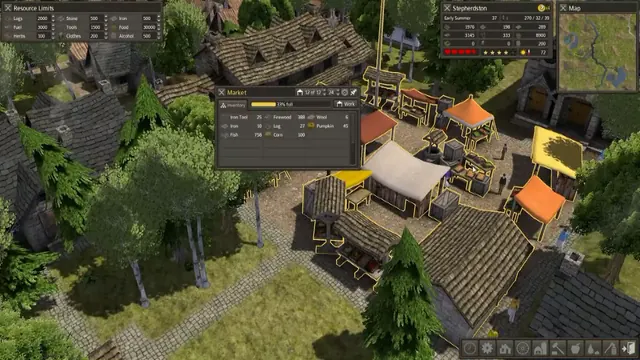
Similar screens
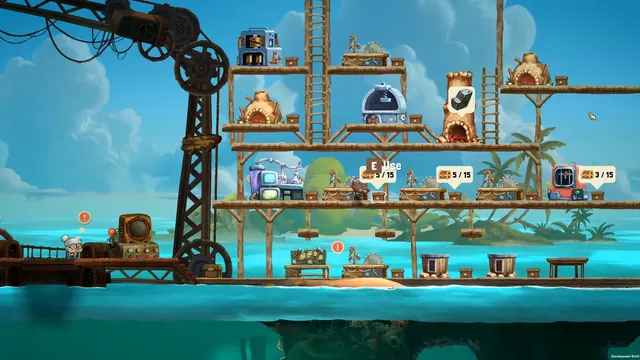 NAUTUS - Surface base: in-world station bubbles
Same type: City & Base Management; Shared patterns: minimal-hud
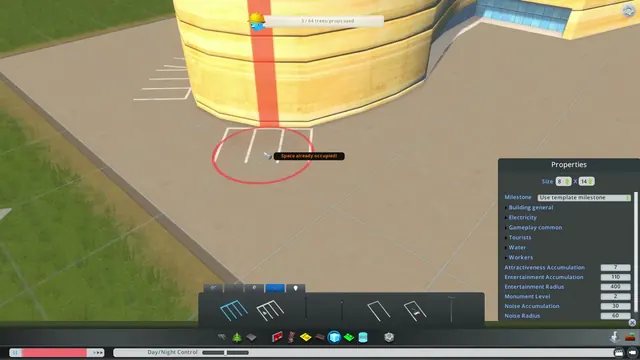 Cities: Skylines - Asset editor: building Properties panel
Same type: City & Base Management; Shared patterns: detail-panel
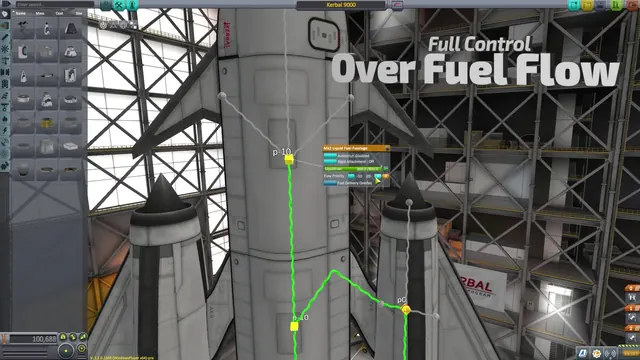 Kerbal Space Program - Fuel delivery overlay: flow lines and priority on the stack
Same type: City & Base Management; Shared patterns: detail-panel
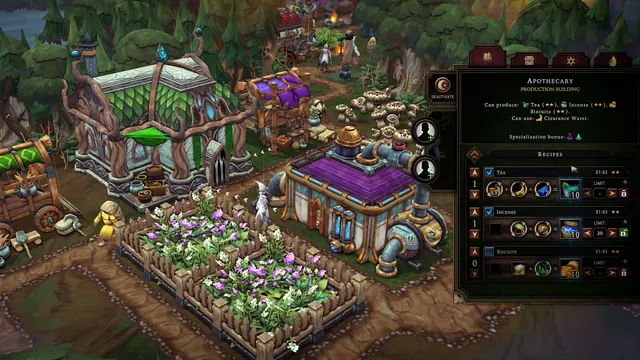 Against the Storm - Apothecary: three recipe equations with priorities, limits and worker slots
Same type: City & Base Management; Shared patterns: detail-panel
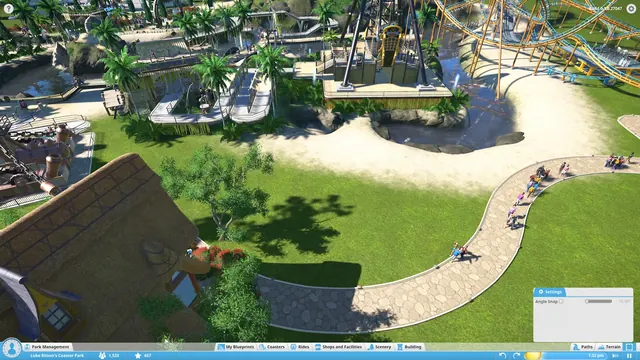 Planet Coaster - Path tool: Angle Snap Settings over Luke Ritson's park
Same type: City & Base Management; Shared patterns: detail-panel
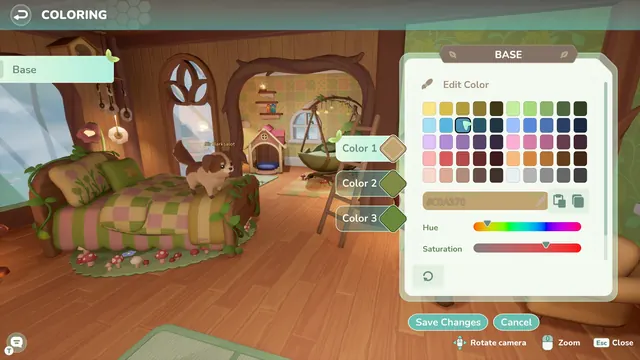 Loftia - Coloring a room: BASE editor over a treehouse bedroom
Same type: City & Base Management; Shared patterns: detail-panel