Instruction Manual p.29: 'UNDER THE WELL' floor plan
TUNIC · Encyclopedia / Codex
Art style Low-poly
About this game
Developer: TUNIC Team · Publisher: Finji · Platform: PC (Steam) · Art style: Low-poly · Screen type: Encyclopedia / Codex
More TUNIC screens in the Gallery
What to study
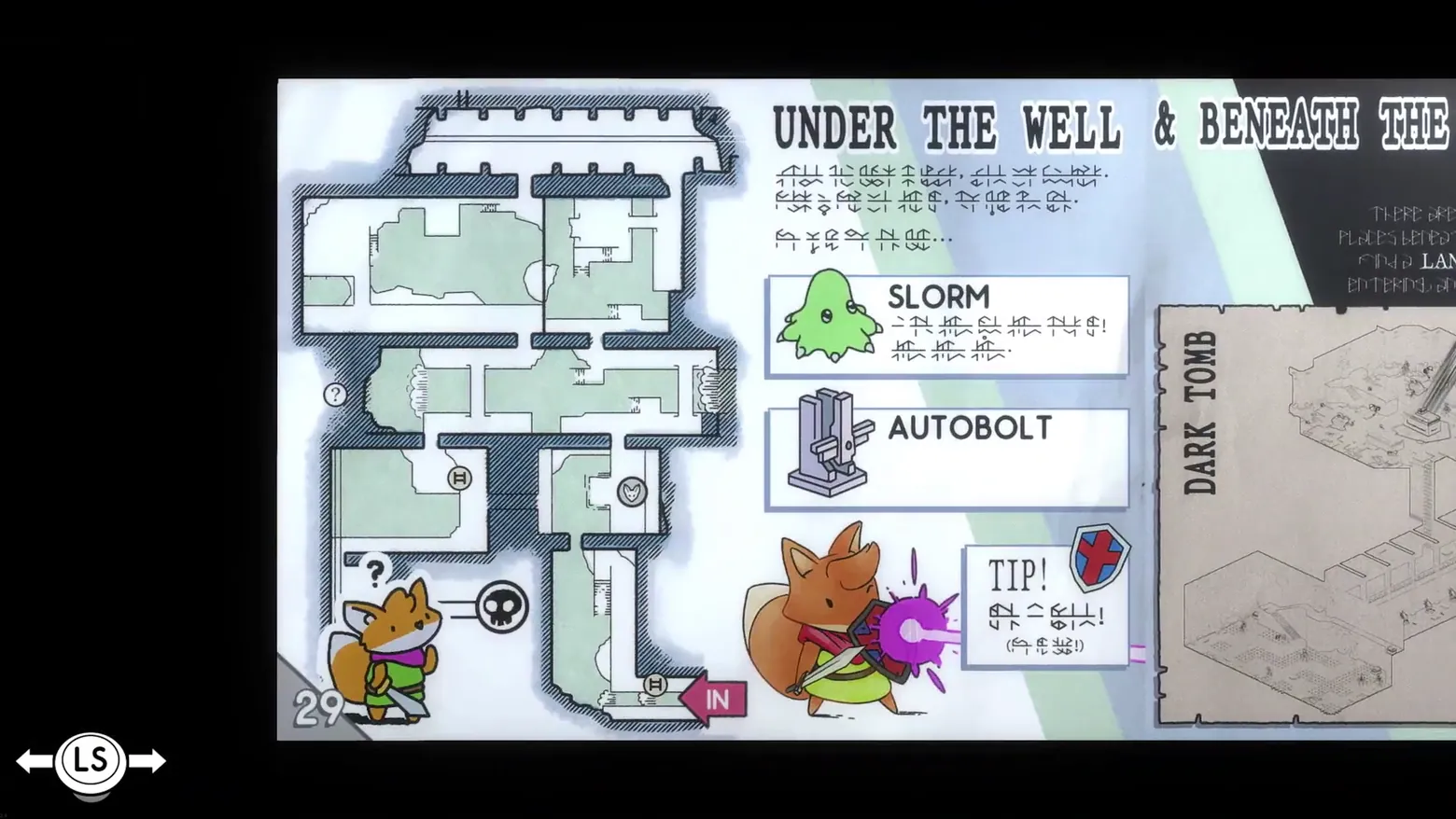
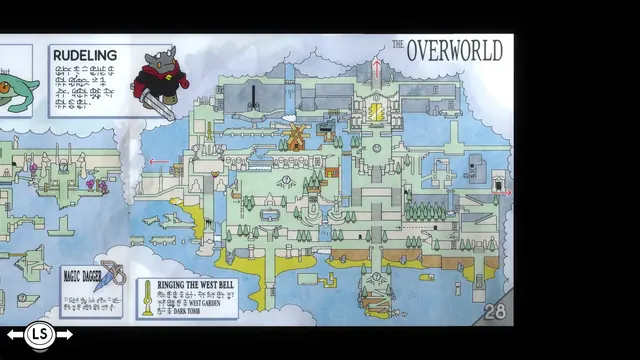
One page later the manual changes register: where page 28 was a painted world map, page 29 is a working document. The left page is a hatched architectural floor plan of the dungeon under the well, rooms and ladders drawn like a survey, with a pink 'IN' arrow at the entrance, a circled '?' and a skull icon doing the legend's work. The right page is reference matter: boxed entries for the SLORM (a green slime, drawn disarmingly cute) and the AUTOBOLT turret, each captioned in Trunic, and a 'TIP!' box whose shield icon and illustration of the fox blocking a purple blast teach the parry without a single readable sentence. Even the page furniture teaches: the fox doodle at bottom left wears its own '?' speech mark. At the frame's right edge the next spread is already arriving, a parchment 'DARK TOMB' diagram, so the two settled frames together show the manual's range: cartography, floor plan, bestiary and combat tip, all in one collected artefact. Frame at about 0:28 in the Tunic Launch Trailer (Steam), manually extracted at 27.65s: the manual sequence lasts barely two seconds (about 26.0-28.0s) as a page-turn wipe over the gameplay, and the scene-change pass caught only the black fade before it (21.1s) and the ruins after it (28.1s), no frame of either settled spread.
Patterns
How the screen is arranged.
codex diegetic-document detail-card
Components
Parts on screen.
Illustration Marker Button prompts
Screen inventory
- header 'UNDER THE WELL & BENEATH THE' running off the right edge, with several lines of Trunic script beneath it
- a hatched architectural floor plan of the dungeon on the left page: room outlines, ladder icons, a circled '?' marker, a fox-face icon and a pink 'IN' arrow at the entrance
- page number '29' at the bottom left, beside a fox illustration with a '?' over its head and a skull icon
- boxed entry 'SLORM' with a green slime-creature illustration and Trunic text
- boxed entry 'AUTOBOLT' with an illustration of the grey turret device
- a 'TIP!' box with a red-cross shield icon and Trunic text, beside an illustration of the fox blocking a purple blast with shield and sword
- the right edge of the next spread: a parchment panel headed 'DARK TOMB' with an isometric tomb diagram
- an 'LS' page-turn prompt at bottom left, outside the page
Top 3 colors
#000000 33%#b5babe 23%#f2f9fc 14%
Top three palette colors by share. The remaining colors make up the rest.
Source and credit
© TUNIC Team / Finji, TUNIC screenshot: Tunic Launch Trailer (Steam), shown for design study and commentary. PlayCraft is an unofficial fan project, not affiliated with or endorsed by Finji.
Source tier 2 (publisher-released) · screenshot: Steam store page · Steam page
Source details
Fetched 2026-10-22. verified 2026-10-22: frame manually extracted at 27.65s from the pipeline-downloaded Tunic Launch Trailer (Steam) and inspected visually at full resolution (1920x1080); real game UI (Instruction Manual page 29, 'UNDER THE WELL' floor plan, SLORM and AUTOBOLT entries, TIP! box, DARK TOMB panel, LS page-turn prompt) confirmed visible and legible; no trailer caption, watermark or logo overlays the page
no published policy found (checked 2026-10-22); fair-use study use, takedown honored within 48h
Rights holders: see Copyright & takedown.
Similar screens
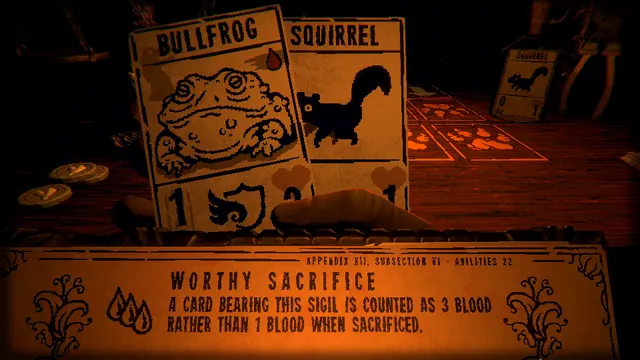 Inscryption - The rulebook, open at Worthy Sacrifice: appendix, subsection, three drops of blood
Same type: Encyclopedia / Codex; Shared patterns: codex, diegetic-document, detail-card
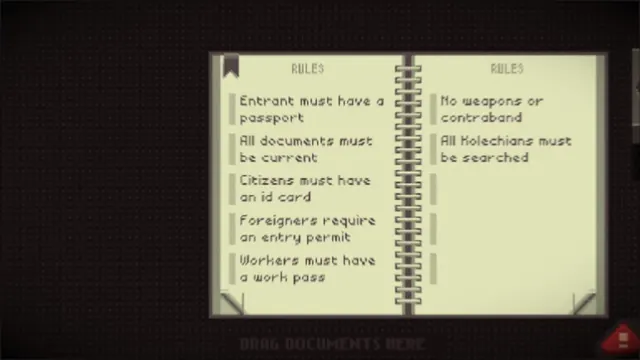 Papers, Please - Rulebook: current entry rules, two-page spread
Same type: Encyclopedia / Codex; Shared patterns: codex, diegetic-document
 Planet Zoo - Education boards: reticulated giraffe panel, rating 4
Same type: Encyclopedia / Codex; Shared patterns: diegetic-document, detail-card
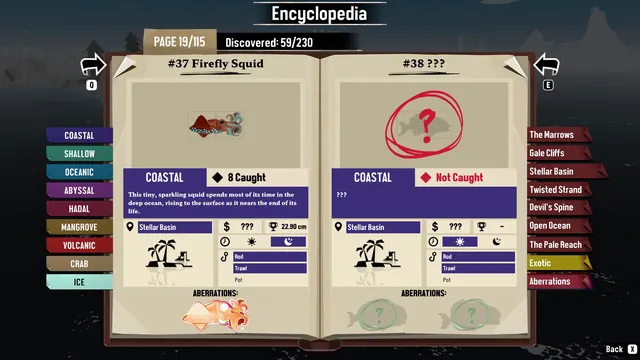 DREDGE - Encyclopedia: '#37 Firefly Squid' facing '#38 ???'
Same type: Encyclopedia / Codex; Shared patterns: codex, detail-card
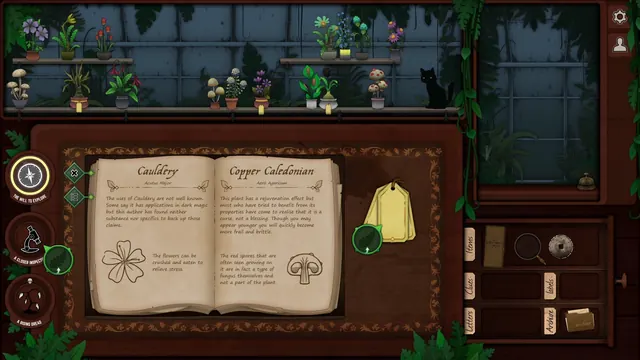 Strange Horticulture - Identification book: Cauldery and Copper Caledonian in the shop
Same type: Encyclopedia / Codex; Shared patterns: codex, diegetic-document
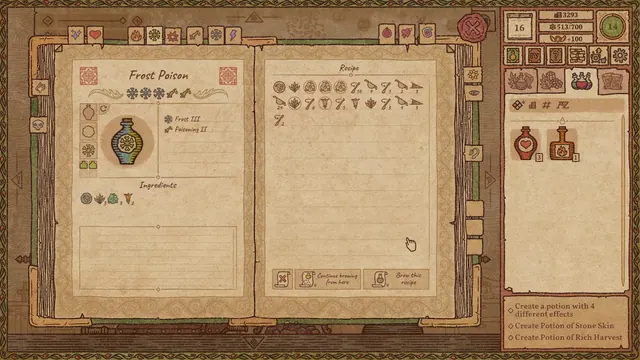 Potion Craft: Alchemist Simulator - Recipe book: Frost Poison, its ingredients and brewing steps
Same type: Encyclopedia / Codex; Shared patterns: codex, diegetic-document