Recipe book: Frost Poison, its ingredients and brewing steps
Potion Craft: Alchemist Simulator · Encyclopedia / Codex
Art style Hand-drawn & ink
About this game
Developer: niceplay games · Publisher: tinyBuild · Platform: PC (Steam) · Art style: Hand-drawn & ink · Screen type: Encyclopedia / Codex
More Potion Craft: Alchemist Simulator screens in the Gallery
What to study
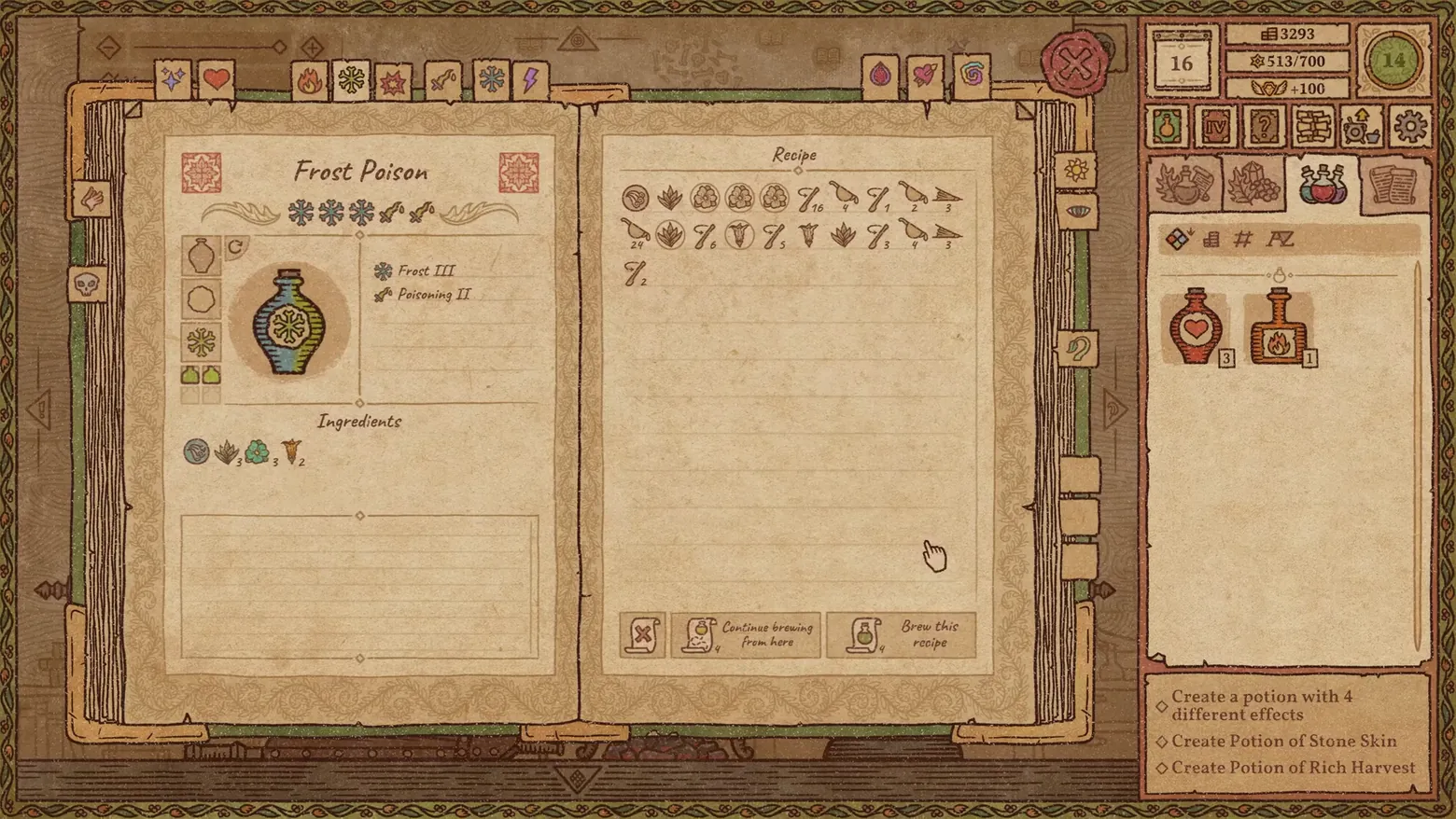
The recipe book is the game's memory, and it stores procedures, not just results. The left page answers 'what is it', Frost Poison drawn in its chosen bottle, its two effects at their ranks, and the ingredient list, while the right page answers 'how was it made': the brew preserved as a sequence of ingredient and action icons, because in Potion Craft the order and grinding of additions is the recipe, the path they drew across the alchemy map. That is why the page's two actions are 'Brew this recipe' and 'Continue brewing from here': a saved recipe can be replayed exactly, or used as a launchpad for a stronger variant, at the cost of book pages. The effect tabs along the top make the book a codex organised by what potions do. Frame at about 0:39 in the Early Access Release Trailer (Steam; manual extraction, the scene pass caught the previous page mid-turn at ~38s).
Patterns
How the screen is arranged.
codex diegetic-document master-detail
Components
Parts on screen.
Screen inventory
- the recipe book opens as a two-page spread: the left page is the finished potion as a labelled drawing, a blue-green bottle with a snowflake icon for 'Frost Poison', with its effect ranks listed beside it, 'Frost III' and 'Poisoning II', above an Ingredients row of icons with counts
- a row of effect bookmark tabs runs along the top of the book (sparkle, heart, flame, frost, lightning…) and category tabs down the right edge, so the book is browsed by the effect a potion delivers, not alphabetically
- the right page, headed 'Recipe', records the brew as a strip of small ingredient-and-action icons with numerals, the exact sequence of additions and grindings that produced this potion, written as a replayable program rather than prose
- two buttons close the page: 'Continue brewing from here' and 'Brew this recipe', each with a page cost (4), a saved recipe is a starting point you can re-enter mid-route; the shop rail (day 16, 3293 gold, popularity 513/700, +100) stays visible behind the book
Top 3 colors
#d1b58d 22%#6d4e32 20%#8b6b4b 18%
Top three palette colors by share. The remaining colors make up the rest.
Source and credit
© niceplay games / tinyBuild, Potion Craft: Alchemist Simulator screenshot: Steam trailers (Gameplay Overview Trailer / Early Access Release Trailer / Garden 2.0 update trailer), niceplay games, shown for design study and commentary. PlayCraft is an unofficial fan project, not affiliated with or endorsed by tinyBuild.
Source tier 2 (publisher-released) · screenshot: Steam store page · Steam page
Source details
Fetched 2026-10-25. verified 2026-10-25: manual extraction manual-recipe-39.png @ ~39s in the Early Access Release Trailer, MD5 c5f11e509f8744aad14045139cb15f21, from the verified-clean curl-shim download (38,947,513 B, MD5 2e5522dae4de8edefd7512e6bd357a42; full decode to null with -xerror exit 0, zero error lines), inspected visually at full resolution (1920x1080 native); the Frost Poison page with both effect ranks, ingredient counts, the icon-sequence Recipe page and both brew buttons all legible and fully settled (no page-turn motion); no trailer text or marketing overlay in frame
no published policy found (checked 2026-10-25); fair-use study use, takedown honored within 48h
Rights holders: see Copyright & takedown.
Similar screens
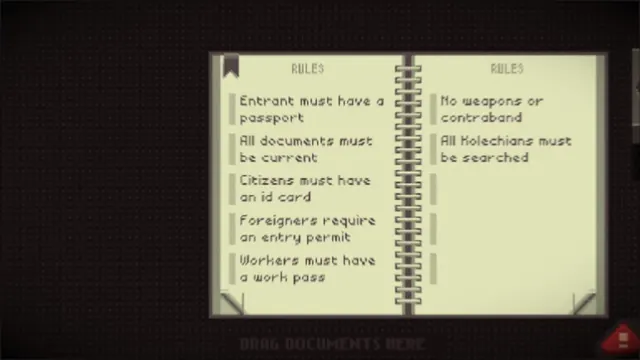 Papers, Please - Rulebook: current entry rules, two-page spread
Same type: Encyclopedia / Codex; Shared patterns: codex, diegetic-document
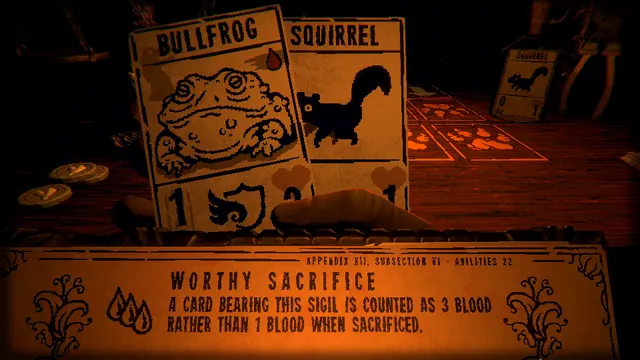 Inscryption - The rulebook, open at Worthy Sacrifice: appendix, subsection, three drops of blood
Same type: Encyclopedia / Codex; Shared patterns: codex, diegetic-document
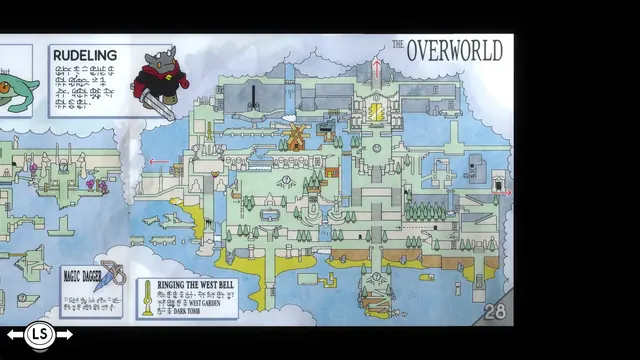 TUNIC - Instruction Manual p.28: 'THE OVERWORLD' map spread
Same type: Encyclopedia / Codex; Shared patterns: codex, diegetic-document
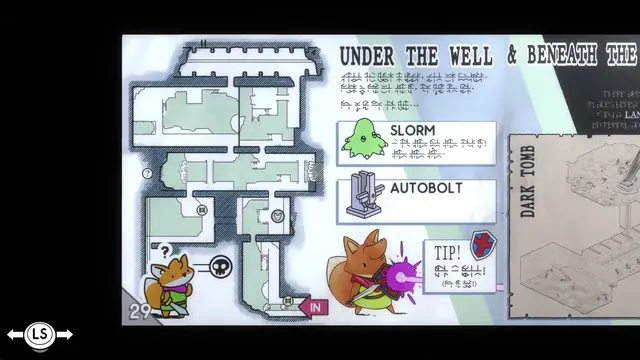 TUNIC - Instruction Manual p.29: 'UNDER THE WELL' floor plan
Same type: Encyclopedia / Codex; Shared patterns: codex, diegetic-document
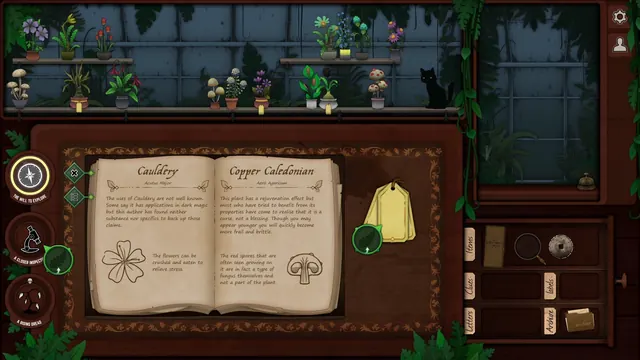 Strange Horticulture - Identification book: Cauldery and Copper Caledonian in the shop
Same type: Encyclopedia / Codex; Shared patterns: codex, diegetic-document
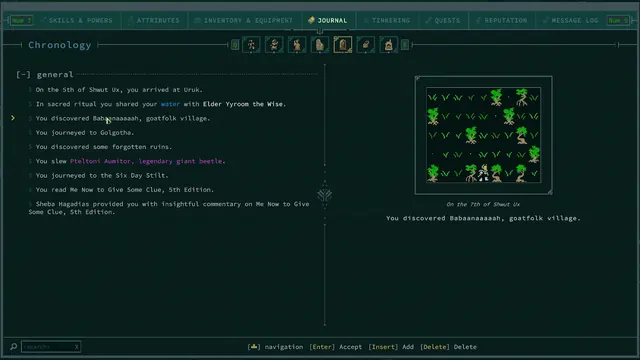 Caves of Qud - Journal Chronology: a generated life, entry by entry
Same type: Encyclopedia / Codex; Shared patterns: codex, master-detail