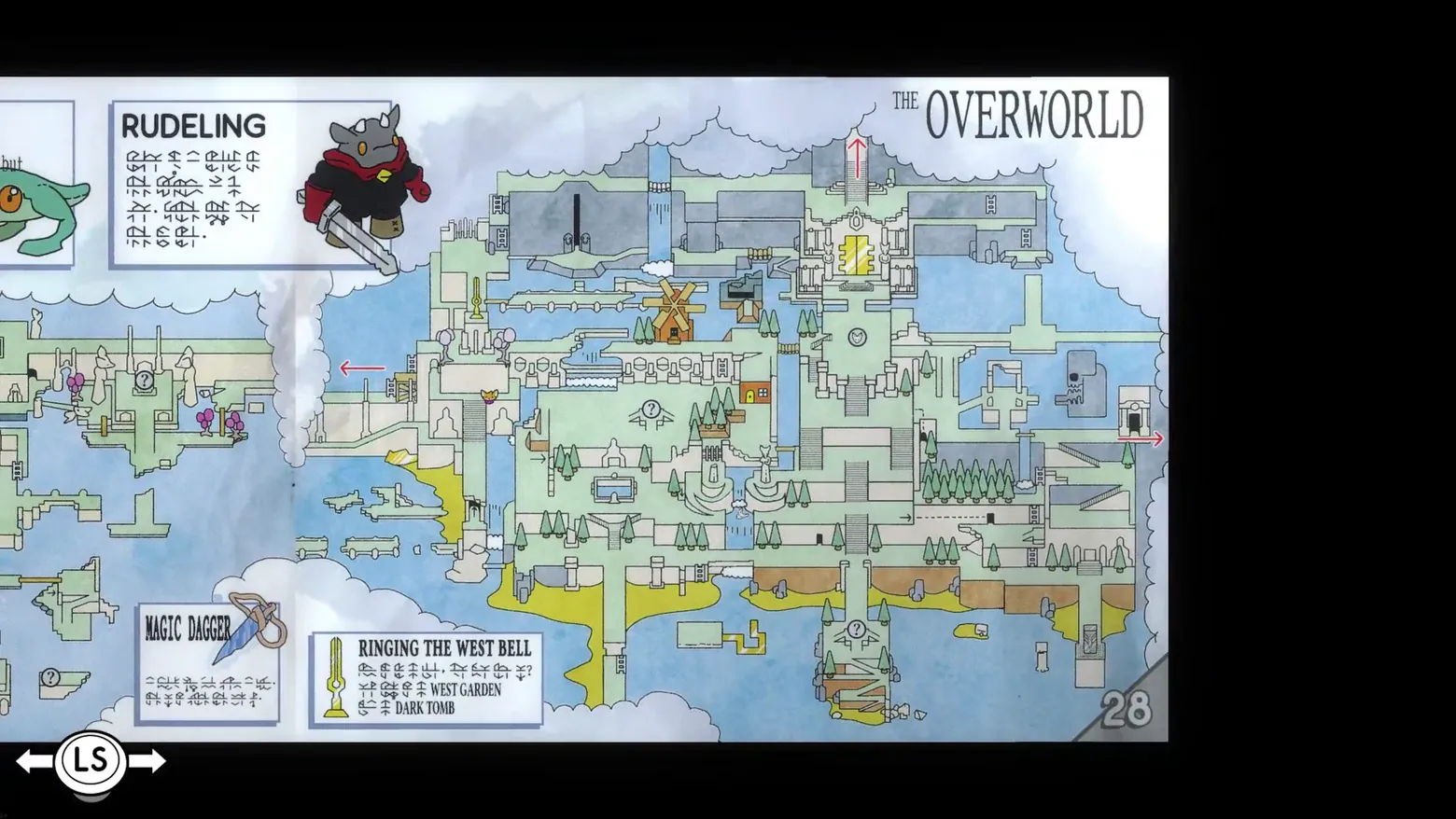
Instruction Manual p.28: 'THE OVERWORLD' map spread
TUNIC · Encyclopedia / Codex
Art style Low-poly
About this game
Developer: TUNIC Team · Publisher: Finji · Platform: PC (Steam) · Art style: Low-poly · Screen type: Encyclopedia / Codex
More TUNIC screens in the Gallery
What to study
The map is a page in a book the fox is collecting. TUNIC's progression UI is a printed instruction manual, rebuilt page by page, and this spread (page 28) gives the whole island at once: an illustrated isometric map with the windmill at its centre, the golden door at the top, red arrows marking exits at the edges and circled question marks where secrets sit. Around the map the page behaves like a real game manual from 1993: a boxed bestiary entry for the RUDELING, an armoured sword-rat drawn in flat colour, a boxed item entry for the MAGIC DAGGER, and an objective box, 'RINGING THE WEST BELL', whose directions mix a few readable English place names (WEST GARDEN, DARK TOMB) into lines of the game's invented Trunic script, so the page is half manual, half puzzle. The only screen chrome is outside the paper: an 'LS' page-turn prompt at bottom left on the black background, and the page number 28 at the corner. Nothing here is a menu overlay; the interface is the artefact. Frame at about 0:27 in the Tunic Launch Trailer (Steam), manually extracted at 26.65s: the manual sequence lasts barely two seconds (about 26.0-28.0s) as a page-turn wipe over the gameplay, and the scene-change pass caught only the black fade before it (21.1s) and the ruins after it (28.1s), no frame of either settled spread.
Patterns
How the screen is arranged.
codex diegetic-document map-overlay
Components
Parts on screen.
Illustration Map Marker Button prompts Quest tracker
Screen inventory
- 'THE OVERWORLD' header at the top right of the right-hand page
- a full illustrated isometric map of the island filling most of the spread: windmill at centre, golden door at top centre, waterfalls, beaches, pine forests, red exit arrows at the map edges and circled '?' markers
- top-left boxed entry 'RUDELING' with an illustration of the armoured, red-scarfed sword creature and several lines of text in the game's invented Trunic script
- bottom-left boxed entry 'MAGIC DAGGER' with a dagger illustration and Trunic text
- bottom-centre boxed objective 'RINGING THE WEST BELL' with a sword icon, Trunic text and the readable English place names 'WEST GARDEN' and 'DARK TOMB'
- page number '28' at the bottom right corner
- an 'LS' page-turn prompt with left and right arrows at bottom left, outside the page on the black background
- a sliver of the previous spread's green one-eyed creature entry cut off at the far left edge
Top 3 colors
#000000 33%#9eb4bb 23%#899898 15%
Top three palette colors by share. The remaining colors make up the rest.
Source and credit
© TUNIC Team / Finji, TUNIC screenshot: Tunic Launch Trailer (Steam), shown for design study and commentary. PlayCraft is an unofficial fan project, not affiliated with or endorsed by Finji.
Source tier 2 (publisher-released) · screenshot: Steam store page · Steam page
Source details
Fetched 2026-10-22. verified 2026-10-22: frame manually extracted at 26.65s from the pipeline-downloaded Tunic Launch Trailer (Steam) and inspected visually at full resolution (1920x1080); real game UI (Instruction Manual page 28, 'THE OVERWORLD' map, RUDELING and MAGIC DAGGER entries, 'RINGING THE WEST BELL' objective box, LS page-turn prompt) confirmed visible and legible; no trailer caption, watermark or logo overlays the page
no published policy found (checked 2026-10-22); fair-use study use, takedown honored within 48h
Rights holders: see Copyright & takedown.
Similar screens
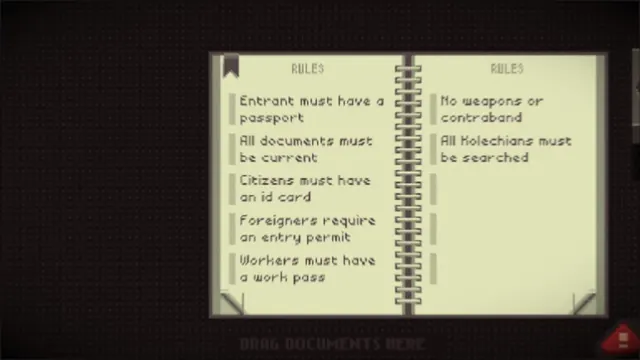 Papers, Please - Rulebook: current entry rules, two-page spread
Same type: Encyclopedia / Codex; Shared patterns: codex, diegetic-document
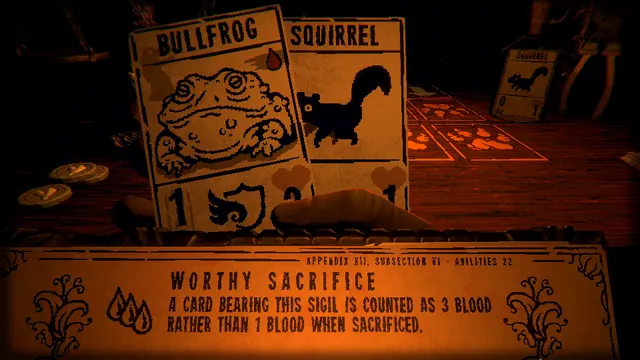 Inscryption - The rulebook, open at Worthy Sacrifice: appendix, subsection, three drops of blood
Same type: Encyclopedia / Codex; Shared patterns: codex, diegetic-document
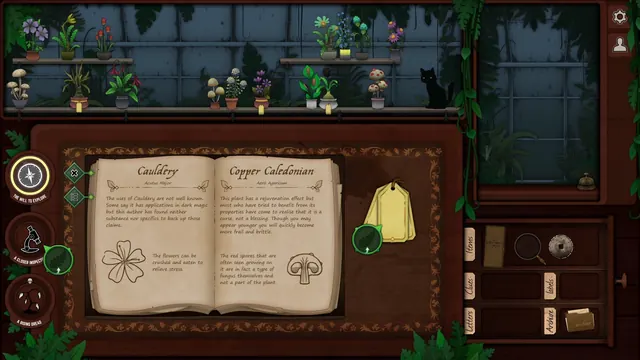 Strange Horticulture - Identification book: Cauldery and Copper Caledonian in the shop
Same type: Encyclopedia / Codex; Shared patterns: codex, diegetic-document
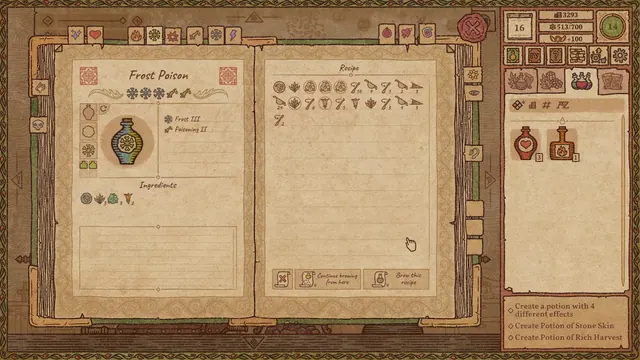 Potion Craft: Alchemist Simulator - Recipe book: Frost Poison, its ingredients and brewing steps
Same type: Encyclopedia / Codex; Shared patterns: codex, diegetic-document
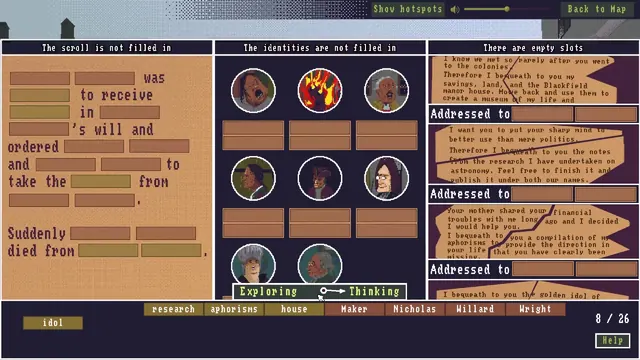 The Case of the Golden Idol - Thinking panel: will scroll, identity portraits, and word bank
Same type: Encyclopedia / Codex; Shared patterns: codex, diegetic-document
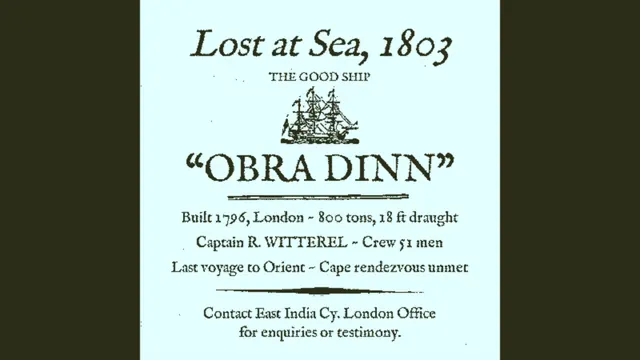 Return of the Obra Dinn - Logbook front page: 'Lost at Sea, 1803, The Good Ship Obra Dinn'
Same type: Encyclopedia / Codex; Shared patterns: diegetic-document