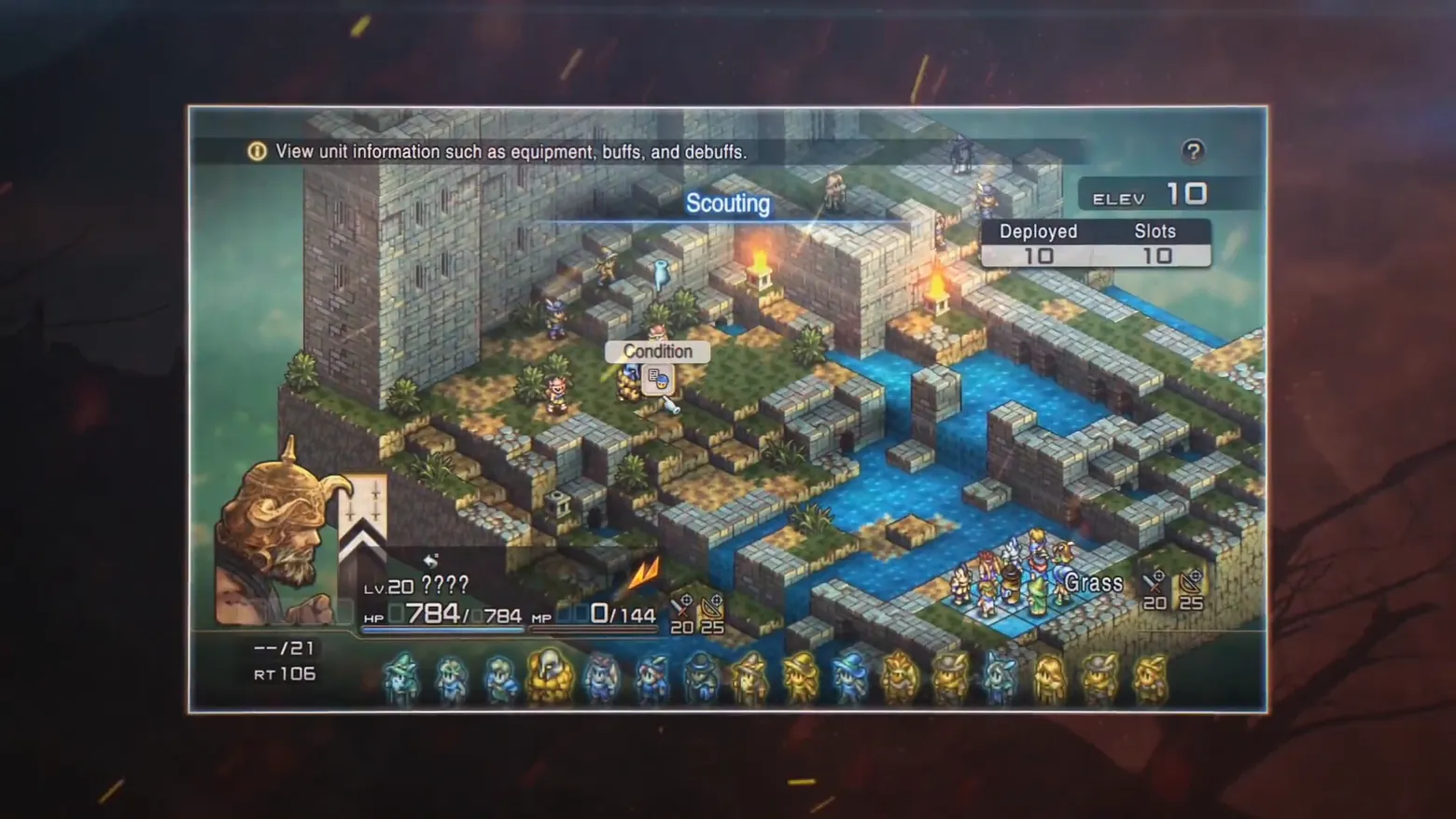
Scouting view: ELEV readout, unit card and turn-order strip
Tactics Ogre: Reborn · Battle / Tactics
Art style HD-2D & retro 3D
About this game
Developer: Square Enix · Publisher: Square Enix · Platform: PC (Steam) · Art style: HD-2D & retro 3D · Screen type: Battle / Tactics
More Tactics Ogre: Reborn screens in the Gallery
What to study
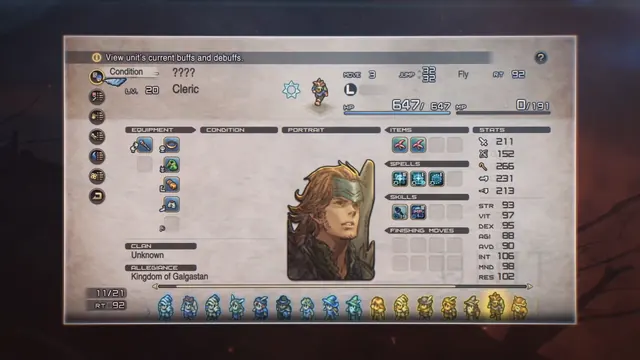
The pre-battle scouting screen the queue asked for, caught as a manual probe (the scene-change pass missed the whole UI sequence). Scouting in Tactics Ogre: Reborn is a free look over the exact field you are about to fight on, a height-stacked stone fortress split by a river, and every readout serves the height game: ELEV 10 prices the cursor tile, the inspected enemy's card gives HP, MP and RT (its recovery-time clock) while withholding its name (????), and the bottom strip lays out the turn order as unit sprites. A Condition tooltip hangs off the cursor unit and a one-line help ticker explains the mode. Nothing here is decorative: this is the forecast layer that makes an isometric tactics field legible before a single order is given. The trailer presents the screen as a framed panel over its dark backdrop (the panel is the full game screen; the embers outside it are trailer graphics). Frame at about 1:34 in the ESRB EN Launch Trailer (Steam), a manual probe extraction (probes/p94.png at 94.0s).
Patterns
How the screen is arranged.
Components
Parts on screen.
Card Menu Portrait Vitals bar Slots Tooltip
Screen inventory
- top, the help ticker in a dark strip: 'View unit information such as equipment, buffs, and debuffs.', the screen explains itself in one line, with a ? help button at the right end
- centre top, the mode label 'Scouting' in blue over the field, and top right the two numbers scouting exists for: ELEV 10 (the cursor tile's height) and Deployed 10 / Slots 10
- centre, a 'Condition' tooltip tab pinned to the inspected unit, with its small status card open beneath it, inspection is a cursor state, not a menu trip
- bottom left, the inspected unit's card: horned-helmet portrait, Lv. 20 ???? (an enemy whose name scouting has not earned), HP 784/784, MP 0/144, RT 106 and a --/21 counter, with attack/range glyphs reading 20 and 25
- bottom right, the terrain readout for the cursor tile, 'Grass' with the same 20 / 25 glyphs, and along the very bottom, the turn-order strip: fifteen small unit sprites in act order, allies and enemies in one line
Top 3 colors
#1f1718 27%#3b3136 23%#6c7771 16%
Top three palette colors by share. The remaining colors make up the rest.
Source and credit
© Square Enix, Tactics Ogre: Reborn screenshot: Tactics Ogre: Reborn - ESRB EN Launch Trailer video (Steam), shown for design study and commentary. PlayCraft is an unofficial fan project, not affiliated with or endorsed by Square Enix.
Source tier 2 (publisher-released) · screenshot: Steam store page · Steam page
Source details
Fetched 2026-10-21. verified 2026-10-21: manual probe frame (probes/p94.png, 94.0s) inspected visually at full resolution (1920x1080 native) and confirmed as a genuine, settled, fully legible scouting frame, help ticker, Scouting label, ELEV 10, Deployed/Slots 10/10, Condition tooltip, the Lv.20 ???? unit card and the turn-order strip are all sharp; trailer embers sit outside the panel only
no published policy found (checked 2026-10-21); fair-use study use, takedown honored within 48h
Rights holders: see Copyright & takedown.
Similar screens
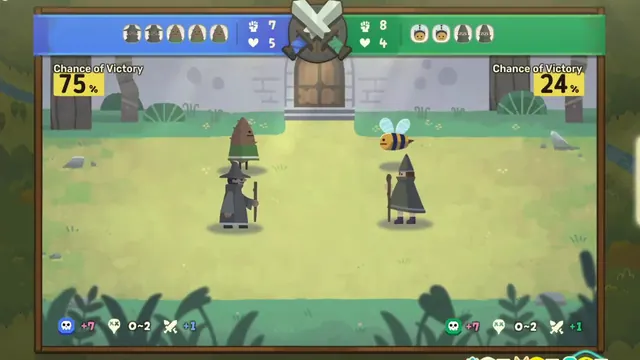 Dungeon Inn - Guild clash: Chance of Victory 75% vs 24%, party bars and stakes
Same type: Battle / Tactics; Shared patterns: data-overlay, status-row
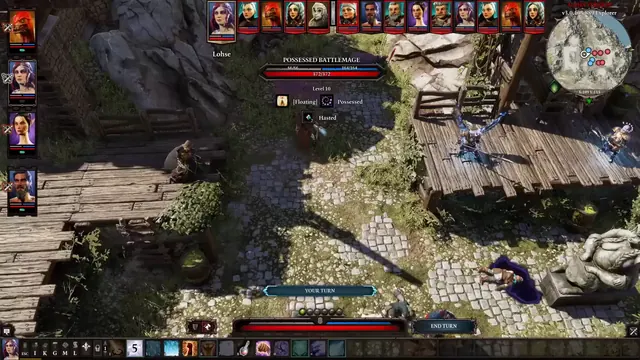 Divinity: Original Sin 2 - Tactical HUD: enemy readout, statuses and action-point pips
Same type: Battle / Tactics; Shared patterns: status-row
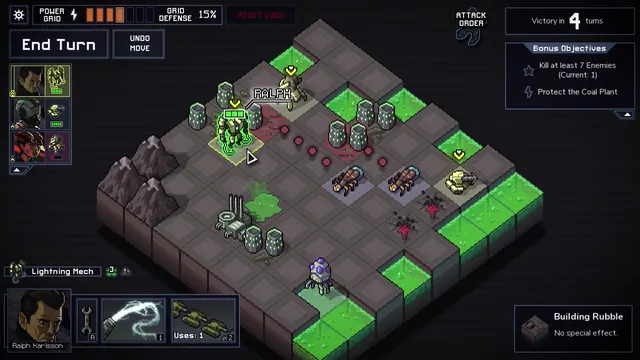 Into the Breach - Battle grid: Lightning Mech selected, enemy attacks telegraphed in red
Same type: Battle / Tactics; Shared patterns: status-row
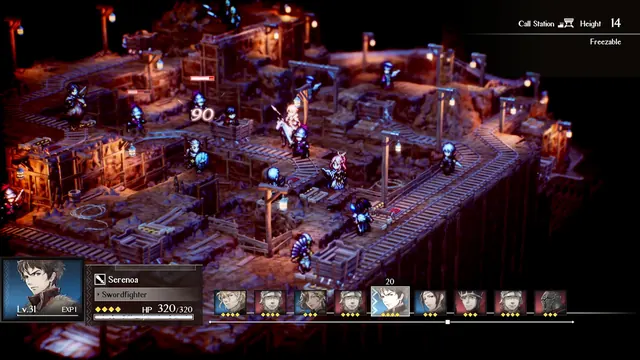 Triangle Strategy - Mine battle HUD: Serenoa's card, Height 14 / Freezable tile
Same type: Battle / Tactics; Shared patterns: status-row
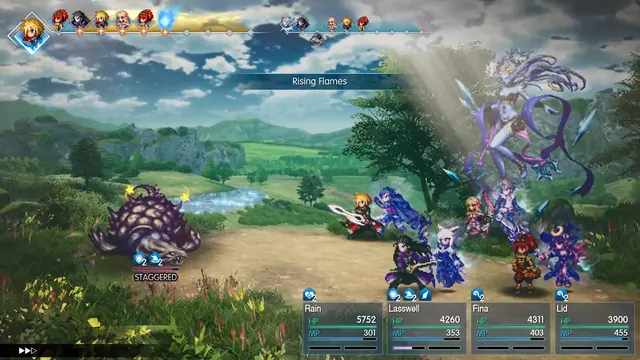 Final Fantasy Resonance - Battle: Rising Flames, timeline, status stacks and a Vision overhead
Same type: Battle / Tactics; Shared patterns: status-row
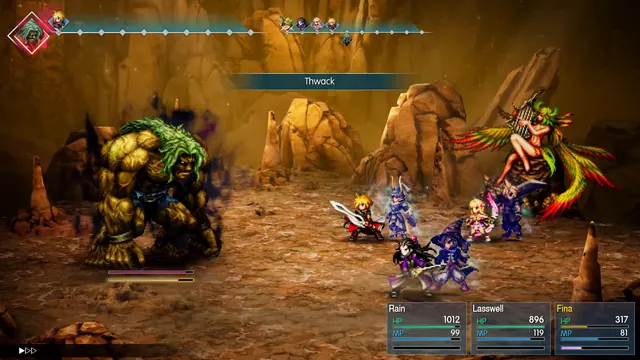 Final Fantasy Resonance - Battle: Thwack, the enemy takes the head of the timeline
Same type: Battle / Tactics; Shared patterns: status-row