Tactical HUD: enemy readout, statuses and action-point pips
Divinity: Original Sin 2 · Battle / Tactics
Art style Stylized 3D
About this game
Developer: Larian Studios · Publisher: Larian Studios · Platform: PC (Steam) · Art style: Stylized 3D · Screen type: Battle / Tactics
More Divinity: Original Sin 2 screens in the Gallery
What to study
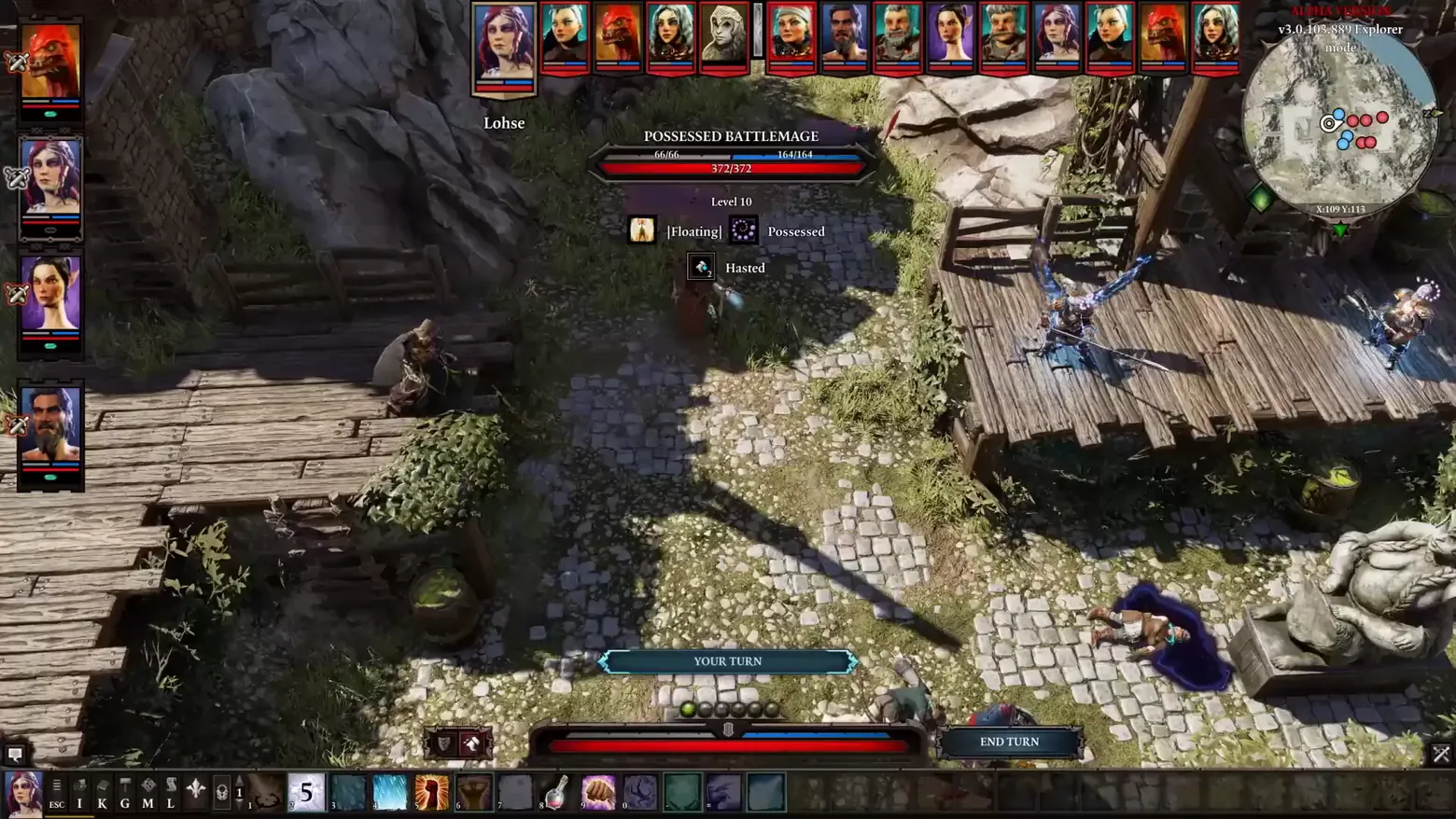
Original Sin 2's combat screen is built around one question, what can this character still do, and what is that enemy? The answer is layered. Across the top runs the whole fight as a strip of fifteen portraits in turn order, the active character pulled larger and named. Hovering an enemy opens a compact readout in the top centre: its name (POSSESSED BATTLEMAGE), three numbers that are really three defences, physical armour, magic armour (164/164) and vitality (372/372), its level, and its live statuses as labelled icons: Floating, Possessed, Hasted for 2 more turns. At the bottom, the current character's turn is a row of pips: action points are spent as dots, one green pip still lit above the armour/health bar, with END TURN parked at its right end and a YOUR TURN banner confirming whose move it is. Under everything sits the freeform hotbar, skills, potions and items in numbered slots the player arranged, with letter keys (I K G M L) opening the game's other panels. Frame at about 0:40 in the Trailer video (Steam), pipeline candidate v0_0011 at 39.9s.
Patterns
How the screen is arranged.
portrait-row status-row action-bar
Components
Parts on screen.
Banner Document Portrait Minimap Vitals bar Pips Slots Action bar
Screen inventory
- turn-order portrait strip across the top: 15 combatants, the active portrait (Lohse) enlarged and named below the strip
- hovered-enemy readout at top centre: POSSESSED BATTLEMAGE with three stacked bars, 66/66, 164/164 (magic armour) and 372/372 (vitality), and Level 10 beneath
- status row under the readout: [Floating], Possessed, and Hasted with a 2-turn counter on its icon
- party portraits down the left edge, each with red/blue armour-and-health bars and a small green action dot
- YOUR TURN banner above the bottom bar, with the action-point pips directly under it: one green (available) pip beside spent grey pips
- END TURN button at the bottom right of the vitality bar; the long red/blue bar itself is split physical/magic armour over health
- freeform hotbar along the very bottom: letter shortcuts (ESC I K G M L), a page indicator '1', then numbered skill and item slots (a 5-cost skill, potions, a fist skill)
- circular minimap at top right with blue/red unit dots and an X:109 Y:113 coordinate readout
Top 3 colors
#1c1917 25%#342725 23%#948770 15%
Top three palette colors by share. The remaining colors make up the rest.
Source and credit
© Larian Studios, Divinity: Original Sin 2 screenshot: Divinity: Original Sin 2 - Trailer and The Four Relics of Rivellon videos (Steam), shown for design study and commentary. PlayCraft is an unofficial fan project, not affiliated with or endorsed by Larian Studios.
Source tier 2 (publisher-released) · screenshot: Steam store page · Steam page
Source details
Fetched 2026-10-21. verified 2026-10-21: pipeline candidate v0_0011 (39.9s, Trailer video, Steam) inspected visually at full resolution (1920x1080 native); genuine in-game combat HUD confirmed settled and legible (enemy name, all three bar values, level, all three status labels, AP pips, turn-order strip and hotbar all readable); disclosed honestly: the source footage is from a development build, small red 'ALPHA VERSION v3.0.103.889 Explorer mode' text sits at the top-right, partly behind the minimap; no trailer typography or marketing overlay touches the HUD itself
no published policy found (checked 2026-10-21); fair-use study use, takedown honored within 48h
Rights holders: see Copyright & takedown.
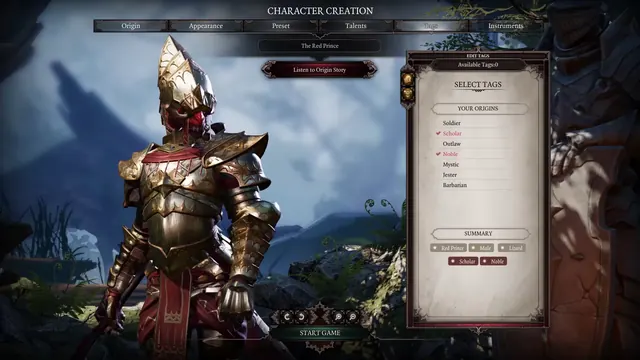
Similar screens
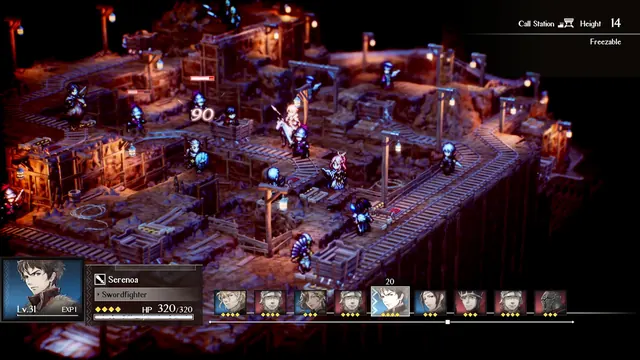 Triangle Strategy - Mine battle HUD: Serenoa's card, Height 14 / Freezable tile
Same type: Battle / Tactics; Shared patterns: portrait-row, status-row
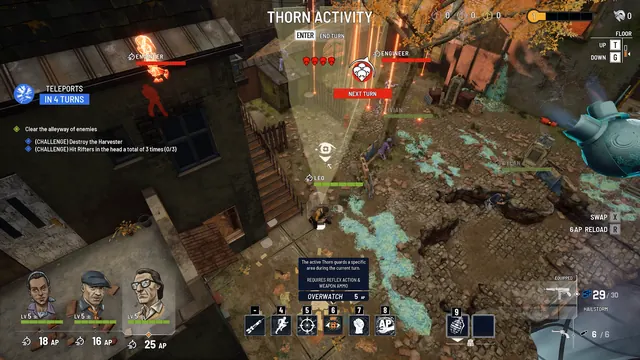 Every Day We Fight - Thorn Activity: the tactics layer with its sight cone out
Same type: Battle / Tactics; Shared patterns: portrait-row, action-bar
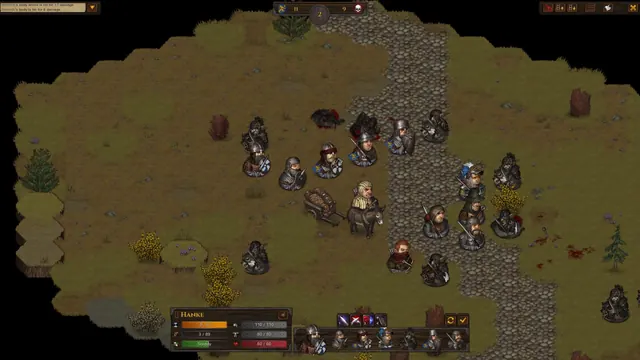 Battle Brothers - Battle HUD: round counter, Hanke's unit card, turn-order row
Same type: Battle / Tactics; Shared patterns: portrait-row, status-row
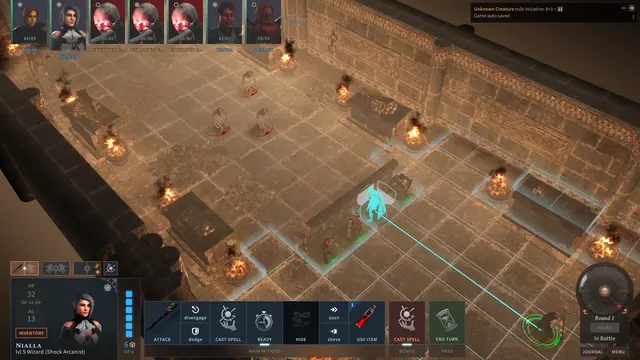 Solasta: Crown of the Magister - Battle: initiative row, action bar and a cyan movement line
Same type: Battle / Tactics; Shared patterns: action-bar, portrait-row
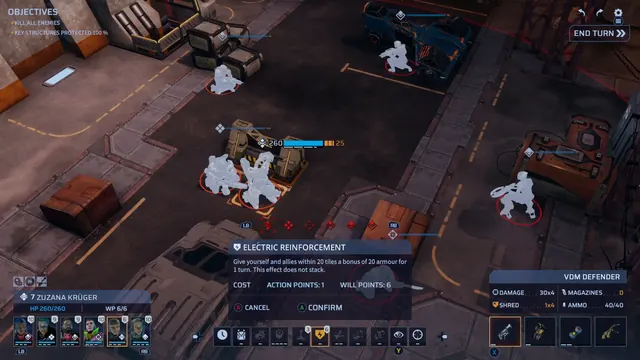 Phoenix Point - Tactical ability confirmation: Electric Reinforcement over the battlefield
Same type: Battle / Tactics; Shared patterns: action-bar, status-row
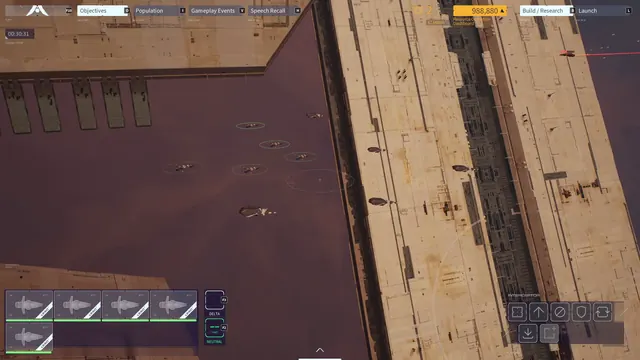 Homeworld 3 - Combat HUD: interceptor squad selected
Same type: Battle / Tactics; Shared patterns: action-bar, status-row