Dungeon Maker: Elven Chamber, Props palette as a thumbnail grid
Solasta: Crown of the Magister · City & Base Management
Art style Realistic 3D
About this game
Developer: Tactical Adventures · Publisher: Tactical Adventures · Platform: PC (Steam) · Art style: Realistic 3D · Screen type: City & Base Management
More Solasta: Crown of the Magister screens in the Gallery
What to study
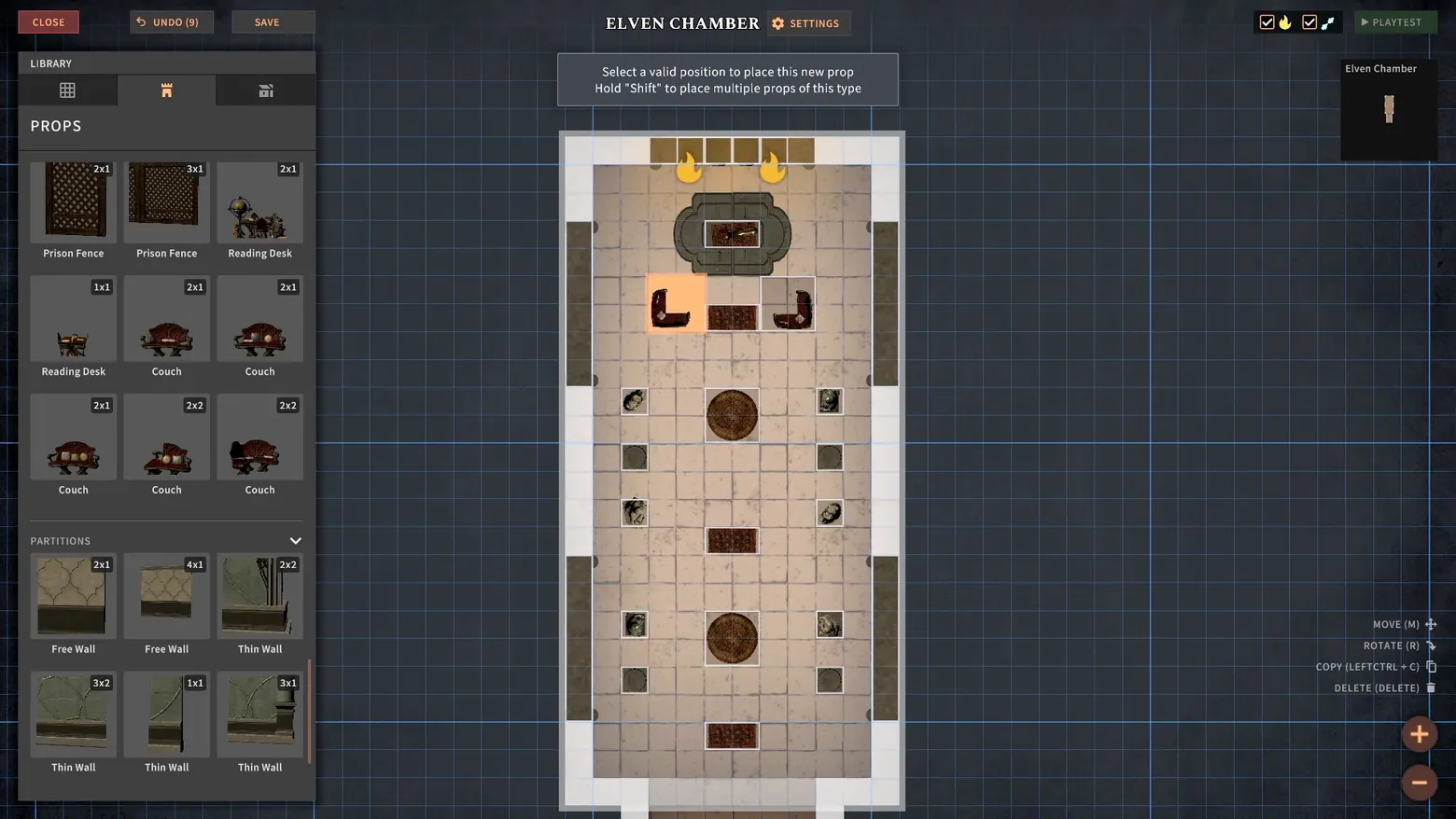
The Dungeon Maker's Props palette treats furniture the way a tabletop catalogue treats miniatures: each piece is a picture with its footprint printed on it, 2x1, 3x1, 2x2, so the first question a builder asks ('will it fit?') is answered inside the palette, before anything is picked up. The same grid absorbs architecture: PARTITIONS lists Free Wall and Thin Wall in the same tiles and badges, so building a room and furnishing it are one vocabulary. Guidance is equally spare, a two-line card that names the current verb and its modifier key ('Hold Shift to place multiple props of this type'), and an UNDO button that carries its own stack depth, 'UNDO (9)'. The canvas makes the scope plain: one named room, ELVEN CHAMBER, floating in a grid far larger than the screen. Frame at about 0:16 in the Dungeon Maker Trailer (Steam; manual extraction from the held editor segment, the scene-change pass produced no frame inside this shot).
Patterns
How the screen is arranged.
grid-overlay icon-grid side-panel
Components
Parts on screen.
Card Tabs Toolbar Grid List Minimap Badge
Screen inventory
- the LIBRARY panel's PROPS tab is a thumbnail grid, not a list: every prop is a small rendered picture with a footprint badge in its corner, Prison Fence 2x1 and 3x1, Reading Desk 2x1, Couch in three variants at 1x1, 2x1 and 2x2
- below the props, a PARTITIONS section repeats the same grid for architecture: Free Wall 2x1 and 4x1, Thin Wall 2x1, 2x2, 3x2, 1x1 and 3x1, walls are props with footprints, placed by the same gesture
- a single instruction card floats at top-centre: 'Select a valid position to place this new prop / Hold "Shift" to place multiple props of this type', the editor's whole tutorial is two lines that change with the held object
- the room being furnished, ELVEN CHAMBER, is named in the header and again in the top-right minimap panel; the chamber itself, one tall tiled room with couches, rugs and braziers already placed, sits centred on an otherwise empty blue grid that extends past the screen edges
- the chrome is four buttons and a key list: CLOSE, UNDO (9) and SAVE at top-left, SETTINGS beside the room name, PLAYTEST at top-right, and MOVE (M) / ROTATE (R) / COPY (LEFTCTRL + C) / DELETE (DELETE) at bottom-right
Top 3 colors
#2f353d 37%#3a3e42 16%#bfad9e 14%
Top three palette colors by share. The remaining colors make up the rest.
Source and credit
© Tactical Adventures, Solasta: Crown of the Magister screenshot: 1.0 Launch Trailer + Dungeon Maker Trailer (Steam), Tactical Adventures, shown for design study and commentary. PlayCraft is an unofficial fan project, not affiliated with or endorsed by Tactical Adventures.
Source tier 2 (publisher-released) · screenshot: Steam store page · Steam page
Source details
Fetched 2026-10-25. verified 2026-10-25: manual extraction manual-dungeonmaker-16s.png @ ~16s in the Dungeon Maker Trailer, MD5 5aa2f380df2cf4e665b2f7cf22405cbc, from the HLS download (62,228,132 B, MD5 4406ca3dd85c2e39816f7a06b830b9fc; full decode to null exit 0, zero error lines), inspected visually at full resolution (1920x1080 native); the ELVEN CHAMBER header, the PROPS grid with footprint badges (Prison Fence 2x1/3x1, Reading Desk, Couch 1x1/2x1/2x2), the PARTITIONS rows (Free Wall, Thin Wall), the two-line placement prompt and UNDO (9) all legible; no trailer text or marketing overlay in frame
no published policy found (checked 2026-10-25); fair-use study use, takedown honored within 48h
Rights holders: see Copyright & takedown.
Similar screens
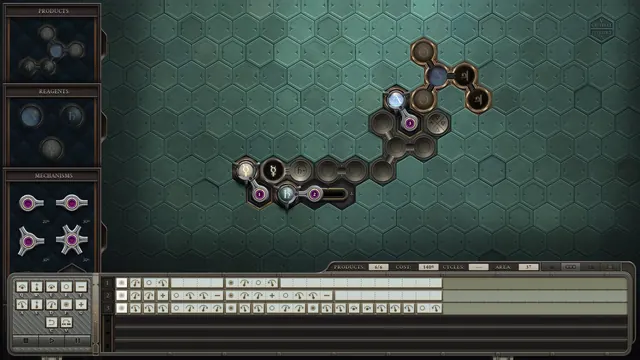 Opus Magnum - Transmutation engine editor, first solution: COST 140G, AREA 37
Same type: City & Base Management; Shared patterns: side-panel, grid-overlay
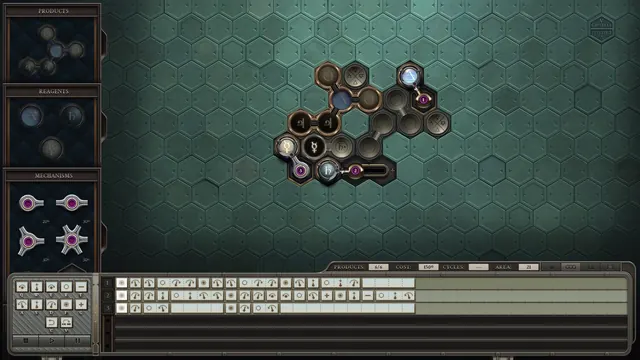 Opus Magnum - Transmutation engine editor, compact redesign: AREA 21
Same type: City & Base Management; Shared patterns: side-panel, grid-overlay
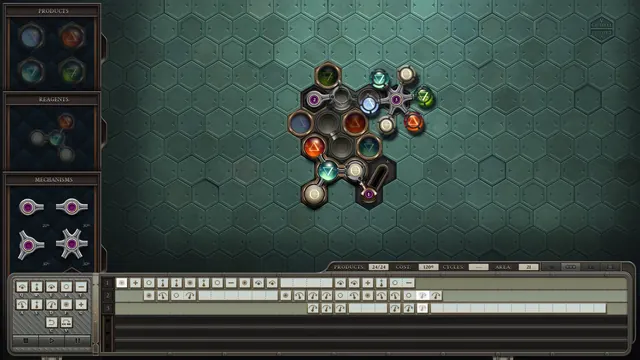 Opus Magnum - Transmutation engine editor, elemental puzzle: 24/24
Same type: City & Base Management; Shared patterns: side-panel, grid-overlay
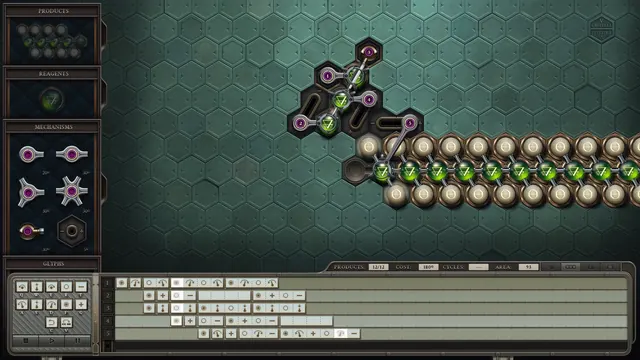 Opus Magnum - Transmutation engine editor, repeating chain: AREA 93
Same type: City & Base Management; Shared patterns: side-panel, grid-overlay
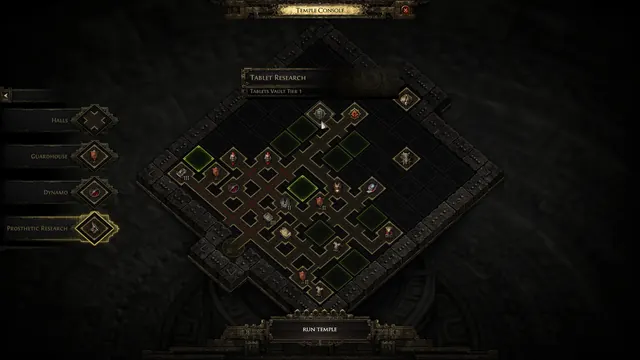 Path of Exile 2 - Temple Console: room palette, Tablet Research bar, Run Temple
Same type: City & Base Management; Shared patterns: grid-overlay, side-panel
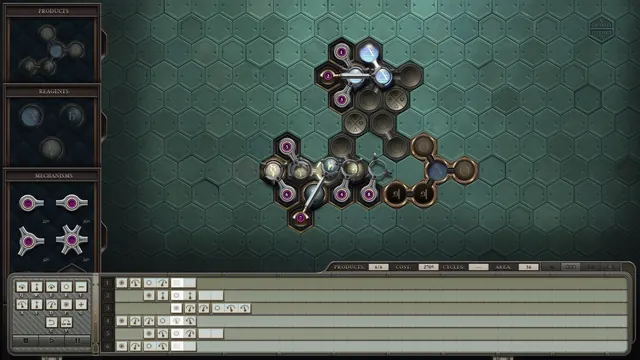 Opus Magnum - Transmutation engine editor, eight-arm rebuild: same puzzle, COST 270G, AREA 36, six instruction tracks
Same type: City & Base Management; Shared patterns: side-panel, grid-overlay