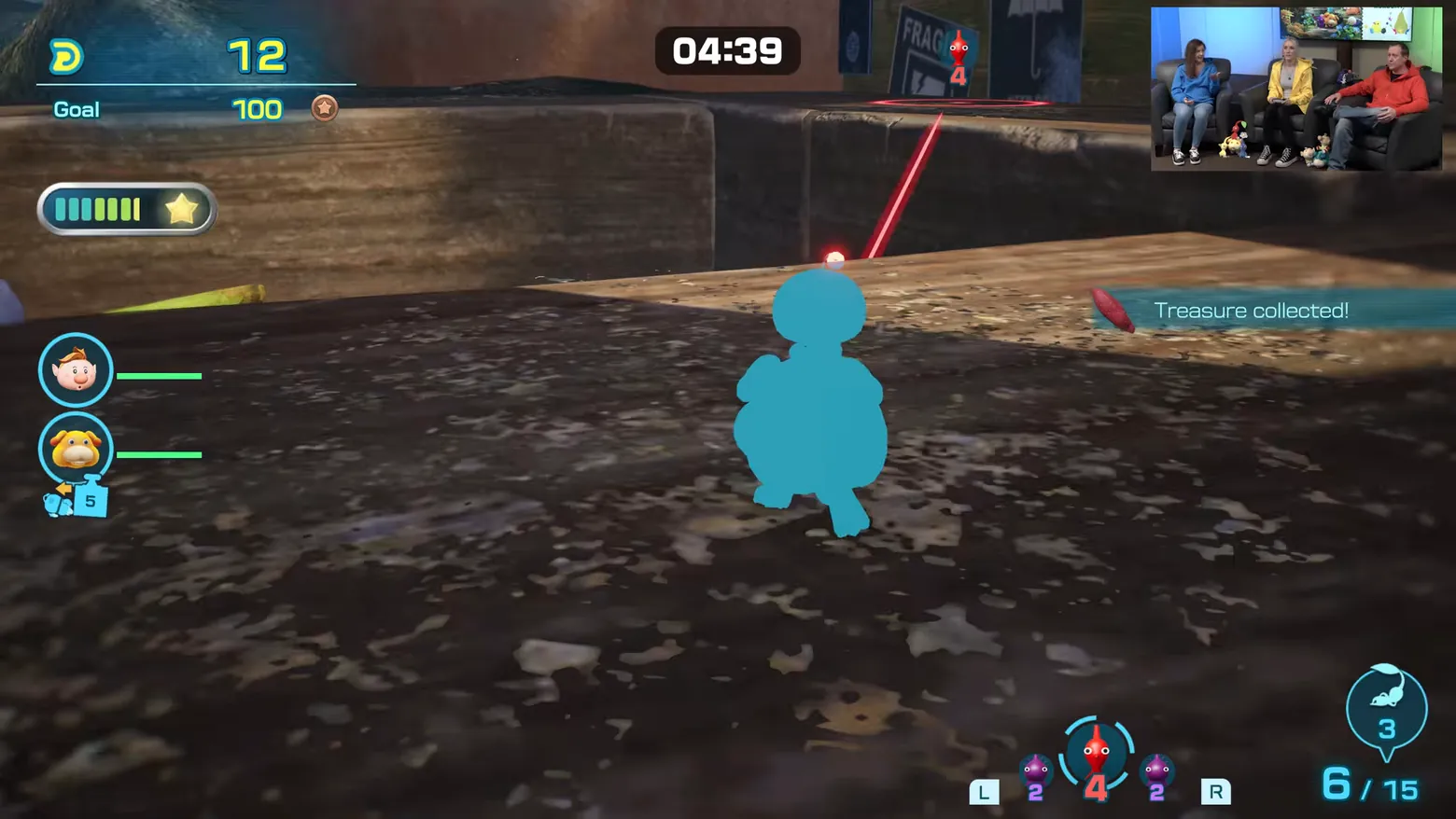
Treasure collected banner: 12 of 100 goal, 4:39 remaining
Pikmin 4 · HUD & Gameplay UI
Art style Stylized 3D
About this game
Developer: Nintendo · Publisher: Nintendo · Platform: Nintendo Switch 2 · Art style: Stylized 3D · Screen type: HUD & Gameplay UI
More Pikmin 4 screens in the Gallery
What to study
The collection moment is announced twice: a 'Treasure collected!' toast slides in at right while the goal meter ticks from 0 to 12 against the same bronze 100, so the player sees both the event and its effect on the score at a glance. The bottom-right selector is the squad system in miniature, Red Pikmin selected (4) between two Purple Pikmin counts (2 and 2), switched with L and R, and the 6 / 15 squad readout beside it separates the active party from the total carried. The oversized blue silhouette in the foreground is the player's own Pikmin type indicator blown up to fill the frame, a reminder that Pikmin's HUD is drawn from the world itself. The frame carries the Treehouse stream's picture-in-picture hosts inset at top right. Frame at about 7:39 in the Nintendo Treehouse Plays video (YouTube), pipeline candidate candidates/v0_0005.png at 459.2s; Treehouse Plays footage of the Switch 2 Edition ahead of its Nov 12, 2026 launch.
Patterns
How the screen is arranged.
hud-overlay alert-banner status-row
Components
Parts on screen.
Toast Resource bar Clock Portrait Vitals bar Progress bar Quest tracker Button prompts
Screen inventory
- top-left goal meter reading 12 against a bronze-medal goal of 100
- top-centre countdown pill reading 04:39
- a 'Treasure collected!' toast banner at right with a small red treasure icon
- left edge captain and Oatchi portrait discs with green status bars and a Pup Strength 5 icon below
- left star meter, a segmented bar with a star at its end
- bottom-right Pikmin type selector with Red Pikmin selected (4) between Purple Pikmin (2 and 2), L and R switch prompts
- bottom-right squad readout reading 6 / 15 with a creature icon reading 3
- a large blue Pikmin silhouette in the centre foreground and a red laser aim line
- picture-in-picture inset of the Treehouse hosts at top right (stream overlay, not game UI)
Top 3 colors
#3e3532 21%#201b1b 20%#282220 17%
Top three palette colors by share. The remaining colors make up the rest.
Source and credit
© Nintendo, Pikmin 4 screenshot: Nintendo Treehouse Plays video (YouTube 6x-yH4wkOYQ), shown for design study and commentary. PlayCraft is an unofficial fan project, not affiliated with or endorsed by Nintendo.
Source tier 2 (publisher-released) · screenshot: Steam store page · Official game page
Source details
Fetched 2026-11-03. verified 2026-11-03: pipeline candidate frame inspected visually at full resolution (1920x1080); real game UI ('Treasure collected!' toast, 12/100 goal meter, 04:39 countdown, Pikmin type selector with Red 4 selected, squad 6/15 readout) confirmed visible and legible; the only overlay beyond the UI is the Treehouse stream's picture-in-picture hosts inset at top right
Nintendo Game Content Guidelines for Online Video & Image Sharing Platforms: use of officially released Nintendo promotional material with commentary permitted; no affiliation implied
Rights holders: see Copyright & takedown.
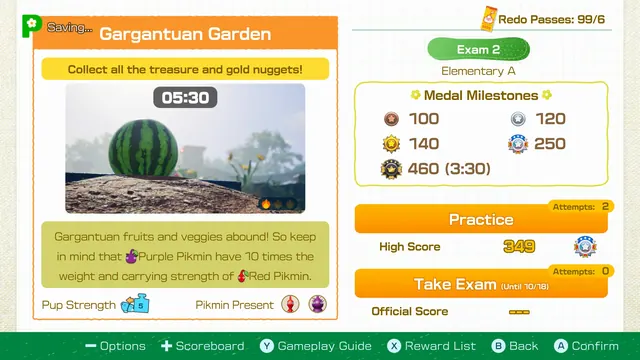
Similar screens
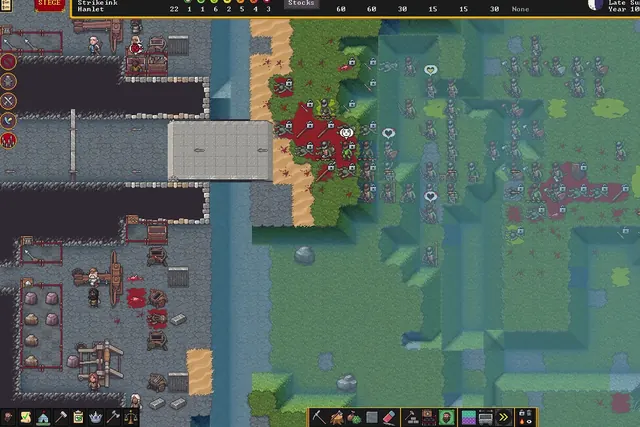 Dwarf Fortress - Fortress HUD under siege: status bar, Stocks readout and toolbars
Same type: HUD & Gameplay UI; Shared patterns: alert-banner, status-row
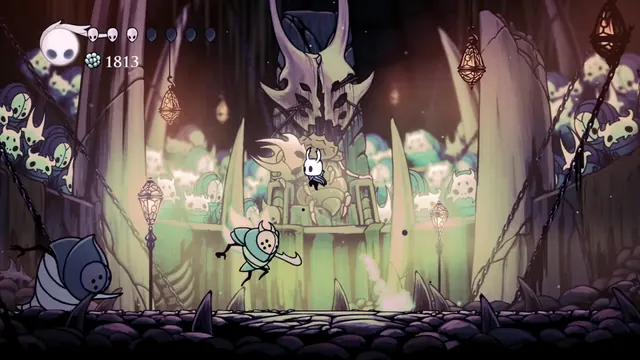 Hollow Knight - Combat HUD in the Colosseum of Fools: soul vessel, masks and Geo
Same type: HUD & Gameplay UI; Shared patterns: status-row, hud-overlay
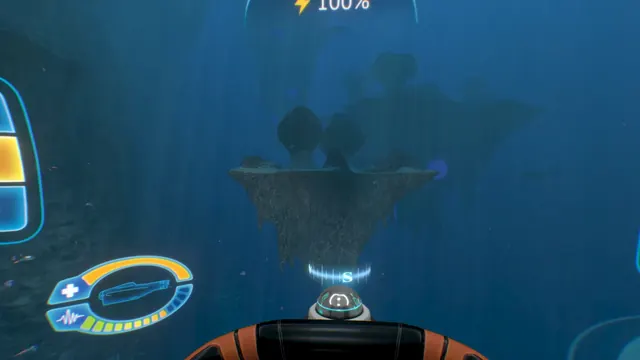 Subnautica - Cyclops helm HUD: power readout and the oval status gauge
Same type: HUD & Gameplay UI; Shared patterns: hud-overlay, status-row
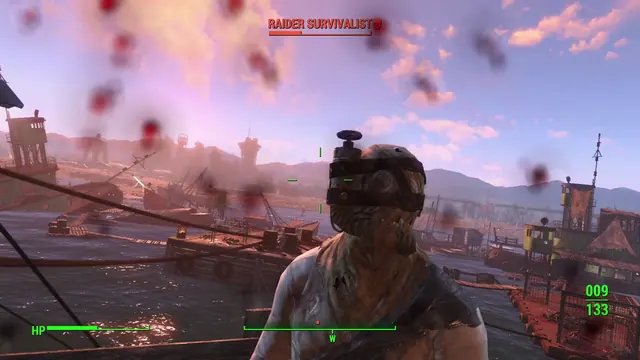 Fallout 4 - Combat HUD: 'RAIDER SURVIVALIST' nameplate with skull icon, HP bar, ammo 009/133
Same type: HUD & Gameplay UI; Shared patterns: hud-overlay, status-row
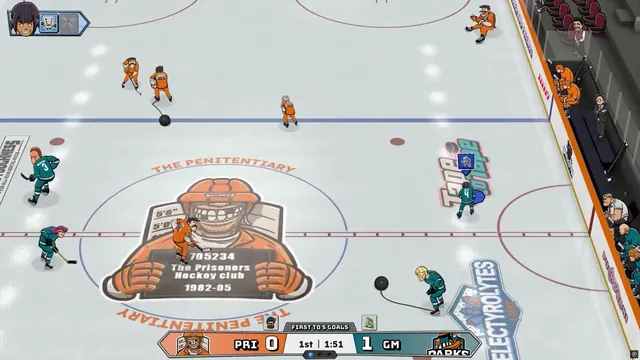 Tape to Tape - Match HUD: Prisoners at The Penitentiary, first to 5 goals
Same type: HUD & Gameplay UI; Shared patterns: status-row, hud-overlay
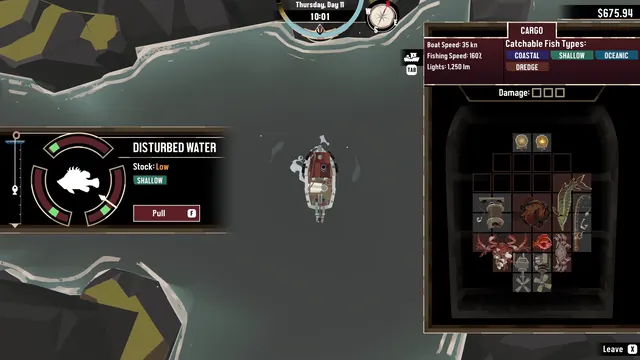 DREDGE - Fishing over disturbed water: timing gauge, 'Stock: Low'
Same type: HUD & Gameplay UI; Shared patterns: hud-overlay, status-row