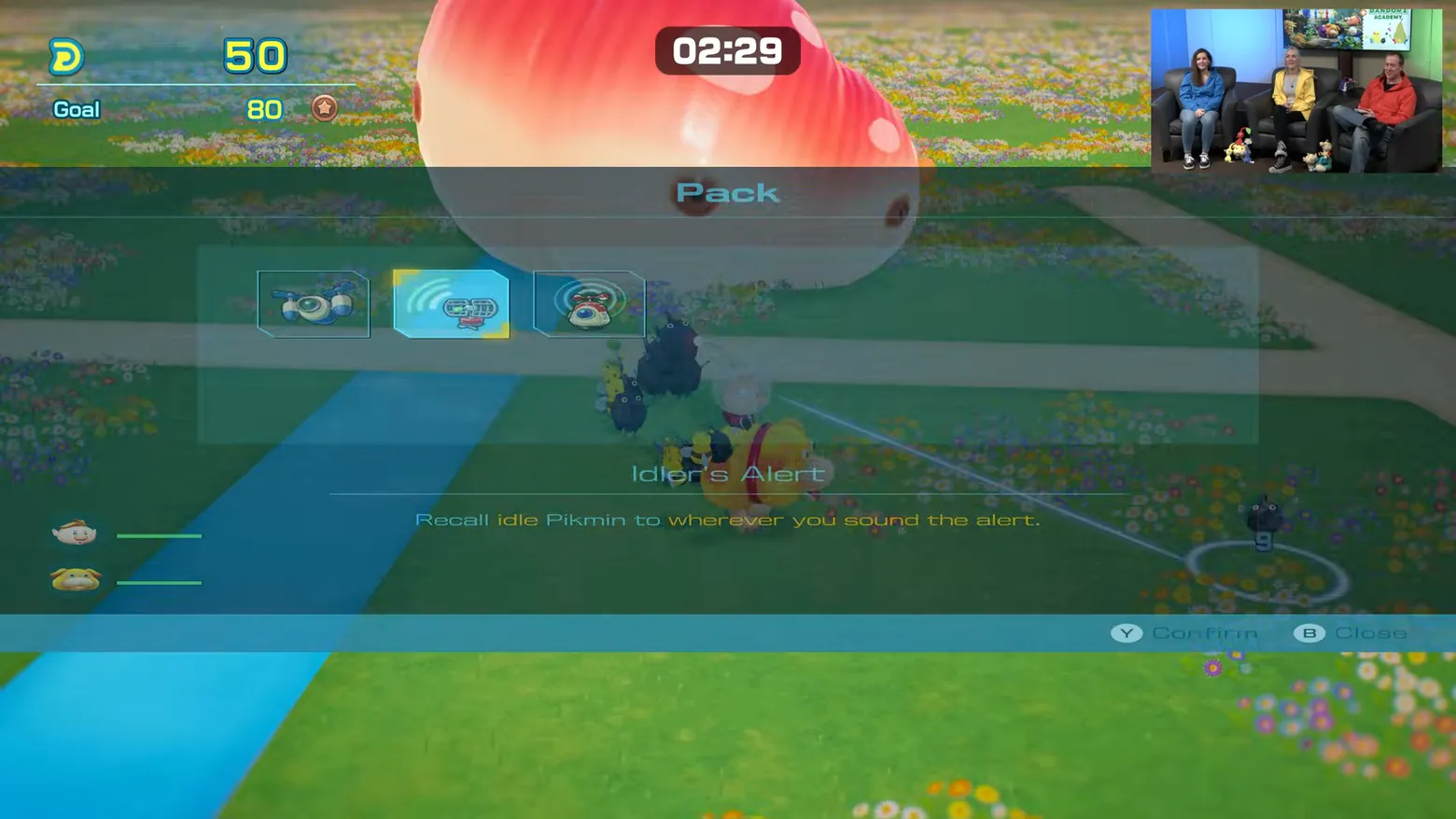
Pack menu: Idler's Alert selected over the garden
Pikmin 4 · HUD & Gameplay UI
Art style Stylized 3D
About this game
Developer: Nintendo · Publisher: Nintendo · Platform: Nintendo Switch 2 · Art style: Stylized 3D · Screen type: HUD & Gameplay UI
More Pikmin 4 screens in the Gallery
What to study
The Pack menu is an inventory that never leaves the world: a translucent bar of three item icons hangs over the live garden, the selected item (Idler's Alert) gets a one-line description of exactly what it does ('Recall idle Pikmin to wherever you sound the alert'), and Y Confirm / B Close close the loop at the footer. Because the menu is translucent, the goal meter (50 of 80) and the 02:29 countdown stay visible above it, so opening an item never costs the player the exam clock. That is the Dandori design in one overlay: timed collection where even the pause for items is priced in seconds. The frame carries the Treehouse stream's picture-in-picture hosts inset at top right. Frame at about 23:04 in the Nintendo Treehouse Plays video (YouTube), pipeline candidate candidates/v0_0016.png at 1384.03s; Treehouse Plays footage of the Switch 2 Edition ahead of its Nov 12, 2026 launch.
Patterns
How the screen is arranged.
overlay-menu action-bar detail-panel
Components
Parts on screen.
Menu Tooltip Button prompts Resource bar Clock Portrait Vitals bar Quest tracker Action bar
Screen inventory
- top-left goal meter reading 50 against a bronze-medal goal of 80
- top-centre countdown pill reading 02:29
- a translucent 'Pack' item bar across the upper middle with three item icons, the middle one highlighted
- a description line under the selection reading "Idler's Alert" with the text 'Recall idle Pikmin to wherever you sound the alert.'
- left edge captain and Oatchi portrait discs with green status bars
- bottom footer bar with 'Y Confirm' and 'B Close' prompts at right
- the garden and a large red-spotted creature visible behind the translucent menu
- picture-in-picture inset of the Treehouse hosts at top right (stream overlay, not game UI)
Top 3 colors
#567a68 26%#305143 23%#204c42 20%
Top three palette colors by share. The remaining colors make up the rest.
Source and credit
© Nintendo, Pikmin 4 screenshot: Nintendo Treehouse Plays video (YouTube 6x-yH4wkOYQ), shown for design study and commentary. PlayCraft is an unofficial fan project, not affiliated with or endorsed by Nintendo.
Source tier 2 (publisher-released) · screenshot: Steam store page · Official game page
Source details
Fetched 2026-11-03. verified 2026-11-03: pipeline candidate frame inspected visually at full resolution (1920x1080); real game UI (Pack item bar with Idler's Alert selected and described, 50/80 goal meter, 02:29 countdown, Y Confirm / B Close footer) confirmed visible and legible; the only overlay beyond the UI is the Treehouse stream's picture-in-picture hosts inset at top right
Nintendo Game Content Guidelines for Online Video & Image Sharing Platforms: use of officially released Nintendo promotional material with commentary permitted; no affiliation implied
Rights holders: see Copyright & takedown.
Similar screens
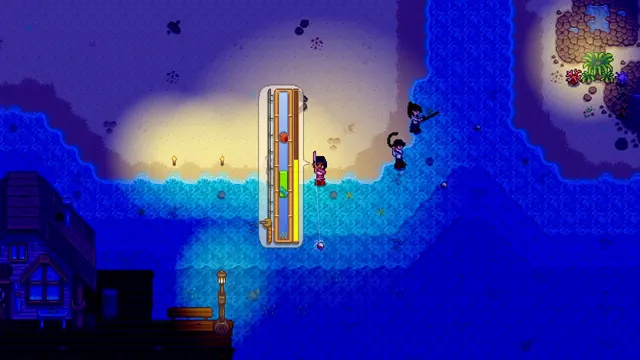 Stardew Valley - Fishing minigame: keep the fish inside the green bar
Same type: HUD & Gameplay UI; Shared patterns: detail-panel
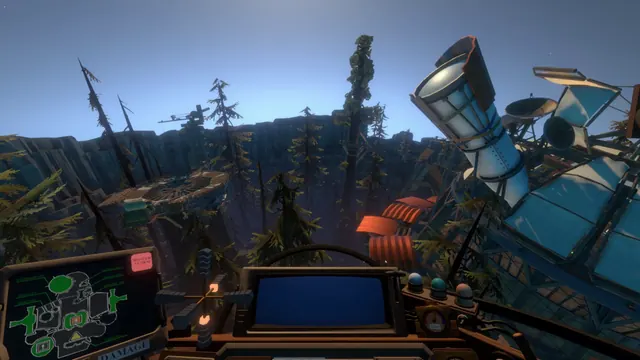 Outer Wilds - Ship cockpit: the DAMAGE schematic dashboard
Same type: HUD & Gameplay UI; Shared patterns: detail-panel
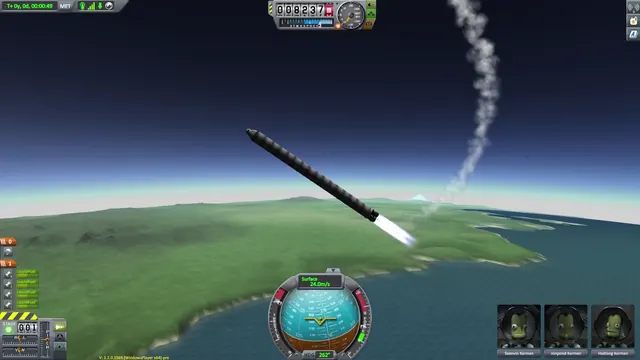 Kerbal Space Program - Flight HUD: navball, staging stack and crew portraits in ascent
Same type: HUD & Gameplay UI; Shared patterns: action-bar
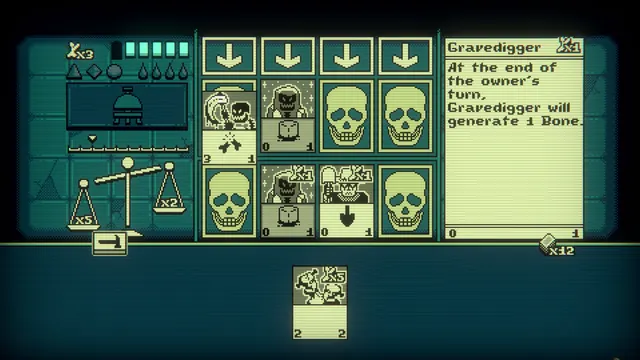 Inscryption - The same game, flattened: Act 2's pixel battle and the Gravedigger panel
Same type: HUD & Gameplay UI; Shared patterns: detail-panel
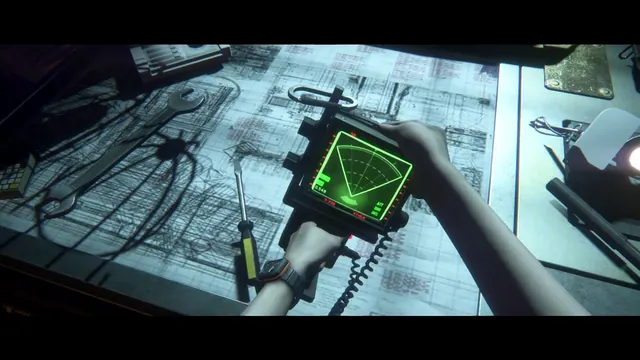 Alien: Isolation - Motion tracker held in both hands over a blueprint-covered workbench
Same type: HUD & Gameplay UI; Shared patterns: detail-panel
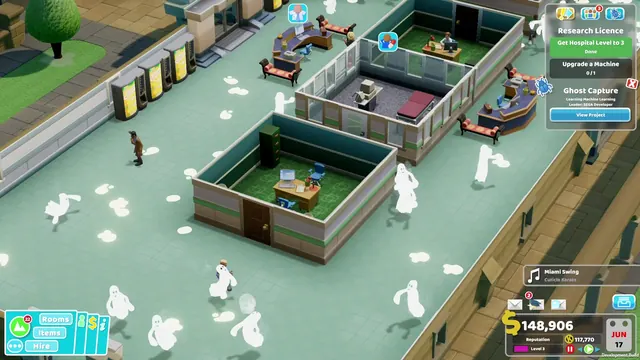 Two Point Hospital - Ghost-infested ward: Research Licence tracker, the Ghost Capture project card and the music toast
Same type: HUD & Gameplay UI; Shared patterns: detail-panel