Gargantuan Garden exam briefing: medal milestones, Practice and Take Exam
Pikmin 4 · Settings / System
Art style Stylized 3D
About this game
Developer: Nintendo · Publisher: Nintendo · Platform: Nintendo Switch 2 · Art style: Stylized 3D · Screen type: Settings / System
More Pikmin 4 screens in the Gallery
What to study
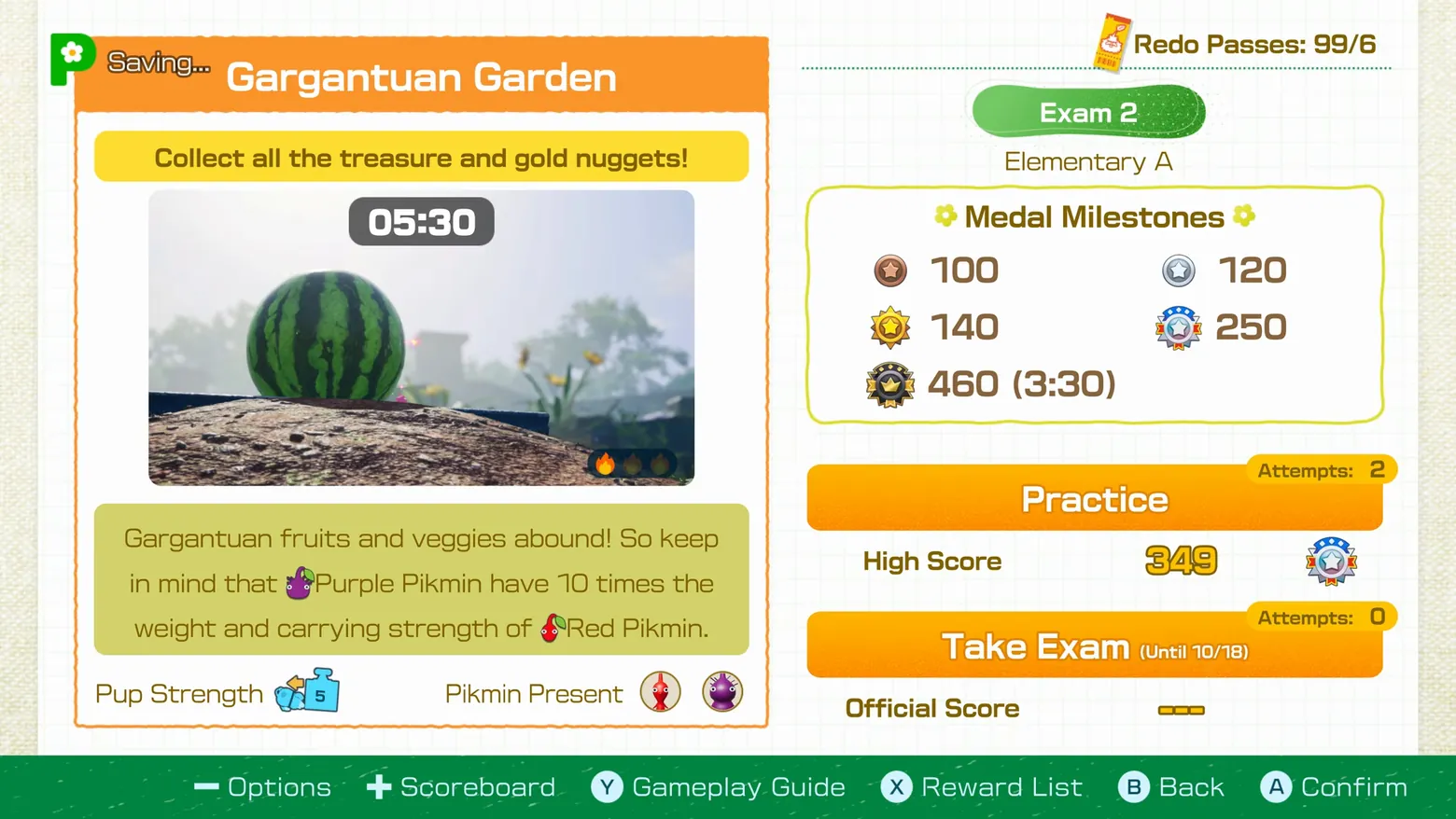
The Dandori Academy exam briefing is a study sheet before it is a menu: the left card states the task ('Collect all the treasure and gold nuggets!'), the time limit (05:30) and one tactical hint (Purple Pikmin carry ten times a Red's weight), while the right column turns scoring into five explicit medal thresholds, from bronze 100 to a black 460 that also demands a 3:30 finish. Practice and Take Exam are kept as two separate commitments with their own attempt counters (Practice 2 left, Exam 0 used, window until 10/18), so the player can rehearse without spending a scored run, and the High Score (349) sits beside Practice as the bar to beat. The 'Saving...' tag is the game's own autosave indicator. Frame at about 12:05 in the Nintendo Treehouse Plays video (YouTube), pipeline candidate candidates/v0_0009.png at 724.75s; Treehouse Plays footage of the Switch 2 Edition ahead of its Nov 12, 2026 launch.
Patterns
How the screen is arranged.
split-panel stat-panel action-list
Components
Parts on screen.
Menu Choices Clock Button prompts Resource bar
Screen inventory
- a full-screen exam briefing on graph-paper background, split into a left stage card and a right milestones column
- orange header reading 'Gargantuan Garden' with a 'Saving...' autosave tag at its top left
- yellow objective strip reading 'Collect all the treasure and gold nuggets!' over a photo of a giant watermelon
- a 05:30 duration pill over the photo and a tip box noting Purple Pikmin have 10 times the weight and carrying strength of Red Pikmin
- footer rows reading 'Pup Strength' with a level-5 weight icon and 'Pikmin Present' with Red and Purple Pikmin portraits
- right column: green 'Exam 2' pill, 'Elementary A' difficulty label, 'Redo Passes: 99/6' at top
- a 'Medal Milestones' box listing bronze 100, silver 120, gold 140, platinum 250 and black 460 (3:30) thresholds
- two large orange buttons, 'Practice' (Attempts: 2, High Score 349) and 'Take Exam (Until 10/18)' (Attempts: 0, Official Score blank)
- green footer bar with controller prompts: Options, Scoreboard, Gameplay Guide, Reward List, Back, Confirm
Top 3 colors
#fdfefe 32%#828a42 20%#f4f5ec 16%
Top three palette colors by share. The remaining colors make up the rest.
Source and credit
© Nintendo, Pikmin 4 screenshot: Nintendo Treehouse Plays video (YouTube 6x-yH4wkOYQ), shown for design study and commentary. PlayCraft is an unofficial fan project, not affiliated with or endorsed by Nintendo.
Source tier 2 (publisher-released) · screenshot: Steam store page · Official game page
Source details
Fetched 2026-11-03. verified 2026-11-03: pipeline candidate frame inspected visually at full resolution (1920x1080); real game UI (Gargantuan Garden briefing, Medal Milestones 100/120/140/250/460, Practice and Take Exam buttons, controller prompt footer) confirmed visible and legible; no stream overlay in frame
Nintendo Game Content Guidelines for Online Video & Image Sharing Platforms: use of officially released Nintendo promotional material with commentary permitted; no affiliation implied
Rights holders: see Copyright & takedown.
Similar screens
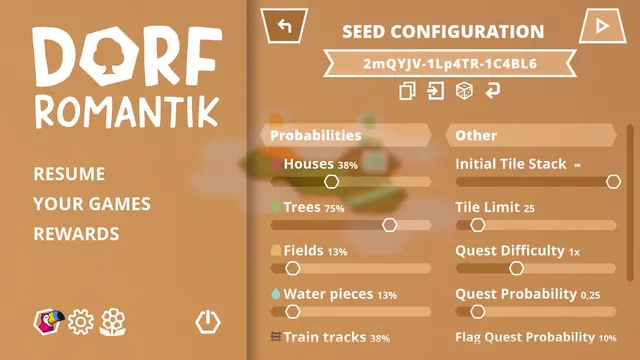 Dorfromantik - Seed Configuration: tile probabilities and run rules as sliders
Same type: Settings / System; Shared patterns: split-panel
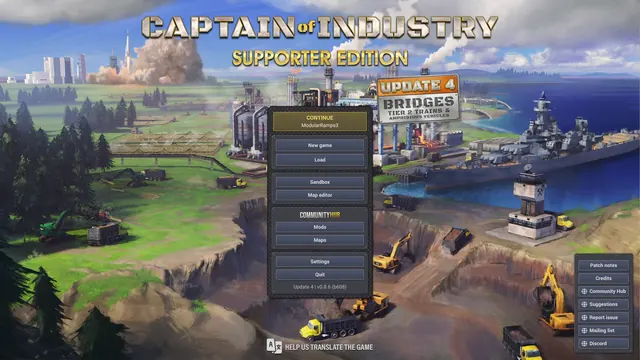 Captain of Industry - Main menu: Continue, Sandbox, Map editor, Community Hub
Same type: Settings / System; Shared patterns: action-list
 Sonic Racing: CrossWorlds - Main menu: Rival Duel highlighted among Grand Prix, Race Park and Time Trial
Same type: Settings / System; Shared patterns: action-list
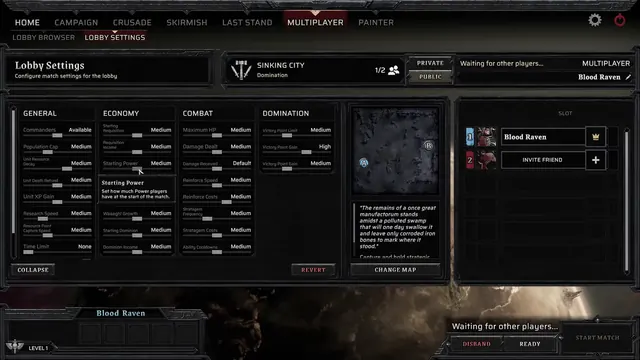 Warhammer 40,000: Dawn of War IV - Multiplayer Lobby Settings: four columns of match sliders
Same type: Settings / System
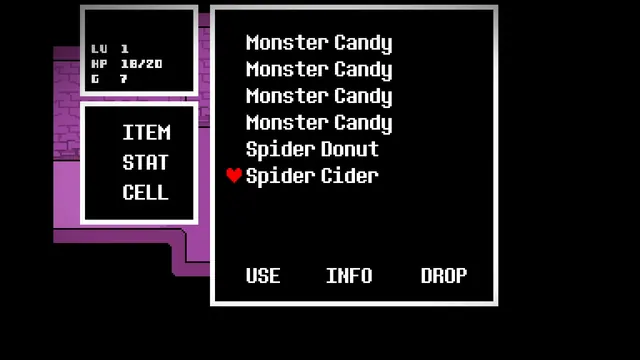 Undertale - Overworld menu: ITEM list with USE / INFO / DROP
Shared patterns: action-list, stat-panel
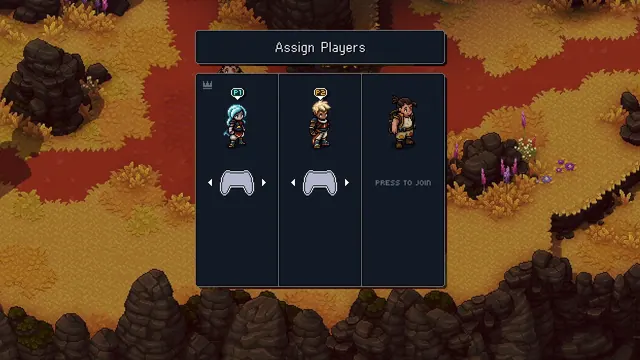 Sea of Stars - Assign Players: co-op controllers mapped to the party
Same type: Settings / System