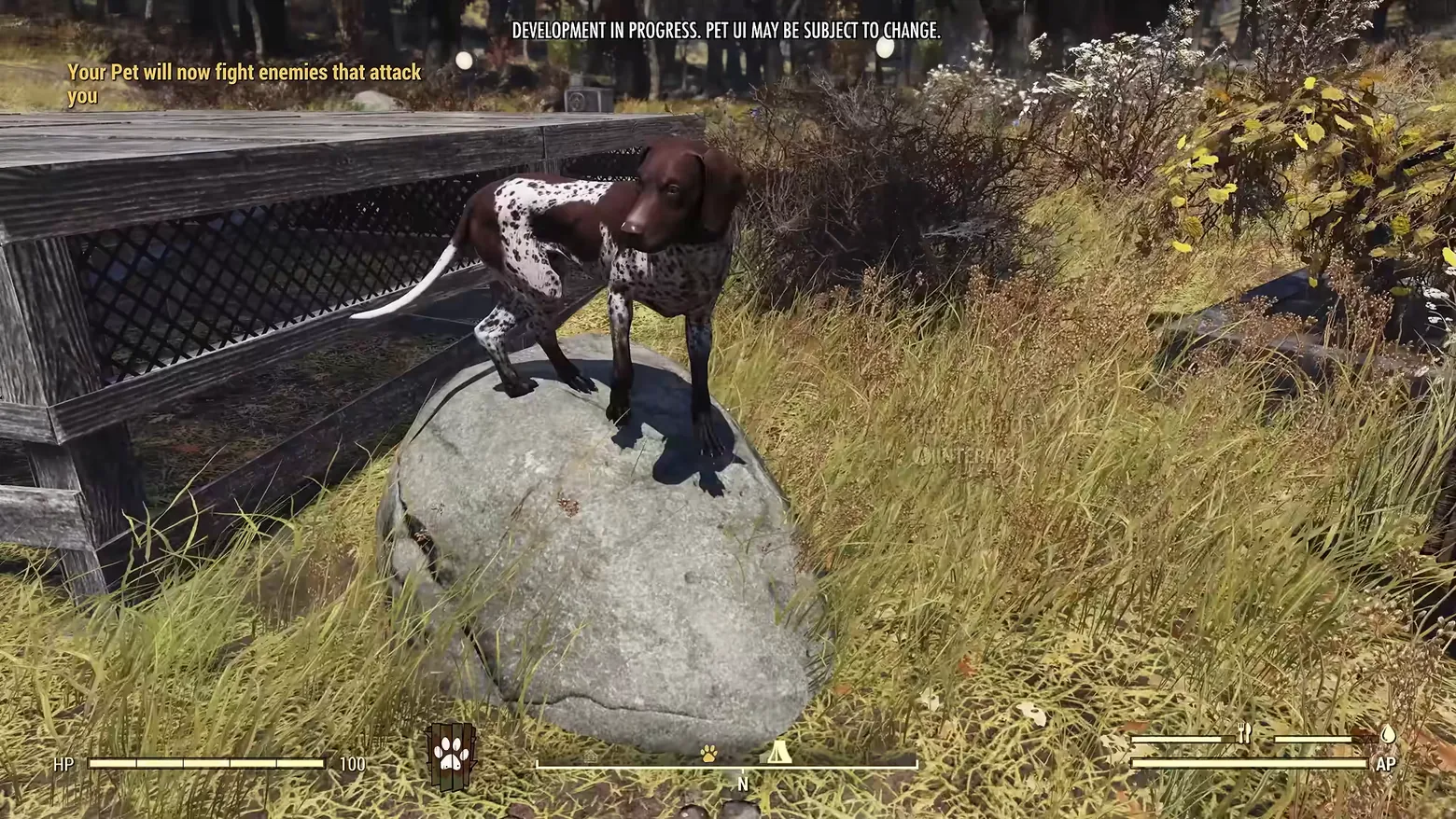
HUD notification: 'Your Pet will now fight enemies that attack you'
Fallout 76 · HUD & Gameplay UI
Art style Realistic 3D
About this game
Developer: Bethesda Game Studios · Publisher: Bethesda Softworks · Platform: PC (Steam) · Art style: Realistic 3D · Screen type: HUD & Gameplay UI
More Fallout 76 screens in the Gallery
What to study
The command wheel's other half is a sentence. After a behaviour is picked on the wheel, the game confirms it in plain words at the upper left of the HUD, 'Your Pet will now fight enemies that attack you', in the same yellow the wheel used for its selection label, while the pet, a spotted dog standing on a boulder, stays centre frame. The rest of the HUD is the game's everyday furniture (HP 100 bottom left, AP and need meters bottom right), but the compass strip at bottom centre now works for two: alongside the tent icon for the C.A.M.P. it carries a paw icon for the pet, and the paw-over-planks badge from the wheel sits just left of the compass as the active-behaviour marker. Cause on the wheel, effect as a sentence, state on the compass, the pet system explains itself across three small surfaces instead of a tutorial page. The frame carries the source video's own banner, 'DEVELOPMENT IN PROGRESS. PET UI MAY BE SUBJECT TO CHANGE.' Frame at about 1:31 in the World Pets overview (YouTube), pipeline candidate candidates/v0_0033.png at 90.9s.
Patterns
How the screen is arranged.
hud-overlay notification-feed minimal-hud
Components
Parts on screen.
Menu Compass Vitals bar Gauge Button prompts Badge
Screen inventory
- a yellow notification line at upper left reading 'Your Pet will now fight enemies that attack you'
- the pet itself, a brown-and-white spotted dog, standing on a boulder at centre frame, looking back at the camera
- the standard HUD along the bottom: 'HP' label and segmented bar with '100' at bottom left, a compass strip at bottom centre facing 'N' carrying a paw icon and a tent (C.A.M.P.) icon
- a small paw-over-planks behaviour badge icon just left of the compass, matching the command wheel's selected icon
- hunger / thirst style meters and an 'AP' bar at bottom right
- a faint 'INTERACT' prompt ghosted over the grass at right (mid-fade)
Top 3 colors
#2b2526 24%#86774f 21%#95875c 17%
Top three palette colors by share. The remaining colors make up the rest.
Source and credit
© Bethesda Game Studios / Bethesda Softworks, Fallout 76 screenshot: World Pets overview (YouTube EjokV-YIaQM), Bethesda Game Studios / Bethesda Softworks, shown for design study and commentary. PlayCraft is an unofficial fan project, not affiliated with or endorsed by Bethesda Softworks.
Source tier 2 (publisher-released) · screenshot: Steam store page · Steam page
Source details
Fetched 2026-10-24. verified 2026-10-24: pipeline candidate frame inspected visually at full resolution (1920x1080); real game HUD (pet behaviour notification text, HP bar at 100, compass facing N with paw and C.A.M.P. icons, behaviour badge icon, AP bar) confirmed visible and legible; the only overlay text beyond the UI is the publisher video's own development banner at the top of the frame
no published policy found (checked 2026-10-24); fair-use study use, takedown honored within 48h
Rights holders: see Copyright & takedown.
Similar screens
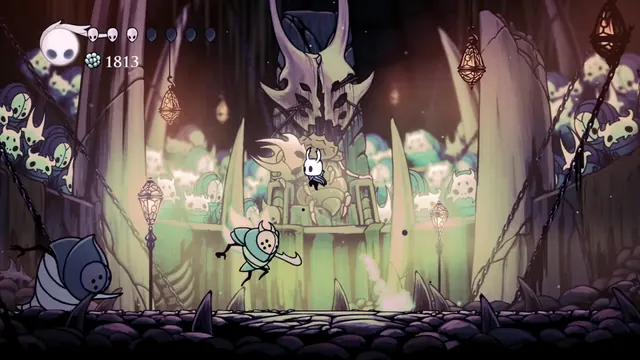 Hollow Knight - Combat HUD in the Colosseum of Fools: soul vessel, masks and Geo
Same type: HUD & Gameplay UI; Shared patterns: minimal-hud, hud-overlay
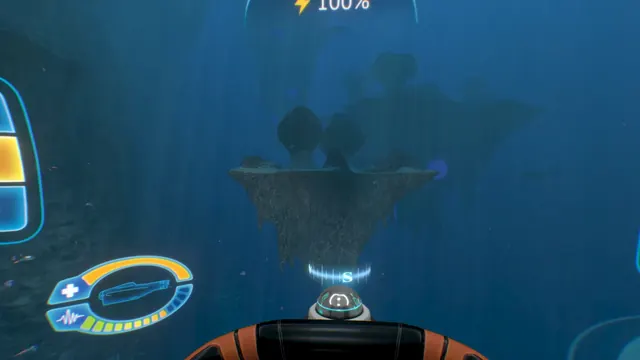 Subnautica - Cyclops helm HUD: power readout and the oval status gauge
Same type: HUD & Gameplay UI; Shared patterns: minimal-hud, hud-overlay
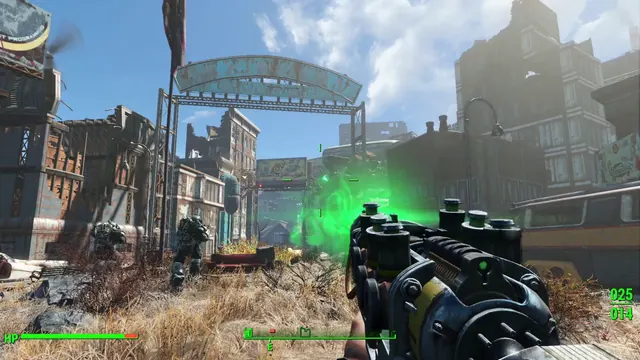 Fallout 4 - First-person HUD: HP bar, compass facing E, ammo 025/014
Same type: HUD & Gameplay UI; Shared patterns: hud-overlay, minimal-hud
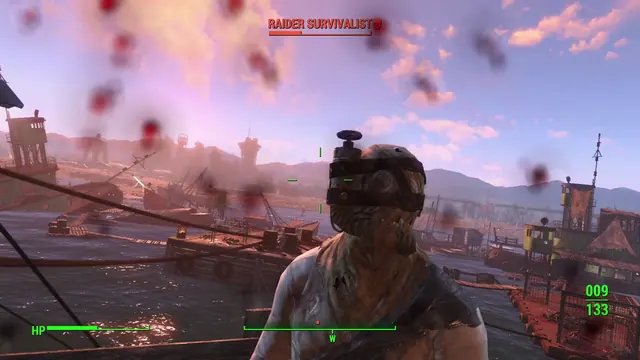 Fallout 4 - Combat HUD: 'RAIDER SURVIVALIST' nameplate with skull icon, HP bar, ammo 009/133
Same type: HUD & Gameplay UI; Shared patterns: hud-overlay, minimal-hud
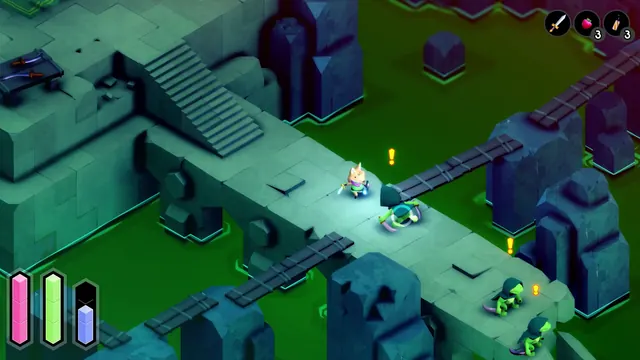 TUNIC - Gameplay HUD: three segmented capsule meters
Same type: HUD & Gameplay UI; Shared patterns: hud-overlay, minimal-hud
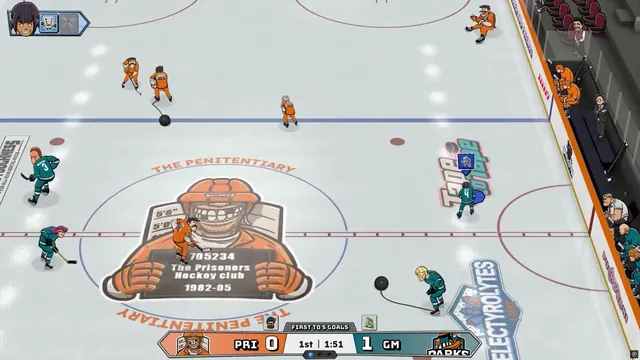 Tape to Tape - Match HUD: Prisoners at The Penitentiary, first to 5 goals
Same type: HUD & Gameplay UI; Shared patterns: minimal-hud, hud-overlay