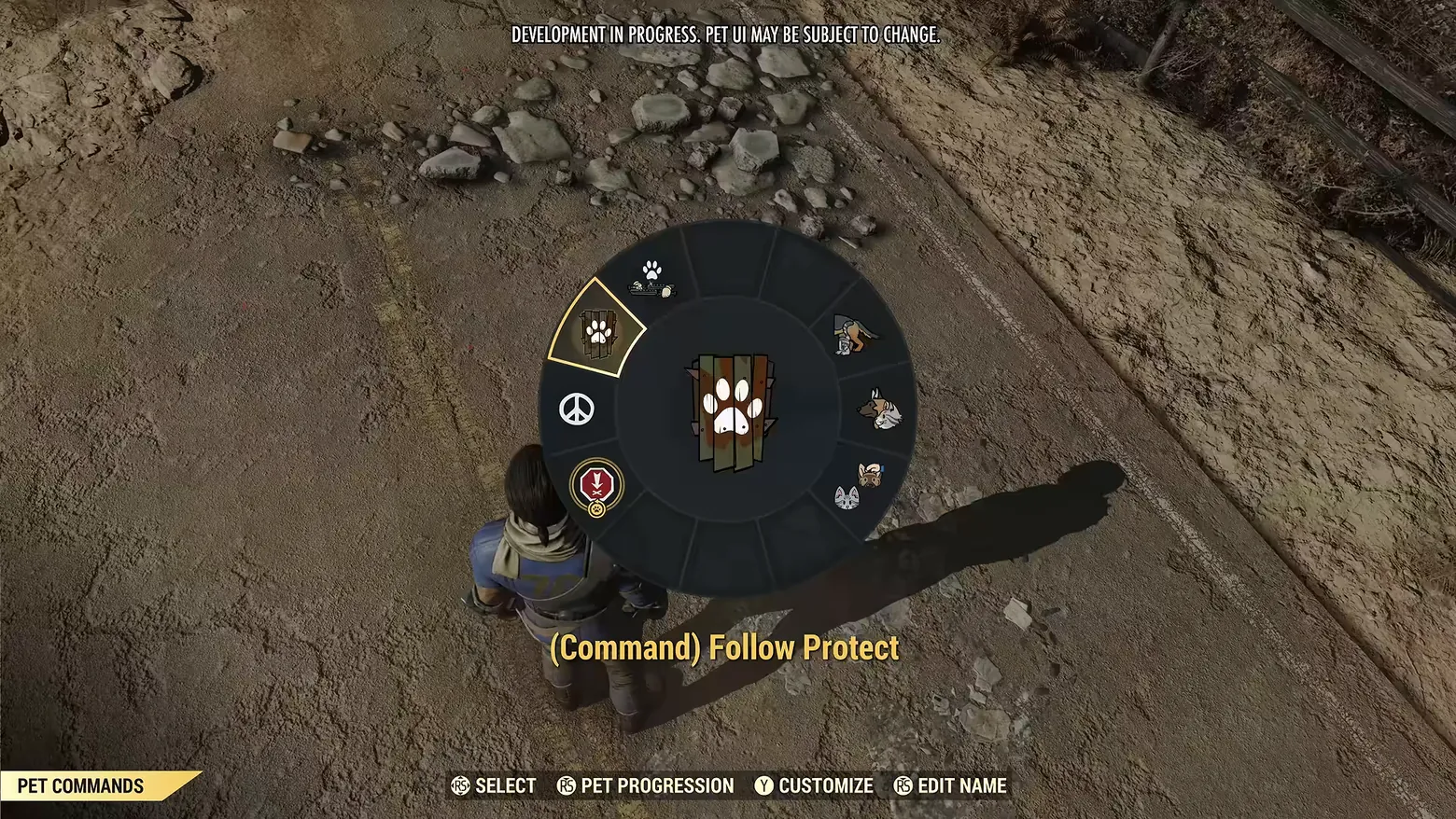
Pet Commands wheel: '(Command) Follow Protect' selected over the world
Fallout 76 · HUD & Gameplay UI
Art style Realistic 3D
About this game
Developer: Bethesda Game Studios · Publisher: Bethesda Softworks · Platform: PC (Steam) · Art style: Realistic 3D · Screen type: HUD & Gameplay UI
More Fallout 76 screens in the Gallery
What to study
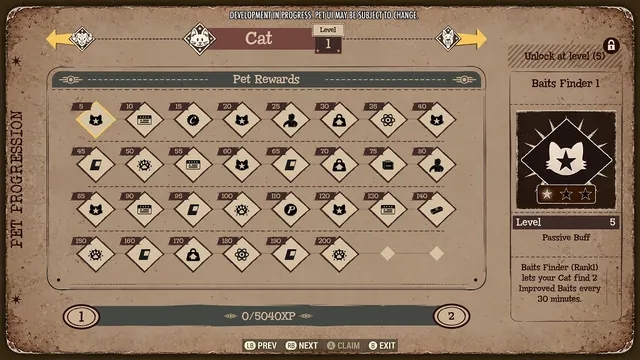
Pet commands live on a radial wheel that opens over the world. The camera pulls to a top-down view of the player on a dirt road and a large dark disc takes the centre of the screen: around its rim, segments carry one small icon each, paw prints, a peace sign, a red medal badge, a dog's head, a cat face, while the chosen segment is outlined in yellow and its icon, a white paw print over wooden planks, is repeated large at the hub. The current choice is spelled out in words under the wheel, '(Command) Follow Protect', so the icon language never has to be guessed. A footer strip does the systems work: a 'PET COMMANDS' tab at bottom left names the mode, and the prompt row (SELECT, PET PROGRESSION, CUSTOMIZE, EDIT NAME) shows the wheel is also the doorway to the pet's progression board, its appearance and its name, four systems hung off one overlay. The frame carries the source video's own banner, 'DEVELOPMENT IN PROGRESS. PET UI MAY BE SUBJECT TO CHANGE.' Frame at about 0:05 in the World Pets overview (YouTube), pipeline candidate candidates/v0_0004.png at 4.6s.
Patterns
How the screen is arranged.
radial-menu hud-overlay icon-wheel
Components
Parts on screen.
Banner Menu Portrait Button prompts Badge
Screen inventory
- a large dark radial command wheel centred on screen, its rim divided into segments carrying small pet icons: paw prints, a peace sign, a red medal badge, a dog, a cat face and pet portraits
- the selected segment at upper left is outlined in yellow, showing a white paw print over wooden planks
- the same paw-over-planks icon enlarged at the wheel's centre
- yellow command label under the wheel reading '(Command) Follow Protect'
- bottom-left screen tab reading 'PET COMMANDS' on a yellow banner
- controller prompt row along the bottom: 'RS SELECT', 'RS PET PROGRESSION', 'Y CUSTOMIZE', 'RS EDIT NAME'
- the player character seen from above at the wheel's lower edge, standing on a dirt road, the wheel opens over the live world, not a separate menu scene
Top 3 colors
#2a2622 20%#5a4e3f 20%#534739 18%
Top three palette colors by share. The remaining colors make up the rest.
Source and credit
© Bethesda Game Studios / Bethesda Softworks, Fallout 76 screenshot: World Pets overview (YouTube EjokV-YIaQM), Bethesda Game Studios / Bethesda Softworks, shown for design study and commentary. PlayCraft is an unofficial fan project, not affiliated with or endorsed by Bethesda Softworks.
Source tier 2 (publisher-released) · screenshot: Steam store page · Steam page
Source details
Fetched 2026-10-24. verified 2026-10-24: pipeline candidate frame inspected visually at full resolution (1920x1080); real game UI (Pet Commands radial wheel, '(Command) Follow Protect' label, PET COMMANDS tab, SELECT / PET PROGRESSION / CUSTOMIZE / EDIT NAME prompt row) confirmed visible and legible; the only overlay text beyond the UI is the publisher video's own development banner at the top of the frame
no published policy found (checked 2026-10-24); fair-use study use, takedown honored within 48h
Rights holders: see Copyright & takedown.
Similar screens
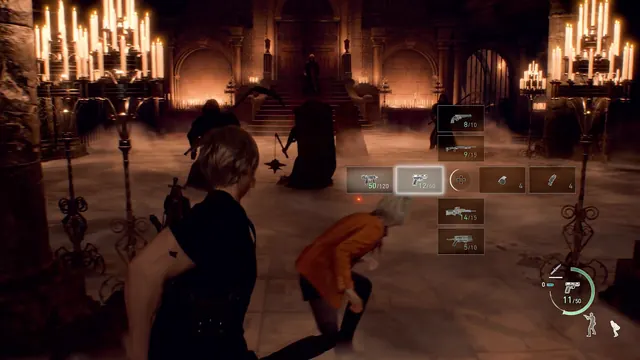 Resident Evil 4 - Weapon quick-select: D-pad cross open mid-fight, handgun highlighted
Same type: HUD & Gameplay UI; Shared patterns: icon-wheel, hud-overlay
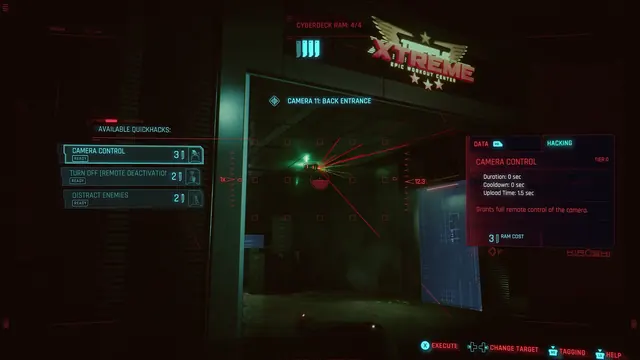 Cyberpunk 2077 - Scanner quickhacks: Camera Control against Camera 11, Back Entrance
Same type: HUD & Gameplay UI; Shared patterns: hud-overlay
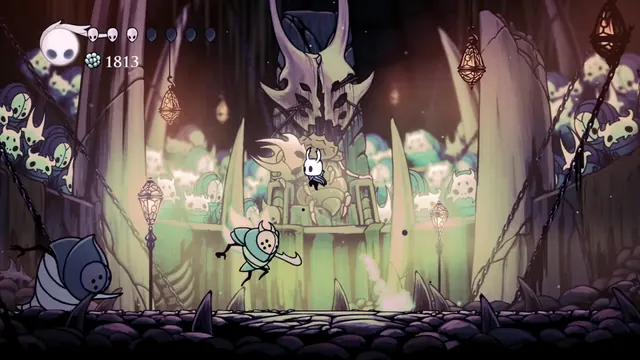 Hollow Knight - Combat HUD in the Colosseum of Fools: soul vessel, masks and Geo
Same type: HUD & Gameplay UI; Shared patterns: hud-overlay
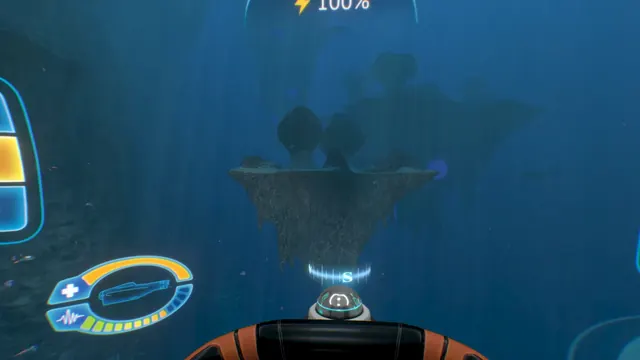 Subnautica - Cyclops helm HUD: power readout and the oval status gauge
Same type: HUD & Gameplay UI; Shared patterns: hud-overlay
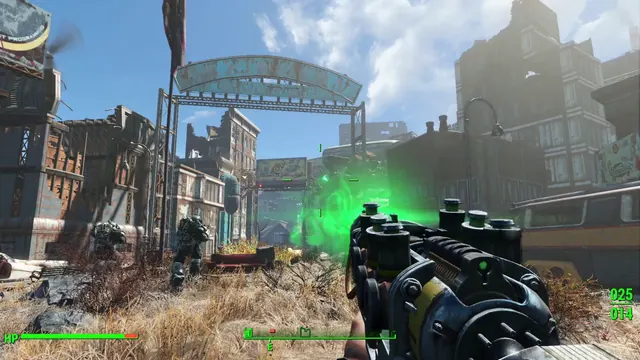 Fallout 4 - First-person HUD: HP bar, compass facing E, ammo 025/014
Same type: HUD & Gameplay UI; Shared patterns: hud-overlay
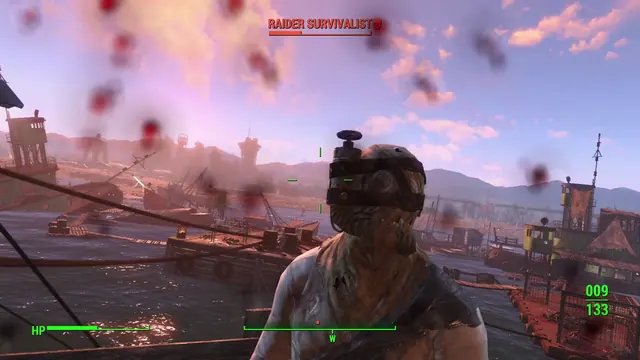 Fallout 4 - Combat HUD: 'RAIDER SURVIVALIST' nameplate with skull icon, HP bar, ammo 009/133
Same type: HUD & Gameplay UI; Shared patterns: hud-overlay