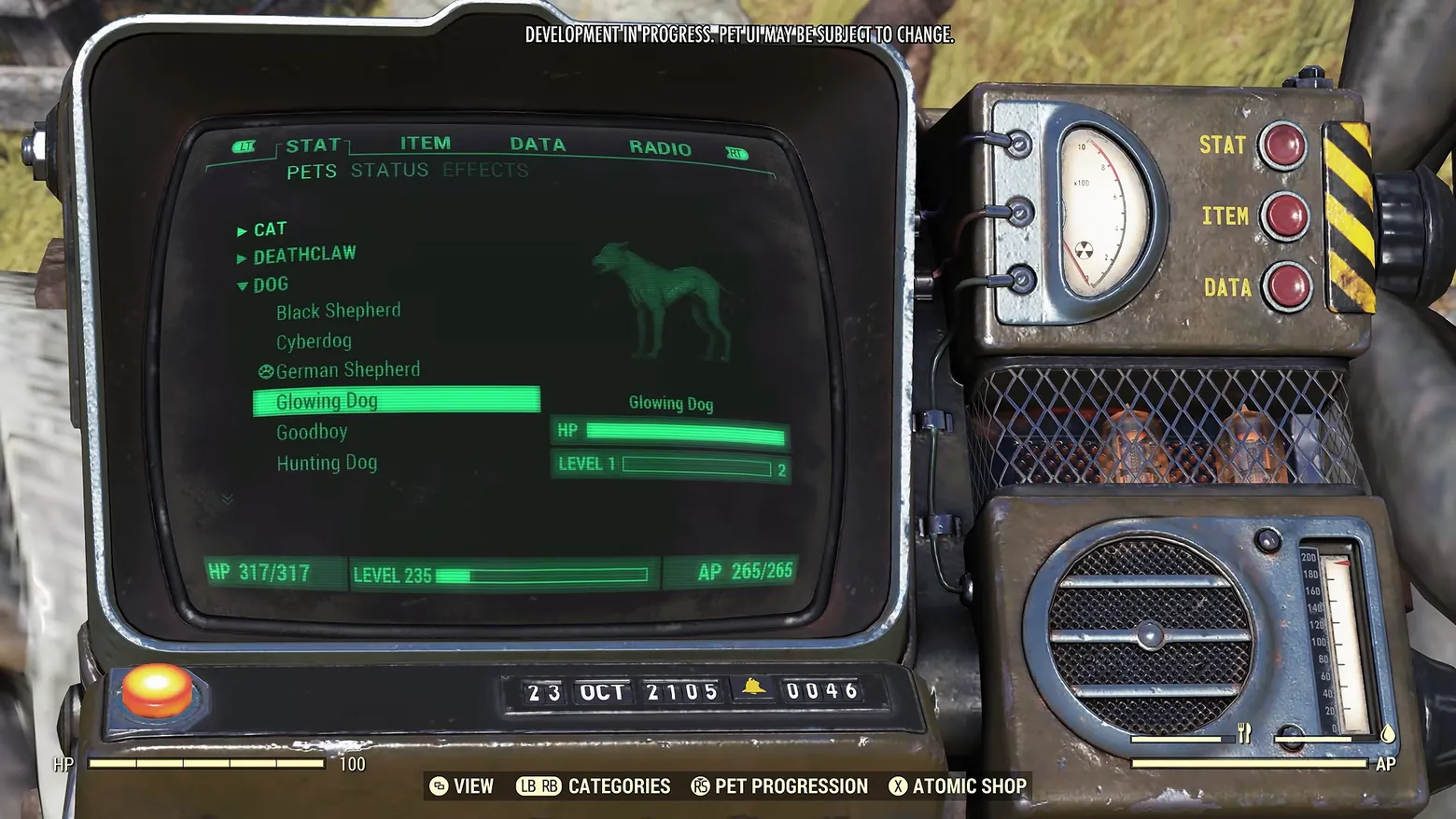
Pip-Boy PETS roster: DOG expanded, 'Glowing Dog' with HP/LEVEL bars
Fallout 76 · Character / Unit Detail
Art style Realistic 3D
About this game
Developer: Bethesda Game Studios · Publisher: Bethesda Softworks · Platform: PC (Steam) · Art style: Realistic 3D · Screen type: Character / Unit Detail
More Fallout 76 screens in the Gallery
What to study
The pet roster is a citizen of the Pip-Boy, not a new app. Under the STAT tab a PETS sub-tab holds a collapsible list grouped by species, CAT and DEATHCLAW folded shut, DOG open, and the dog breeds read like inventory entries: Black Shepherd, Cyberdog, German Shepherd, Glowing Dog, Goodboy, Hunting Dog. Selecting one (Glowing Dog, lit as a solid green bar) fills the right half of the little green screen with that pet's silhouette, its HP bar and its own LEVEL 1 progress bar, while the player's HP 317/317, LEVEL 235 and AP 265/265 stay pinned along the screen's bottom edge: owner and pet share one status surface, drawn on the same phosphor-green instrument, hardware buttons, rad gauge, glowing tubes and all. A footer prompt (RS PET PROGRESSION) ties this roster to the separate progression board. The frame carries the source video's own banner, 'DEVELOPMENT IN PROGRESS. PET UI MAY BE SUBJECT TO CHANGE.' Frame at about 1:18 in the World Pets overview (YouTube), pipeline candidate candidates/v0_0031.png at 77.7s.
Patterns
How the screen is arranged.
Components
Parts on screen.
Tabs List Vitals bar Progress bar Pips Clock Button prompts
Screen inventory
- the physical Pip-Boy device filling the frame, its green monochrome screen under the STAT tab, with ITEM, DATA and RADIO tabs beside it and PETS, STATUS and EFFECTS sub-tabs below
- a collapsible species list on the left of the screen: CAT and DEATHCLAW collapsed, DOG expanded to show Black Shepherd, Cyberdog, German Shepherd, Glowing Dog, Goodboy and Hunting Dog
- the selected entry 'Glowing Dog' highlighted as a solid green bar, with a paw icon marking German Shepherd above it
- a green wireframe-style silhouette of the selected dog at centre right, captioned 'Glowing Dog', over an HP bar and a 'LEVEL 1' progress bar pointing to 2
- the player's own status strip along the screen's bottom edge: 'HP 317/317', 'LEVEL 235' with its progress bar, 'AP 265/265'
- the device's hardware dressing around the screen: STAT / ITEM / DATA selector buttons, a radiation gauge, vacuum tubes behind mesh, and the date readout '23 OCT 2105'
- footer prompts under the device: 'VIEW', 'LB RB CATEGORIES', 'RS PET PROGRESSION', 'X ATOMIC SHOP', over a faint HP / AP HUD
Top 3 colors
#1a1a19 22%#6f726b 18%#312e2f 17%
Top three palette colors by share. The remaining colors make up the rest.
Source and credit
© Bethesda Game Studios / Bethesda Softworks, Fallout 76 screenshot: World Pets overview (YouTube EjokV-YIaQM), Bethesda Game Studios / Bethesda Softworks, shown for design study and commentary. PlayCraft is an unofficial fan project, not affiliated with or endorsed by Bethesda Softworks.
Source tier 2 (publisher-released) · screenshot: Steam store page · Steam page
Source details
Fetched 2026-10-24. verified 2026-10-24: pipeline candidate frame inspected visually at full resolution (1920x1080); real game UI (Pip-Boy STAT > PETS list with CAT / DEATHCLAW / DOG groups, Glowing Dog selected, pet HP and LEVEL 1 bars, player HP 317/317 / LEVEL 235 / AP 265/265 strip) confirmed visible and legible; the only overlay text beyond the UI is the publisher video's own development banner at the top of the frame
no published policy found (checked 2026-10-24); fair-use study use, takedown honored within 48h
Rights holders: see Copyright & takedown.
Similar screens
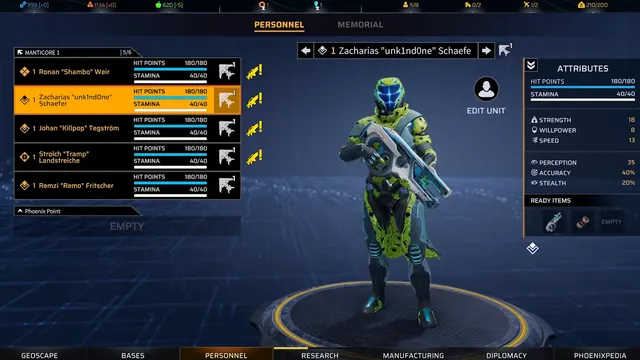 Phoenix Point - Personnel roster: five soldiers, one 3D presenter, one attributes column
Same type: Character / Unit Detail; Shared patterns: roster-list, status-row
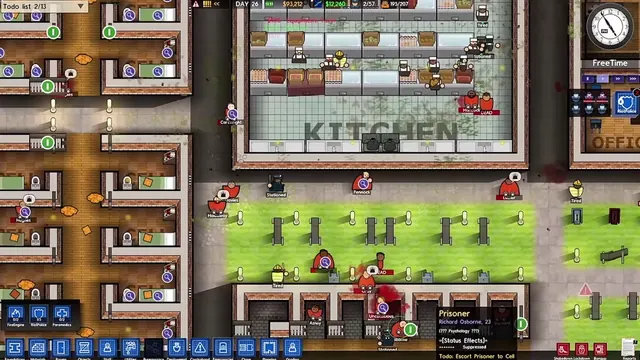 Prison Architect - Prisoner tooltip: Richard Osborne, suppressed, awaiting escort
Same type: Character / Unit Detail; Shared patterns: status-row
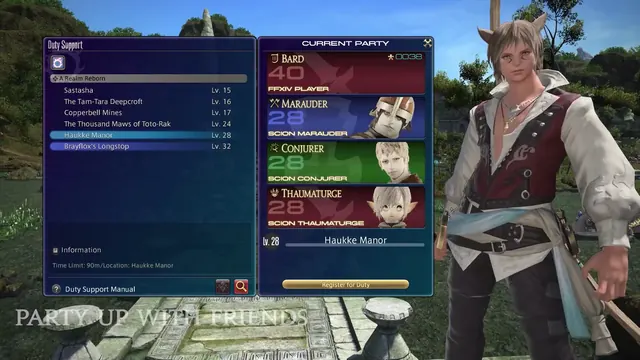 FINAL FANTASY XIV Online - Duty Support: duty list and role-coloured Current Party cards
Same type: Character / Unit Detail; Shared patterns: status-row
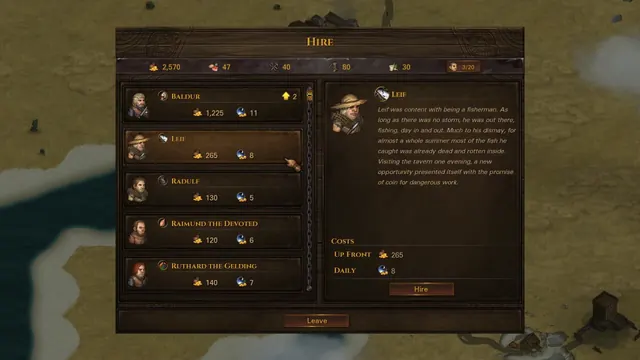 Battle Brothers - Hire screen: five recruits, Leif's story, upfront and daily costs
Same type: Character / Unit Detail; Shared patterns: roster-list
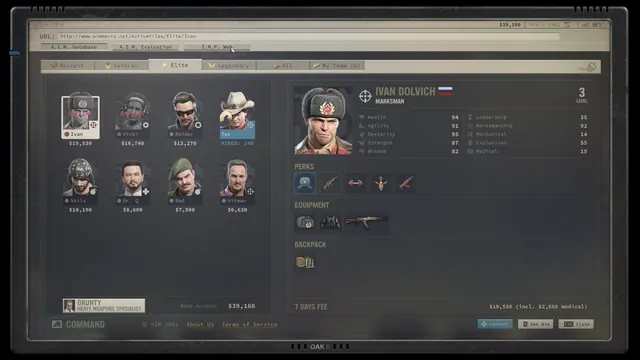 Jagged Alliance 3 - A.I.M. website Elite roster: Ivan Dolvich file, perks and 7-day fee
Same type: Character / Unit Detail; Shared patterns: roster-list
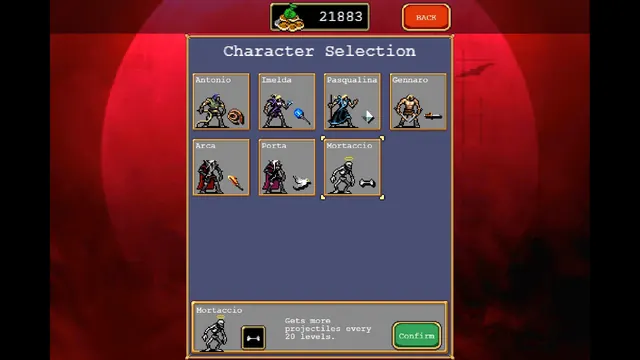 Vampire Survivors - Character Selection: seven survivors, Mortaccio and his bone
Same type: Character / Unit Detail; Shared patterns: roster-list