Combat HUD: interceptor squad selected
Homeworld 3 · Battle / Tactics
Art style Realistic 3D
About this game
Developer: Blackbird Interactive · Publisher: Gearbox Publishing · Platform: PC (Steam) · Art style: Realistic 3D · Screen type: Battle / Tactics
More Homeworld 3 screens in the Gallery
What to study
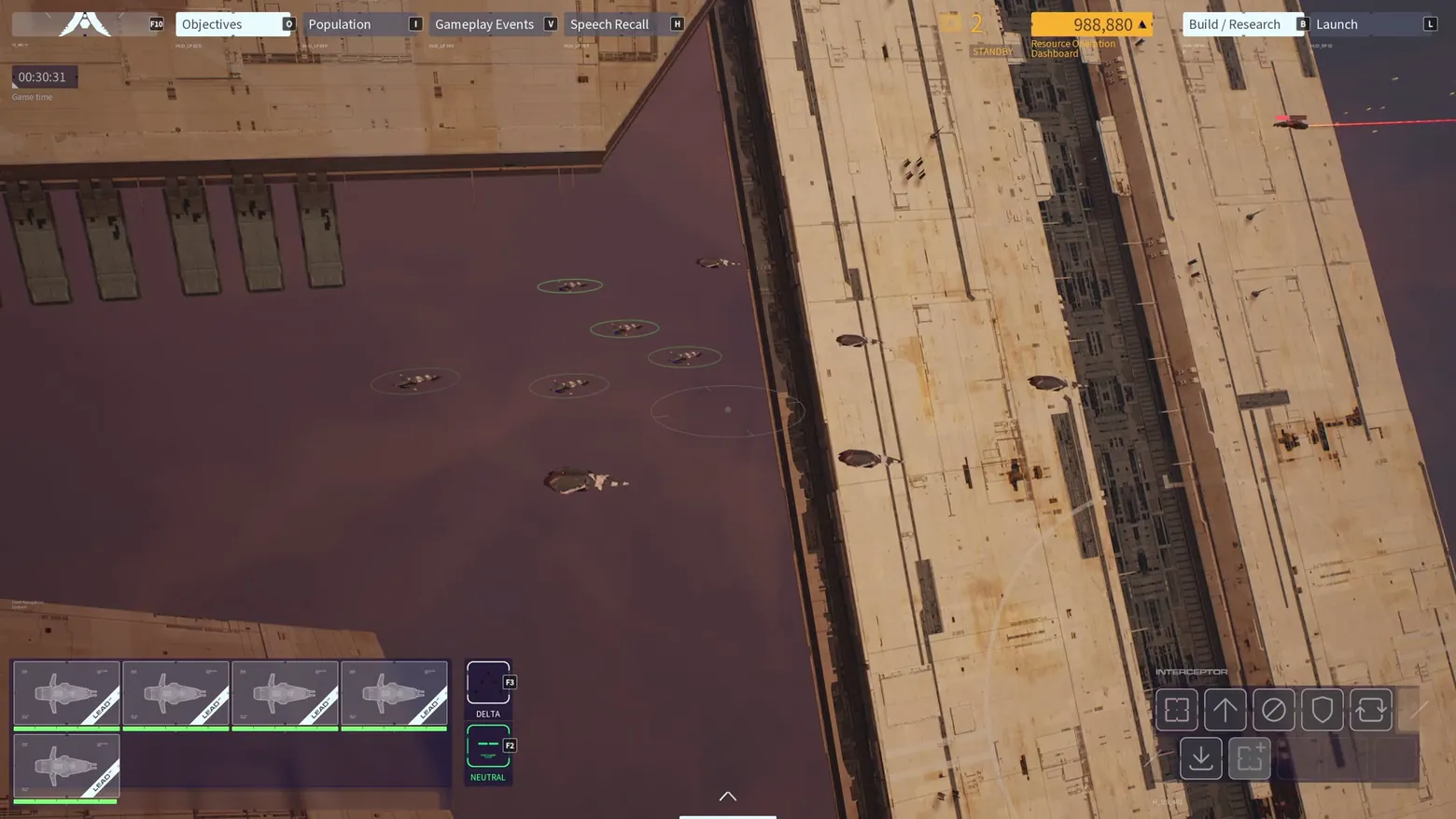
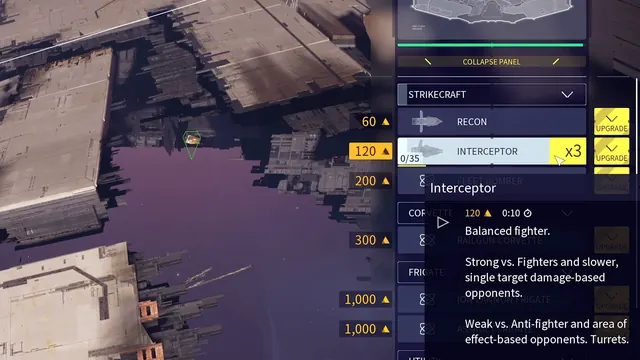
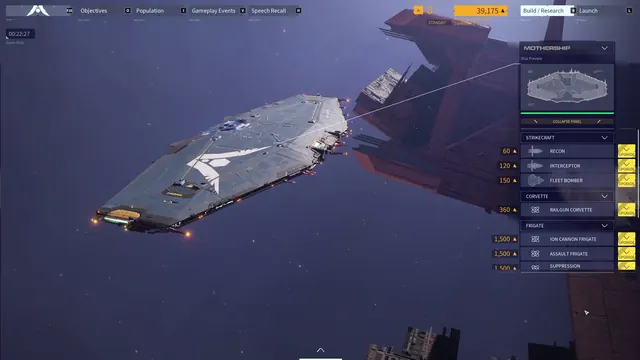
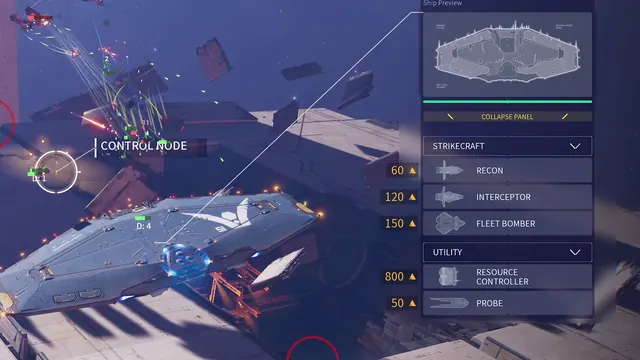
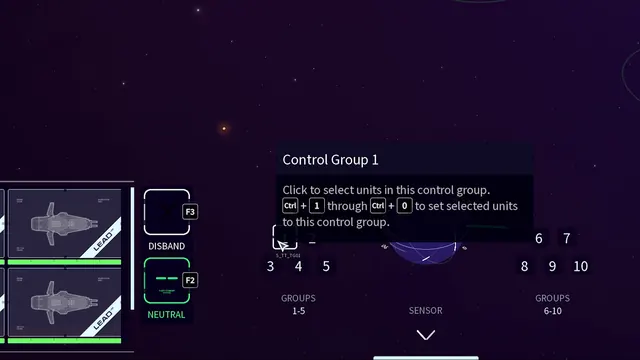
The combat HUD at its most legible: the top bar holds the game chrome (tabs, resources, Build / Research, Launch), selection rings mark the chosen strikecraft in the world, and the bottom edge splits command from state, unit cards with LEAD ribbons and health bars on the left (plus Delta group and Neutral stance toggles) and a formation and movement command cluster with visible hotkeys on the right. Everything the player needs mid-battle sits on the frame edges, never over the action. Frame at about 2:26 in the Overview Trailer (Steam).
Patterns
How the screen is arranged.
top-bar hud-overlay bottom-dock action-bar status-row
Components
Parts on screen.
Card Tabs Resource bar Clock Vitals bar Action bar Button prompts
Screen inventory
- top bar tabs: Objectives, Population, Gameplay Events, Speech Recall
- resource counter 988,880
- Build / Research and Launch buttons
- game time 00:30:31
- in-world selection rings on strikecraft
- bottom-left unit card cluster with LEAD ribbons and health bars
- Delta group and Neutral stance buttons
- bottom-right command cluster with Q/W/E/R/T and A/S hotkeys
- Interceptor command label
Top 3 colors
#553a3c 20%#49373b 20%#ac8b6d 18%
Top three palette colors by share. The remaining colors make up the rest.
Source and credit
© Blackbird Interactive / Gearbox Publishing, Homeworld 3 screenshot: Overview Trailer (Steam), shown for design study and commentary. PlayCraft is an unofficial fan project, not affiliated with or endorsed by Gearbox Publishing.
Source tier 2 (publisher-released) · screenshot: Steam store page · Steam page
Source details
Fetched 2026-10-31. verified 2026-10-31: frame extracted from the official Overview Trailer (Steam) and inspected visually at full resolution; real game UI (combat HUD) confirmed visible
no published policy found (checked 2026-10-21); fair-use study use, takedown honored within 48h
Rights holders: see Copyright & takedown.
Similar screens
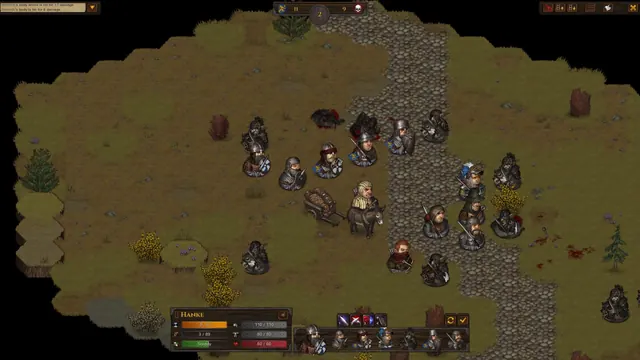 Battle Brothers - Battle HUD: round counter, Hanke's unit card, turn-order row
Same type: Battle / Tactics; Shared patterns: hud-overlay, top-bar, status-row
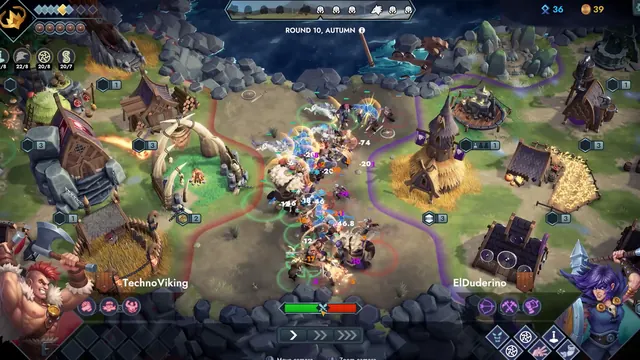 Northgard Battlegrounds - Round 10 auto-battle: TechnoViking vs ElDuderino, damage numbers over the melee
Same type: Battle / Tactics; Shared patterns: hud-overlay, top-bar, status-row
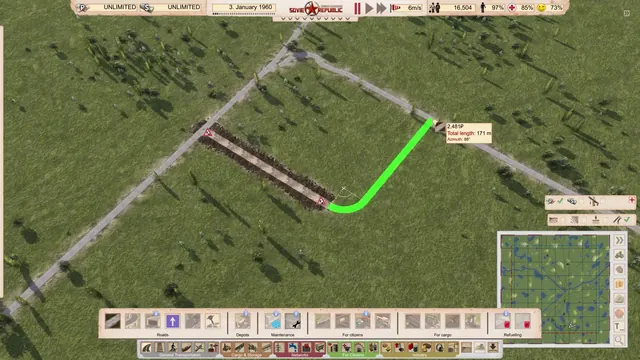 Workers & Resources: Soviet Republic - Drawing a road: green preview, length and azimuth readout, build bar and minimap
Shared patterns: top-bar, hud-overlay, action-bar, bottom-dock, status-row
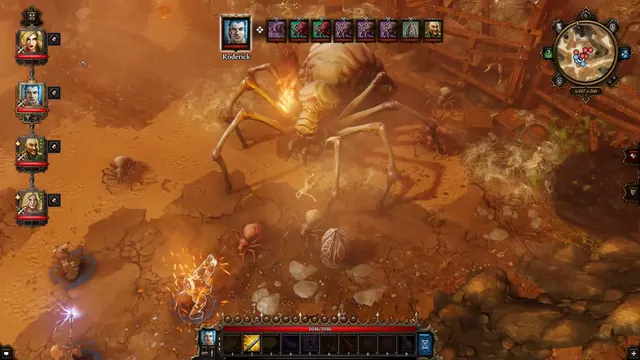 Divinity: Original Sin - Enhanced Edition - Tactical combat HUD: turn order against the spider boss
Same type: Battle / Tactics; Shared patterns: hud-overlay, status-row, top-bar
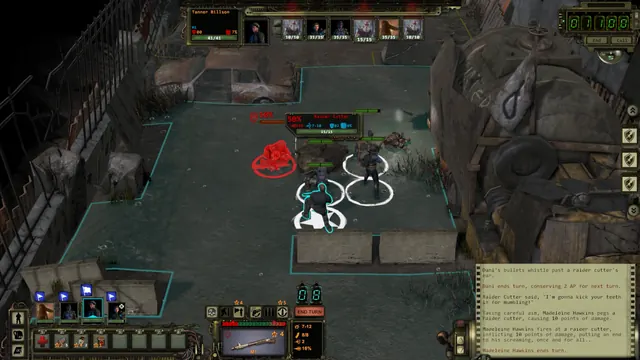 Wasteland 2: Director's Cut - Combat HUD: party bar, 50% target, movement boundary, combat log
Same type: Battle / Tactics; Shared patterns: hud-overlay, action-bar, status-row
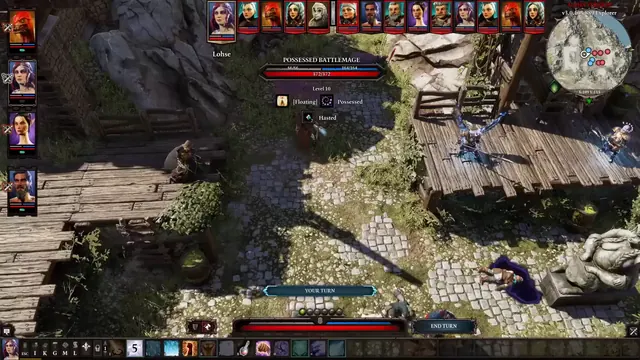 Divinity: Original Sin 2 - Tactical HUD: enemy readout, statuses and action-point pips
Same type: Battle / Tactics; Shared patterns: status-row, action-bar