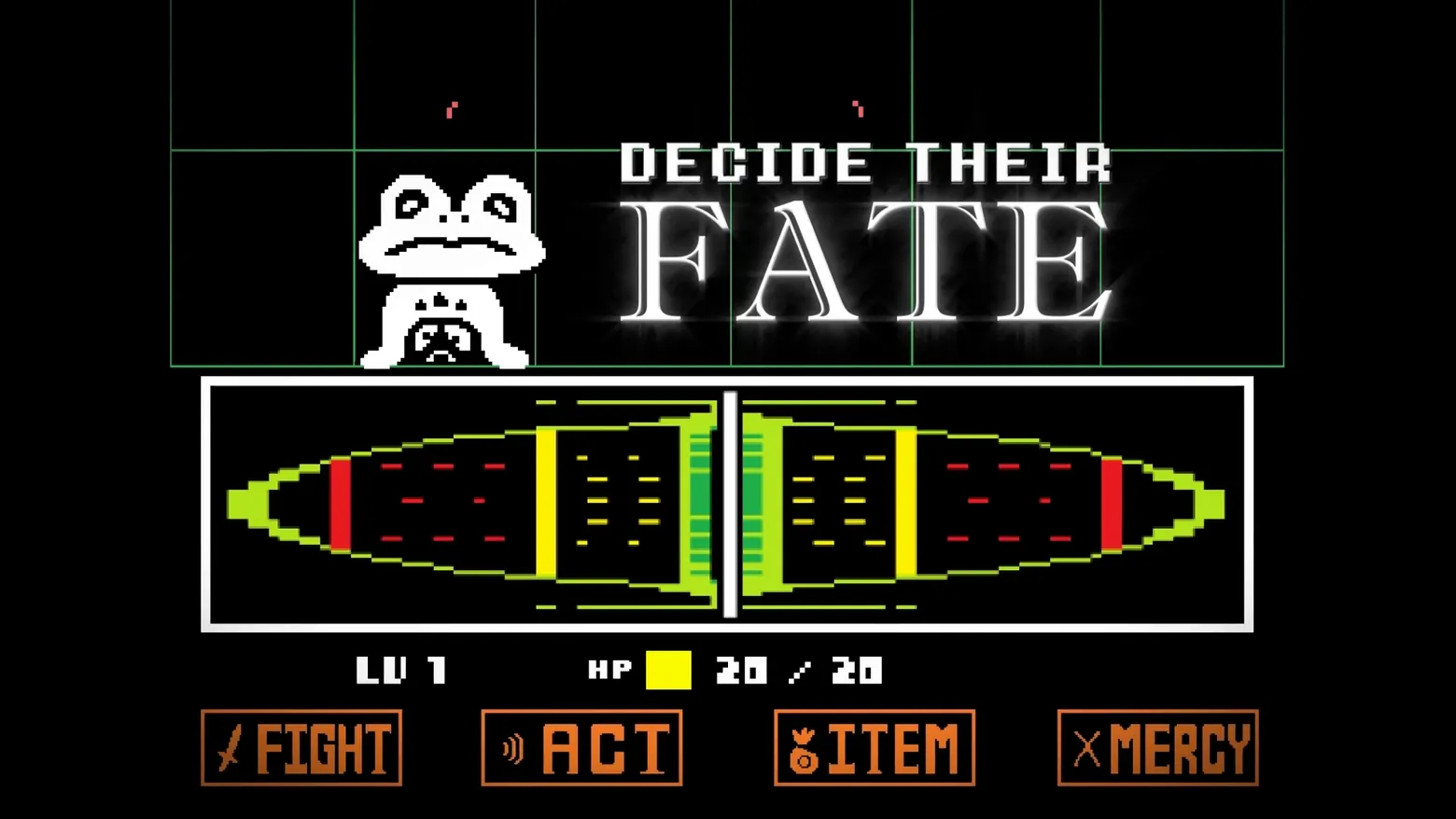
FIGHT timing bar: Froggit above the full-width attack meter, cursor stopped on the centre post
Undertale · Battle / Tactics
Art style Pixel art
About this game
Developer: tobyfox · Publisher: tobyfox · Platform: PC (Steam) · Art style: Pixel art · Screen type: Battle / Tactics
More Undertale screens in the Gallery
What to study
Choosing FIGHT replaces the text box with this: a single full-width meter and a question of timing. The track is drawn as a pointed oval, banded like a target, red at the two ends, yellow inside them, green at the middle, and a thick white cursor sweeps across it; where the player stops it is how hard the hit lands, dead centre for maximum damage. There is no dice roll, no hit-chance percentage, no damage range printed anywhere: the RPG's most statistic-heavy moment, the attack roll, has been turned into a one-button reflex test that any player can read at a glance and master by feel. The rest of the battle chrome refuses to move: Froggit waits at upper left, the LV / HP line and the four orange buttons stay exactly where they were, so the meter reads as a temporary state of the same screen rather than a new screen at all. Frame at about 0:27 in the UNDERTALE Trailer (Steam), manually extracted at 26.8s with the cursor on the centre post; a moment later (about 28s) the same beat shows the damage numeral over Froggit and its HP bar draining. The large glowing 'DECIDE THEIR FATE' across the upper right is the trailer's own title text burned over the footage, and the thin green grid is a trailer production overlay; both are disclosed here and neither is game UI.
Patterns
How the screen is arranged.
battle-controls charge-bars timed-choice
Components
Parts on screen.
Screen inventory
- the white Froggit sprite at upper left, the enemy being attacked, alone in its grid cell
- the full-width white-bordered attack meter: a pointed-oval track banded red at the edges, then yellow, then green at the centre
- the thick white cursor stopped exactly on the centre post, the maximum-damage point of the meter
- 'LV 1' and 'HP' with a solid yellow bar and '20 / 20' beneath the meter
- the four orange buttons FIGHT / ACT / ITEM / MERCY along the bottom, unchanged during the attack
Top 3 colors
#000000 61%#140f0a 12%#a9b28c 10%
Top three palette colors by share. The remaining colors make up the rest.
Source and credit
© tobyfox, Undertale screenshot: UNDERTALE Trailer (Steam), shown for design study and commentary. PlayCraft is an unofficial fan project, not affiliated with or endorsed by tobyfox.
Source tier 2 (publisher-released) · screenshot: Steam store page · Steam page
Source details
Fetched 2026-10-23. verified 2026-10-23: frame manually extracted at 26.8s from the pipeline-downloaded UNDERTALE Trailer (Steam) and inspected visually at full resolution (1920x1080); real game UI (Froggit sprite, full-width FIGHT timing meter with red/yellow/green bands and the cursor on the centre post, LV 1 / HP 20/20 status line, FIGHT / ACT / ITEM / MERCY buttons) confirmed visible and legible; the glowing 'DECIDE THEIR FATE' text is the trailer's title burn-in and the thin green grid is a trailer production overlay, both disclosed as not game UI
no published policy found (checked 2026-10-23); fair-use study use, takedown honored within 48h
Rights holders: see Copyright & takedown.
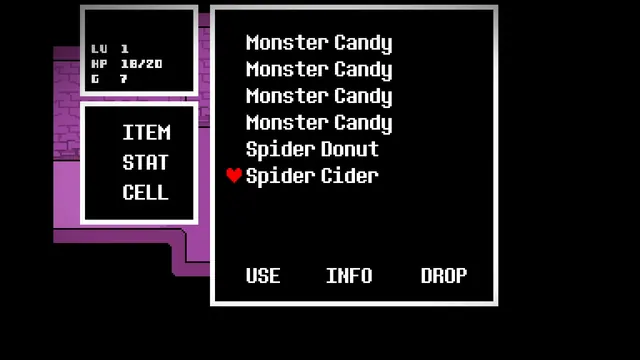
Similar screens
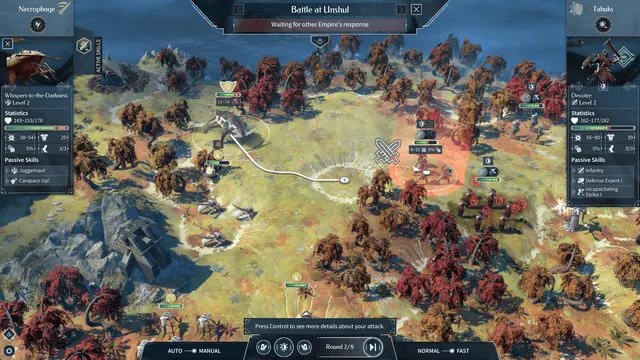 Endless Legend 2 - Battle at Linshul: deployment
Same type: Battle / Tactics; Shared patterns: battle-controls
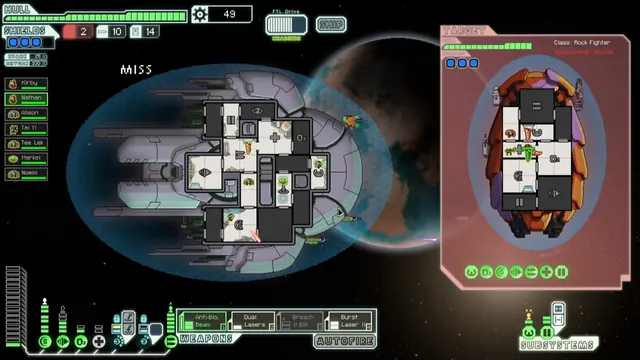 FTL: Faster Than Light - Combat: boarding a Rock Fighter, both ships as room grids
Same type: Battle / Tactics; Shared patterns: charge-bars
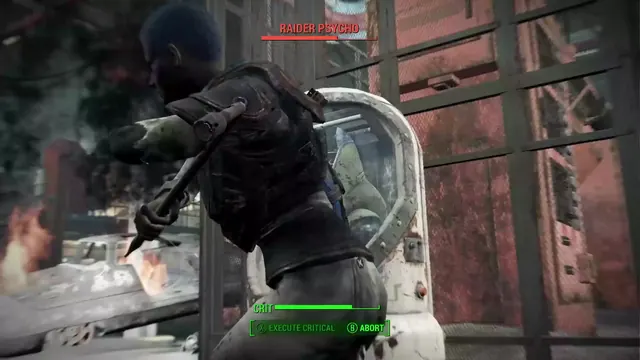 Fallout 4 - V.A.T.S. critical prompt: 'RAIDER PSYCHO', full CRIT bar, 'EXECUTE CRITICAL' / 'ABORT'
Same type: Battle / Tactics; Shared patterns: charge-bars
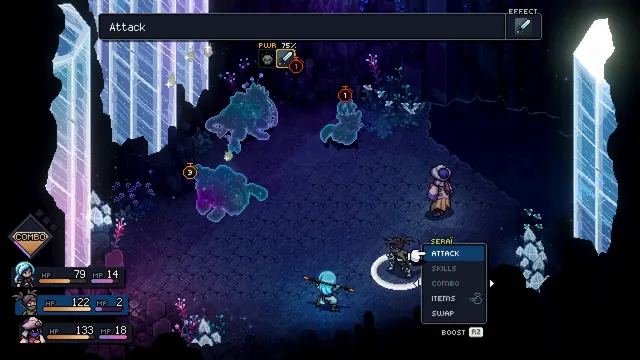 Sea of Stars - Seraï's command menu: locks at PWR 75%, BOOST prompt
Same type: Battle / Tactics; Shared patterns: charge-bars
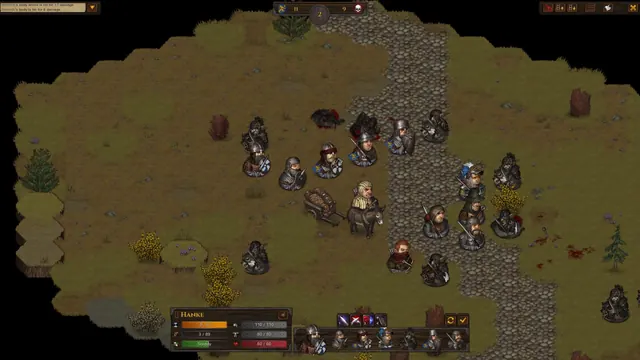 Battle Brothers - Battle HUD: round counter, Hanke's unit card, turn-order row
Same type: Battle / Tactics; Shared patterns: battle-controls
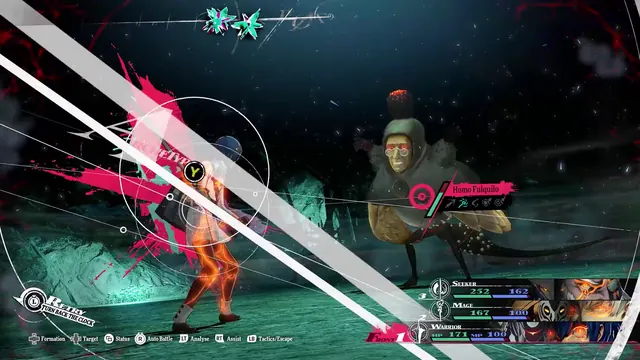 Metaphor: ReFantazio - Battle targeting: Homo Fulquilo weakness analysis
Same type: Battle / Tactics; Shared patterns: battle-controls