Overworld menu: ITEM list with USE / INFO / DROP
Undertale · Character / Unit Detail
Art style Pixel art
About this game
Developer: tobyfox · Publisher: tobyfox · Platform: PC (Steam) · Art style: Pixel art · Screen type: Character / Unit Detail
More Undertale screens in the Gallery
What to study
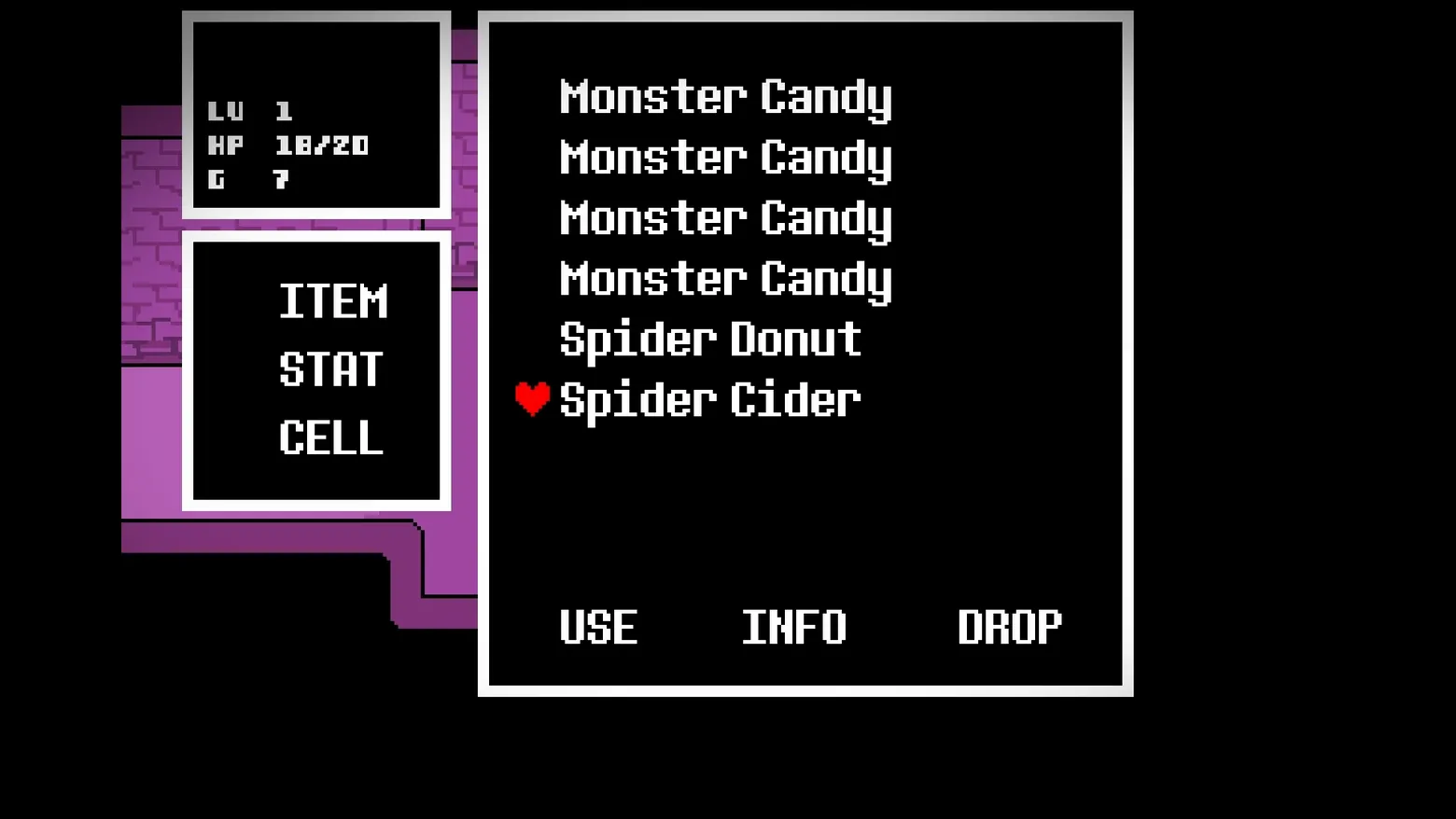
Undertale's pause menu is three stacked boxes and a list, and it tells you the game's whole economy of attention. The left column is permanent: a stat box (LV 1, HP 10/20, G 7) over a tab box with exactly three sections, ITEM, STAT and CELL, the phone given the same rank as the inventory. The right panel is the selected section, here the items, and its list is defiantly plain: four separate 'Monster Candy' rows instead of one row with a x4 count, because the inventory is only eight slots deep and the game would rather spend screen lines than add a numeral system. Selection is shown by the small red heart beside 'Spider Cider', the SOUL from battle re-used as the cursor, so moving through a menu and dodging bullets are the same gesture performed by the same red shape. Along the bottom, each item offers three verbs, USE, INFO, DROP, and INFO is the one that matters: in this game reading an item's description is content, jokes and lore delivered through the menu itself. Frame at about 0:40 in the UNDERTALE Trailer (Steam), manually extracted at 40.5s; seconds later the same menu state shows the INFO text for the Spider Cider typing into a dialogue box (held as an alternate, see review notes).
Patterns
How the screen is arranged.
action-list stat-panel master-detail
Components
Parts on screen.
Screen inventory
- the large black item panel listing four 'Monster Candy' lines, then 'Spider Donut' and 'Spider Cider', duplicates shown as repeated rows rather than a count
- the small red heart cursor beside 'Spider Cider', the selected item, the same SOUL heart used as the battle avatar doing duty as a menu pointer
- 'USE', 'INFO' and 'DROP' spaced along the panel's bottom edge, the three verbs available for any item
- the small stat box at upper left: 'LV 1', 'HP 10/20', 'G 7'
- the tab box beneath it listing the menu's three sections: 'ITEM', 'STAT', 'CELL'
- a sliver of the purple brick Ruins wall visible behind the panels at left, the world dimmed but not replaced
Top 3 colors
#000000 76%#837583 9%
Top three palette colors by share. The remaining colors make up the rest.
Source and credit
© tobyfox, Undertale screenshot: UNDERTALE Trailer (Steam), shown for design study and commentary. PlayCraft is an unofficial fan project, not affiliated with or endorsed by tobyfox.
Source tier 2 (publisher-released) · screenshot: Steam store page · Steam page
Source details
Fetched 2026-10-23. verified 2026-10-23: frame manually extracted at 40.5s from the pipeline-downloaded UNDERTALE Trailer (Steam) and inspected visually at full resolution (1920x1080); real game UI (item list 'Monster Candy' x4, 'Spider Donut', 'Spider Cider' with red heart cursor, USE / INFO / DROP verbs, stat box 'LV 1 / HP 10/20 / G 7', ITEM / STAT / CELL tab box) confirmed visible and legible; no trailer burn-in present in this frame
no published policy found (checked 2026-10-23); fair-use study use, takedown honored within 48h
Rights holders: see Copyright & takedown.
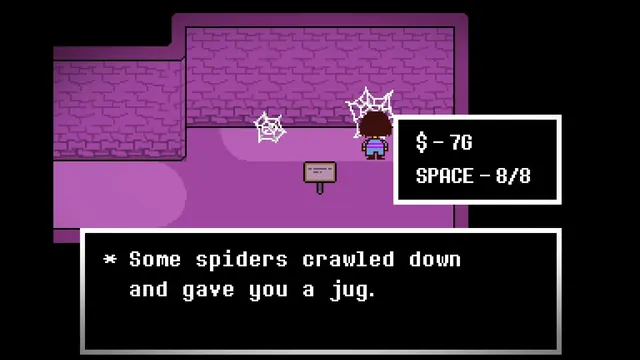
Similar screens
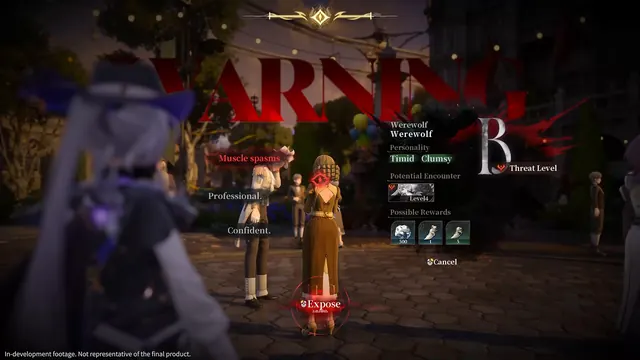 Silver Palace - Investigation dossier: exposed Werewolf, Threat Level B
Same type: Character / Unit Detail; Shared patterns: stat-panel, action-list
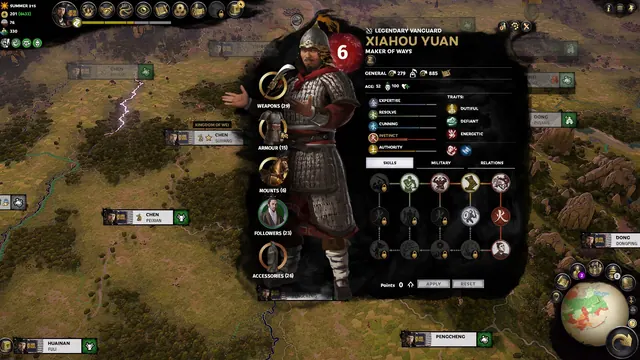 Total War: THREE KINGDOMS - Character screen: Xiahou Yuan
Same type: Character / Unit Detail; Shared patterns: stat-panel
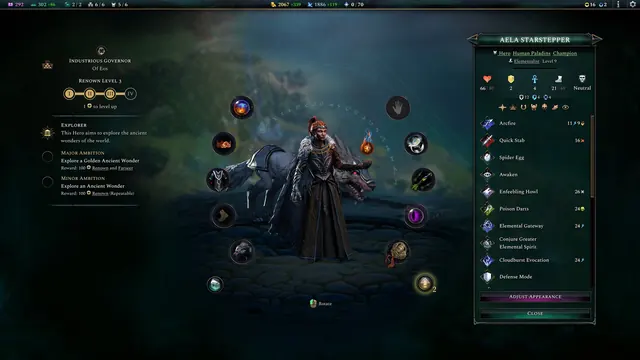 Age of Wonders 4 - Hero screen: Aella Starstepper
Same type: Character / Unit Detail; Shared patterns: stat-panel
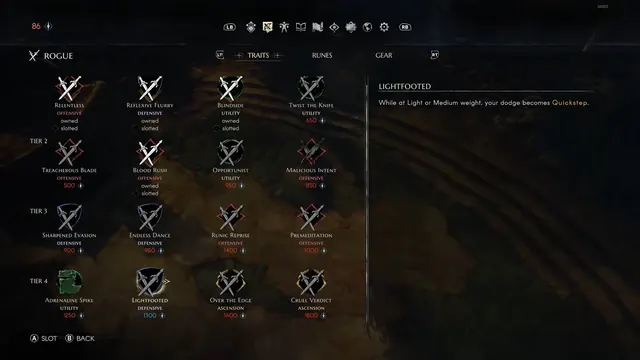 No Rest for the Wicked - Traits screen: Rogue
Same type: Character / Unit Detail; Shared patterns: master-detail
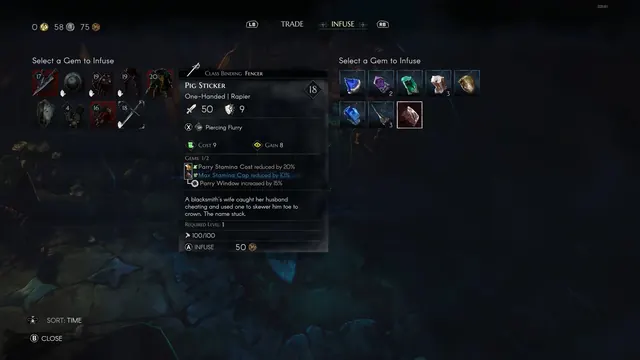 No Rest for the Wicked - Infuse screen: Pig Sticker gem
Same type: Character / Unit Detail; Shared patterns: master-detail
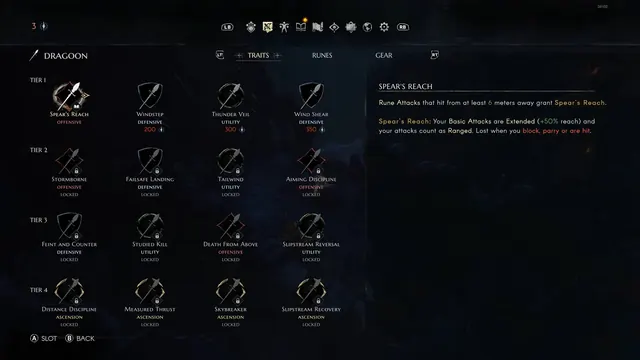 No Rest for the Wicked - Traits screen: Dragoon
Same type: Character / Unit Detail; Shared patterns: master-detail