Early-game HUD: hotbar, life and mana, and the leaf-framed minimap
Terraria · HUD & Gameplay UI
Art style Pixel art
About this game
Developer: Re-Logic · Publisher: Re-Logic · Platform: PC (Steam) · Art style: Pixel art · Screen type: HUD & Gameplay UI
More Terraria screens in the Gallery
What to study
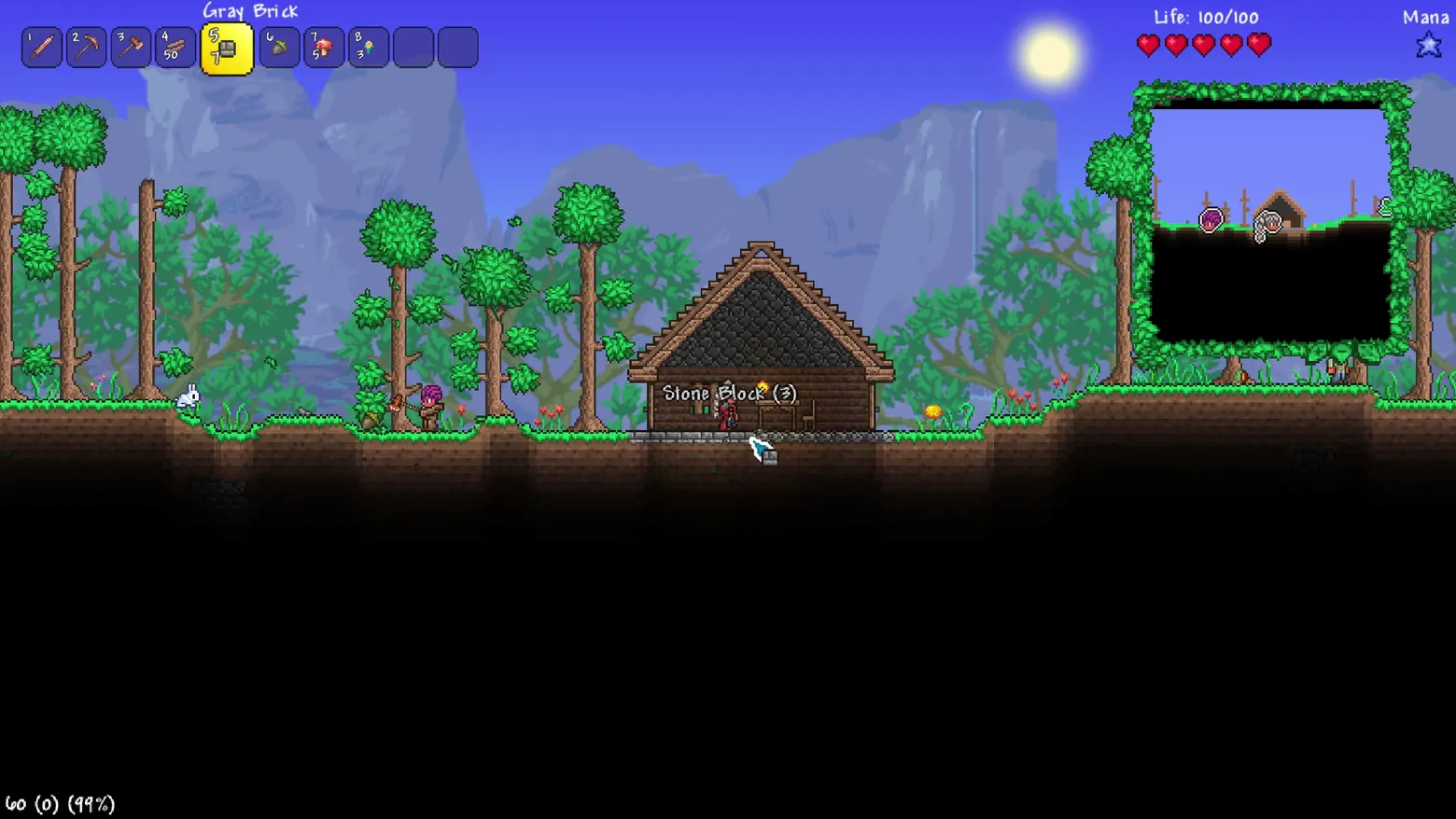
Terraria's first-hour HUD teaches by staying small. The hotbar numbers its ten slots and names the selected item above itself ('Gray Brick', 7 in hand) so a new player learns the building vocabulary by holding it. Status is pictorial, five hearts for 100 life, one star for mana, numbers present but never in charge. The minimap is the frame's real design statement: it is grown, not drawn, framed in leaves and vines, and it only shows what you have explored, the black below the surface is everything you have not yet dug, which makes the map a progress diary rather than a spoiler. Beneath it sits the game's whole loop in one image: a first house (walls, door, table, chair, the minimum an NPC accepts), a mined block's pickup label still floating, and a hotbar slot full of bricks to extend it. Frame at ~0:10 in the Terraria: Journey's End Trailer (Steam; manual extraction adjacent to the scene-pass frame at 9.6s, re-extracted at a settled moment). The '60 (0) (99%)' mark at bottom-left belongs to the source trailer encode and is disclosed in the elements list.
Patterns
How the screen is arranged.
Components
Parts on screen.
Data table Minimap Marker Slots Action bar
Screen inventory
- the hotbar is ten slots pinned top-left, each numbered: Copper Shortsword, Copper Pickaxe, Copper Axe, 50 wood in slot 4, and slot 5 selected, highlighted yellow, holding 7 Gray Brick, with the selected item's name 'Gray Brick' written above the bar in the game's hand-lettered font
- top-right, state as pictures: 'Life: 100/100' with five red hearts, and 'Mana' with a single blue star, a brand-new character's whole status in two rows
- the minimap occupies the top-right under the status: a rectangle framed in living leaves and vines, showing explored terrain, the surface line, a house icon and small NPC/player markers, unexplored area stays black, so the map is a record of where you have actually been
- centre frame, the reason for the bricks: a first wooden house with stone foundation, door, table and chair, NPC housing in its simplest form, with a 'Stone Block (3)' pickup label floating where a block was just mined at its door
- the scene around the HUD is a first morning: sun, waterfall cliff backdrop, a bunny at left, the player chopping at centre-left
Top 3 colors
#000000 37%#588792 30%#545a9c 16%
Top three palette colors by share. The remaining colors make up the rest.
Source and credit
© Re-Logic, Terraria screenshot: Terraria: Bigger & Boulder Trailer + Terraria: Journey's End Trailer (Steam), Re-Logic, shown for design study and commentary. PlayCraft is an unofficial fan project, not affiliated with or endorsed by Re-Logic.
Source tier 2 (publisher-released) · screenshot: Steam store page · Steam page
Source details
Fetched 2026-10-24. verified 2026-10-24: manual extraction manual-hud-minimap-10.png @ ~10s in the Terraria: Journey's End Trailer, MD5 a1c3c65eb97010e525020b7d7b121612, from the verified-clean curl-shim download (61,096,000 B, MD5 9933d3195b5e8e0bce1e113c198dd966; full decode to null exit 0, zero error lines), inspected visually at full resolution; the numbered hotbar with slot 5 'Gray Brick' x7 highlighted and named, 'Life: 100/100' with five hearts, one mana star, the leaf-framed minimap with house/NPC markers, the wooden house and 'Stone Block (3)' label all legible; the '60 (0) (99%)' mark at bottom-left is the source trailer's own encode overlay
no published policy found (checked 2026-10-24); fair-use study use, takedown honored within 48h
Rights holders: see Copyright & takedown.
Similar screens
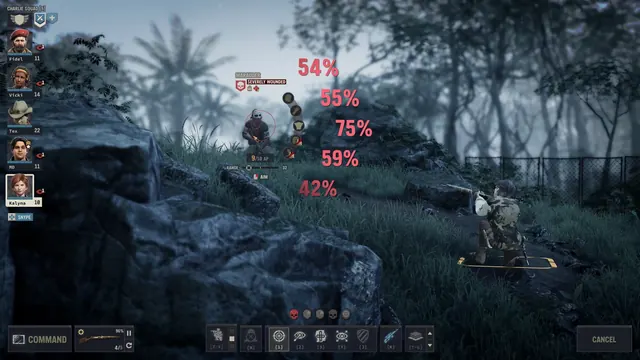 Jagged Alliance 3 - Body-part targeting: five hit chances priced over a wounded Marauder
Same type: HUD & Gameplay UI; Shared patterns: hud-overlay, action-bar
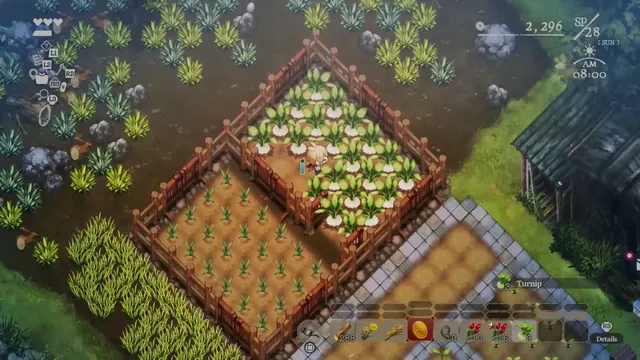 Village in the Shade - Farming HUD: turnip beds at two growth stages, hotbar and the Sunday morning clock
Same type: HUD & Gameplay UI; Shared patterns: hud-overlay, action-bar
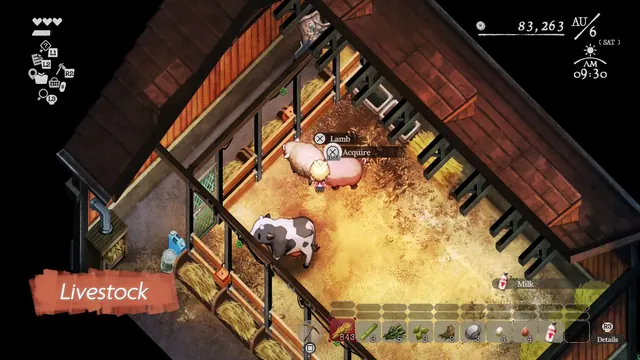 Village in the Shade - Barn interior: Lamb 'Hold to Acquire' prompt, Milk toast and the produce hotbar
Same type: HUD & Gameplay UI; Shared patterns: hud-overlay, action-bar
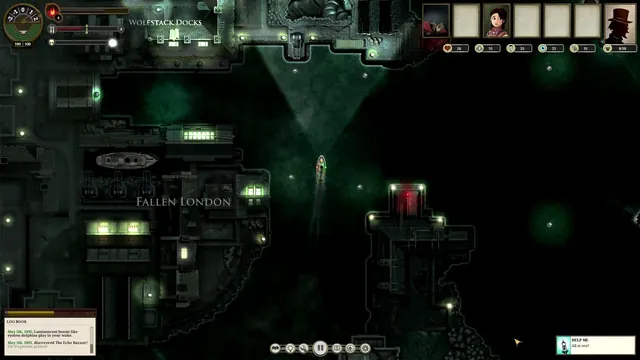 Sunless Sea - Arriving at Fallen London: Wolfstack Docks, the full sailing HUD and the Log Book
Same type: HUD & Gameplay UI; Shared patterns: action-bar, hud-overlay
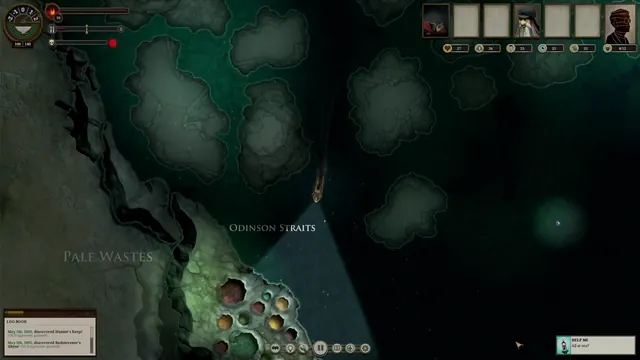 Sunless Sea - Open-sea navigation: the light cone over Odinson Straits and the Pale Wastes
Same type: HUD & Gameplay UI; Shared patterns: action-bar, hud-overlay
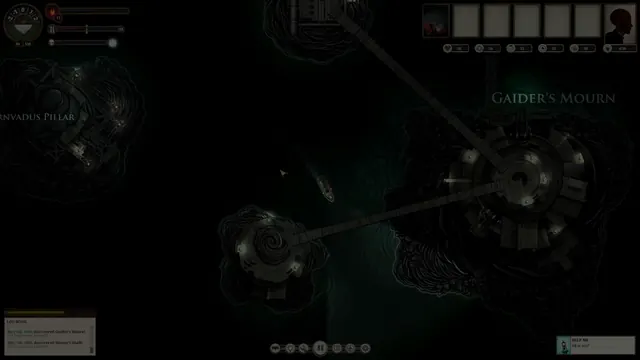 Sunless Sea - Island-hopping: Gaider's Mourn and the bridge-linked islets, early-voyage roster
Same type: HUD & Gameplay UI; Shared patterns: action-bar, hud-overlay