Dialogue: Teddy warns about the Zurks
Stray · Dialogue / Conversation
Art style Realistic 3D
About this game
Developer: BlueTwelve Studio · Publisher: Annapurna Interactive · Platform: PC (Steam) · Art style: Realistic 3D · Screen type: Dialogue / Conversation
More Stray screens in the Gallery
What to study
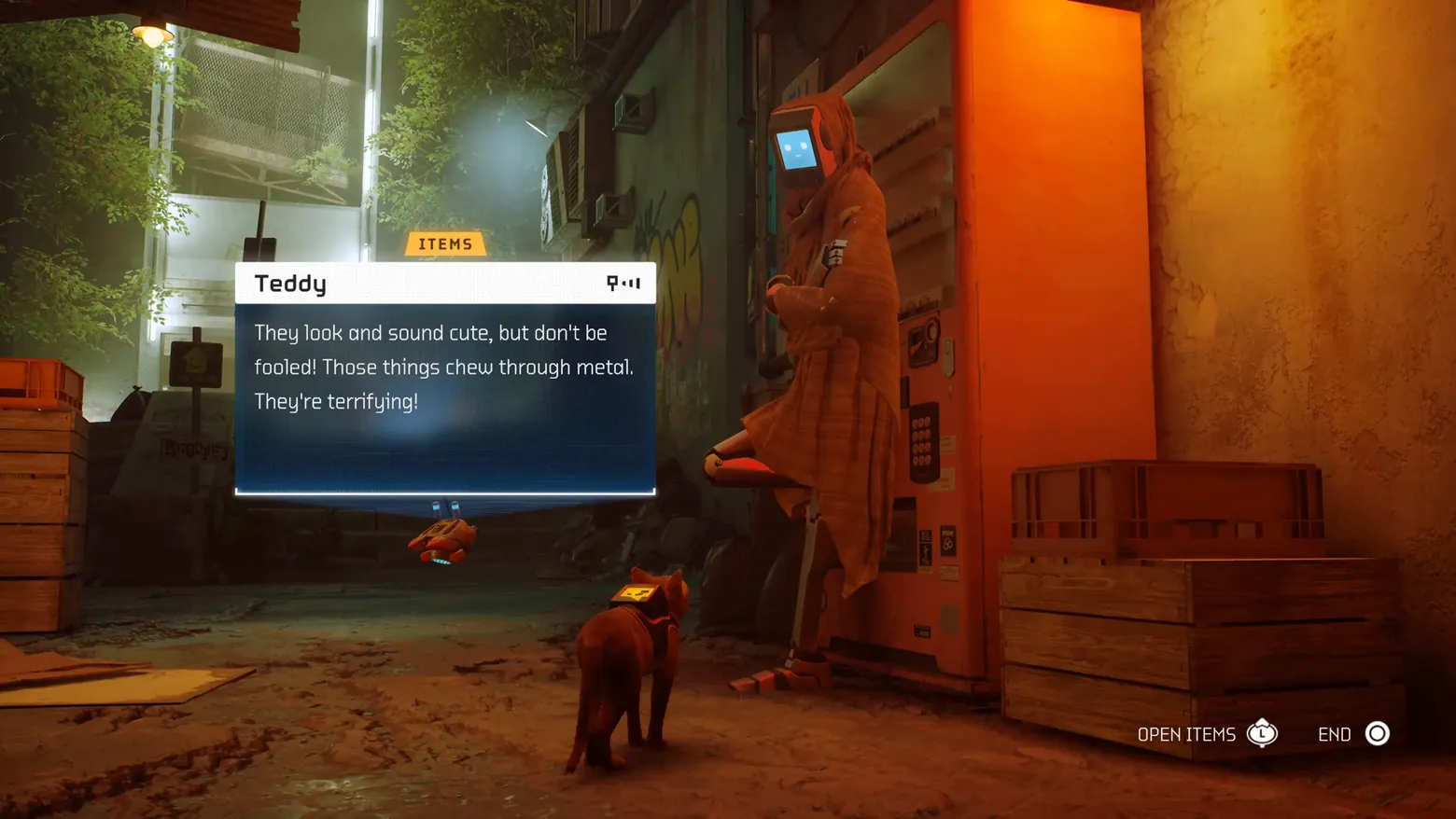
Stray's dialogue is a projection, not a screen: B-12 floats the conversation into the world as a translucent panel, so the speaker, the cat and the alley all stay in the same shot. The design's discipline is in what it withholds: one speaker header, three lines of text, two prompts, and an ITEMS tab that quietly turns a chat into a shop. Nothing dims, nothing letterboxes, nothing takes the player out of the street. Frame at 1:46.5 in the STRAY | Gameplay Walkthrough (Steam). No flaws in frame: full-bleed, settled text, all prompts legible.
Patterns
How the screen is arranged.
dialogue-line speaker-nameplate in-world-panel prompt-bar tabs
Components
Parts on screen.
Dialogue box Nameplate Button prompts Tabs
Screen inventory
- the dialogue is a translucent dark panel floating in the world, projected by B-12: a white speaker header ('Teddy', with the robot-glyph signal icon at right) over three lines of body text warning that Zurks 'chew through metal'
- a small orange ITEMS tab sits above the panel, marking the conversation as the entry point to the item trade; the panel's bottom edge is a thin white rule with B-12 hovering just beneath it
- bottom-right PlayStation prompts read OPEN ITEMS (L1) and END (circle): the whole exchange is framed as a pausable trade conversation, not a cutscene
- behind the panel the scene stays fully visible and in play: Teddy the robot leaning on an orange vending machine, the cat in its B-12 harness in the foreground, the alley's green foliage and warm sodium light untouched by the UI
Top 3 colors
#601f09 25%#291610 25%#433824 15%
Top three palette colors by share. The remaining colors make up the rest.
Source and credit
© BlueTwelve Studio / Annapurna Interactive, Stray screenshot: STRAY | Gameplay Walkthrough (Steam) — BlueTwelve Studio, shown for design study and commentary. PlayCraft is an unofficial fan project, not affiliated with or endorsed by Annapurna Interactive.
Source tier 2 (publisher-released) · screenshot: Steam store page · Steam page
Source details
Fetched 2026-11-06. verified 2026-11-06: v0_0003.png @ 106.5s in the STRAY | Gameplay Walkthrough, MD5 5961953fcc1be7523492fac99c03b675, from the Steam direct-mp4 download (187,019,781 B, MD5 83f822229335253d504802a466916408; ffprobe duration 269.76s, 16184 frames; full decode to null exit 0, zero error lines), inspected visually at full resolution (1920x1080 native); speaker header, three dialogue lines, ITEMS tab and both button prompts legible; no marketing overlay, caption or letterboxing in frame
no published policy found (checked 2026-11-06, three web searches incl. annapurnainteractive.com; no Annapurna Interactive video/fan-content reuse policy surfaced); fair-use study use, unofficial, not endorsed, takedown honored within 48h
Rights holders: see Copyright & takedown.
Similar screens
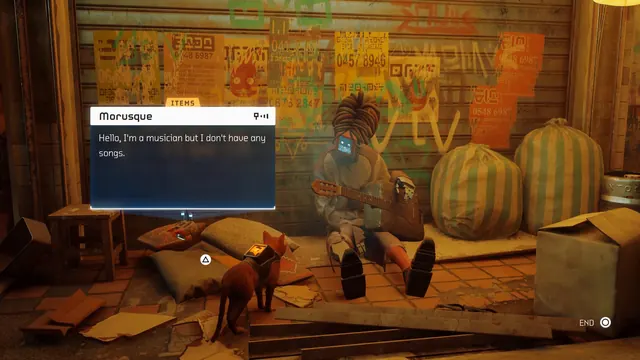 Stray - Dialogue: Morusque, the musician with no songs
Same type: Dialogue / Conversation; Shared patterns: dialogue-line, speaker-nameplate, in-world-panel, prompt-bar, tabs
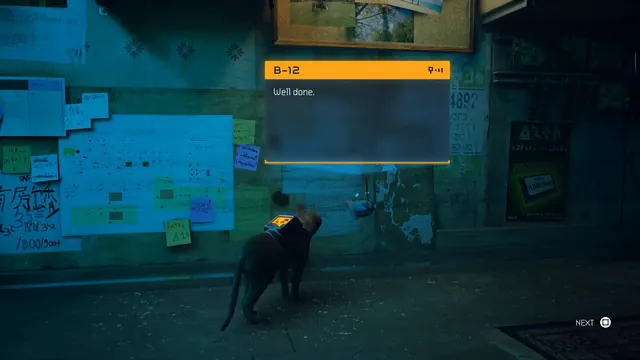 Stray - Dialogue: B-12 says 'Well done.'
Same type: Dialogue / Conversation; Shared patterns: dialogue-line, speaker-nameplate, in-world-panel, prompt-bar
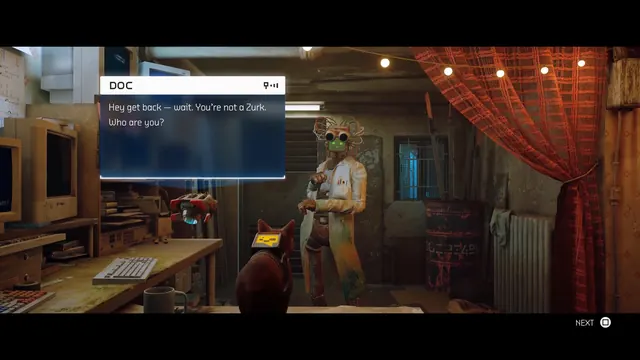 Stray - Dialogue: Doc mistakes the cat for a Zurk
Same type: Dialogue / Conversation; Shared patterns: dialogue-line, speaker-nameplate, in-world-panel, prompt-bar
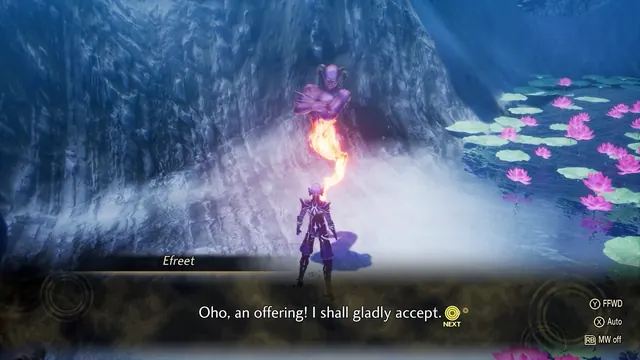 Shin Megami Tensei V: Vengeance - Demon negotiation: Efreet accepts the offering
Same type: Dialogue / Conversation; Shared patterns: dialogue-line, speaker-nameplate
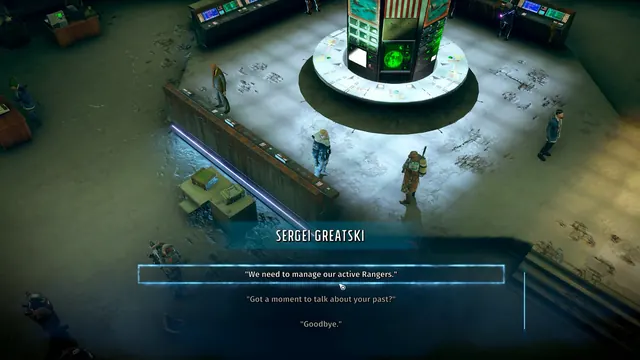 Wasteland 3 - Ranger HQ dialogue: Sergei Greatski's topic list
Same type: Dialogue / Conversation; Shared patterns: speaker-nameplate
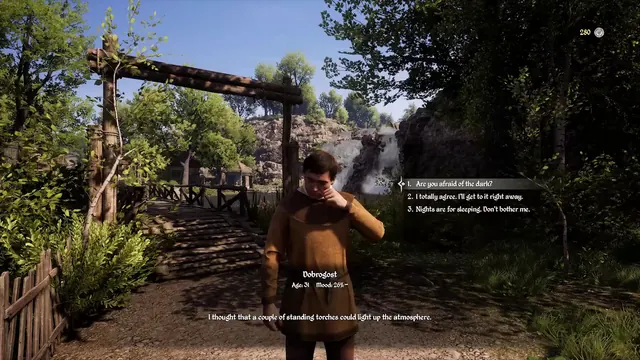 Medieval Dynasty - Dialogue with Dobrogost: three numbered choices, age and mood plate
Same type: Dialogue / Conversation; Shared patterns: speaker-nameplate