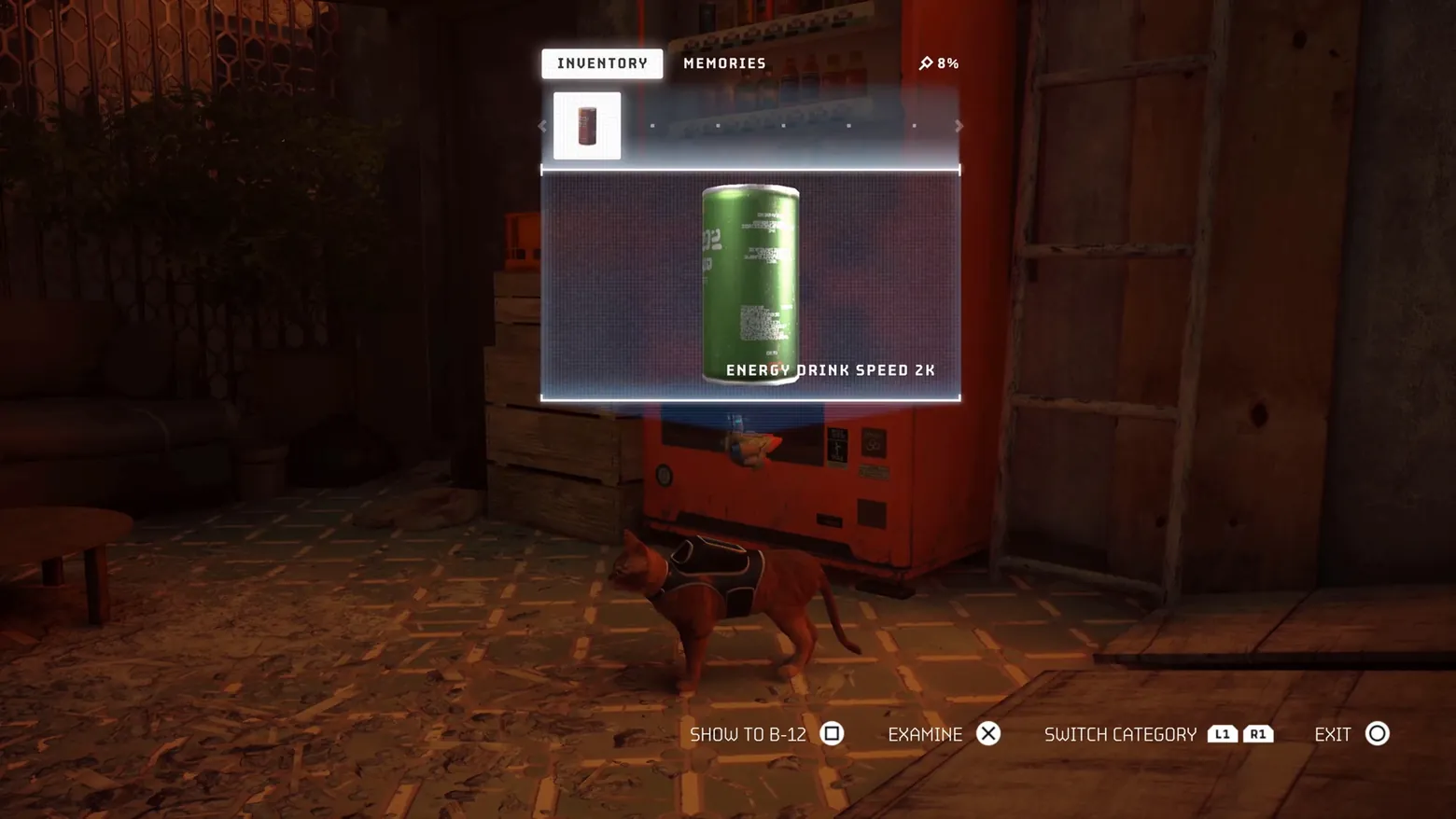
Inventory: Energy Drink Speed 2K, with Memories progress
Stray · Character / Unit Detail
Art style Realistic 3D
About this game
Developer: BlueTwelve Studio · Publisher: Annapurna Interactive · Platform: PC (Steam) · Art style: Realistic 3D · Screen type: Character / Unit Detail
More Stray screens in the Gallery
What to study
Stray's inventory is the game's thesis in one screen: you are a cat carrying things for robots, so the interface is a single strip of found objects and the only actions are show, examine, and leave. The big item card treats a vending-machine can with the reverence other games reserve for legendary swords, rendered large over a blueprint grid while the alley stays visible behind it, and the 8% Memories counter quietly turns collecting into the game's second progression. Frame at 2:20 in the STRAY | Gameplay Walkthrough (Steam). No flaws in frame: full-bleed, settled screen, all tabs, prompts and the item caption legible.
Patterns
How the screen is arranged.
inventory-strip item-card item-preview tabs prompt-bar
Components
Parts on screen.
Tabs Slots Card Progress bar Button prompts
Screen inventory
- two tabs top-centre, INVENTORY (active, white pill) and MEMORIES, with a small memories counter at right reading 8%: the collection is two tabs, and progress toward it is always in view
- below the tabs a horizontal item strip with a single filled slot (a can thumbnail) and empty dot positions stretching right: the inventory is a strip you scroll, not a grid
- the selected item fills the centre as a large card: a green energy-drink can rendered at object scale over a fine grid, captioned ENERGY DRINK SPEED 2K in spaced capitals
- bottom prompts read SHOW TO B-12 (square), EXAMINE (cross), SWITCH CATEGORY (L1/R1), EXIT (circle): every action the screen offers is a single button, and showing an item to B-12 is a first-class verb
- the world never leaves: the cat stands in front of the vending machine the can came from, and the inventory floats over the alley instead of replacing it
Top 3 colors
#150806 26%#502c1e 20%#2f100a 17%
Top three palette colors by share. The remaining colors make up the rest.
Source and credit
© BlueTwelve Studio / Annapurna Interactive, Stray screenshot: STRAY | Gameplay Walkthrough (Steam) — BlueTwelve Studio, shown for design study and commentary. PlayCraft is an unofficial fan project, not affiliated with or endorsed by Annapurna Interactive.
Source tier 2 (publisher-released) · screenshot: Steam store page · Steam page
Source details
Fetched 2026-11-06. verified 2026-11-06: w_0071.png @ 140.0s in the STRAY | Gameplay Walkthrough (dense 1-frame/2s scan; copy in candidates/), MD5 3c5d6fa18d3778c64646ccb1f4c82d4a, from the Steam direct-mp4 download (187,019,781 B, MD5 83f822229335253d504802a466916408; ffprobe duration 269.76s, 16184 frames; full decode to null exit 0, zero error lines), inspected visually at full resolution (1920x1080 native); INVENTORY/MEMORIES tabs, 8% counter, item slot, can card, caption and all four bottom prompts legible; no marketing overlay or letterboxing in frame
no published policy found (checked 2026-11-06, three web searches incl. annapurnainteractive.com; no Annapurna Interactive video/fan-content reuse policy surfaced); fair-use study use, unofficial, not endorsed, takedown honored within 48h
Rights holders: see Copyright & takedown.
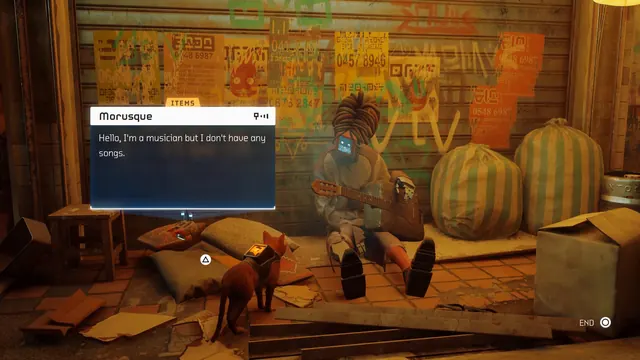
Similar screens
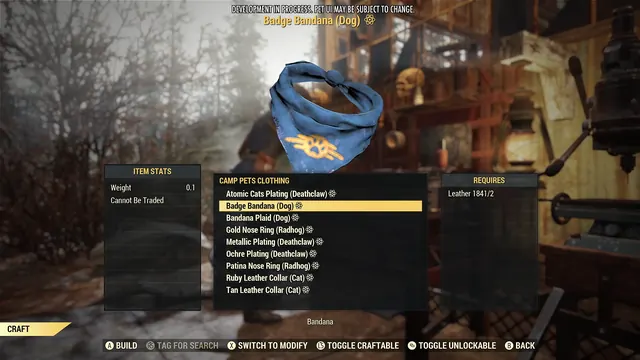 Fallout 76 - Crafting: 'CAMP PETS CLOTHING' list, 'Badge Bandana (Dog)' selected
Same type: Character / Unit Detail; Shared patterns: item-preview
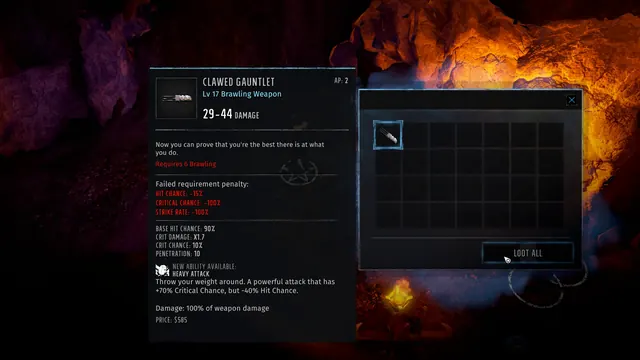 Wasteland 3 - Loot: Clawed Gauntlet card, requirement penalties in red
Same type: Character / Unit Detail; Shared patterns: item-card
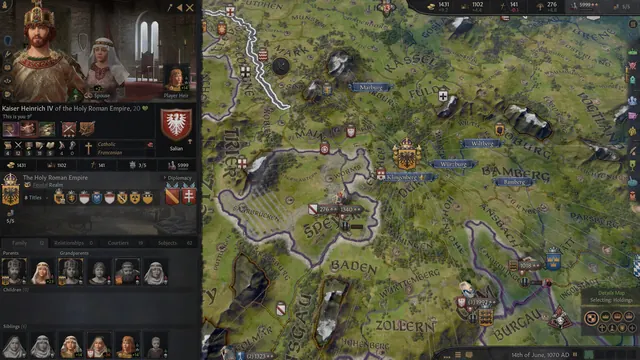 Crusader Kings III - Character window over the map
Same type: Character / Unit Detail
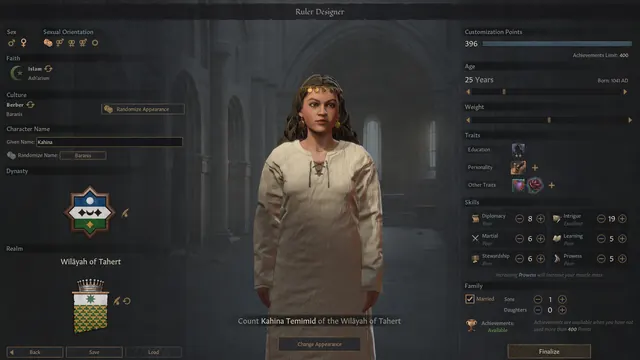 Crusader Kings III - Ruler designer
Same type: Character / Unit Detail
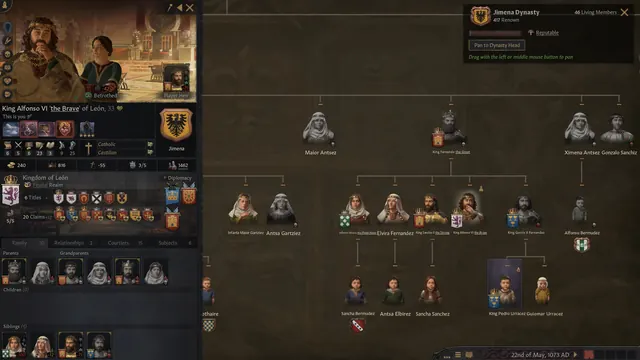 Crusader Kings III - Dynasty family tree
Same type: Character / Unit Detail
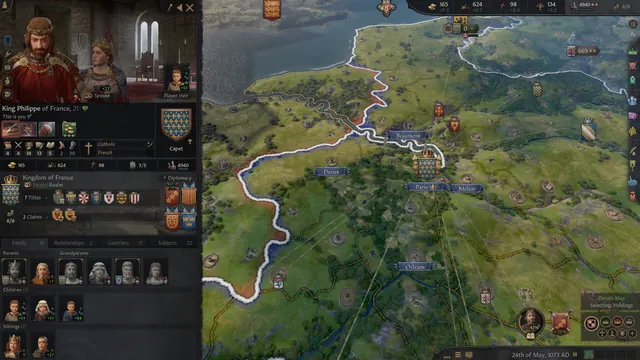 Crusader Kings III - Character sheet over the realm map
Same type: Character / Unit Detail