Dialogue: Doc mistakes the cat for a Zurk
Stray · Dialogue / Conversation
Art style Realistic 3D
About this game
Developer: BlueTwelve Studio · Publisher: Annapurna Interactive · Platform: PC (Steam) · Art style: Realistic 3D · Screen type: Dialogue / Conversation
More Stray screens in the Gallery
What to study
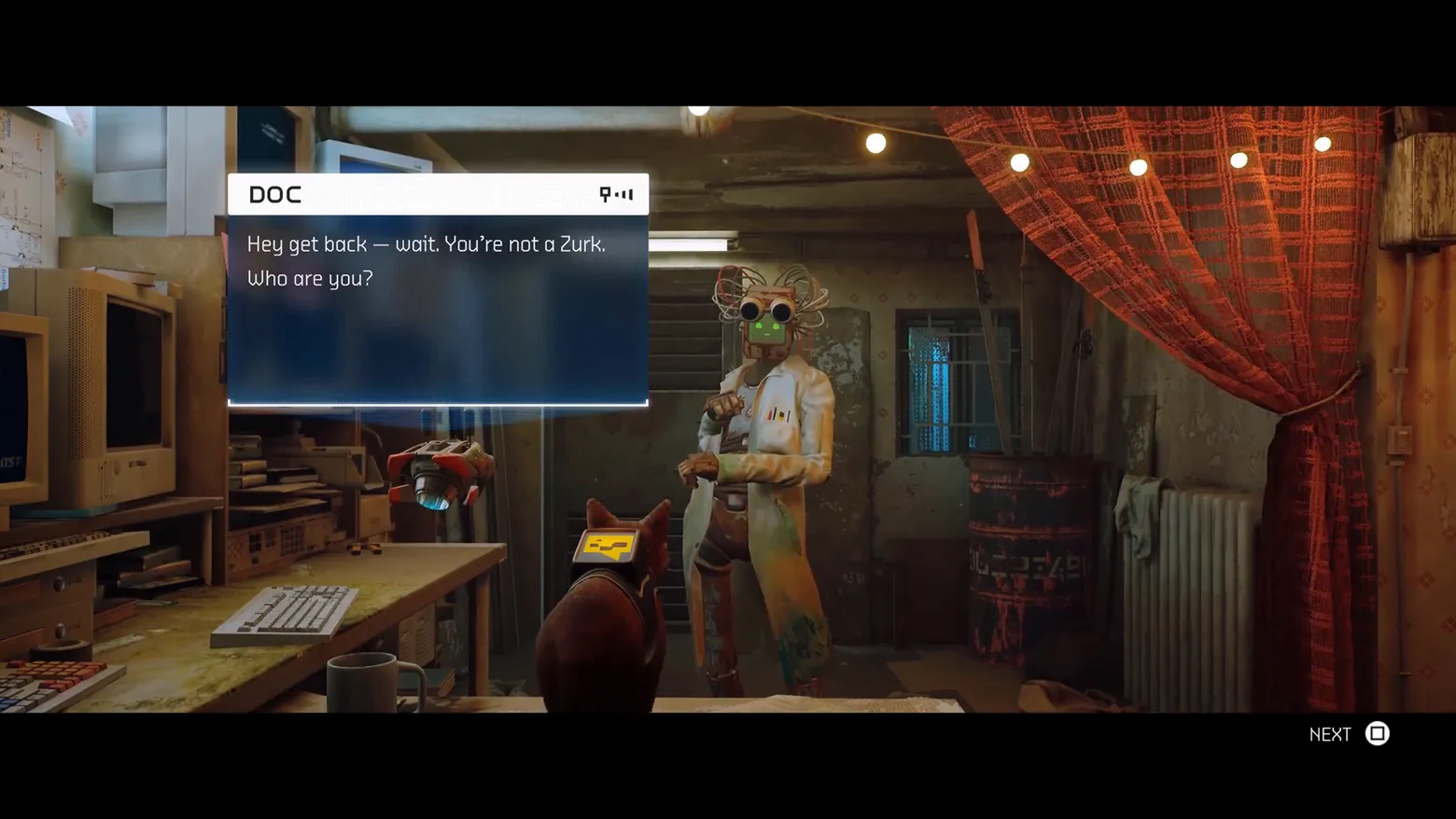
This is the same dialogue panel as the Teddy and Morusque conversations, which is the point: Stray runs every story beat through one projected box, and the variety comes from the speakers and rooms, not the chrome. What changes here is the framing: story-first meetings play letterboxed, with the NEXT prompt moved into the black bar, so the game quietly signals 'this one matters' without changing the panel at all. Frame at 3:42 in the STRAY | Gameplay Walkthrough (Steam). Disclosure: the walkthrough presents this story meeting letterboxed with black bars top and bottom and the NEXT prompt in the lower bar; that framing is the video's presentation of the scene.
Patterns
How the screen is arranged.
dialogue-line speaker-nameplate in-world-panel prompt-bar
Components
Parts on screen.
Dialogue box Nameplate Button prompts
Screen inventory
- the projected dialogue panel again, white DOC header, two settled lines: 'Hey get back — wait. You're not a Zurk. Who are you?'
- Doc stands full-figure in his lab coat behind the panel, binocular-eyed and wire-haired, with B-12 hovering at left and the cat's B-12 backpack in the foreground: speaker, translator and player all in one frame
- the NEXT prompt (square) sits in the lower black bar, not over the scene
- the room is Doc's workshop: CRT monitors, keyboards, a mug, string lights and a red checked curtain, all lit warm against the blue of the panel
Top 3 colors
#000000 27%#261513 19%#2b2927 18%
Top three palette colors by share. The remaining colors make up the rest.
Source and credit
© BlueTwelve Studio / Annapurna Interactive, Stray screenshot: STRAY | Gameplay Walkthrough (Steam) — BlueTwelve Studio, shown for design study and commentary. PlayCraft is an unofficial fan project, not affiliated with or endorsed by Annapurna Interactive.
Source tier 2 (publisher-released) · screenshot: Steam store page · Steam page
Source details
Fetched 2026-11-06. verified 2026-11-06: w_0112.png @ 222.0s in the STRAY | Gameplay Walkthrough (dense 1-frame/2s scan; copy in candidates/), MD5 51ecce4a413e74d2153ffafddfdfe240, from the Steam direct-mp4 download (187,019,781 B, MD5 83f822229335253d504802a466916408; ffprobe duration 269.76s, 16184 frames; full decode to null exit 0, zero error lines), inspected visually at full resolution (1920x1080 native); DOC header, both dialogue lines and NEXT prompt legible; letterbox bars top and bottom are the video's presentation of this story meeting, disclosed in the study note
no published policy found (checked 2026-11-06, three web searches incl. annapurnainteractive.com; no Annapurna Interactive video/fan-content reuse policy surfaced); fair-use study use, unofficial, not endorsed, takedown honored within 48h
Rights holders: see Copyright & takedown.
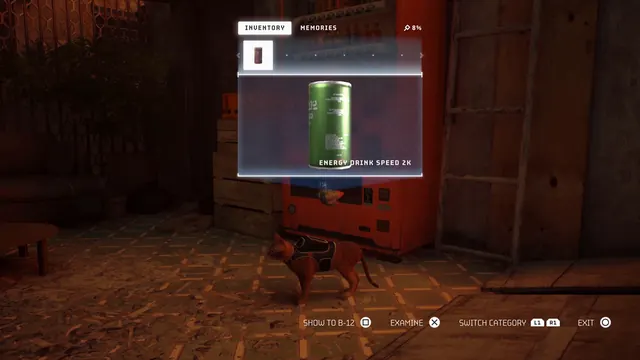
Similar screens
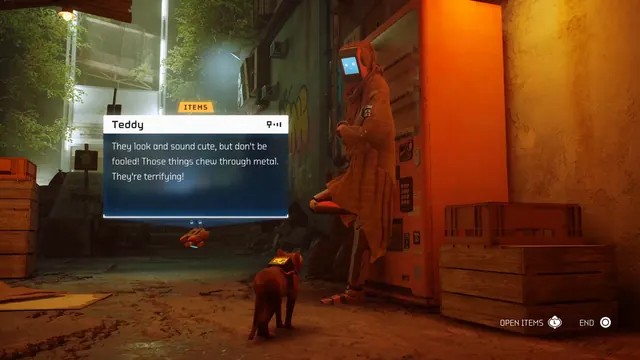 Stray - Dialogue: Teddy warns about the Zurks
Same type: Dialogue / Conversation; Shared patterns: dialogue-line, speaker-nameplate, in-world-panel, prompt-bar
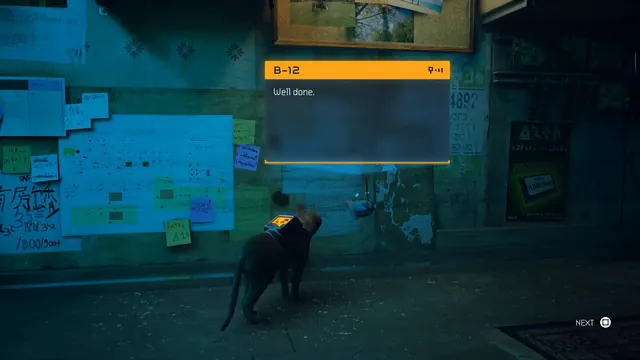 Stray - Dialogue: B-12 says 'Well done.'
Same type: Dialogue / Conversation; Shared patterns: dialogue-line, speaker-nameplate, in-world-panel, prompt-bar
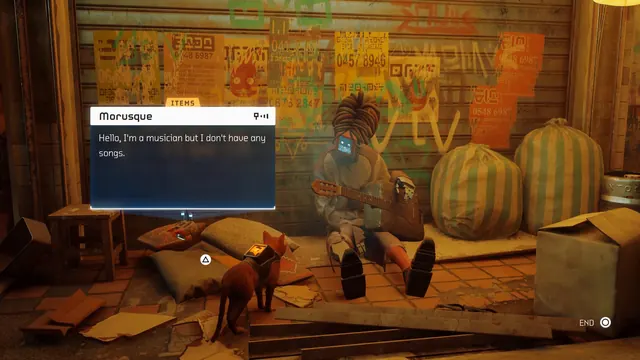 Stray - Dialogue: Morusque, the musician with no songs
Same type: Dialogue / Conversation; Shared patterns: dialogue-line, speaker-nameplate, in-world-panel, prompt-bar
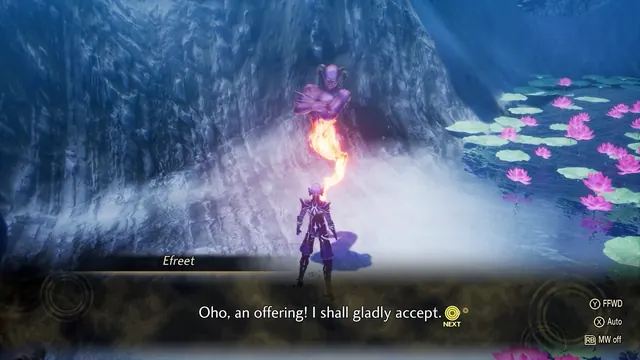 Shin Megami Tensei V: Vengeance - Demon negotiation: Efreet accepts the offering
Same type: Dialogue / Conversation; Shared patterns: dialogue-line, speaker-nameplate
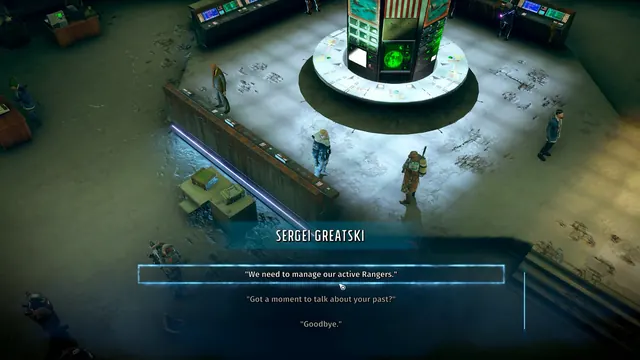 Wasteland 3 - Ranger HQ dialogue: Sergei Greatski's topic list
Same type: Dialogue / Conversation; Shared patterns: speaker-nameplate
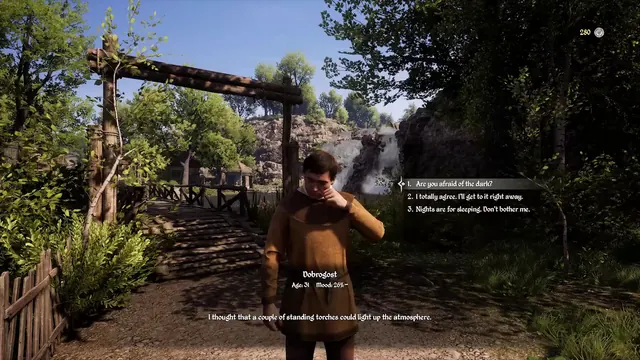 Medieval Dynasty - Dialogue with Dobrogost: three numbered choices, age and mood plate
Same type: Dialogue / Conversation; Shared patterns: speaker-nameplate