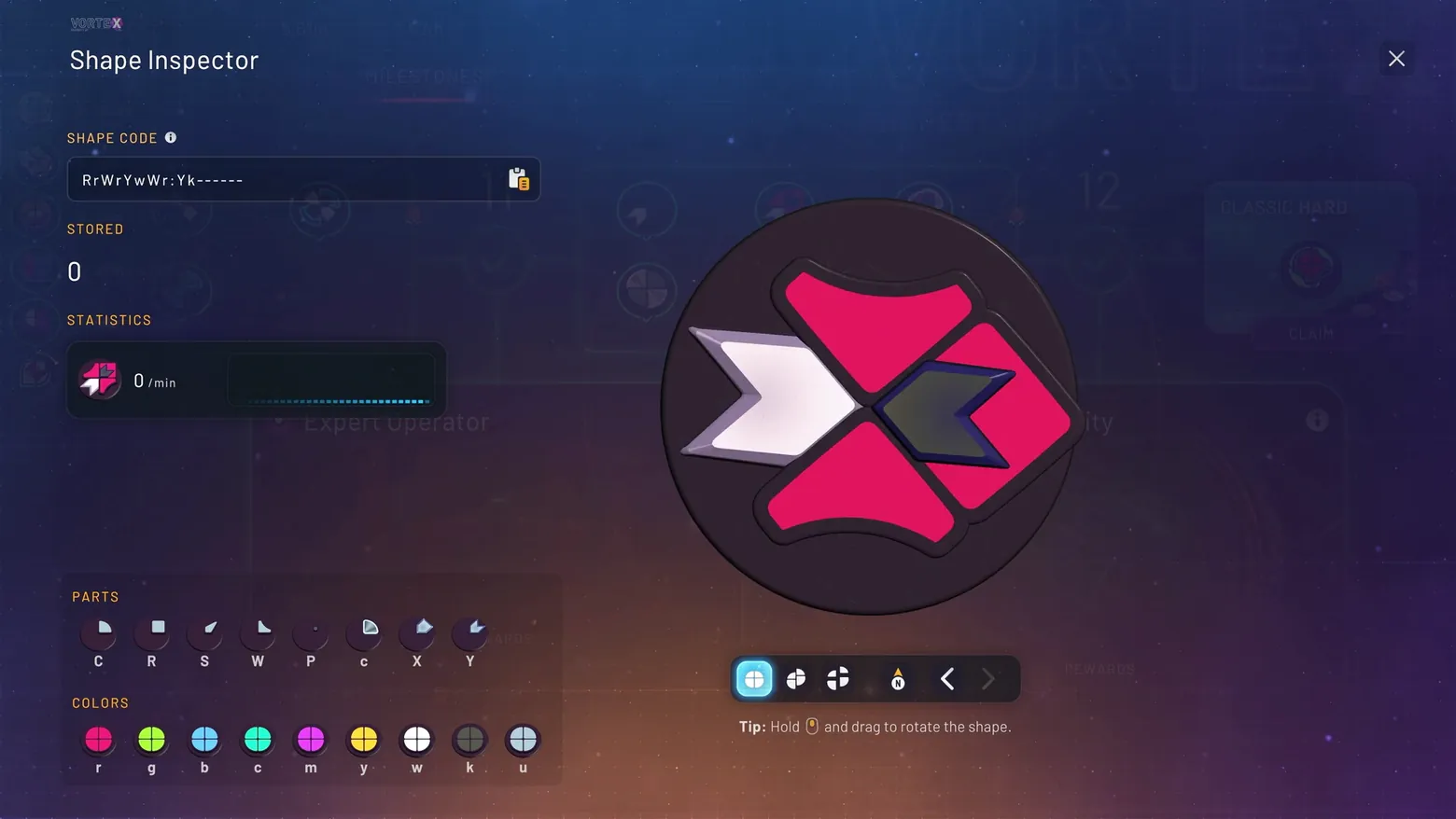
Shape Inspector: shape code, parts, colors, and statistics
shapez 2 · Encyclopedia / Codex
About this game
Developer: tobspr Games · Publisher: tobspr Games · Platform: PC (Steam) · Screen type: Encyclopedia / Codex
More shapez 2 screens in the Gallery
What to study
Every shape in shapez 2 has a code, and this panel is where the code becomes readable: the string at the top, the part and color alphabets below, and the 3D model in the middle all describe the same object three ways. A player debugging a factory can copy the code, check what is stored, and see the production rate in one place, instead of tracing belts to guess what a shape is. Frame at about 0:50 in the 1.0 Gameplay Trailer [EN] (Steam).
Patterns
How the screen is arranged.
Screen inventory
- SHAPE CODE field: RrWrYwWr:Yk------ with a copy button
- STORED 0 and a STATISTICS bar at 0/min
- Large rotatable shape model in pink, white, and dark green
- PARTS row (C, R, S, W, P, c, X, Y) and COLORS row (r, g, b, c, m, y, w, k, u)
- Tip: Hold and drag to rotate the shape
Top 3 colors
#1e1e3e 24%#2a1f38 22%#2e2846 17%
Top three palette colors by share. The remaining colors make up the rest.
Source and credit
© tobspr Games, shapez 2 screenshot: 1.0 Gameplay Trailer [EN] (Steam), shown for design study and commentary. PlayCraft is an unofficial fan project, not affiliated with or endorsed by tobspr Games.
Source tier 2 (publisher-released) · screenshot: Steam store page · Steam page
Source details
Fetched 2026-11-01. verified 2026-11-01: scene frame from the official Steam trailer, inspected visually at full resolution; shape code, stored count, statistics bar, parts and colors rows confirmed legible
no published tobspr Games fan-content policy found (checked 2026-11-01; tobspr.io press page welcomes coverage and offers a shapez 2 press kit for screenshots, but states no fan-content policy); fair-use study use, takedown honored within 48h
Rights holders: see Copyright & takedown.
Similar screens
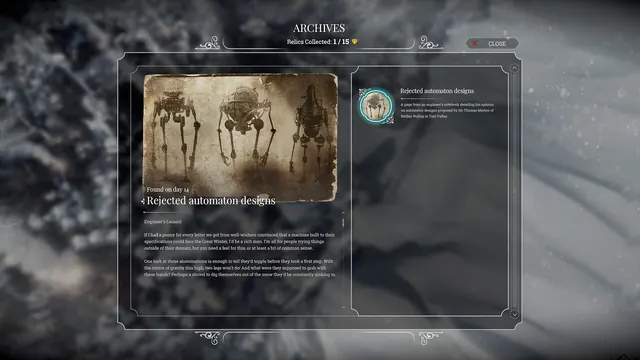 Frostpunk - Archives: relic viewer
Same type: Encyclopedia / Codex
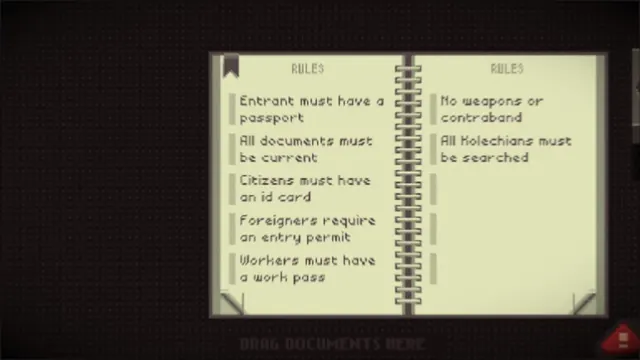 Papers, Please - Rulebook: current entry rules, two-page spread
Same type: Encyclopedia / Codex
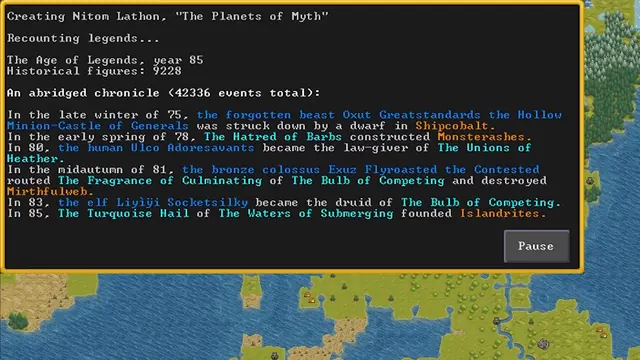 Dwarf Fortress - World generation: the abridged chronicle of a generated world
Same type: Encyclopedia / Codex
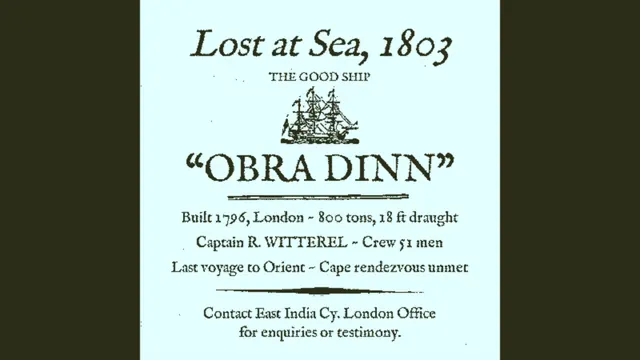 Return of the Obra Dinn - Logbook front page: 'Lost at Sea, 1803, The Good Ship Obra Dinn'
Same type: Encyclopedia / Codex
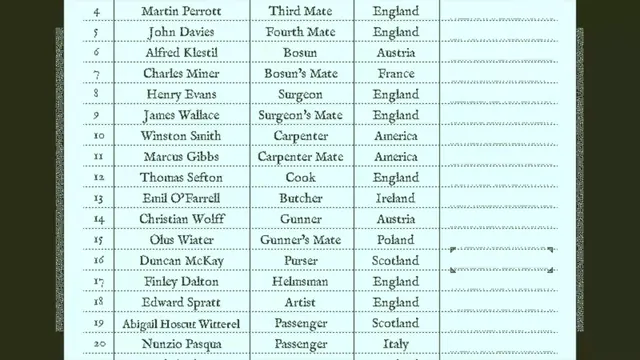 Return of the Obra Dinn - Crew manifest: name, role, origin, and a blank column for fate
Same type: Encyclopedia / Codex
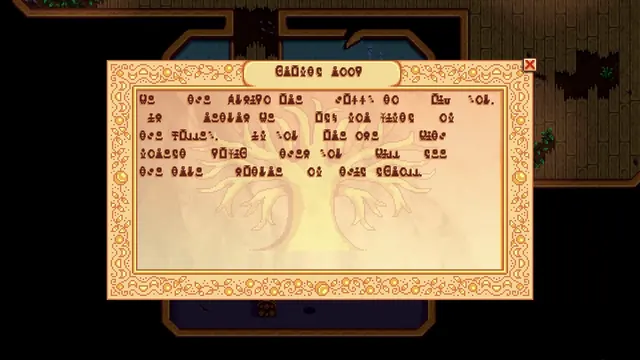 Stardew Valley - Community Center plaque: a message written in Junimo script
Same type: Encyclopedia / Codex