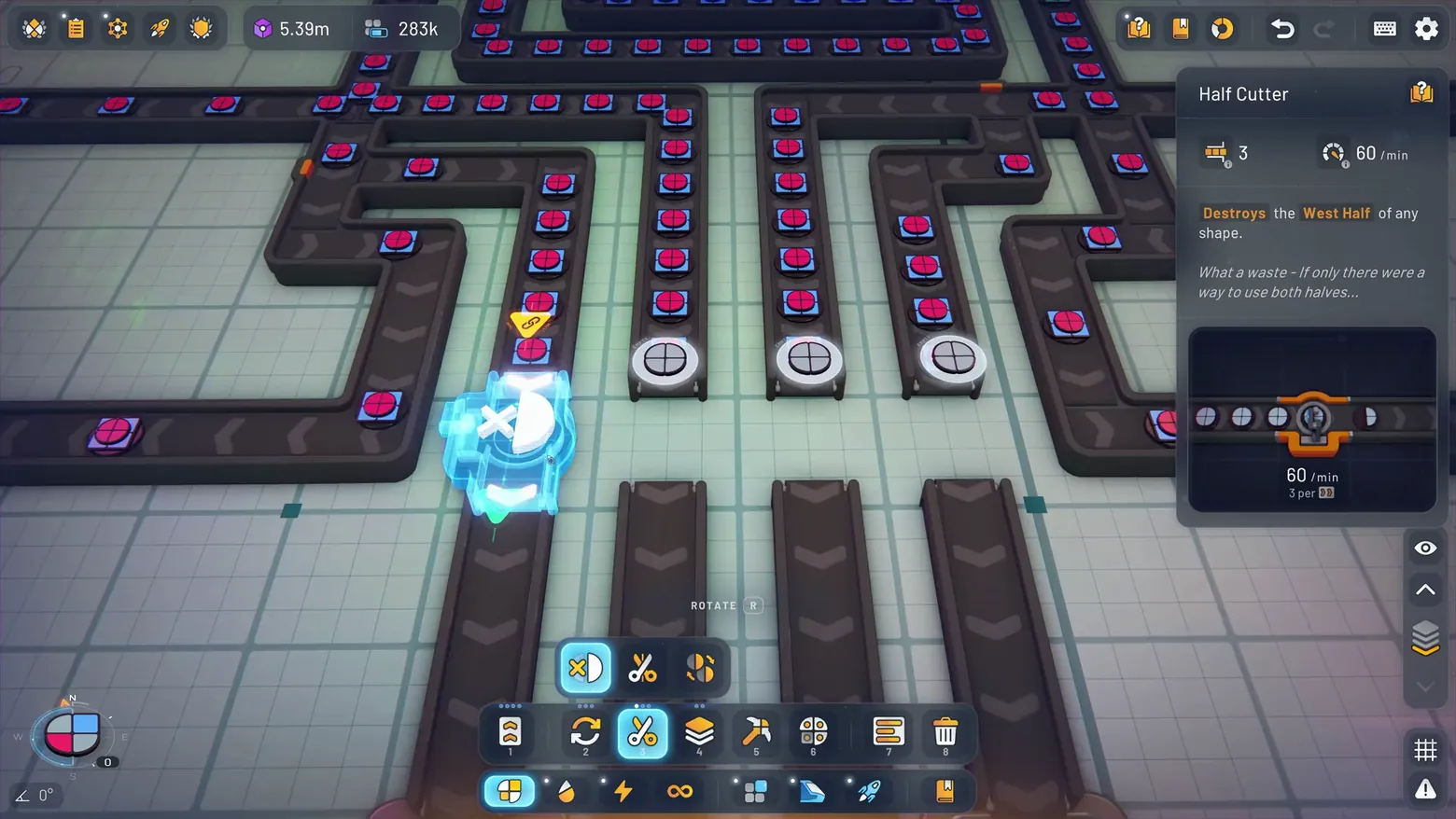
Half Cutter placement: ghost cutter and West Half detail card
shapez 2 · City & Base Management
About this game
Developer: tobspr Games · Publisher: tobspr Games · Platform: PC (Steam) · Screen type: City & Base Management
More shapez 2 screens in the Gallery
What to study
Where the belt keeper shows throughput, this one shows transformation: the card explains the machine in plain language (it destroys the West Half of any shape) and even jokes about the waste, which teaches the mechanic while the ghost shows the placement. Pairing the two placement screens shows how shapez 2 separates moving shapes from changing shapes, with a different card for each job. Frame at about 0:37 in the 1.0 Gameplay Trailer [EN] (Steam).
Patterns
How the screen is arranged.
Screen inventory
- Cyan ghost Half Cutter being placed on a belt of red circle shapes
- Right detail card: Half Cutter, Destroys the West Half of any shape, 60/min, 3 per tile
- Bottom toolbar with the cutter tool selected in slot 3
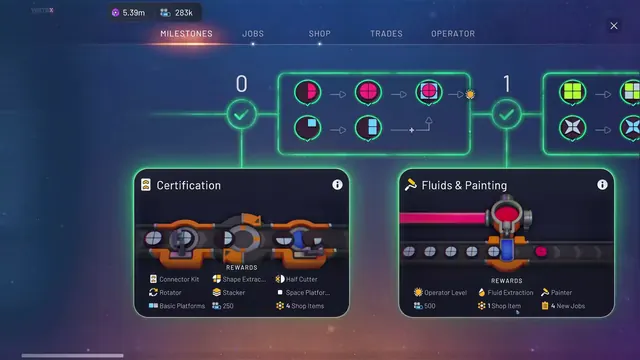
- Top resource strip (5.39m, 283k) and compass widget bottom left
Top 3 colors
#272936 27%#483e4b 22%#8c9799 14%
Top three palette colors by share. The remaining colors make up the rest.
Source and credit
© tobspr Games, shapez 2 screenshot: 1.0 Gameplay Trailer [EN] (Steam), shown for design study and commentary. PlayCraft is an unofficial fan project, not affiliated with or endorsed by tobspr Games.
Source tier 2 (publisher-released) · screenshot: Steam store page · Steam page
Source details
Fetched 2026-11-01. verified 2026-11-01: scene frame from the official Steam trailer, inspected visually at full resolution; ghost cutter, West Half card text, rate, and selected toolbar slot confirmed legible
no published tobspr Games fan-content policy found (checked 2026-11-01; tobspr.io press page welcomes coverage and offers a shapez 2 press kit for screenshots, but states no fan-content policy); fair-use study use, takedown honored within 48h
Rights holders: see Copyright & takedown.
Similar screens
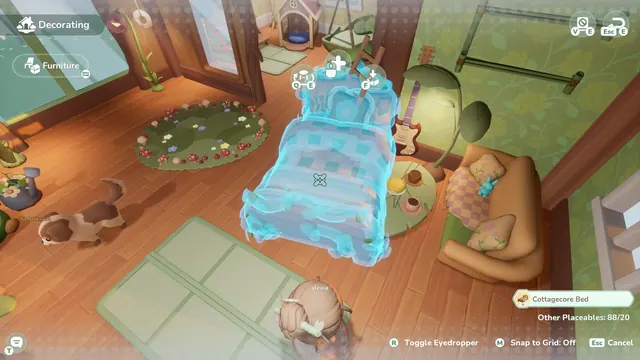 Loftia - Decorating mode: holographic Cottagecore Bed
Same type: City & Base Management; Shared patterns: hud-overlay
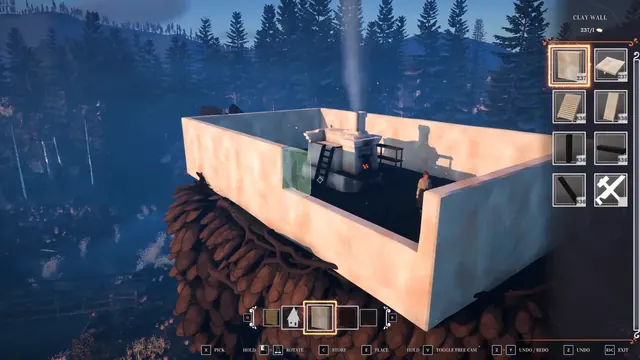 REKA - Build mode: Clay Wall palette and placement ghost on the chicken-legged cottage
Same type: City & Base Management; Shared patterns: hud-overlay
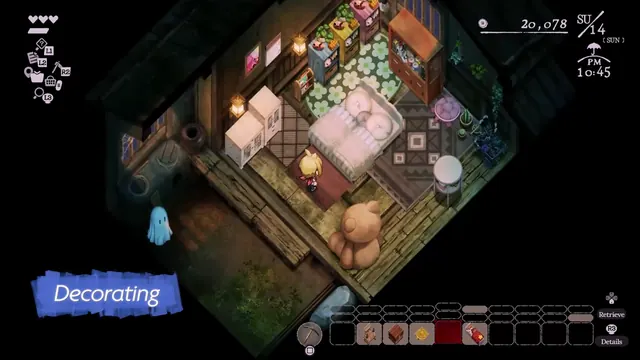 Village in the Shade - Decorating: isometric bedroom, furniture hotbar and the ghost on the porch
Same type: City & Base Management; Shared patterns: hud-overlay
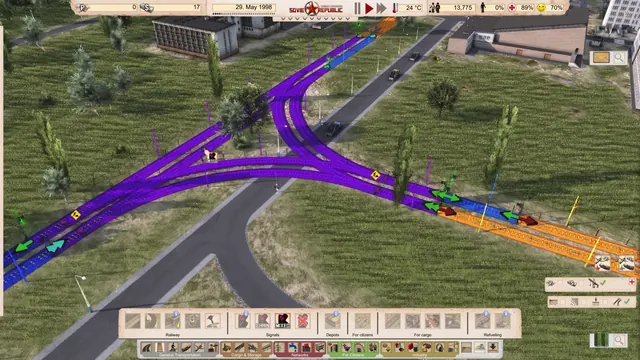 Workers & Resources: Soviet Republic - Railway signals: CHAIN and MIXED blocks over a junction
Same type: City & Base Management; Shared patterns: hud-overlay
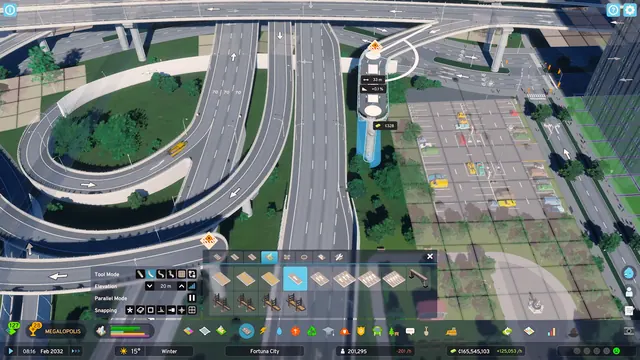 Cities: Skylines II - Road building: elevated interchange with elevation and cost readouts
Same type: City & Base Management; Shared patterns: hud-overlay
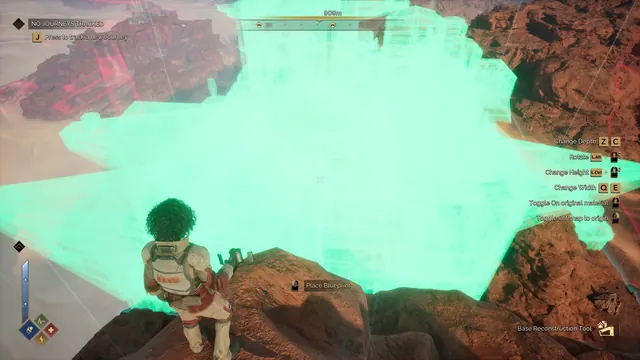 Dune: Awakening - Base Reconstruction Tool: giant blueprint ghost and placement controls
Same type: City & Base Management; Shared patterns: hud-overlay