Argo Ship Upgrades: systems, combat and personnel icon groups
BATTLETECH · City & Base Management
Art style Realistic 3D
About this game
Developer: Harebrained Schemes · Publisher: Paradox Interactive · Platform: PC (Steam) · Art style: Realistic 3D · Screen type: City & Base Management
More BATTLETECH screens in the Gallery
What to study
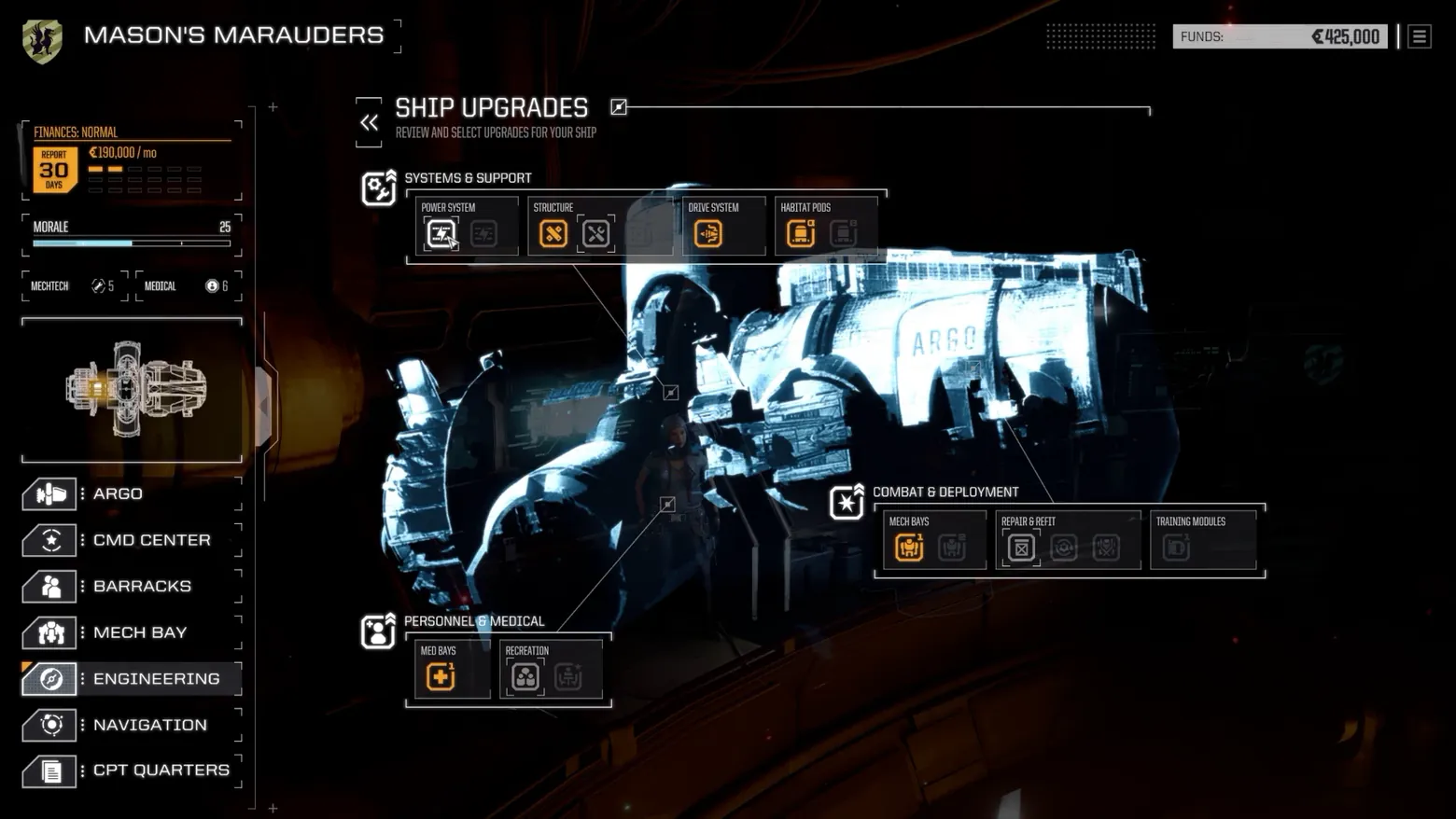
Most base-building screens give you a tech tree; the Argo gives you the ship. Ship Upgrades hangs its three upgrade families, Systems & Support, Combat & Deployment, Personnel & Medical, around a hologram of the vessel itself, leader lines tying each icon tile back to the hull section it improves, so 'better med bays' is a place you can point at rather than a row in a list. The permanent left rail does the other half of the design work: finances, morale, MechTech and Medical ratings and the room menu never leave the screen, which keeps every upgrade decision inside the company's whole economic situation, ₡425,000 in funds, ₡190,000 a month in costs, morale at 25. The base is a balance sheet you can walk around in. Frame at 0:28.3 in BATTLETECH Basics - Episode 2: Mercenary Life.
Patterns
How the screen is arranged.
side-panel icon-rail upgrade-grid stat-panel
Components
Parts on screen.
Screen inventory
- the left company rail shared by all Argo screens: 'MASON'S MARAUDERS', a FINANCES: NORMAL box (REPORT 30 DAYS, ₡190,000 / mo), MORALE 25 with its bar, MECHTECH 5 and MEDICAL 6, a line schematic of the Argo with the engineering section lit orange, and the room menu, ARGO, CMD CENTER, BARRACKS, MECH BAY, ENGINEERING (selected), NAVIGATION, CPT QUARTERS, with 'FUNDS: ₡425,000' at top right
- the centre: a pale holographic rendering of the Argo in its hangar, 'ARGO' lettered on the hull, with thin leader lines running from points on the ship out to the upgrade groups that affect them
- the SYSTEMS & SUPPORT group at top: POWER SYSTEM, STRUCTURE, DRIVE SYSTEM and HABITAT PODS icon tiles, orange where an upgrade path is open and greyed where it is not
- the COMBAT & DEPLOYMENT group at right: MECH BAYS, REPAIR & REFIT and TRAINING MODULES tiles; and PERSONNEL & MEDICAL at lower left: MED BAYS and RECREATION tiles, each group headed by its own category icon
Top 3 colors
#000000 31%#0d0809 29%#050001 16%
Top three palette colors by share. The remaining colors make up the rest.
Source and credit
© Harebrained Schemes / Paradox Interactive, BATTLETECH screenshot: BATTLETECH Basics - Episode 1: Combat + BATTLETECH Basics - Episode 2: Mercenary Life (Steam), Harebrained Schemes, shown for design study and commentary. PlayCraft is an unofficial fan project, not affiliated with or endorsed by Paradox Interactive.
Source tier 2 (publisher-released) · screenshot: Steam store page · Steam page
Source details
Fetched 2026-10-23. verified 2026-10-23: frame is a scene-change survivor (candidates/v4_0009.png @ 28.29s) from the verified-clean curl-shim download of BATTLETECH Basics - Episode 2: Mercenary Life (Steam), inspected visually at full resolution; 'SHIP UPGRADES' title, the three upgrade groups (SYSTEMS & SUPPORT, COMBAT & DEPLOYMENT, PERSONNEL & MEDICAL), the holographic Argo with leader lines, the left rail's finances / morale readouts and room menu all legible; a fresh extraction at 28.29s from the canonical mp4 hash-matches this candidate at distance 0.
no published policy found (checked 2026-10-23); fair-use study use, takedown honored within 48h
Rights holders: see Copyright & takedown.
Similar screens
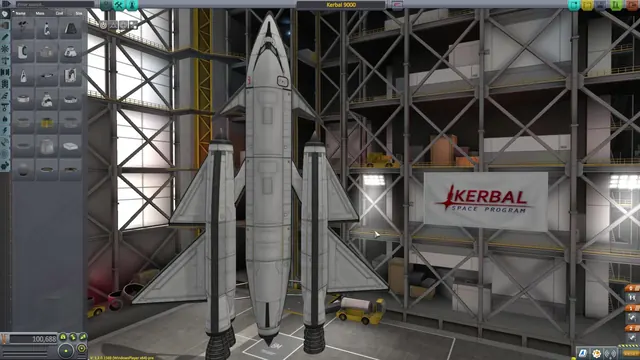 Kerbal Space Program - Vehicle Assembly Building: parts palette and the Kerbal 9000
Same type: City & Base Management; Shared patterns: side-panel, icon-rail
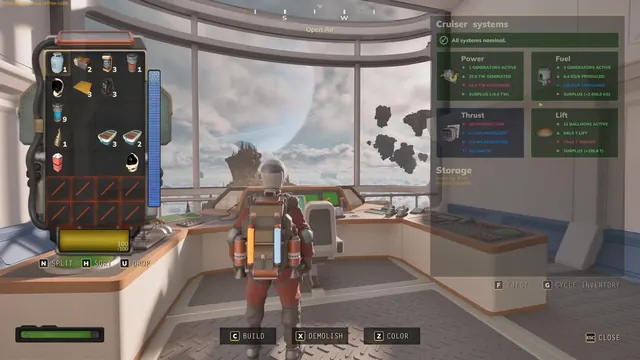 ATMOSFAR - Cruiser systems: Power, Fuel, Thrust and Lift cards
Same type: City & Base Management; Shared patterns: side-panel, stat-panel
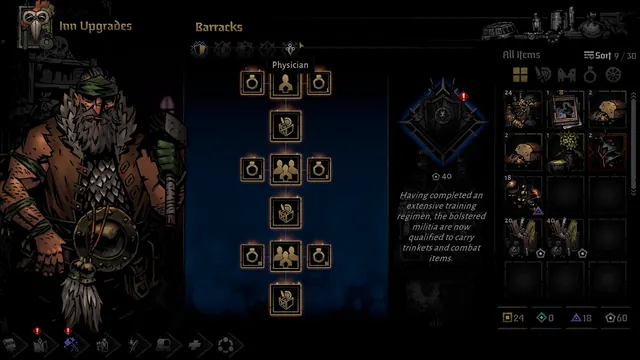 Darkest Dungeon II - Inn Upgrades: Barracks upgrade tree and militia rewards
Same type: City & Base Management; Shared patterns: side-panel, stat-panel
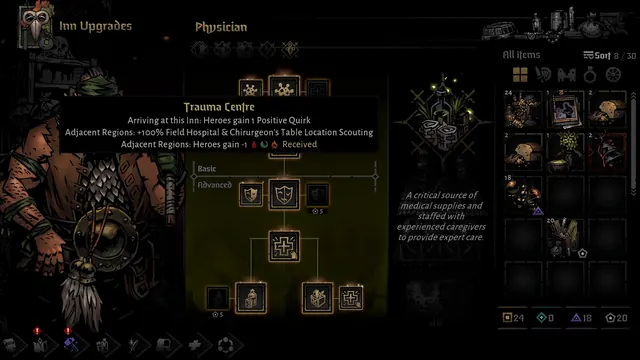 Darkest Dungeon II - Inn Upgrades: Physician track with Trauma Centre tooltip
Same type: City & Base Management; Shared patterns: side-panel, stat-panel
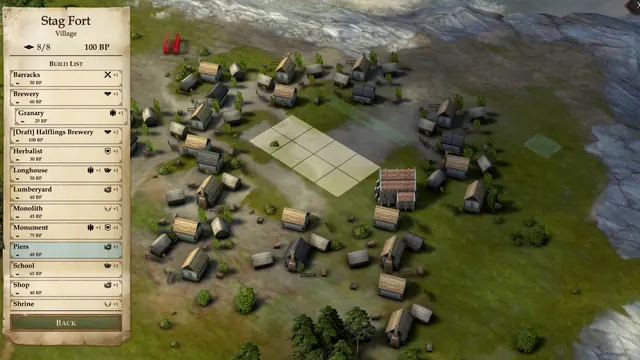 Pathfinder: Kingmaker - Settlement building: Stag Fort build list over the village map
Same type: City & Base Management; Shared patterns: side-panel, stat-panel
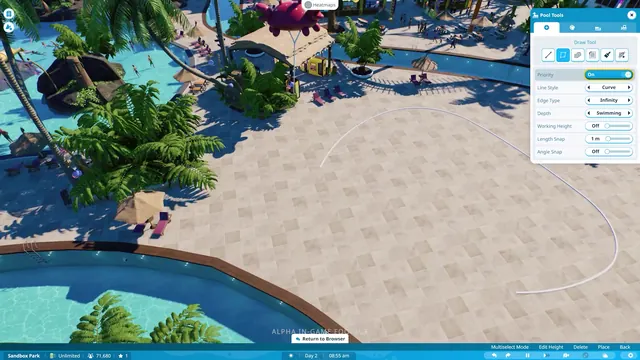 Planet Coaster 2 - Pool Tools: drawing a pool outline with curve, edge, and depth settings
Same type: City & Base Management; Shared patterns: side-panel, icon-rail