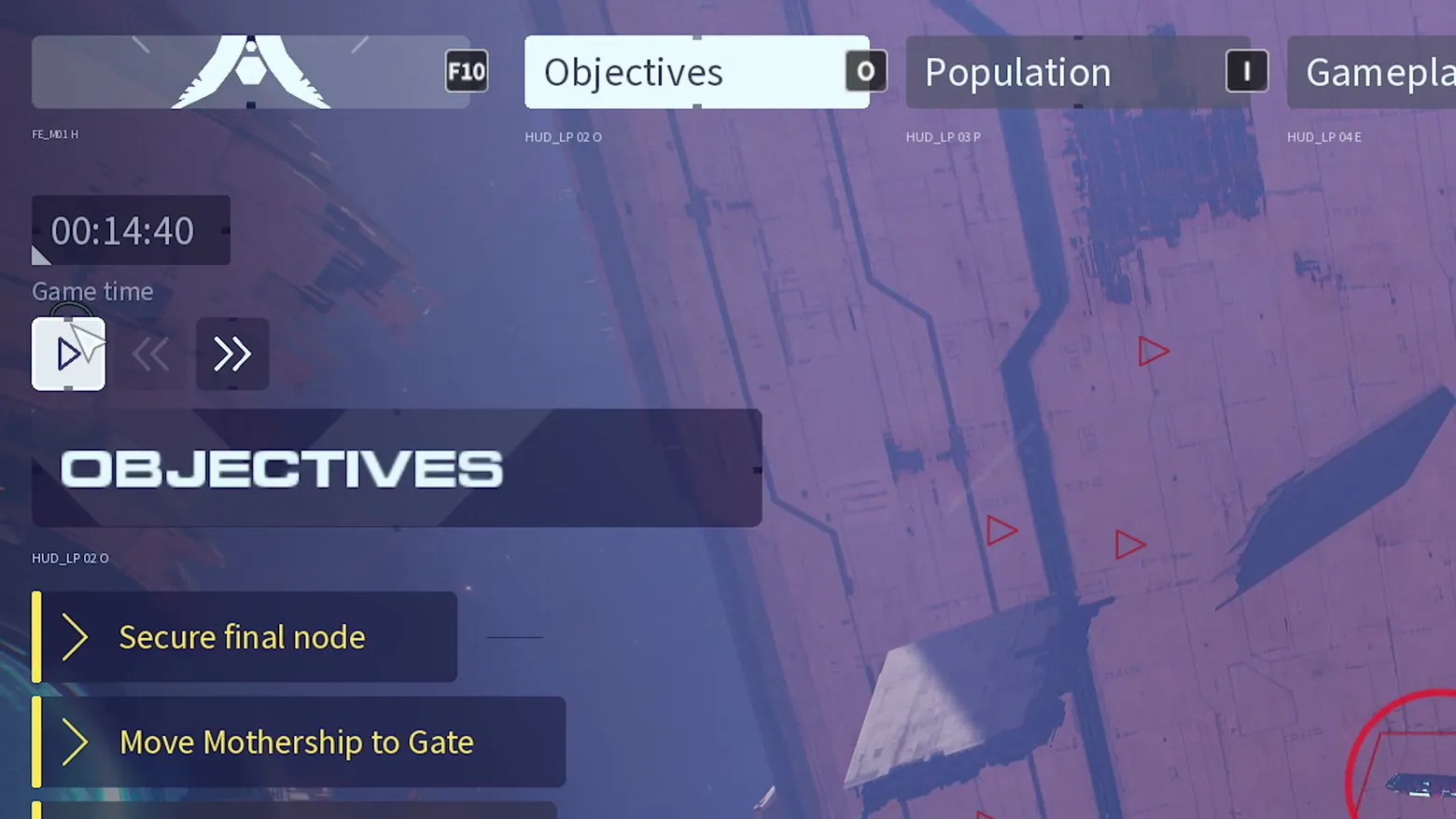
Objectives overlay: Secure final node, Move Mothership to Gate
Homeworld 3 · HUD & Gameplay UI
Art style Realistic 3D
About this game
Developer: Blackbird Interactive · Publisher: Gearbox Publishing · Platform: PC (Steam) · Art style: Realistic 3D · Screen type: HUD & Gameplay UI
More Homeworld 3 screens in the Gallery
What to study
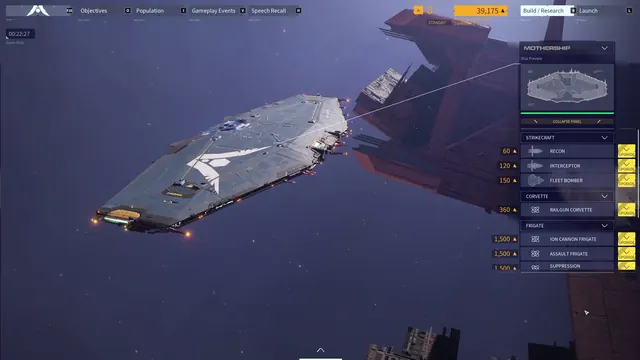
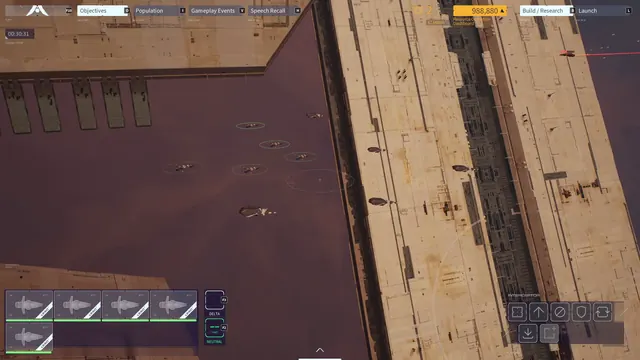
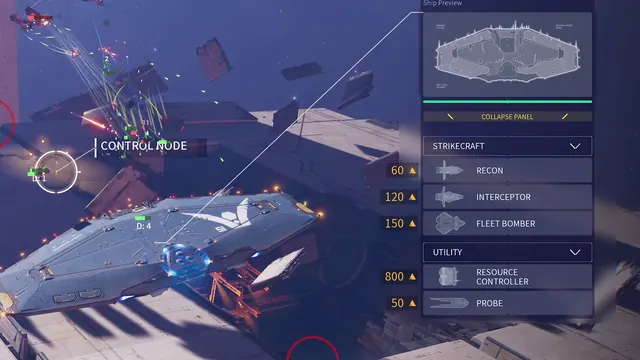
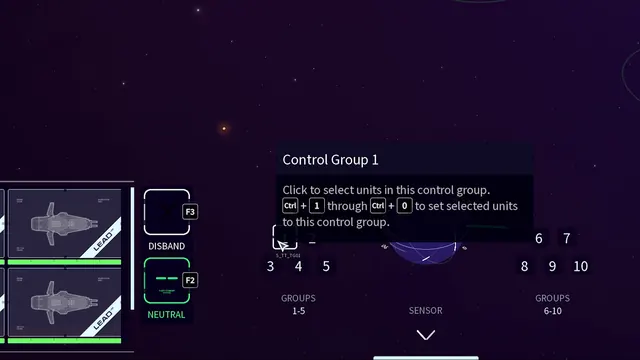
Opening the Objectives tab turns the HUD into a mission readout: the top bar's tabs (Objectives, Population, Gameplay) frame the screen, a game-time readout with play, rewind, and fast-forward controls sits to the left, and the objective list itself is two plain-language rows with yellow chevrons, 'Secure final node' and 'Move Mothership to Gate'. The trailer's capture even leaves small layout debug labels visible, a reminder that this is real captured UI rather than a marketing mock. Frame at about 3:32 in the Overview Trailer (Steam).
Patterns
How the screen is arranged.
top-bar quest-tracker detail-panel
Components
Parts on screen.
Screen inventory
- top bar tabs: Objectives, Population, Gameplay
- Objectives tab selected
- game time 00:14:40
- play, rewind, and fast-forward controls
- OBJECTIVES header panel
- objective rows: Secure final node, Move Mothership to Gate
Top 3 colors
#34365c 23%#565584 22%#79689a 22%
Top three palette colors by share. The remaining colors make up the rest.
Source and credit
© Blackbird Interactive / Gearbox Publishing, Homeworld 3 screenshot: Overview Trailer (Steam), shown for design study and commentary. PlayCraft is an unofficial fan project, not affiliated with or endorsed by Gearbox Publishing.
Source tier 2 (publisher-released) · screenshot: Steam store page · Steam page
Source details
Fetched 2026-10-31. verified 2026-10-31: frame extracted from the official Overview Trailer (Steam) and inspected visually at full resolution; real game UI (objectives overlay) confirmed visible
no published policy found (checked 2026-10-21); fair-use study use, takedown honored within 48h
Rights holders: see Copyright & takedown.
Similar screens
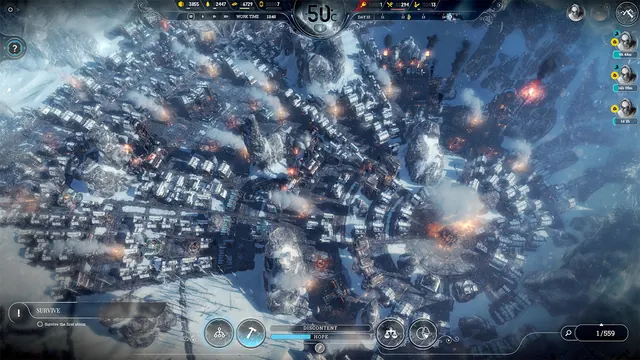 Frostpunk - City HUD with objective tracker
Same type: HUD & Gameplay UI; Shared patterns: top-bar, quest-tracker
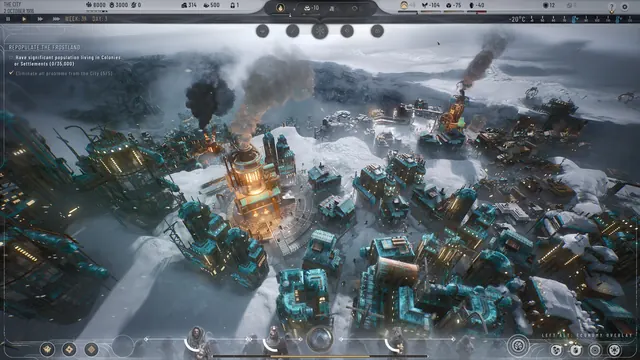 Frostpunk 2 - City HUD in a storm
Same type: HUD & Gameplay UI; Shared patterns: top-bar, quest-tracker
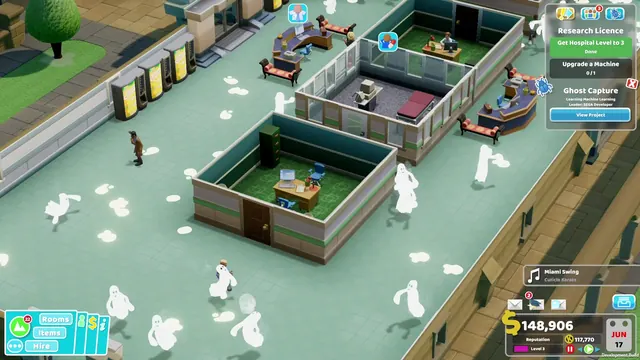 Two Point Hospital - Ghost-infested ward: Research Licence tracker, the Ghost Capture project card and the music toast
Same type: HUD & Gameplay UI; Shared patterns: quest-tracker, detail-panel
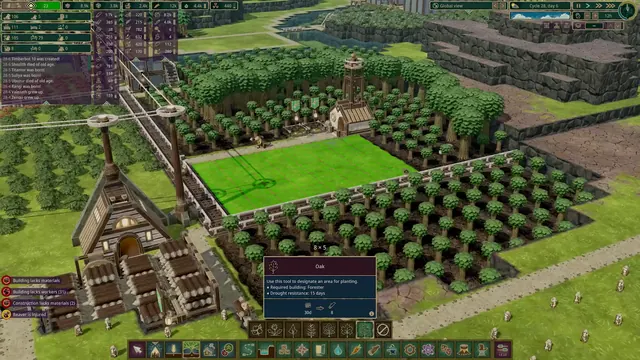 Timberborn - Full HUD, Oak planting designation (8×5), Cycle 28 day 6
Same type: HUD & Gameplay UI; Shared patterns: top-bar, detail-panel
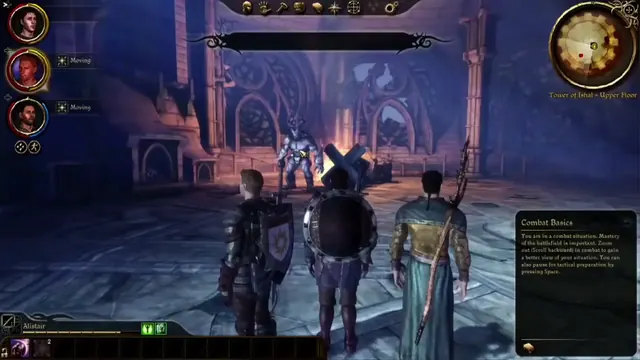 Dragon Age: Origins - HUD with Combat Basics tutorial: Tower of Ishal
Same type: HUD & Gameplay UI; Shared patterns: top-bar, detail-panel
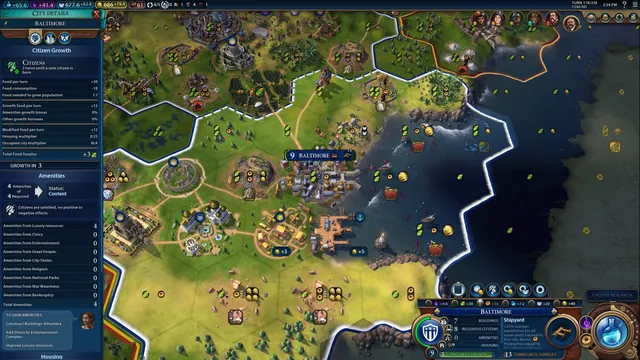 Civilization VI - World map HUD with city panel open
Same type: HUD & Gameplay UI; Shared patterns: top-bar