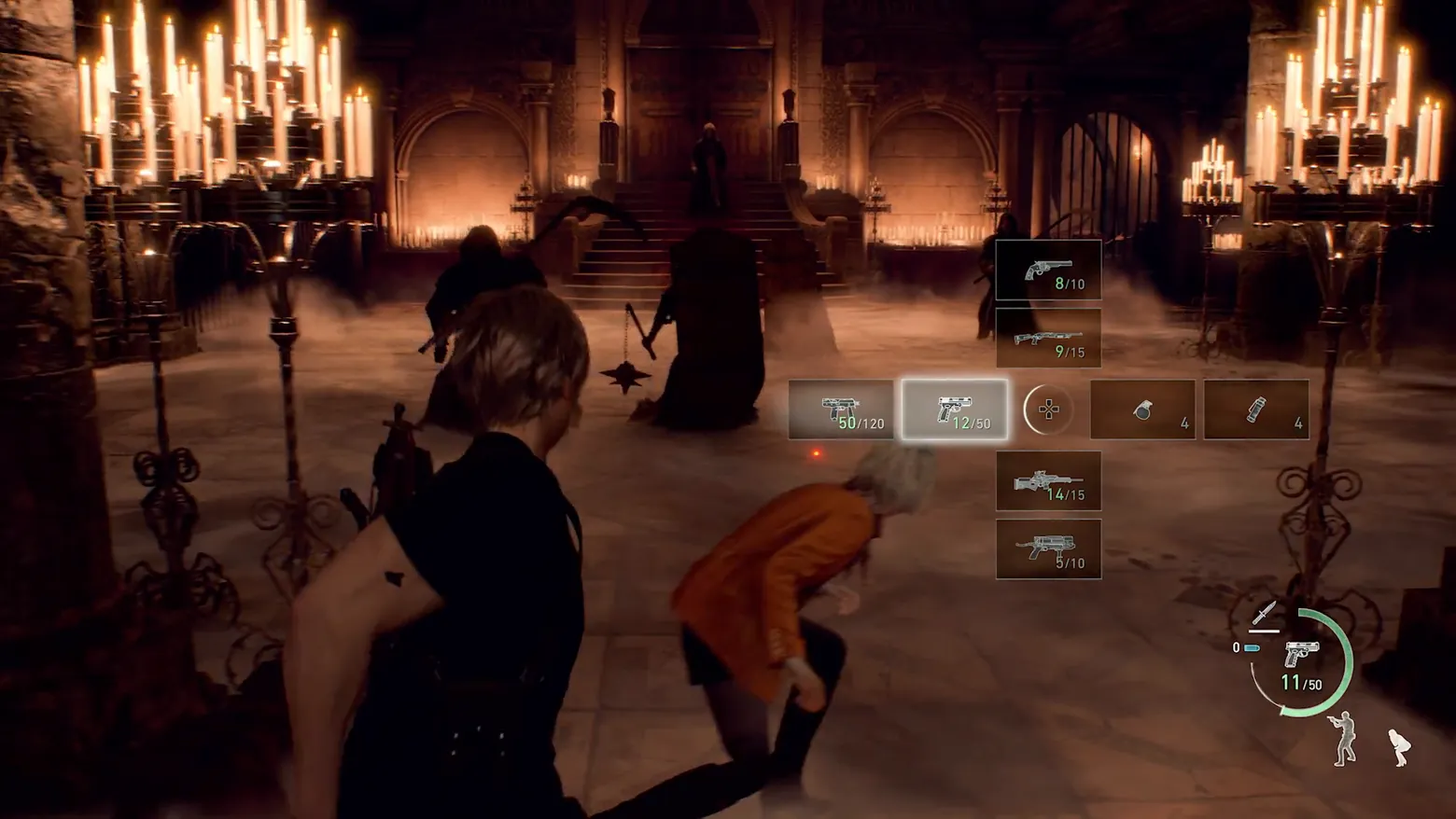
Weapon quick-select: D-pad cross open mid-fight, handgun highlighted
Resident Evil 4 · HUD & Gameplay UI
Art style Realistic 3D
About this game
Developer: CAPCOM Co., Ltd. · Publisher: CAPCOM Co., Ltd. · Platform: PC (Steam) · Art style: Realistic 3D · Screen type: HUD & Gameplay UI
More Resident Evil 4 screens in the Gallery
What to study
Resident Evil 4's answer to the inventory screen, mid-combat, is a cross. Tapping the D-pad opens the quick-select as two bars intersecting at the reticle: guns run down the vertical arm, the highlighted handgun sits at the crossing lit white, throwables close the horizontal arm, and a tiny D-pad glyph occupies the hub, the interface literally draws the shape of the thumb movement that operates it, so after one use the layout is muscle memory rather than memory. Each slot is an icon and a fraction (revolver 8/10, shotgun 9/15, rifle 14/15, SMG 50/120), loaded rounds in green, and nothing else competes: no weapon names, no damage numbers, no pause, the candlelit hall stays at full brightness, cultists keep advancing, and Ashley's duck is visible through the wheel's open quadrants. The permanent HUD is the same philosophy compressed into one corner cluster: health as a green arc around the ammo count, the equipped weapon as an icon, and Ashley reduced to two stance silhouettes that are also her orders. Frame at 0:59.0 in the PV3 trailer (manual extraction; the scene-change pass caught only the flash-bang whiteout at 59.70s from this fight, the wheel itself opens and closes inside two seconds without a scene cut).
Patterns
How the screen is arranged.
icon-wheel hud-overlay slot-grid
Components
Parts on screen.
Screen inventory
- the weapon quick-select is a cross laid out exactly like the controller D-pad it is summoned with: a vertical arm (revolver 8/10 at top, pump shotgun 9/15 under it, scoped rifle 14/15 and a compact SMG 5/10 below centre) crossed by a horizontal arm (SMG 50/120 at left, two throwable slots at right, hand grenade x4 and flash grenade x4)
- the cross's hub is not a weapon at all but a small D-pad glyph in a circle, the control itself drawn at the centre of the thing it controls, and the currently highlighted weapon, the handgun at centre (12/50), is the only slot lit with a bright selection box
- every slot prices itself the same way: a white line icon of the weapon over an ammo fraction, loaded rounds in green over capacity in white, no names, no stats, nothing that needs reading at reading speed
- the corner HUD never closes for the wheel: bottom right keeps the knife icon over the now-equipped handgun icon, its 11/50 count and the green health arc at roughly three-quarters, plus the two Ashley stance silhouettes (stand-and-aim, crouch) that double as her current command
- the fight does not pause or dim behind the wheel: two shield cultists advance through candle smoke at centre, Ashley ducks mid-frame in her orange jacket, and the red laser-sight dot stays live at centre screen
Top 3 colors
#0a0107 24%#4c2a1f 23%#683f2d 16%
Top three palette colors by share. The remaining colors make up the rest.
Source and credit
© CAPCOM Co., Ltd., Resident Evil 4 screenshot: PV3 Trailer (Steam), CAPCOM Co., Ltd., shown for design study and commentary. PlayCraft is an unofficial fan project, not affiliated with or endorsed by CAPCOM Co., Ltd..
Source tier 2 (publisher-released) · screenshot: Steam store page · Steam page
Source details
Fetched 2026-10-24. verified 2026-10-24: frame is a manual extraction (manual-quickselect-59_0.png @ 59.0s) from the stock pipeline's Steam download of the PV3 trailer, inspected visually at full resolution; the full quick-select cross (revolver 8/10, shotgun 9/15, SMG 50/120, highlighted handgun 12/50, rifle 14/15, SMG 5/10, grenade x4, flash grenade x4, D-pad hub glyph) and the corner HUD cluster (knife icon, handgun 11/50, green health arc, two Ashley stance silhouettes) all legible; the source mp4 decodes to null with exit 0 and zero error bytes (decode-v1.log), and a fresh extraction at 59.0s byte-hash-matches this file exactly (MD5 d7e3432a523b02a6eada18691ebd2350); no trailer caption, watermark or logo overlays the frame
no published policy found (checked 2026-10-24); fair-use study use, takedown honored within 48h
Rights holders: see Copyright & takedown.
Similar screens
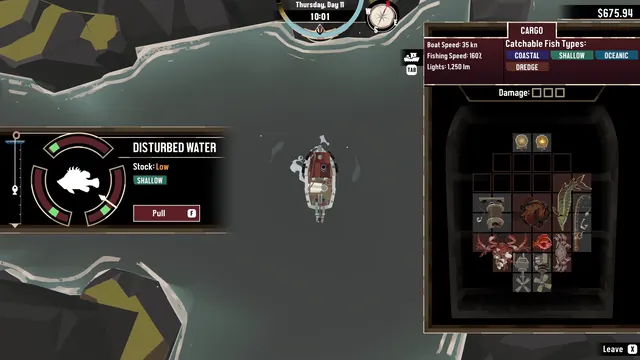 DREDGE - Fishing over disturbed water: timing gauge, 'Stock: Low'
Same type: HUD & Gameplay UI; Shared patterns: slot-grid, hud-overlay
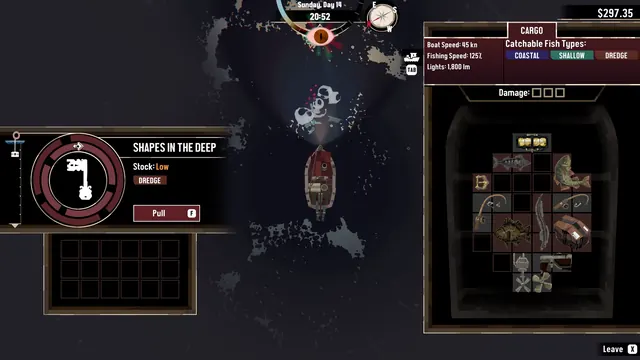 DREDGE - Night dredging, 'Shapes in the Deep': ornate key silhouette
Same type: HUD & Gameplay UI; Shared patterns: slot-grid, hud-overlay
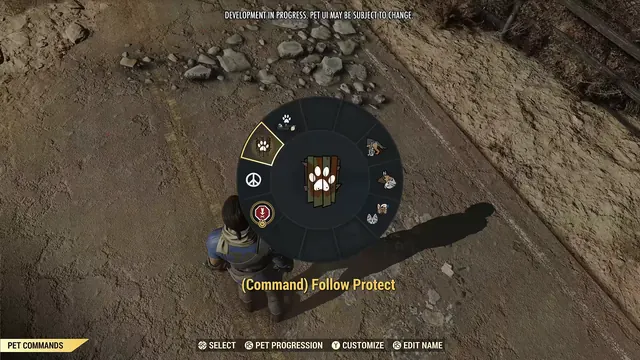 Fallout 76 - Pet Commands wheel: '(Command) Follow Protect' selected over the world
Same type: HUD & Gameplay UI; Shared patterns: hud-overlay, icon-wheel
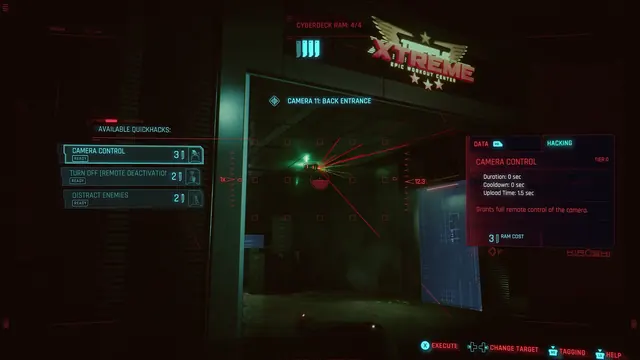 Cyberpunk 2077 - Scanner quickhacks: Camera Control against Camera 11, Back Entrance
Same type: HUD & Gameplay UI; Shared patterns: hud-overlay
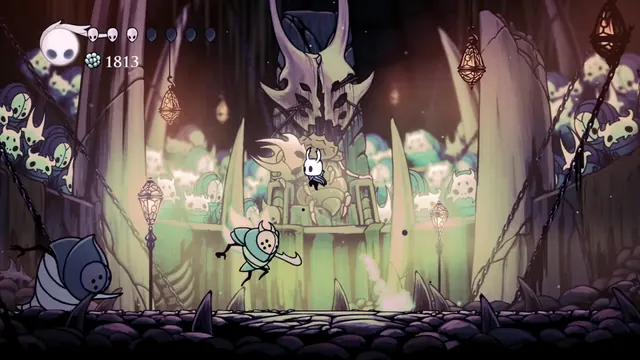 Hollow Knight - Combat HUD in the Colosseum of Fools: soul vessel, masks and Geo
Same type: HUD & Gameplay UI; Shared patterns: hud-overlay
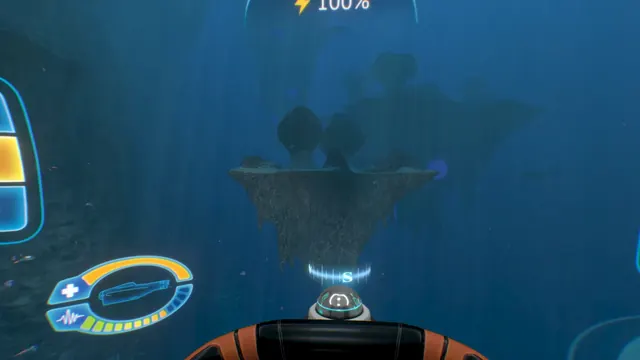 Subnautica - Cyclops helm HUD: power readout and the oval status gauge
Same type: HUD & Gameplay UI; Shared patterns: hud-overlay