Diplomacy: relations roster over the empire map
Distant Worlds 2 · Diplomacy & Characters
Art style Realistic 3D
About this game
Developer: CodeForce · Publisher: Slitherine Ltd. · Platform: PC (Steam) · Art style: Realistic 3D · Screen type: Diplomacy & Characters
More Distant Worlds 2 screens in the Gallery
What to study
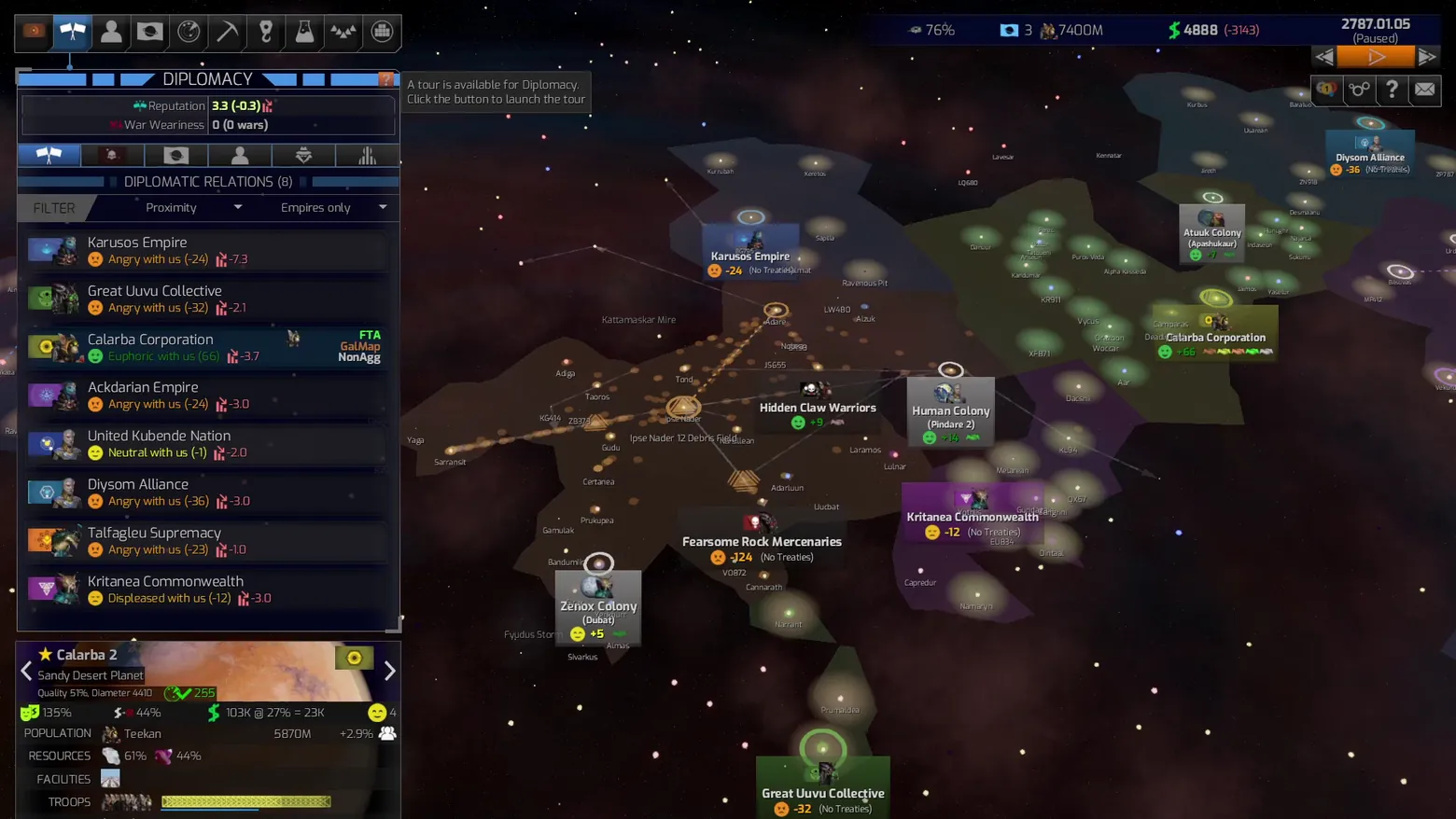
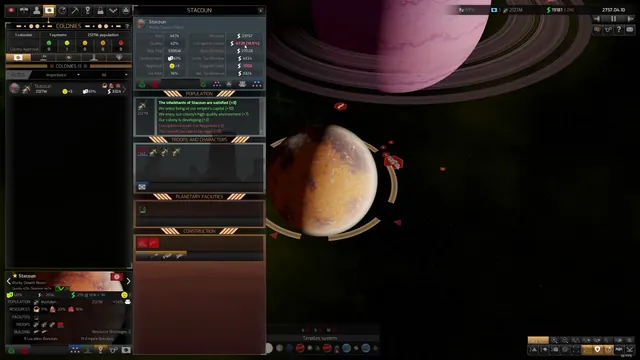
Diplomacy is presented as a sortable roster first and a map second: every known empire gets one row with a portrait, an attitude in plain words (Angry, Euphoric, Neutral, Displeased) plus a numeric score, and treaty flags, while the map behind it colors each empire's territory and labels its colonies. The header keeps the two numbers that matter (reputation, war weariness) always in view. Frame at about 0:08 in Tutorial 2 - Diplomacy (Steam).
Patterns
How the screen is arranged.
master-detail side-panel roster-list map-overlay top-bar
Components
Parts on screen.
Window List Portrait Map Marker Resource bar
Screen inventory
- diplomatic relations roster list
- attitude labels with scores
- reputation and war weariness header
- empire filter row
- galaxy map with empire territories
- map labels for empires and colonies
- selected planet summary card
- top resource bar
Top 3 colors
#1d1013 26%#0d0911 23%#312d2c 17%
Top three palette colors by share. The remaining colors make up the rest.
Source and credit
© CodeForce / Slitherine Ltd., Distant Worlds 2 screenshot: Steam store movies (tutorials and overview video), shown for design study and commentary. PlayCraft is an unofficial fan project, not affiliated with or endorsed by Slitherine Ltd..
Source tier 2 (publisher-released) · screenshot: Steam store page · Steam page
Source details
Fetched 2026-11-04. verified 2026-11-04: dense-scan frame (1 frame per 2 seconds) inspected visually at full resolution; settled, legible, genuine gameplay UI confirmed
no published Slitherine/CodeForce fan-content policy found (checked 2026-11-04); free study/commentary use, unofficial, not endorsed, takedown honored within 48h
Rights holders: see Copyright & takedown.
Similar screens
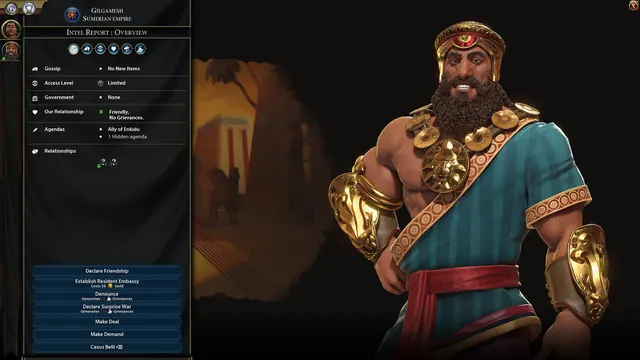 Civilization VI - Diplomacy screen: leader intel report
Same type: Diplomacy & Characters; Shared patterns: side-panel
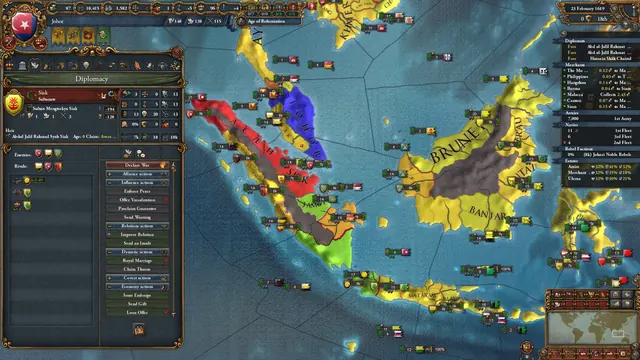 Europa Universalis IV - Diplomacy panel: Johor
Same type: Diplomacy & Characters; Shared patterns: side-panel
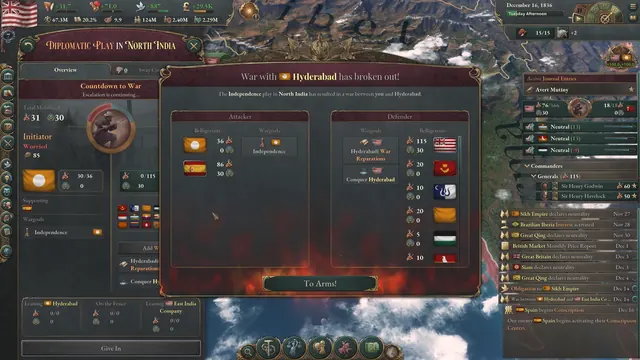 Victoria 3 - War breaks out: Hyderabad modal over the Diplomatic Play panel
Same type: Diplomacy & Characters; Shared patterns: side-panel
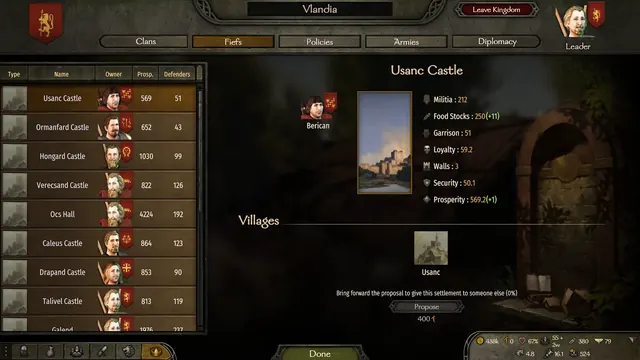 Mount & Blade II: Bannerlord - Kingdom fiefs: Usanc Castle and its 400-influence proposal
Same type: Diplomacy & Characters; Shared patterns: master-detail
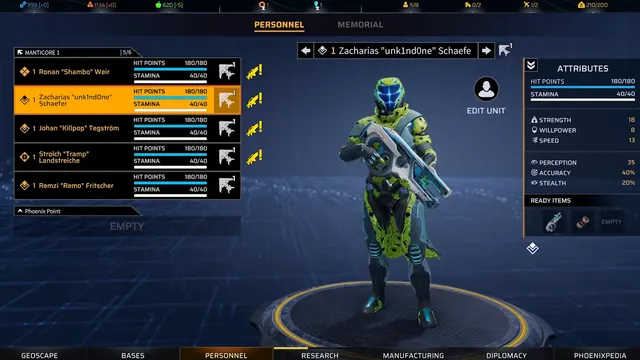 Phoenix Point - Personnel roster: five soldiers, one 3D presenter, one attributes column
Shared patterns: roster-list, side-panel, top-bar
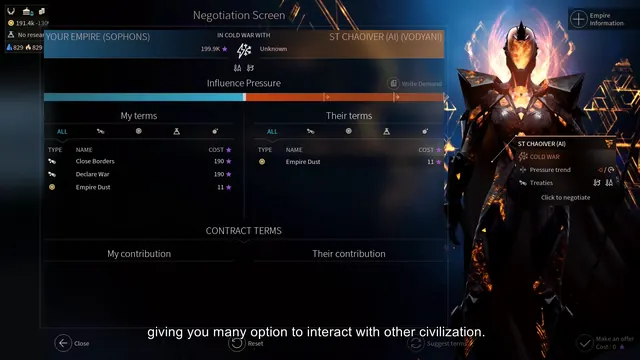 ENDLESS Space 2 - Negotiation screen: Sophons terms against the Vodyani in a cold war
Same type: Diplomacy & Characters; Shared patterns: side-panel