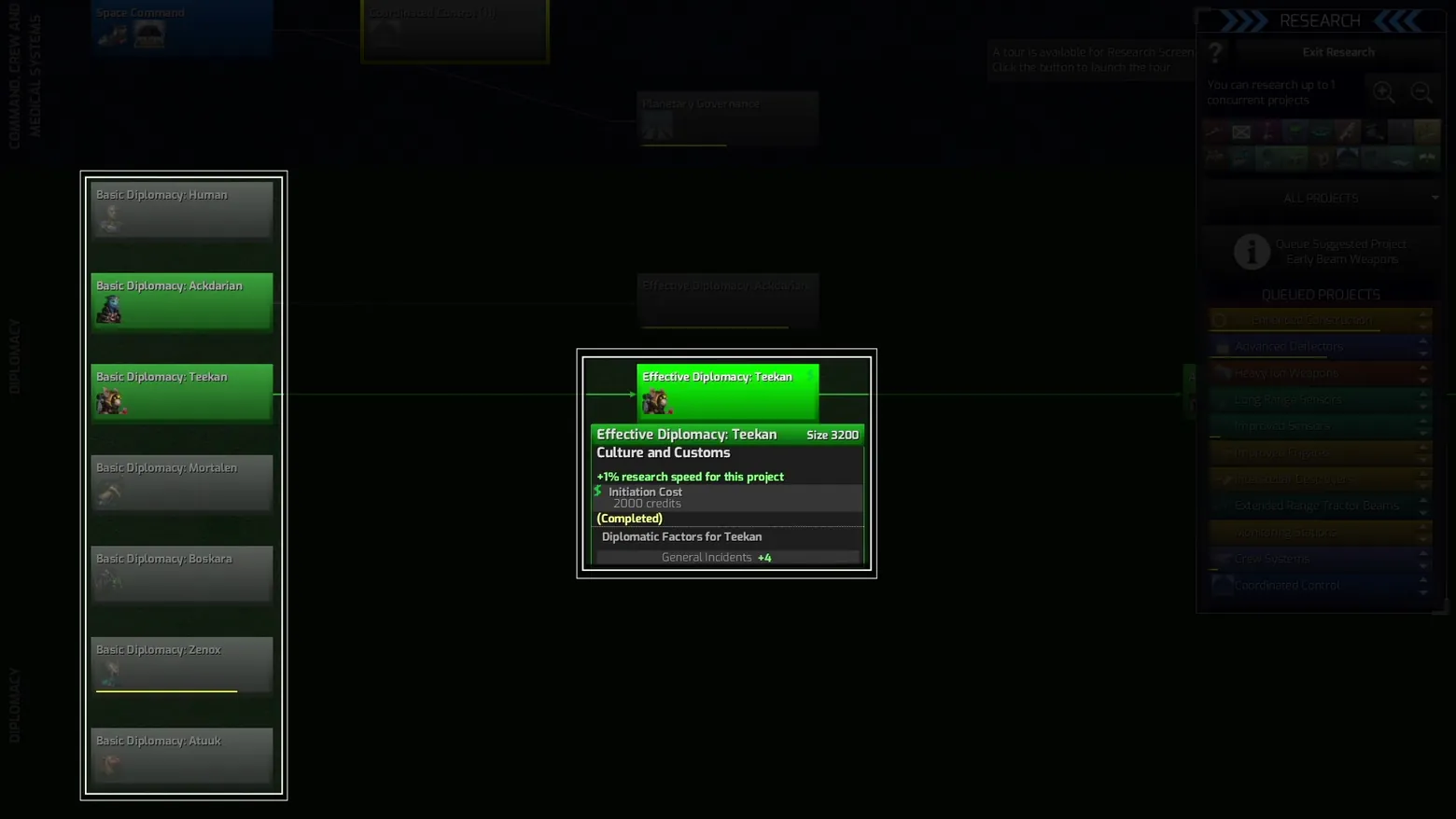
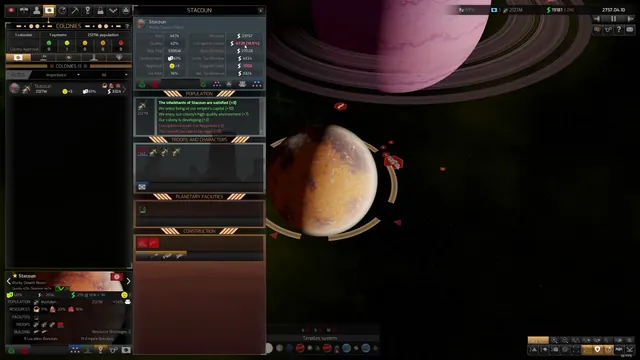
Research: Diplomacy branch with selected project card and queue
Distant Worlds 2 · Tech / Research
Art style Realistic 3D
About this game
Developer: CodeForce · Publisher: Slitherine Ltd. · Platform: PC (Steam) · Art style: Realistic 3D · Screen type: Tech / Research
More Distant Worlds 2 screens in the Gallery
What to study
The research screen reads as a horizontal tree with a reading order: completed nodes glow green down the Diplomacy column, the selected node opens a detail card that states its effect (+1% research speed), its initiation cost, and its completed state, and the right rail holds the queue (Enhanced Construction, Advanced Deflectors, Heavy Ion Weapons) so the player plans several projects ahead. The dark background keeps the tree, not the chrome, as the focus. Frame at about 2:54 in Tutorial 2 - Diplomacy (Steam).
Patterns
How the screen is arranged.
tech-tree detail-card side-panel cost-list
Components
Parts on screen.
Screen inventory
- research tree nodes with connector lines
- selected project detail card
- project cost and effect lines
- queued projects list
- research category rail
- exit research button
Top 3 colors
#020401 47%#1b271b 18%#040405 16%
Top three palette colors by share. The remaining colors make up the rest.
Source and credit
© CodeForce / Slitherine Ltd., Distant Worlds 2 screenshot: Steam store movies (tutorials and overview video), shown for design study and commentary. PlayCraft is an unofficial fan project, not affiliated with or endorsed by Slitherine Ltd..
Source tier 2 (publisher-released) · screenshot: Steam store page · Steam page
Source details
Fetched 2026-11-04. verified 2026-11-04: dense-scan frame (1 frame per 2 seconds) inspected visually at full resolution; settled, legible, genuine gameplay UI confirmed
no published Slitherine/CodeForce fan-content policy found (checked 2026-11-04); free study/commentary use, unofficial, not endorsed, takedown honored within 48h
Rights holders: see Copyright & takedown.
Similar screens
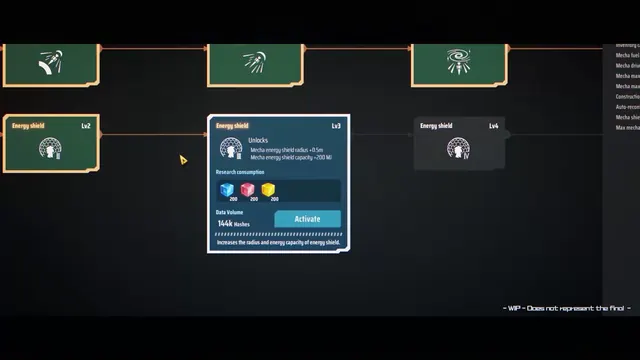 Dyson Sphere Program - Tech tree: Energy shield Lv3 card, matrix costs, Activate
Same type: Tech / Research; Shared patterns: detail-card, cost-list
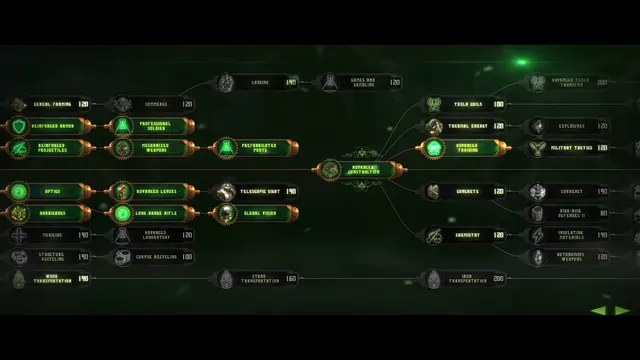 They Are Billions - Research tree: the green researched spine converging on Advanced Construction
Same type: Tech / Research; Shared patterns: tech-tree, cost-list
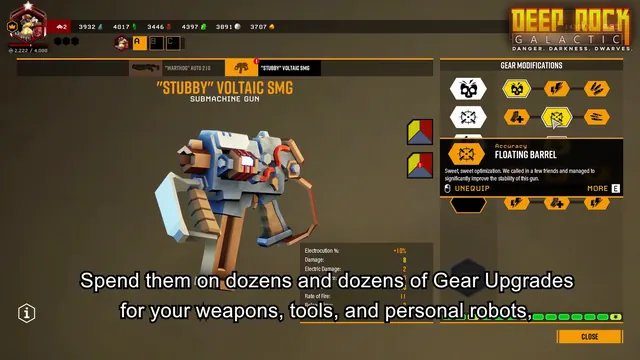 Deep Rock Galactic - Weapon Gear Modifications: SMG mod tree and detail card
Same type: Tech / Research; Shared patterns: side-panel, cost-list
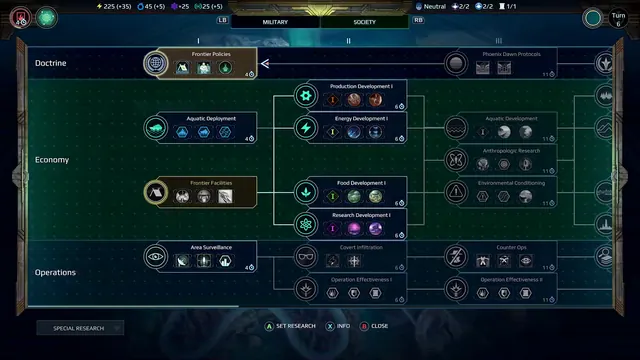 Age of Wonders: Planetfall - Research tree: Society track, tiers I-III, Doctrine/Economy/Operations
Same type: Tech / Research; Shared patterns: tech-tree, cost-list
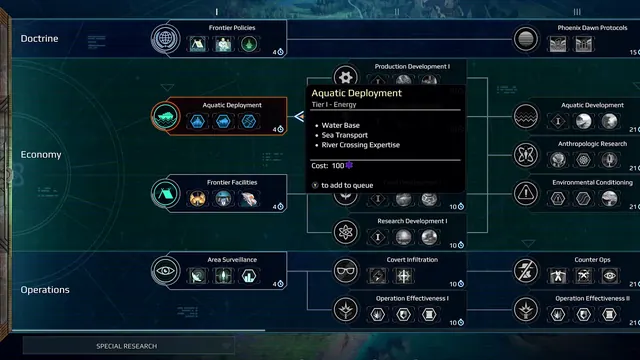 Age of Wonders: Planetfall - Research tooltip: Aquatic Deployment detail card over the tree
Same type: Tech / Research; Shared patterns: tech-tree, detail-card
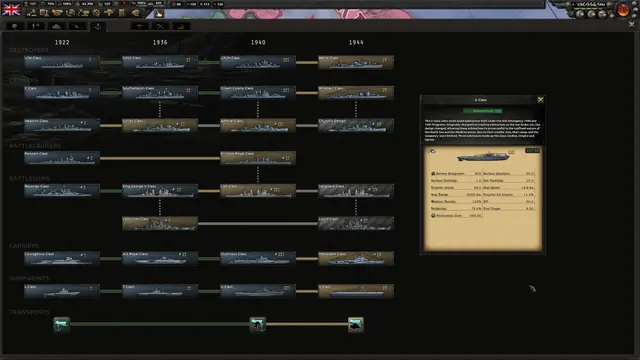 Hearts of Iron IV - Naval technology tree
Same type: Tech / Research; Shared patterns: tech-tree