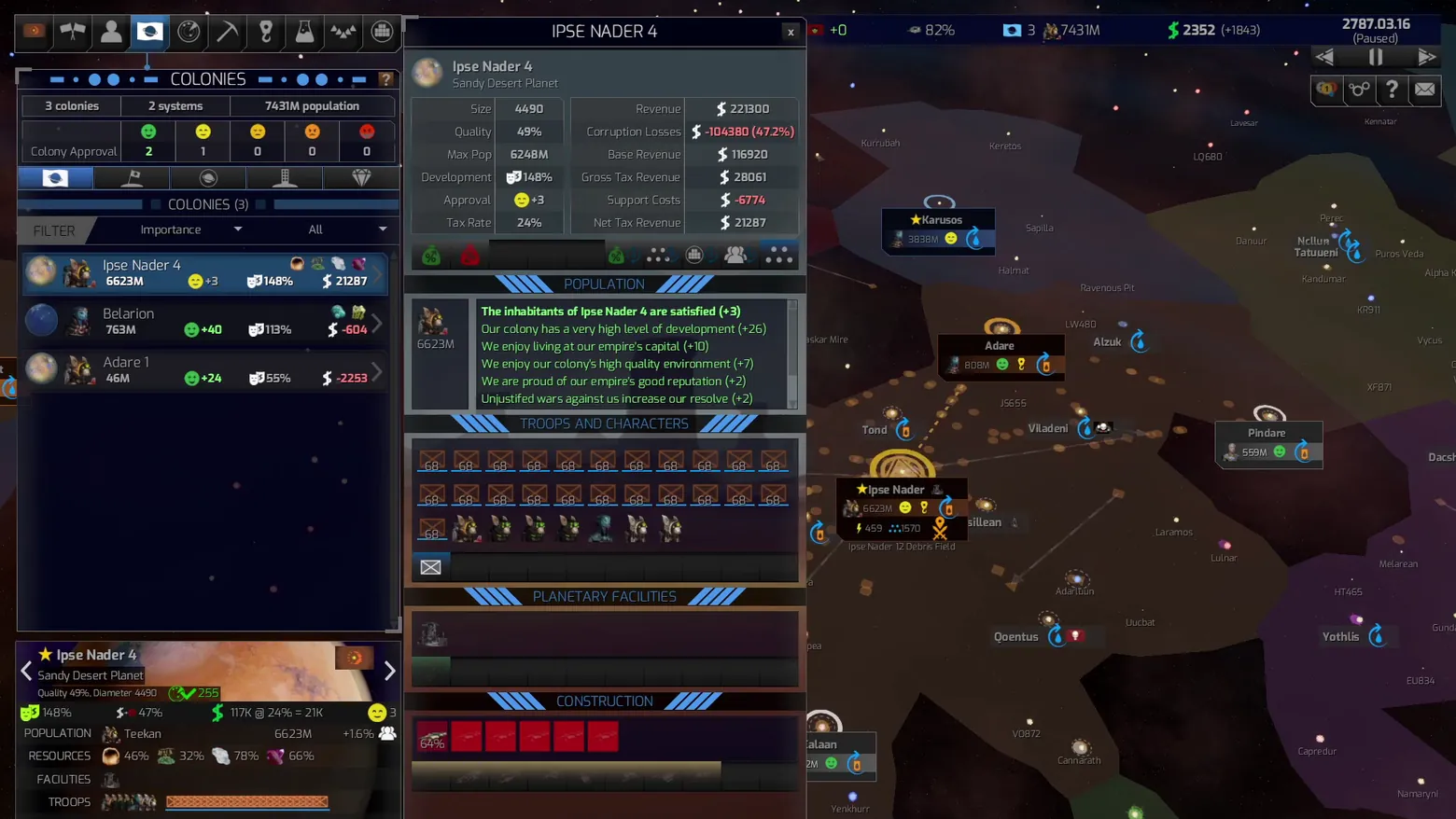
Colonies: Ipse Nader 4 colony detail over the galaxy map
Distant Worlds 2 · Planet / City Detail
Art style Realistic 3D
About this game
Developer: CodeForce · Publisher: Slitherine Ltd. · Platform: PC (Steam) · Art style: Realistic 3D · Screen type: Planet / City Detail
More Distant Worlds 2 screens in the Gallery
What to study
The colony screen is a dense management ledger, not a single panel: the left roster ranks all colonies by population, approval, development and net revenue, while the center detail breaks one colony into revenue (with corruption losses shown in red), population happiness factors spelled out as signed lines (capital bonus, environment, tax complaints), troops and characters, facilities, and construction. The galaxy map stays visible on the right, so the numbers never lose their territorial context. Frame at about 0:32 in Tutorial 1 - Economy (Steam).
Patterns
How the screen is arranged.
master-detail side-panel stat-panel data-table top-bar
Components
Parts on screen.
Window List Data table Map Marker Resource bar Build queue
Screen inventory
- colonies roster list
- colony approval row
- revenue and tax stat table
- population happiness factor list
- troop and character slots
- planetary facilities section
- construction queue
- selected planet summary card
- galaxy map with territory shading and system labels
- top resource bar
Top 3 colors
#0c0a18 20%#2e2526 19%#1c151a 18%
Top three palette colors by share. The remaining colors make up the rest.
Source and credit
© CodeForce / Slitherine Ltd., Distant Worlds 2 screenshot: Steam store movies (tutorials and overview video), shown for design study and commentary. PlayCraft is an unofficial fan project, not affiliated with or endorsed by Slitherine Ltd..
Source tier 2 (publisher-released) · screenshot: Steam store page · Steam page
Source details
Fetched 2026-11-04. verified 2026-11-04: dense-scan frame (1 frame per 2 seconds) inspected visually at full resolution; settled, legible, genuine gameplay UI confirmed
no published Slitherine/CodeForce fan-content policy found (checked 2026-11-04); free study/commentary use, unofficial, not endorsed, takedown honored within 48h
Rights holders: see Copyright & takedown.
Similar screens
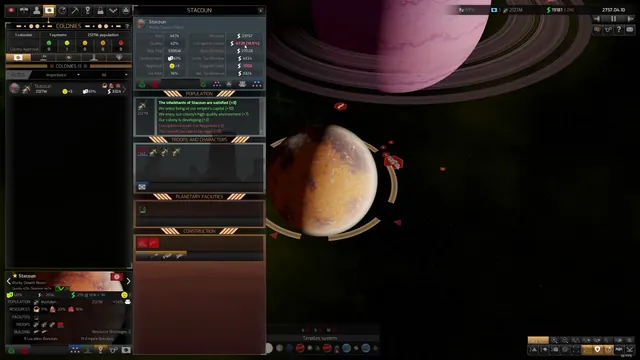 Distant Worlds 2 - Colonies: Stacoun colony detail over the system view
Same type: Planet / City Detail; Shared patterns: master-detail, side-panel, stat-panel, data-table, top-bar
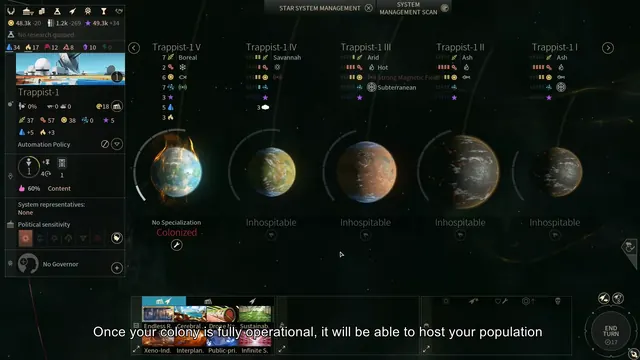 ENDLESS Space 2 - System management: Trappist-1 planets, colony stats, improvements
Same type: Planet / City Detail; Shared patterns: stat-panel, top-bar
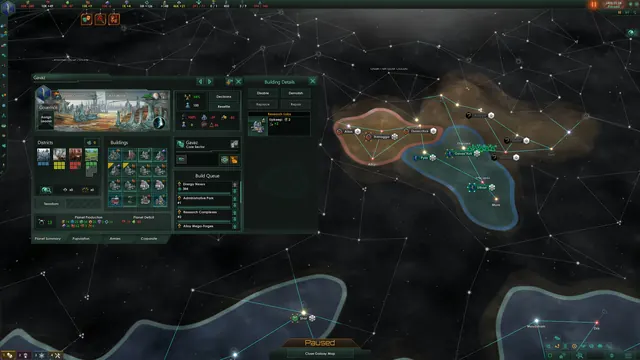 Stellaris - Planet management window
Same type: Planet / City Detail; Shared patterns: top-bar
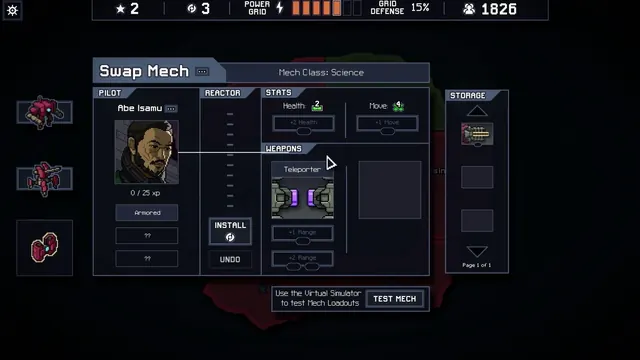 Into the Breach - Swap Mech loadout: pilot Abe Isamu, Teleporter and reactor upgrades
Shared patterns: stat-panel, side-panel, top-bar
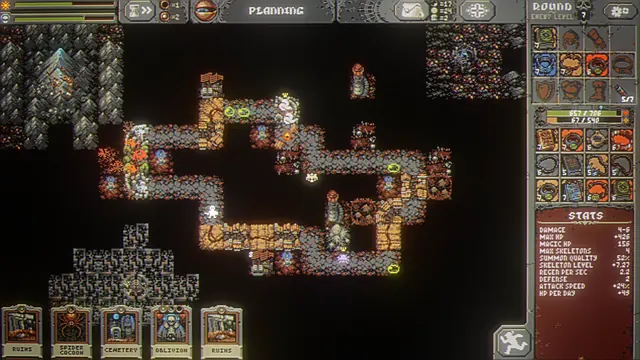 Loop Hero - Planning: the loop, card hand, equipment grid and necromancer stats
Shared patterns: top-bar, side-panel, stat-panel
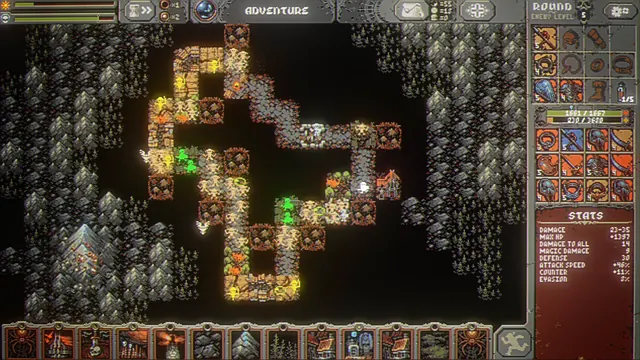 Loop Hero - Adventure: a full 13-card hand under a grown, vertical loop
Shared patterns: top-bar, side-panel, stat-panel