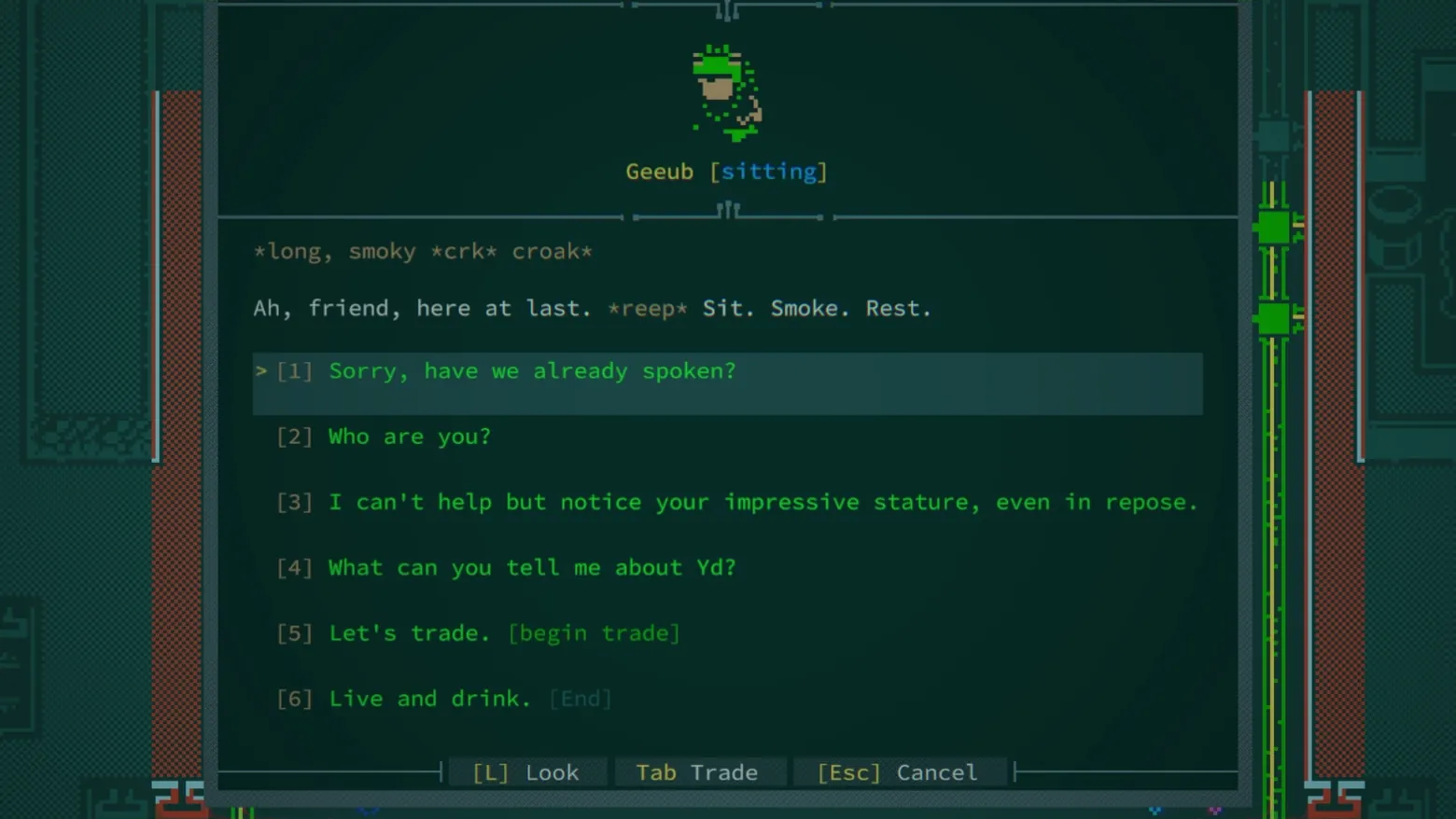
Dialogue with Geeub: 'Sit. Smoke. Rest.'
Caves of Qud · Dialogue / Conversation
Art style Pixel art
About this game
Developer: Freehold Games · Publisher: Kitfox Games · Platform: PC (Steam) · Art style: Pixel art · Screen type: Dialogue / Conversation
More Caves of Qud screens in the Gallery
What to study
Qud dialogue is a text panel with the discipline of a stage play: the speaker gets a portrait, a name and a bracketed state ([sitting]), the speech carries its own sound effects in asterisks (*crk*, *reep*), and the replies are numbered for keyboard play. The telling detail is the functional tagging, '[begin trade]' and '[End]' ride inside the roleplayed lines 'Let's trade.' and 'Live and drink.', so the player always knows which choices are conversation and which are system doors, without the game ever breaking voice to say so. Geeub's six options also map the whole social system in miniature: memory ('have we already spoken?'), identity, flattery, local lore (Yd), commerce and farewell. Frame at about 0:46 in the Out Now Trailer (Steam; manual extraction from the 1 frame / 2s filmstrip pass).
Patterns
How the screen is arranged.
choice-list numbered-options character-presenter
Components
Parts on screen.
Screen inventory
- the speaker is presented at the panel's head as a single large pixel portrait with name and state, 'Geeub [sitting]', the bracketed posture doing the work a voiced performance would do in another game
- the greeting is written in the character's own phonetics: '*long, smoky *crk* croak*' as stage direction, then 'Ah, friend, here at last. *reep* Sit. Smoke. Rest.', the asterisks mark sounds, so even the text channel carries non-verbal information
- six numbered replies in green, the first highlighted: [1] 'Sorry, have we already spoken?', [2] 'Who are you?', [3] 'I can't help but notice your impressive stature, even in repose.', [4] 'What can you tell me about Yd?', [5] 'Let's trade. [begin trade]' and [6] 'Live and drink. [End]', the bracketed tags on the last two state their system function (open the trade screen, end the conversation) inside the fiction's wording
- the footer keeps three verbs always available, [L] Look, Tab Trade, [Esc] Cancel, and the panel floats over the bazaar scene, whose tiled edges stay visible at both sides, so the conversation never leaves the place it happens in
Top 3 colors
#072824 33%#133934 22%#234b3b 17%
Top three palette colors by share. The remaining colors make up the rest.
Source and credit
© Freehold Games / Kitfox Games, Caves of Qud screenshot: Steam trailers (Out Now Trailer / Spring Molting Update Trailer), Freehold Games, shown for design study and commentary. PlayCraft is an unofficial fan project, not affiliated with or endorsed by Kitfox Games.
Source tier 2 (publisher-released) · screenshot: Steam store page · Steam page
Source details
Fetched 2026-10-25. verified 2026-10-25: manual extraction manual-dialogue-46.png @ ~46s in the Out Now Trailer, MD5 04541556c4b4c187e7e9861abf78c861, from the verified-clean curl-shim download (70,235,142 B, MD5 0002ff80d22592463855f2e0016a3966; full decode to null with -xerror exit 0, zero error lines, decode-steam-333640-Out-Now-Trailer.mp4.err), inspected visually at full resolution (1920x1080 native); Geeub's portrait and [sitting] state, both greeting lines and all six numbered replies with their [begin trade] / [End] tags legible; the panel overlays the bazaar scene as the game's own presentation (scene edges visible at both sides), no trailer text or marketing overlay in frame
no published policy found (checked 2026-10-25); fair-use study use, takedown honored within 48h
Rights holders: see Copyright & takedown.
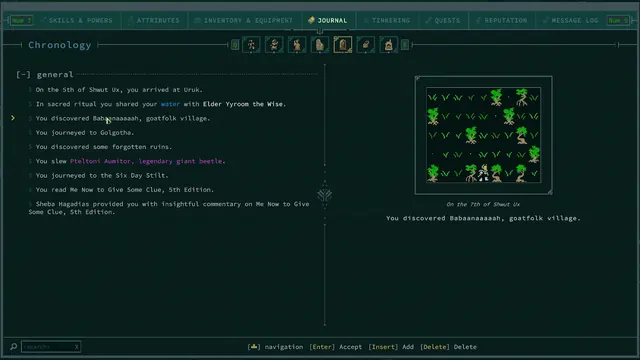
Similar screens
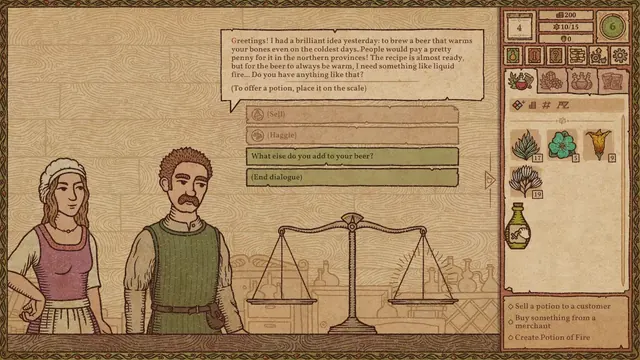 Potion Craft: Alchemist Simulator - A brewer asks for liquid fire: dialogue over the shop scales
Same type: Dialogue / Conversation; Shared patterns: choice-list, character-presenter
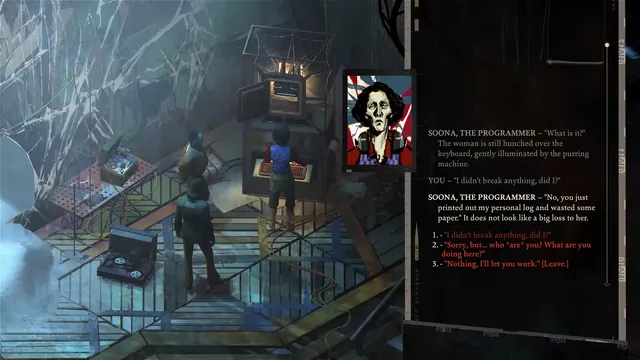 Disco Elysium - Dialogue log: Soona, the Programmer
Same type: Dialogue / Conversation; Shared patterns: numbered-options
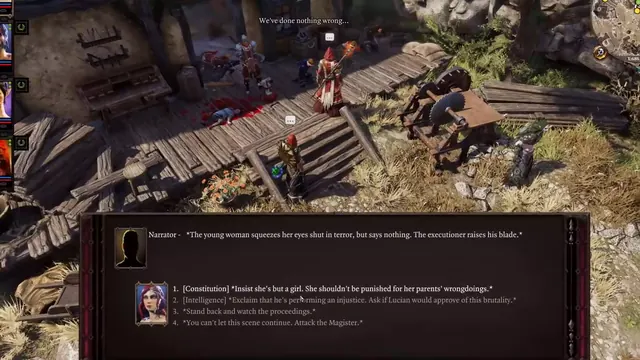 Divinity: Original Sin 2 - Dialogue: attribute checks at an execution
Same type: Dialogue / Conversation; Shared patterns: numbered-options
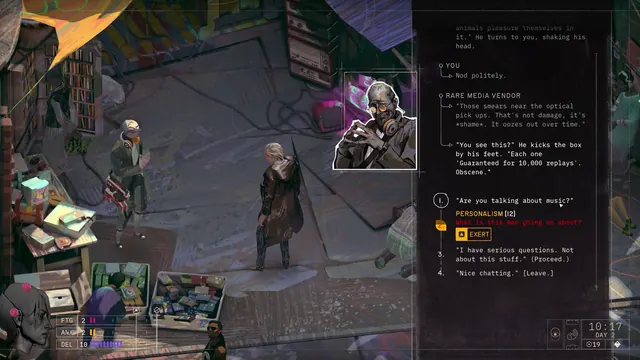 ZERO PARADES: Director's Cut - Dialogue: the Rare Media Vendor, and a Personalism check in red
Same type: Dialogue / Conversation; Shared patterns: numbered-options
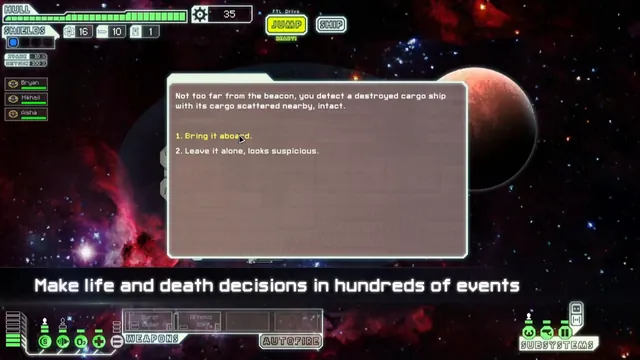 FTL: Faster Than Light - Event: the destroyed cargo ship, bring it aboard or leave it
Same type: Dialogue / Conversation; Shared patterns: choice-list
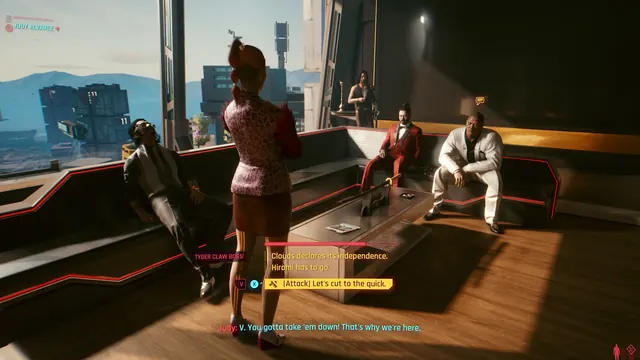 Cyberpunk 2077 - Dialogue at Clouds: timed choices and an [Attack] option in front of the Tyger Claw bosses
Same type: Dialogue / Conversation; Shared patterns: choice-list