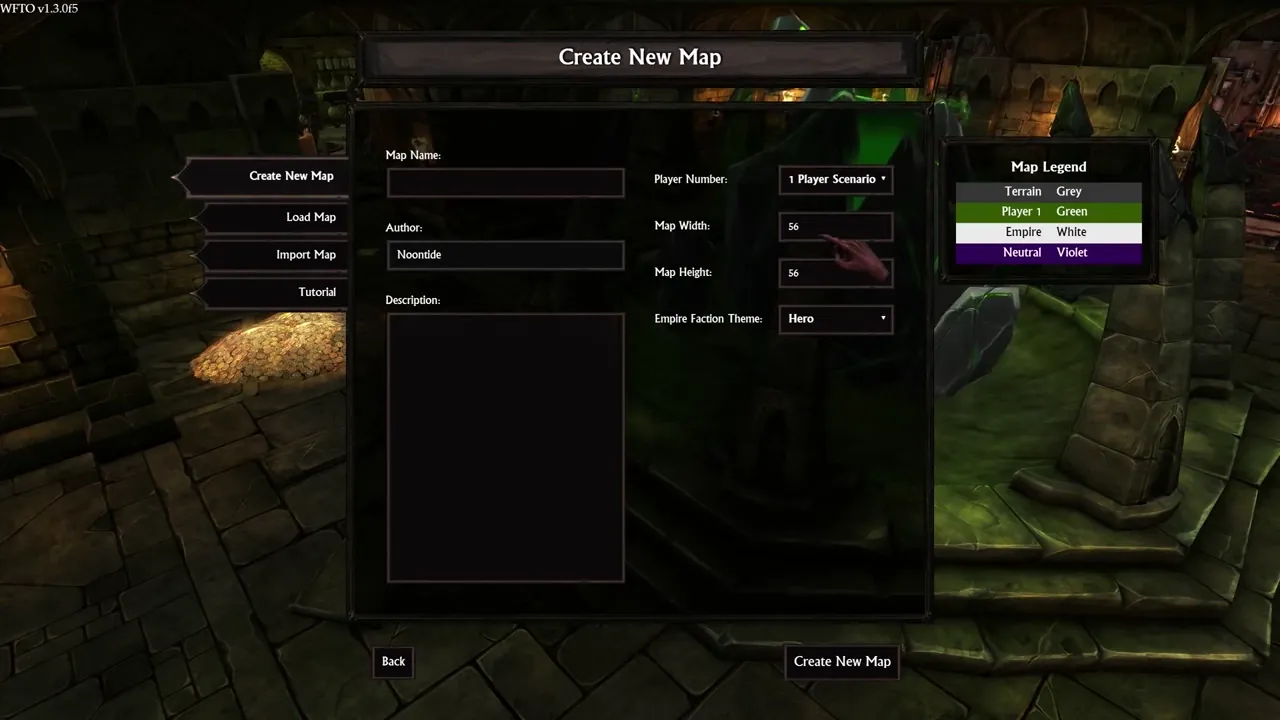
Create New Map: name, author, size and faction theme form
War for the Overworld · Settings / System
Art style Stylized 3D
About this game
Developer: Brightrock Games · Publisher: Brightrock Games · Platform: PC (Steam) · Art style: Stylized 3D · Screen type: Settings / System
More War for the Overworld screens in the Gallery
What to study
The map editor opens with paperwork, and the form is honest about what a custom map actually is: a name, an author, a description, a player count, a width and height, and a faction theme. The Map Legend on the right is the quiet design move: before you have placed a single tile, it fixes the colour language (terrain grey, Player 1 green, Empire white, neutral violet) that the minimap and the editor will use for the rest of the session, so the form is also the legend you will read by later. Everything is a plain field or dropdown; nothing here pretends map-making starts with art. Frame at about 20s in the Map Editor Tutorial (Steam).
Patterns
How the screen is arranged.
creation-form dropdowns legend-panel side-nav
Components
Parts on screen.
Screen inventory
- 'Create New Map' title bar
- left nav: Create New Map, Load Map, Import Map, Tutorial
- fields: Map Name (empty), Author (Noontide), Description (empty text area)
- dropdowns: Player Number (1 Player Scenario), Map Width 56, Map Height 56, Empire Faction Theme (Hero)
- right 'Map Legend' panel: Terrain Grey, Player 1 Green, Empire White, Neutral Violet
- bottom buttons: Back, Create New Map
- version stamp 'WFTO v1.3.0f5' top left
Top 3 colors
#18160d 22%#060602 22%#232113 18%
Top three palette colors by share. The remaining colors make up the rest.
Source and credit
© Brightrock Games, War for the Overworld screenshot: Steam store movies for app 230190: 'Patch 1.5 & Crucible Trailer', 'My Pet dungeon - Release Trailer', 'War for the Overworld - Map Editor Tutorial' (Steam), shown for design study and commentary. PlayCraft is an unofficial fan project, not affiliated with or endorsed by Brightrock Games.
Source tier 2 (publisher-released) · screenshot: Steam store page · Steam page
Source details
Fetched 2026-11-05. verified 2026-11-05: frame inspected visually at full resolution; all labels, fields, dropdown values and the four legend rows legible; hand cursor rests over the Map Height field; dense-scan frame (1 frame / 2s), scene-change pass yielded 0 frames for this 375s video
No published Brightrock Games / Mythwright video or fan-content policy found (checked 2026-11-05); fair-use study/commentary use, unofficial, not endorsed, takedown honored within 48h.
Rights holders: see Copyright & takedown.
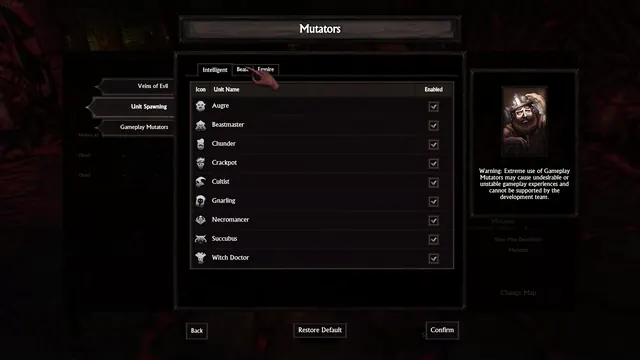
Similar screens
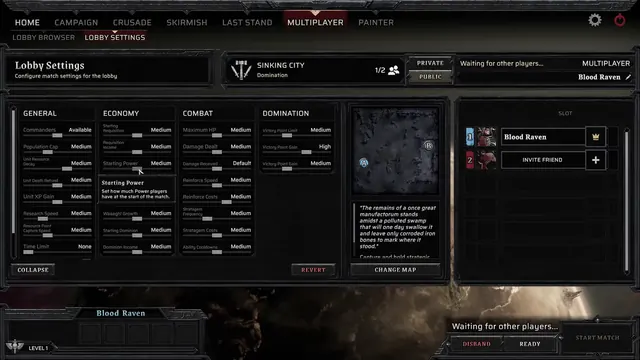 Warhammer 40,000: Dawn of War IV - Multiplayer Lobby Settings: four columns of match sliders
Same type: Settings / System
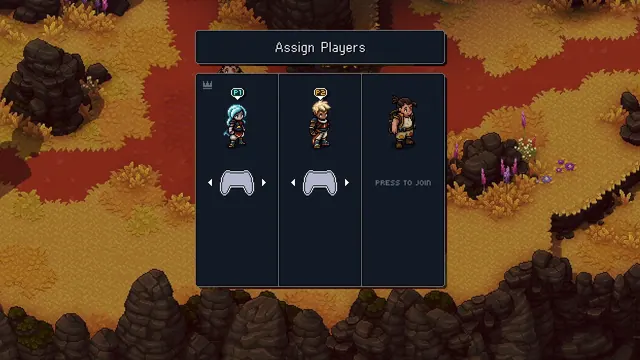 Sea of Stars - Assign Players: co-op controllers mapped to the party
Same type: Settings / System
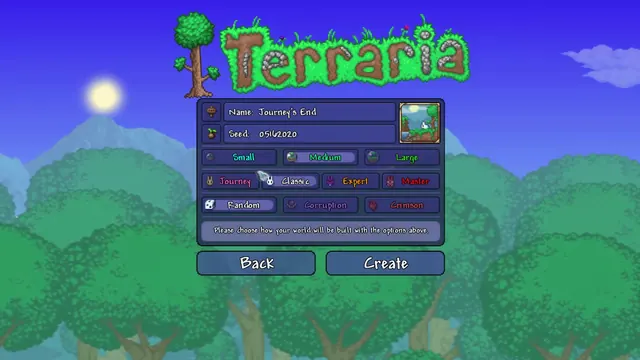 Terraria - World creation: name, seed, size, difficulty and world evil
Same type: Settings / System
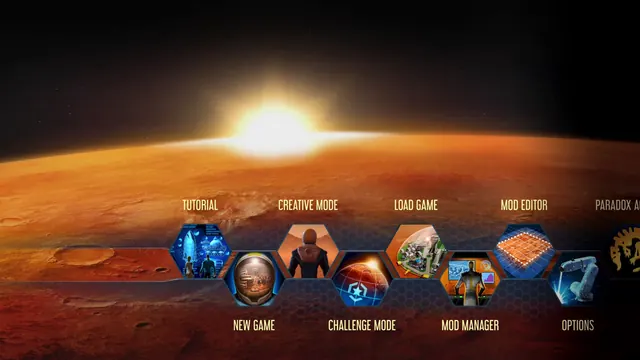 Surviving Mars - Main menu: illustrated hex tiles in two staggered, scrolling rows
Same type: Settings / System
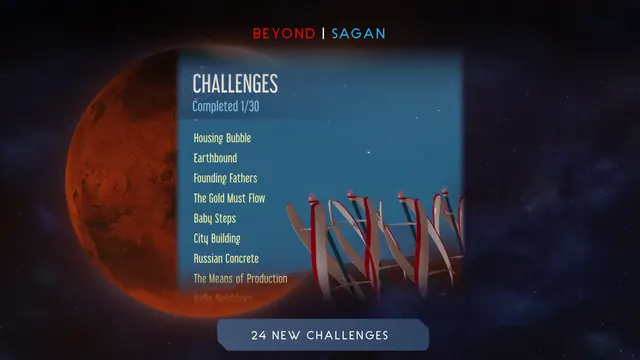 Surviving Mars - Challenges: Completed 1/30 over a plain list of named scenarios
Same type: Settings / System
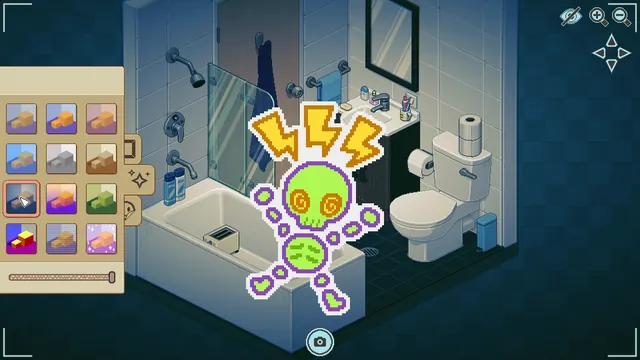 Unpacking - Photo mode: filter thumbnails, a slider and one placed sticker
Same type: Settings / System