Gameplay HUD: minimap, hotbar and quest tracker
Stormforge · HUD & Gameplay UI
Art style Low-poly
About this game
Developer: Roboto Games · Publisher: Roboto Games · Platform: PC (Steam) · Art style: Low-poly · Screen type: HUD & Gameplay UI
More Stormforge screens in the Gallery
What to study
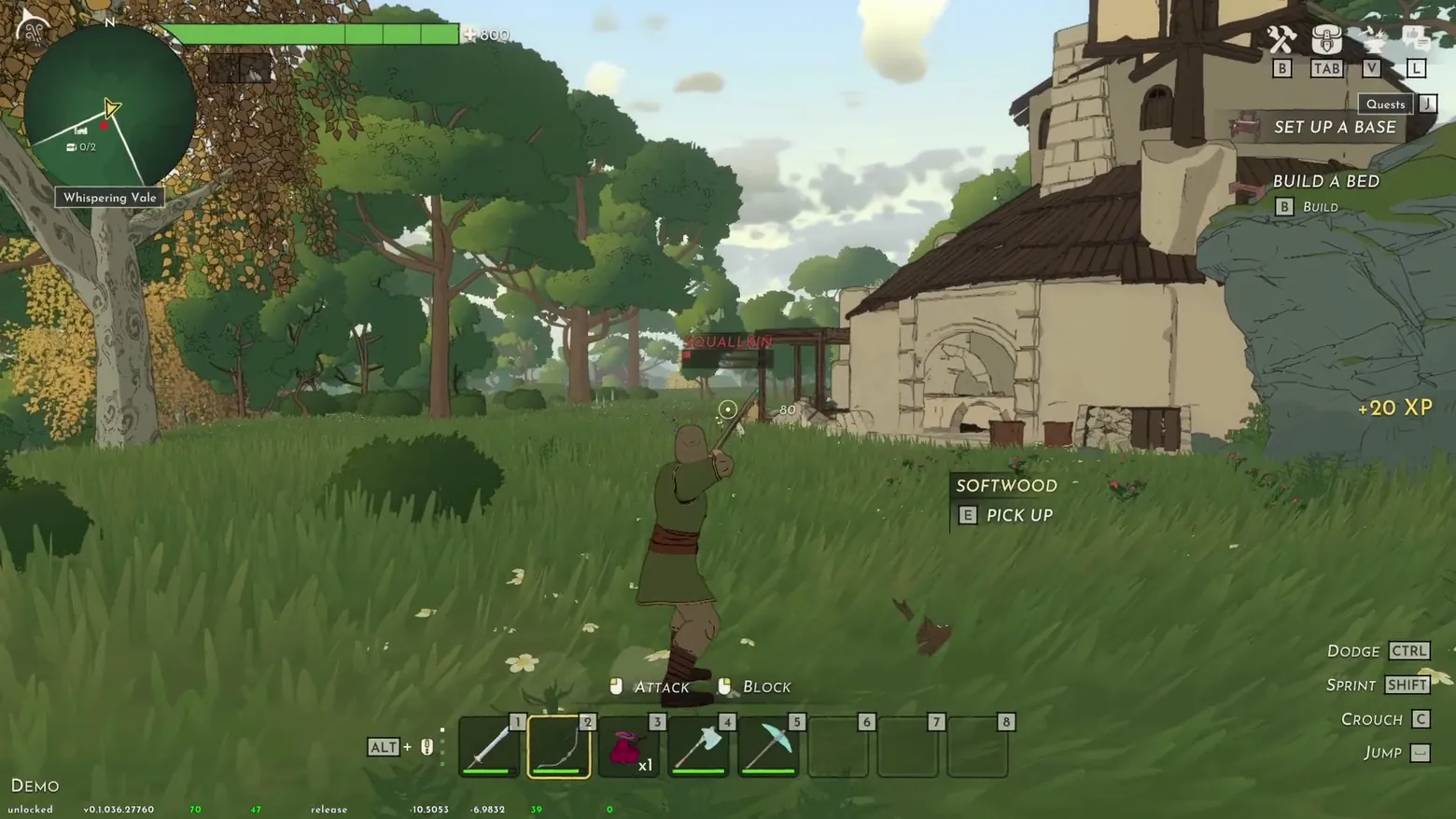
The gameplay HUD is a survival game's dashboard worn lightly: a circular minimap with the zone name (Whispering Vale), a quest arrow and a red objective dot; a segmented green health bar with a +800 heal tick; an eight-slot hotbar with durability bars under each weapon; and a quest tracker that pairs each objective with its key (Set Up a Base, Build a Bed, B Build). The control hints along the right edge (Dodge Ctrl, Sprint Shift, Crouch C, Jump) are the game's way of teaching without a tutorial screen, and the floating +20 XP and Softwood E Pick Up prompt show the HUD talking back to the player. A small green debug footer (DEMO, build v0.1.036.27760) runs along the bottom edge, baked into the trailer. The lesson is the HUD as a quiet checklist: objectives, tools and movement are all visible, none of it shouts. Frame at 1:41 in Spotlight 1 - The Storms (Steam; dense filmstrip scan, 5s interval; frame re-extracted at full resolution by accurate seek).
Patterns
How the screen is arranged.
hud-overlay map-hud bottom-dock quest-tracker status-row
Components
Parts on screen.
Minimap Vitals bar Slots Quest tracker Button prompts Marker
Screen inventory
- circular minimap top-left: Whispering Vale, north marker, quest arrow and red objective dot, 0/2 counter
- segmented green health bar top-center with a +800 heal tick
- top-right quick keys B / TAB / V / L
- quest tracker top-right: Quests (J); SET UP A BASE, BUILD A BED with a B BUILD prompt
- center crosshair and enemy nameplate SQUALLKIN; SOFTWOOD E PICK UP prompt; +20 XP toast
- bottom hotbar slots 1-8 with durability bars (sword, bow, pouch x1, axe, pickaxe)
- control hints right edge: DODGE CTRL, SPRINT SHIFT, CROUCH C, JUMP; ATTACK / BLOCK mouse prompts bottom-center
- small green debug footer along the bottom edge (DEMO, build v0.1.036.27760)
Top 3 colors
#485a33 21%#4b6132 21%#3b442b 18%
Top three palette colors by share. The remaining colors make up the rest.
Source and credit
© Roboto Games, Stormforge screenshot: Gameplay trailers, Early Access Launch and Spotlight 1 - The Storms (Steam), shown for design study and commentary. PlayCraft is an unofficial fan project, not affiliated with or endorsed by Roboto Games.
Source tier 2 (publisher-released) · screenshot: Steam store page · Steam page
Source details
Fetched 2026-11-11. verified 2026-11-11: candidates/film_v4_gameplay-hud_t101.png @ 101.5s in Spotlight 1 - The Storms, MD5 bf99b3e6e00a45f90f5ec6911bd41bc8, 1829712 B, inspected visually at full resolution (1920x1080 native); HUD fully legible; small green demo-build debug footer along the bottom edge, baked into the video
Roboto Games Streaming Policy, effective Nov 10, 2026 (https://www.playstormforge.com/streaming): videos, streams, clips, screenshots, guides, reviews and fan art explicitly allowed without asking permission first, all Roboto titles incl. Stormforge; not fine: selling the content itself, redistributing assets, or using the game/assets inside another game, product or service; required attribution line carried in credit_line_template.
Rights holders: see Copyright & takedown.
Similar screens
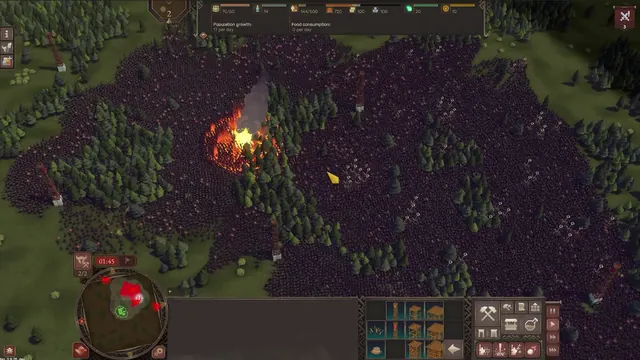 Diplomacy is Not an Option - Night mass battle: horde swarm, resource bar, minimap wave timer
Same type: HUD & Gameplay UI; Shared patterns: hud-overlay, status-row, bottom-dock, map-hud
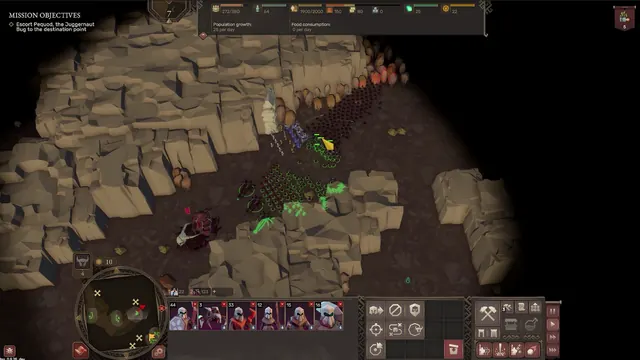 Diplomacy is Not an Option - Underground escort: hero party roster, cave vignette, waypoint minimap
Same type: HUD & Gameplay UI; Shared patterns: hud-overlay, status-row, map-hud, quest-tracker
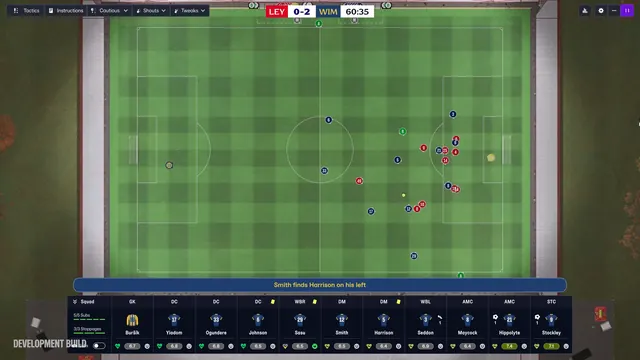 Football Manager 27 - Top-down tactical match view: live positions with the full squad strip
Same type: HUD & Gameplay UI; Shared patterns: hud-overlay, bottom-dock, status-row, map-hud
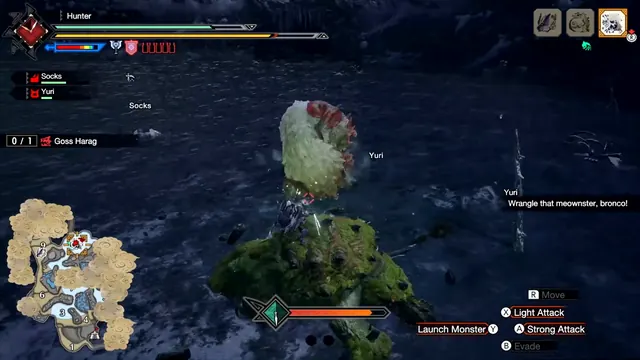 Monster Hunter Rise - Wyvern Riding HUD: mount controls and riding gauge
Same type: HUD & Gameplay UI; Shared patterns: hud-overlay, status-row, map-hud, quest-tracker
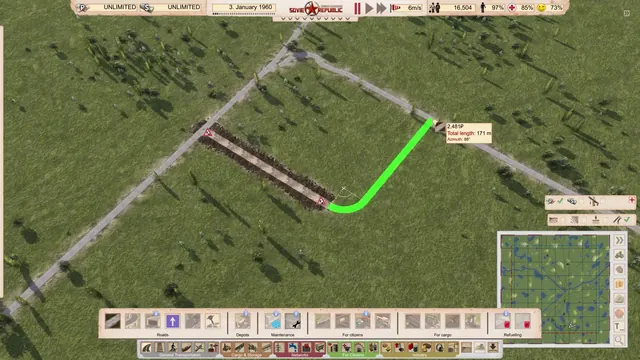 Workers & Resources: Soviet Republic - Drawing a road: green preview, length and azimuth readout, build bar and minimap
Same type: HUD & Gameplay UI; Shared patterns: hud-overlay, bottom-dock, status-row
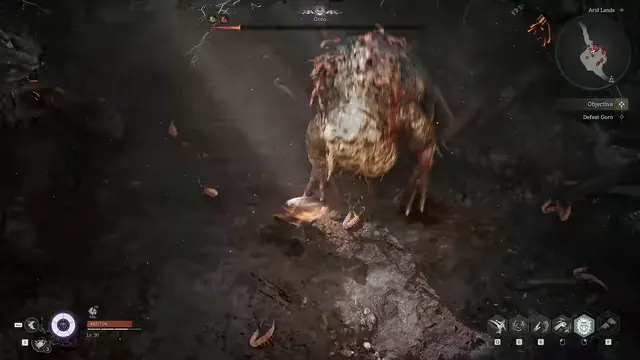 TARAE: The Unbound - Boss fight HUD: Goro health bar, Defeat Goro objective
Same type: HUD & Gameplay UI; Shared patterns: hud-overlay, quest-tracker, map-hud