Wyvern Riding HUD: mount controls and riding gauge
Monster Hunter Rise · HUD & Gameplay UI
Art style Stylized 3D
About this game
Developer: CAPCOM Co., Ltd. · Publisher: CAPCOM Co., Ltd. · Platform: PC (Steam) · Art style: Stylized 3D · Screen type: HUD & Gameplay UI
More Monster Hunter Rise screens in the Gallery
What to study
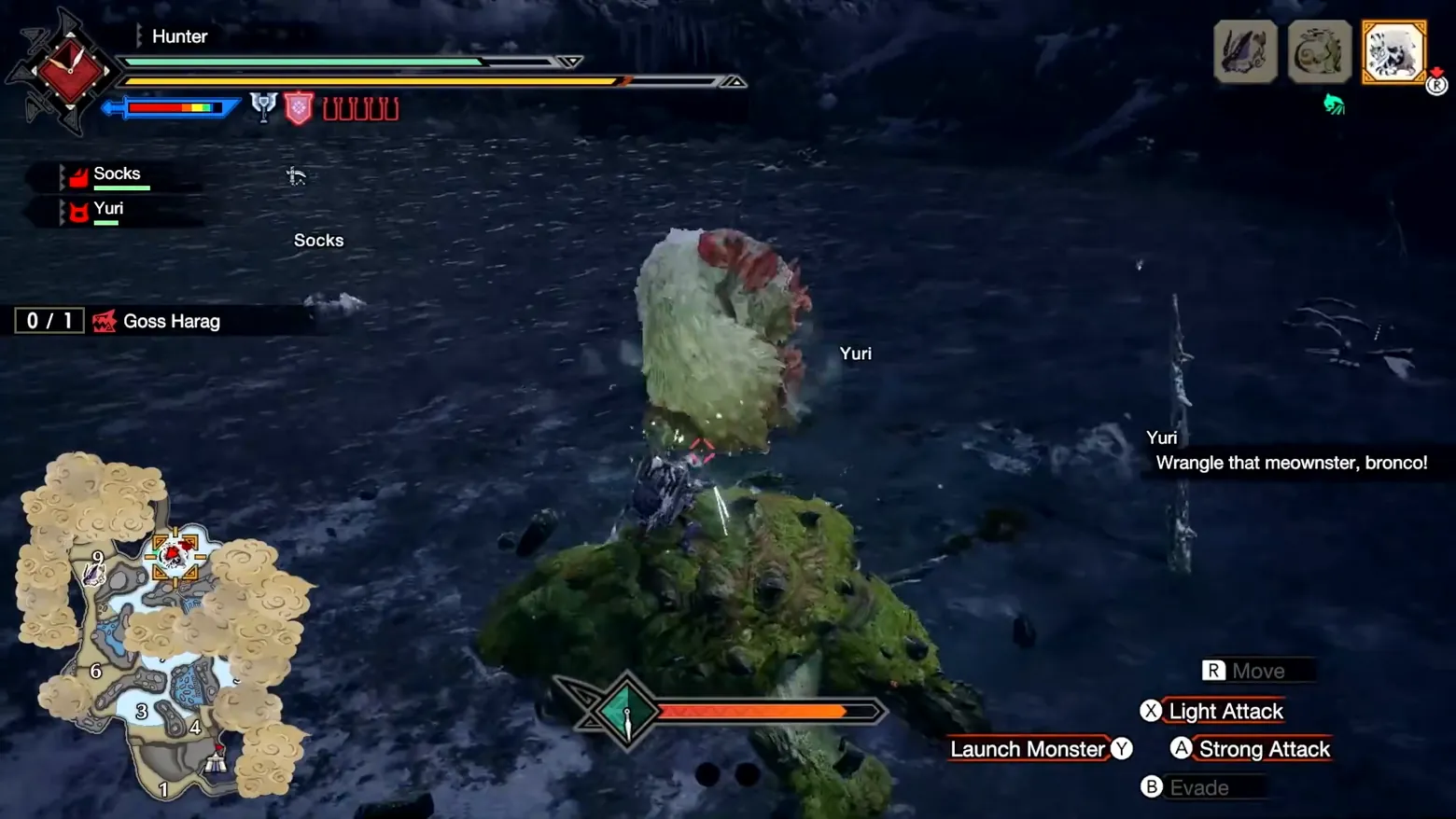
Wyvern Riding, Rise's mounted-combat mode, rewrites the HUD's bottom edge: a riding gauge with a green diamond marker replaces the usual center, and a dedicated control cluster spells out R Move, X Light Attack, A Strong Attack, Launch Monster Y and B Evade while Yuri cheers the rider on. The rest of the HUD — vitals, buddies, tracker, minimap — stays put, so the mode change reads as an addition rather than a new screen. Frame at 345s of the official Goss Harag Gameplay video (dense-probe frame; the riding HUD is stable 343-347s).
Patterns
How the screen is arranged.
hud-overlay status-row map-hud quest-tracker action-list contextual-prompts
Components
Parts on screen.
Vitals bar Pips Gauge Minimap Quest tracker Button prompts Dialogue box Marker
Screen inventory
- the hunter rides the monster with a green-diamond riding gauge and red-orange meter across the bottom-center
- the bottom-right control cluster reads R Move, X Light Attack, A Strong Attack, Launch Monster Y and B Evade
- Yuri's dialogue box reads 'Wrangle that meownster, bronco!'
- the standard HUD persists: health/stamina bars, Socks and Yuri bars, 0 / 1 Goss Harag tracker and the Frost Islands minimap
Top 3 colors
#151f30 23%#020919 19%#081225 17%
Top three palette colors by share. The remaining colors make up the rest.
Source and credit
© CAPCOM Co., Ltd., Monster Hunter Rise screenshot: YouTube (Monster Hunter channel — 'Monster Hunter Rise – Goss Harag Gameplay', uploaded 2021-03-09) — CAPCOM Co., Ltd., shown for design study and commentary. PlayCraft is an unofficial fan project, not affiliated with or endorsed by CAPCOM Co., Ltd..
Source tier 2 (publisher-released) · screenshot: Steam store page · Steam page
Source details
Fetched 2026-11-11. Dense-probe frame manual/v1_345s.png @345s, Goss Harag Gameplay (YouTube); frame MD5 9b3719c160ff7a98ca3451960b68460e; source video MD5 51d01ea2d9f61fbdccfeaf7e52ebb24f, 430036383 B, 849.01s, 1920x1080; full decode to null exit 0 with 0-byte error log; stability confirmed by probes at 343/344/346/347s showing the same riding HUD; verified at full resolution 1920x1080, all control text legible.
Capcom Video Policy (https://press.capcom.com/Video-Policy, re-checked first-hand 2026-11-11; Last Updated January 6, 2021, FAQ last updated March 15, 2021; mirrored at https://www.capcom-europe.com/video-policy/). Applies to IP owned by Capcom. Permits walkthroughs, tutorials, Let's Plays, speedruns, reviews, reactions, instructionals, and other 'commentary' style videos using Capcom game footage on YouTube, Twitch.tv, your website, or other video/streaming sites, with commentary tied to live gameplay providing instructional or educational value. Rules: do not share game footage online without adding your own video or content unless the console/device permits sharing; do not split game content into components (visual, vocal, in-game elements) and distribute them as separate content; fan content may not be promoted as official Capcom content; non-commercial use only except permissible monetization (partner programs/advertising on video-sharing services; voluntary contributions if also free to the public). Prohibited: pre-release/leaked content, third-party programs/devices that circumvent protection, inappropriate content, video capture of Capcom Publications. Effect clause: 'this policy is a guideline... It is not intended to be, nor should be considered as, express permission nor an official license or authorization.' FAQ allowed examples: content recorded/edited/posted using the console/device or a feature of the game software; if capturing through separate software, content should be transformative or offer commentary/instructional/educational value. FAQ not allowed: separating individual in-game elements and posting them as-is; posting in-game cut-scenes separately on their own without gameplay. No MHR-specific posting guidelines found on the game's official website (the FAQ says game-specific guidelines, where they exist, live on the game's official website). FIT CAVEAT: the grant is real and covers this exact title, and the Gallery's per-screen study notes are educational commentary, which leans toward the FAQ's transformative/educational allowance — but the policy is written for VIDEO creators posting videos, not for extracting still frames from official trailers into a still-image catalog, and the 'do not share footage without adding your own content', 'do not split content into components', and 'not express permission nor a license' clauses mean a still-image Gallery entry sits at the edge of its wording. Standing fallback: stills from the publisher's own official gameplay video, unofficial, not endorsed, takedown honoured within 48h. Same precedent as Monster Hunter: World, Resident Evil 4, Devil May Cry 5 and Resident Evil Village, already in the Gallery.
Rights holders: see Copyright & takedown.
Similar screens
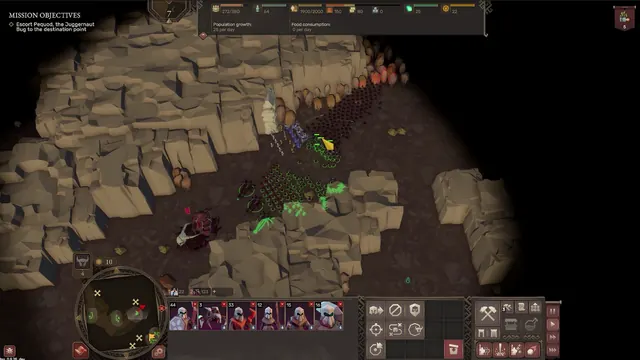 Diplomacy is Not an Option - Underground escort: hero party roster, cave vignette, waypoint minimap
Same type: HUD & Gameplay UI; Shared patterns: hud-overlay, status-row, map-hud, quest-tracker
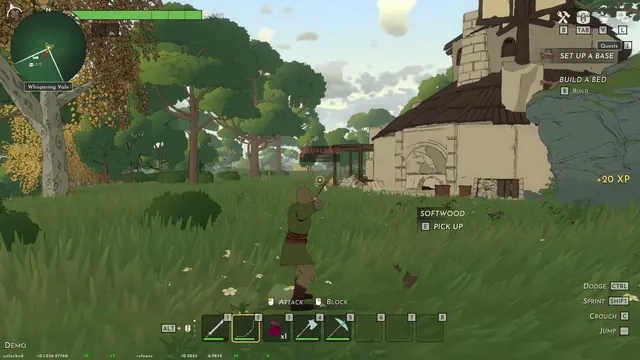 Stormforge - Gameplay HUD: minimap, hotbar and quest tracker
Same type: HUD & Gameplay UI; Shared patterns: hud-overlay, map-hud, quest-tracker, status-row
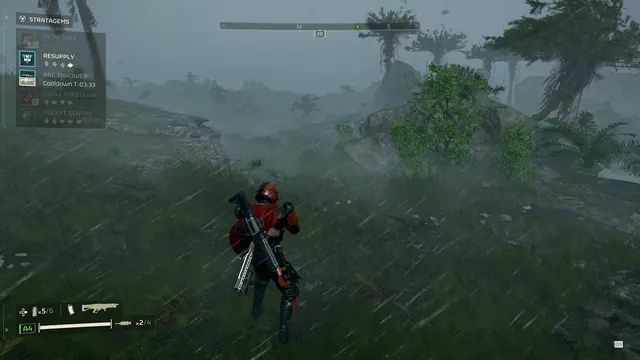 HELLDIVERS™ 2 - Stratagem list open: arrow codes for Resupply, Eagle, Sentry
Same type: HUD & Gameplay UI; Shared patterns: action-list, hud-overlay, status-row
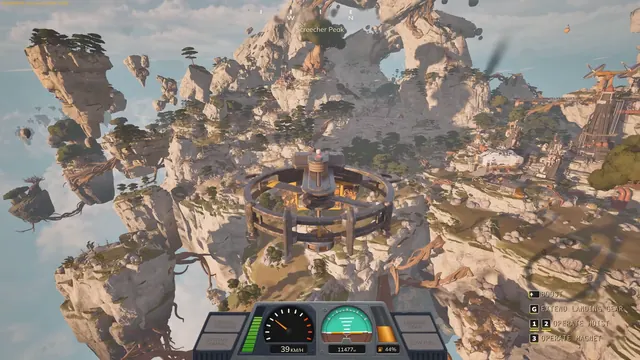 ATMOSFAR - Flight HUD: speed, altitude and fuel gauges
Same type: HUD & Gameplay UI; Shared patterns: hud-overlay, status-row, contextual-prompts
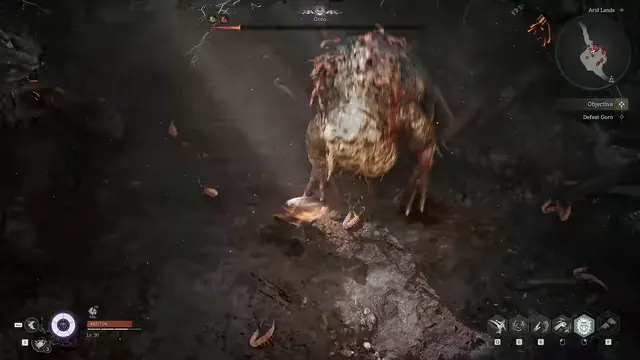 TARAE: The Unbound - Boss fight HUD: Goro health bar, Defeat Goro objective
Same type: HUD & Gameplay UI; Shared patterns: hud-overlay, quest-tracker, map-hud
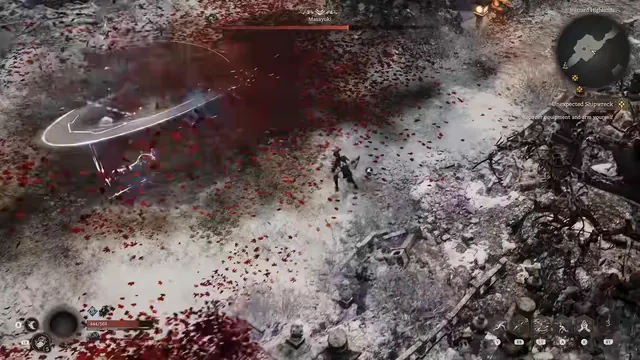 TARAE: The Unbound - Boss fight HUD: Masayuki, Unexpected Shipwreck quest text
Same type: HUD & Gameplay UI; Shared patterns: hud-overlay, quest-tracker, map-hud