Build Menu: Crystal Pillar
Stormforge · City & Base Management
Art style Low-poly
About this game
Developer: Roboto Games · Publisher: Roboto Games · Platform: PC (Steam) · Art style: Low-poly · Screen type: City & Base Management
More Stormforge screens in the Gallery
What to study
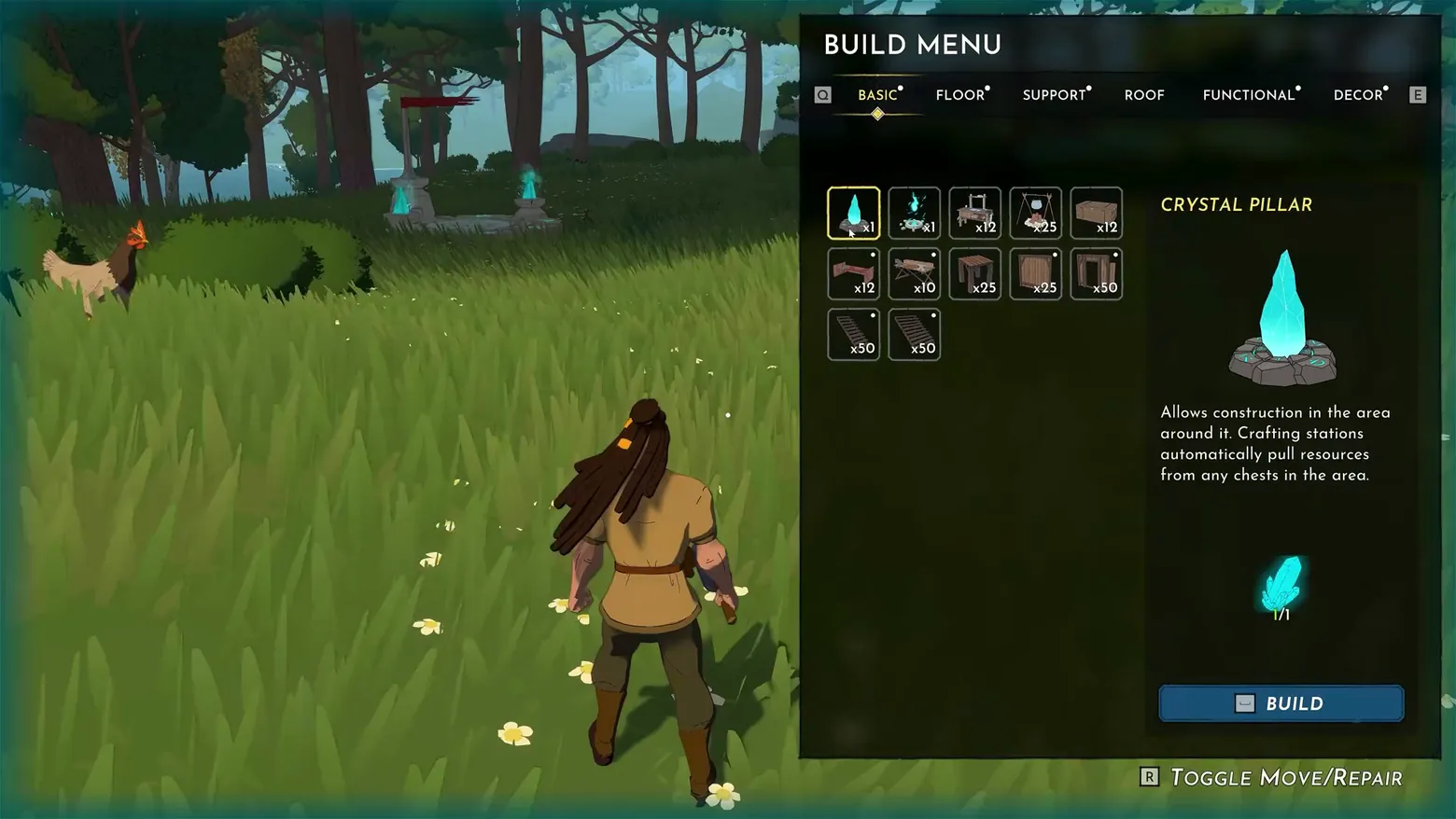
Building is a docked side panel, not a separate screen: the Build Menu slides over the live world so the player places pieces while still standing in the grass, with the crystal pillars they are about to build visible behind the panel. The category tabs (Basic / Floor / Support / Roof / Functional / Decor) organize a builder's vocabulary, and the twelve-piece grid prices each piece in stack counts (x1, x12, x25, x50) rather than single units, because building is bulk work. The Crystal Pillar detail does the systems teaching in one paragraph: it enables construction in an area and lets crafting stations pull from any chest nearby, which is the game's base-building thesis, one pillar turns a campsite into a base. The R Toggle Move/Repair prompt at the bottom says the same menu also maintains. Frame at 0:39 in the Early Access Launch trailer (Steam; scene-change extraction).
Patterns
How the screen is arranged.
tabbed-panel side-panel build-menu detail-panel cost-list
Components
Parts on screen.
Screen inventory
- BUILD MENU panel docked over the live world (right half), world still visible behind it
- category tabs BASIC / FLOOR / SUPPORT / ROOF / FUNCTIONAL / DECOR with Q/E keys, BASIC active
- twelve-piece grid with stack counts (x1, x12, x25, x50): crystal, campfire, workbench, tent, crate, ramp, table, wall, door, stairs
- CRYSTAL PILLAR detail: item art plus the description 'Allows construction in the area around it. Crafting stations automatically pull resources from any chests in the area.'
- ingredient cost 1/1 and a blue BUILD button
- R TOGGLE MOVE/REPAIR prompt bottom-right
Top 3 colors
#5b722d 30%#0f180d 18%#2b2f20 17%
Top three palette colors by share. The remaining colors make up the rest.
Source and credit
© Roboto Games, Stormforge screenshot: Gameplay trailers, Early Access Launch and Spotlight 1 - The Storms (Steam), shown for design study and commentary. PlayCraft is an unofficial fan project, not affiliated with or endorsed by Roboto Games.
Source tier 2 (publisher-released) · screenshot: Steam store page · Steam page
Source details
Fetched 2026-11-11. verified 2026-11-11: candidates/v3_0024.png @ 39.44s in the Early Access Launch trailer, MD5 938dc237942b0acf97a55c69f745afc7, 1077391 B, inspected visually at full resolution (1920x1080 native); all text legible; no trailer text or marketing overlay in frame
Roboto Games Streaming Policy, effective Nov 10, 2026 (https://www.playstormforge.com/streaming): videos, streams, clips, screenshots, guides, reviews and fan art explicitly allowed without asking permission first, all Roboto titles incl. Stormforge; not fine: selling the content itself, redistributing assets, or using the game/assets inside another game, product or service; required attribution line carried in credit_line_template.
Rights holders: see Copyright & takedown.
Similar screens
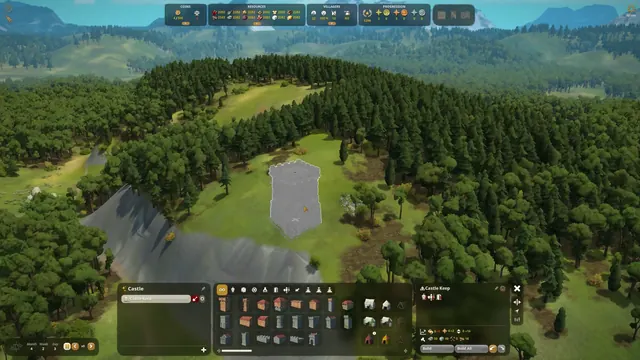 Foundation - Castle build menu: Castle Keep with ghost placement
Same type: City & Base Management; Shared patterns: side-panel, detail-panel, cost-list
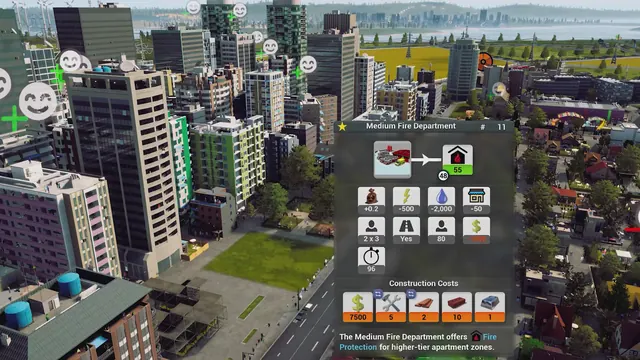 Highrise City - Building panel: Medium Fire Department, stats and construction costs
Same type: City & Base Management; Shared patterns: side-panel, detail-panel, cost-list
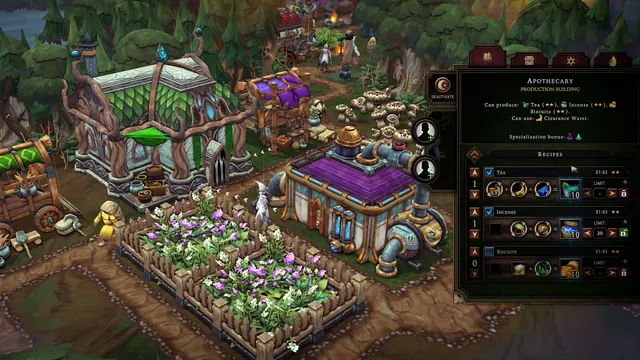 Against the Storm - Apothecary: three recipe equations with priorities, limits and worker slots
Same type: City & Base Management; Shared patterns: side-panel, detail-panel
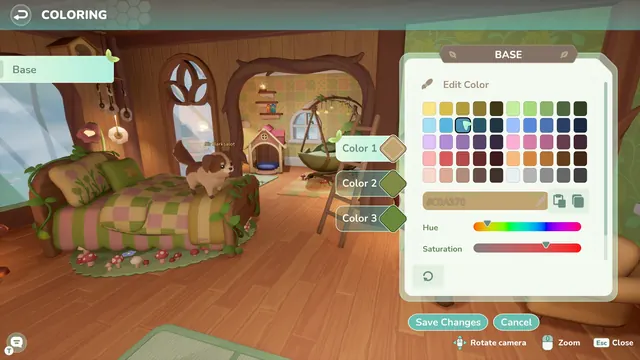 Loftia - Coloring a room: BASE editor over a treehouse bedroom
Same type: City & Base Management; Shared patterns: side-panel, detail-panel
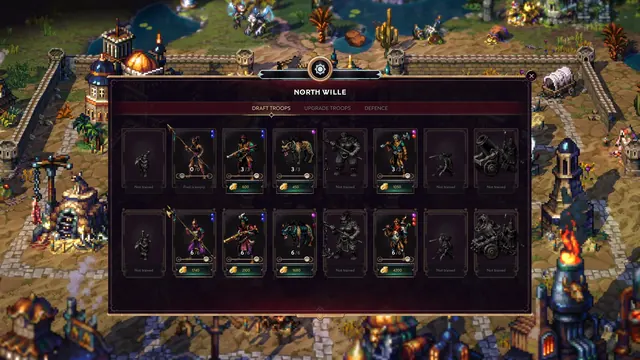 Songs of Conquest - Town screen: North Wille, Draft Troops with gold costs
Same type: City & Base Management; Shared patterns: tabbed-panel, cost-list
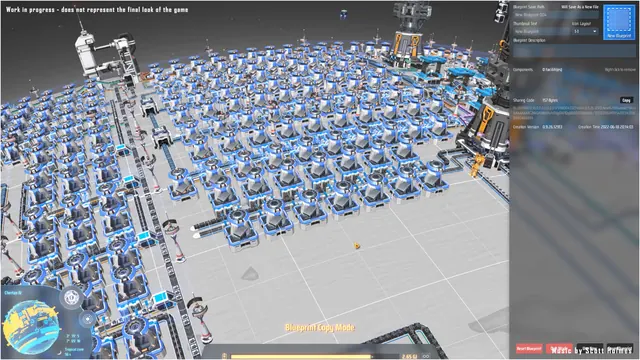 Dyson Sphere Program - Blueprint panel: save path, sharing code and copy mode
Same type: City & Base Management; Shared patterns: side-panel, detail-panel