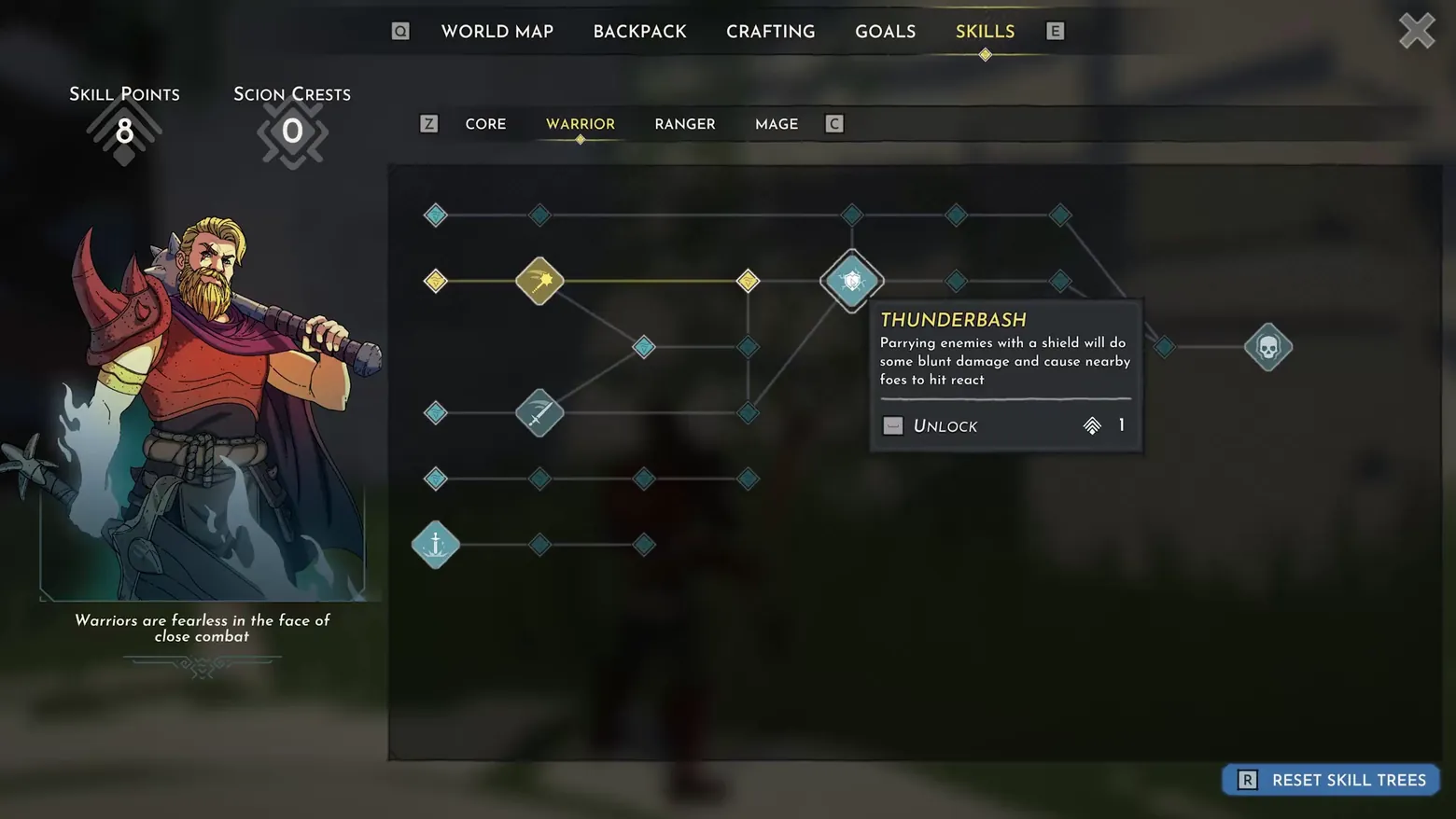
Skills: Warrior tree with Thunderbash tooltip
Stormforge · Focus / Tech Trees
Art style Low-poly
About this game
Developer: Roboto Games · Publisher: Roboto Games · Platform: PC (Steam) · Art style: Low-poly · Screen type: Focus / Tech Trees
More Stormforge screens in the Gallery
What to study
Stormforge's skills screen is a full-screen character hub, not a popup: the top bar (World Map / Backpack / Crafting / Goals / Skills) says this is one of five equal systems, and the class row underneath (Core / Warrior / Ranger / Mage) makes the build a choice of identity before it is a choice of nodes. The left third belongs to the portrait, a hand-drawn Warrior with a one-line class fantasy, so the tree never reads as an abstract diagram. The tree itself is a diamond lattice read left to right, gold marking the unlocked path, with a skull capstone at the far end promising a destination. The tooltip is the unit of explanation: Thunderbash's parry effect is spelled out in one plain sentence, priced at one skill point, with an explicit Unlock button. The lesson is the portrait as anchor: the same layout serves every class, and only the art, the flavor line and the tree's shape change. Frame at 0:45 in the May Gameplay Trailer (Steam; scene-change extraction).
Patterns
How the screen is arranged.
top-bar tabbed-panel skill-tree node-graph portrait-panel points-budget skill-tooltip
Components
Parts on screen.
Tabs Portrait Tree / web Tooltip Button prompts
Screen inventory
- top tab bar WORLD MAP / BACKPACK / CRAFTING / GOALS / SKILLS with Q/E cycle keys and a close X
- class sub-tabs CORE / WARRIOR / RANGER / MAGE with Z/C keys, WARRIOR active
- Skill Points 8 and Scion Crests 0 counters top-left with diamond icons
- bearded Warrior portrait with flavor text 'Warriors are fearless in the face of close combat'
- diamond-node skill tree with a gold unlocked path and a skull capstone at the far right
- THUNDERBASH tooltip: parrying enemies with a shield deals blunt damage and causes nearby foes to hit react, with an UNLOCK button costing 1 point
- R RESET SKILL TREES button bottom-right
Top 3 colors
#272725 25%#10120c 23%#373531 17%
Top three palette colors by share. The remaining colors make up the rest.
Source and credit
© Roboto Games, Stormforge screenshot: Gameplay trailers, Early Access Launch and Spotlight 1 - The Storms (Steam), shown for design study and commentary. PlayCraft is an unofficial fan project, not affiliated with or endorsed by Roboto Games.
Source tier 2 (publisher-released) · screenshot: Steam store page · Steam page
Source details
Fetched 2026-11-11. verified 2026-11-11: candidates/v0_0016.png @ 44.94s in the May Gameplay Trailer, MD5 1a1bb48b17949f56614bd550496d2244, 717750 B, inspected visually at full resolution (1920x1080 native); all text legible; no trailer text or marketing overlay in frame; frame is byte-identical to an accurate-seek extraction at the same timestamp
Roboto Games Streaming Policy, effective Nov 10, 2026 (https://www.playstormforge.com/streaming): videos, streams, clips, screenshots, guides, reviews and fan art explicitly allowed without asking permission first, all Roboto titles incl. Stormforge; not fine: selling the content itself, redistributing assets, or using the game/assets inside another game, product or service; required attribution line carried in credit_line_template.
Rights holders: see Copyright & takedown.
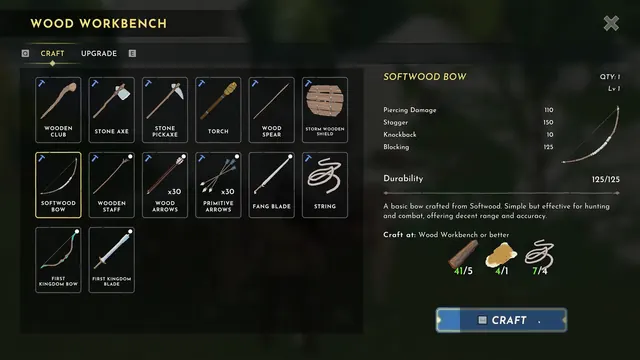
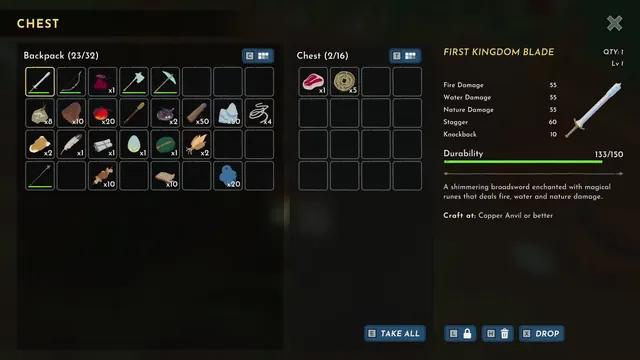
Similar screens
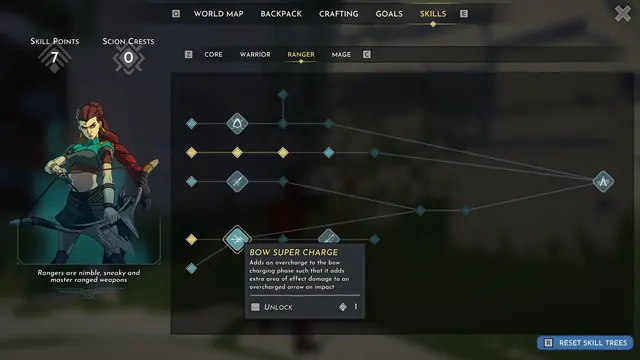 Stormforge - Skills: Ranger tree with Bow Super Charge tooltip
Same type: Focus / Tech Trees; Shared patterns: top-bar, tabbed-panel, skill-tree, node-graph, portrait-panel, points-budget, skill-tooltip
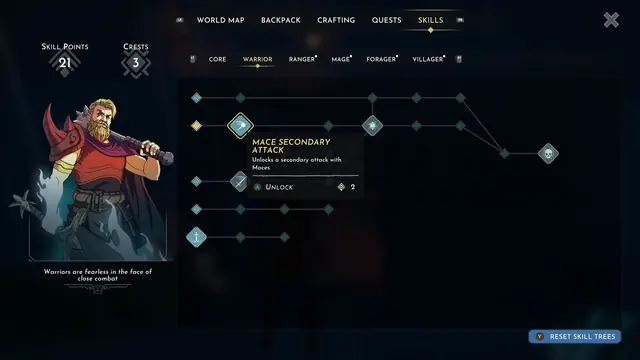 Stormforge - Skills: Warrior, Mace Secondary Attack, gamepad layout
Same type: Focus / Tech Trees; Shared patterns: top-bar, tabbed-panel, skill-tree, node-graph, portrait-panel, points-budget, skill-tooltip
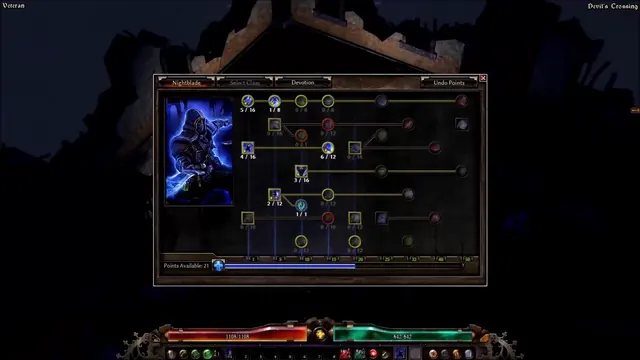 Grim Dawn - Nightblade skill tree: node grid, mastery bar, 21 points
Same type: Focus / Tech Trees; Shared patterns: skill-tree, node-graph, tabbed-panel, portrait-panel, points-budget
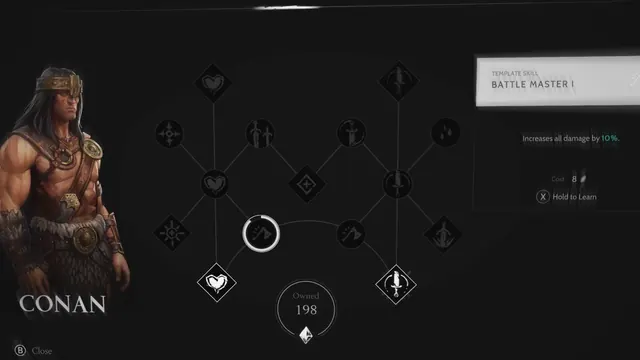 Conan: The Black Pyramid - Template Skill: Conan's Battle Master tree
Same type: Focus / Tech Trees; Shared patterns: skill-tree, node-graph, portrait-panel, skill-tooltip, points-budget
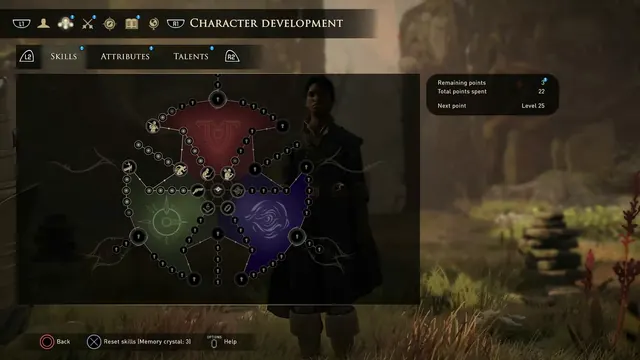 GreedFall - Character Development: radial skill tree, three branches
Same type: Focus / Tech Trees; Shared patterns: skill-tree, node-graph, points-budget, top-bar
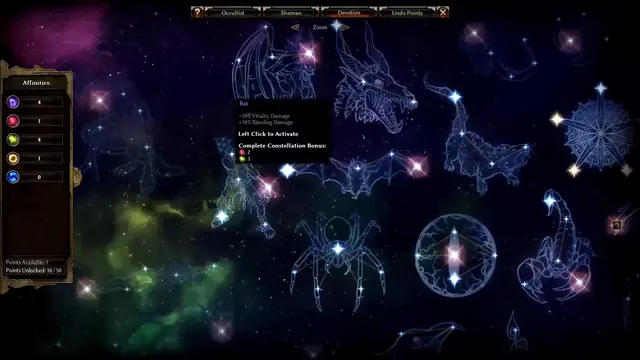 Grim Dawn - Devotion constellation map: Bat tooltip, affinities, 16/50
Same type: Focus / Tech Trees; Shared patterns: node-graph, tabbed-panel, points-budget