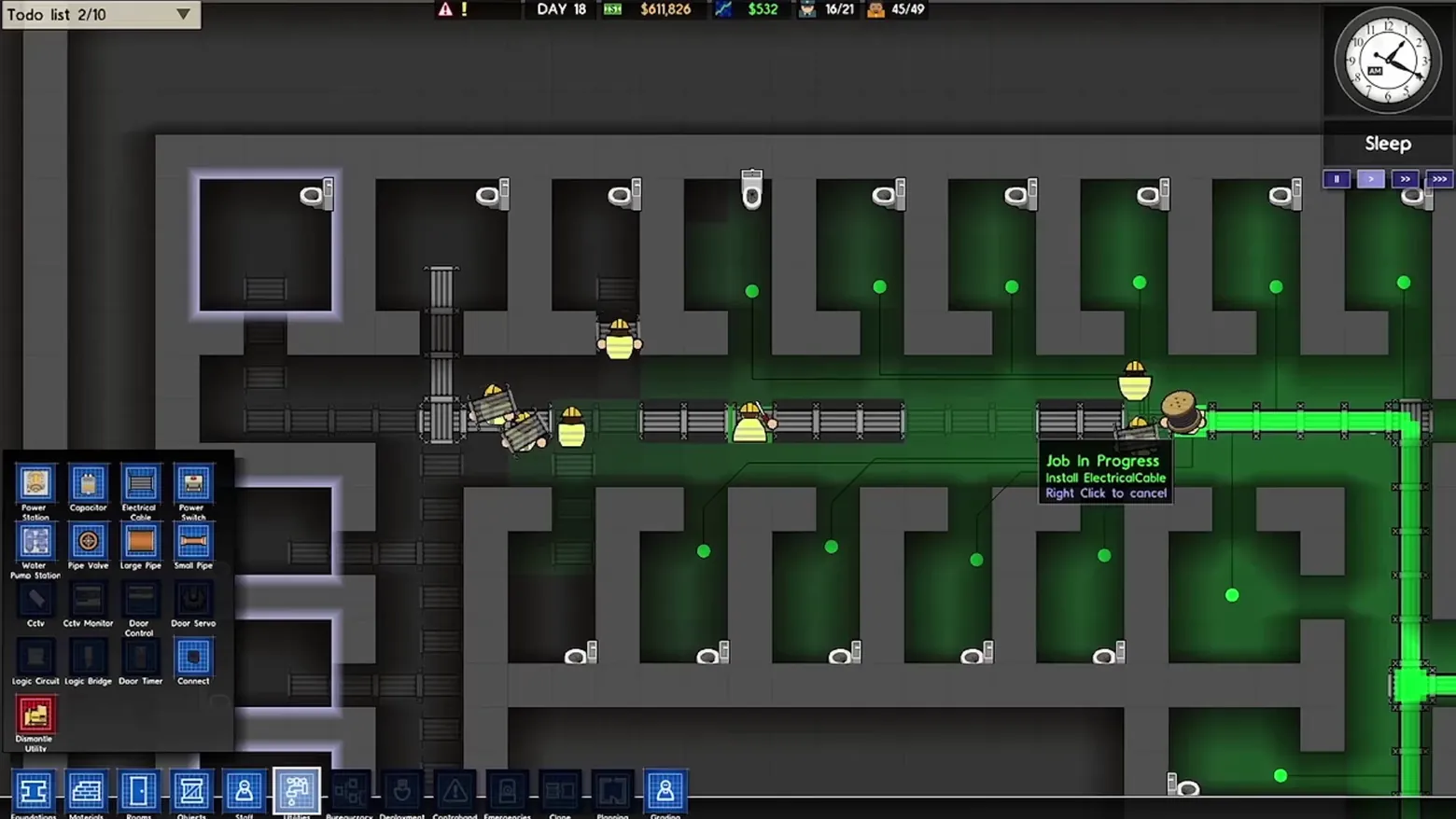
Utilities overlay: the electrical network drawn over the cell block
Prison Architect · City & Base Management
Art style Minimalist & vector
About this game
Developer: Introversion Software · Publisher: Paradox Interactive · Platform: PC (Steam) · Art style: Minimalist & vector · Screen type: City & Base Management
More Prison Architect screens in the Gallery
What to study
Switching to Utilities does not open a panel about the prison - it re-lights the prison. The normal view drops to near-black, rooms with power wash green, and the cable network itself becomes the brightest thing on screen: a glowing green run down the corridor with a node dot in every cell it feeds, so a dead cell is visible as a hole in the pattern before it is a complaint. The work is managed from the same view: the palette at left is a labelled parts bin (Power Station, Capacitor, Pipe Valve, Door Servo, Logic Circuit), and hovering the job site gives a three-line tooltip that is equal parts status and instruction - 'Job In Progress / Install ElectricalCable / Right Click to cancel'. It is the Oxygen Not Included overlay idea in an older, plainer form: one toggle, and the building shows you its wiring instead of its walls. Frame at about 0:34 in the Prison Architect V1.0 trailer (Steam), a scene-change survivor (v0_0022).
Patterns
How the screen is arranged.
Components
Parts on screen.
Tabs Toolbar Grid List Resource bar Progress bar Clock Tooltip
Screen inventory
- the Utilities palette open at bottom left, a labelled icon grid: Power Station, Capacitor, Electrical Cable, Power Switch, Water Pump Station, Pipe Valve, Large Pipe, Small Pipe, CCTV, CCTV Monitor, Door Control, Door Servo, Logic Circuit, Logic Bridge, Door Timer, Connect, and a red Dismantle Utility
- the cell block re-rendered dark: powered rooms glow green, unpowered rooms stay black, and the electrical cable run glows bright green down the corridor with node dots in each cell
- a black tooltip on the work site: 'Job In Progress / Install ElectricalCable / Right Click to cancel'
- workmen in yellow vests installing cable and doors along the corridor, one cell at top left highlighted with a white selection glow
- top bar: Todo list 2/10, DAY 18, $611,826, $532, 16/21 staff, 45/49 prisoners; analogue clock reading Sleep
- bottom toolbar with the Utilities tab selected (Foundations through Grading, Bureaucracy and Deployment tabs visible but unopened)
Top 3 colors
#4e504f 23%#161e18 23%#2a2a29 19%
Top three palette colors by share. The remaining colors make up the rest.
Source and credit
© Introversion Software / Paradox Interactive, Prison Architect screenshot: Prison Architect V1.0 trailer video (Steam), shown for design study and commentary. PlayCraft is an unofficial fan project, not affiliated with or endorsed by Paradox Interactive.
Source tier 2 (publisher-released) · screenshot: Steam store page · Steam page
Source details
Fetched 2026-10-21. verified 2026-10-21: scene-change frame v0_0022 (Prison Architect V1.0 trailer @34.0s) inspected at full resolution (1920x1080 native); genuine in-game Utilities overlay confirmed settled and legible (all palette labels, the green cable network and the Job In Progress tooltip readable); no trailer text or watermark overlays the frame
no published policy found (checked 2026-10-21); fair-use study use, takedown honored within 48h
Rights holders: see Copyright & takedown.
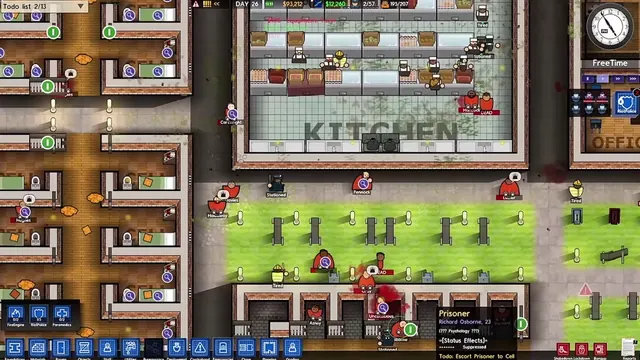
Similar screens
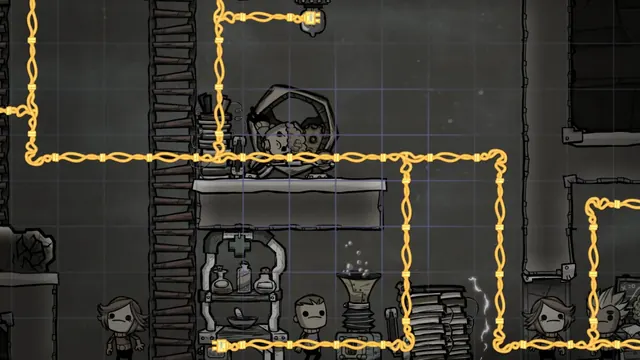 Oxygen Not Included - Power overlay: the base goes grey, only the wiring stays yellow
Same type: City & Base Management; Shared patterns: data-overlay, map-overlay
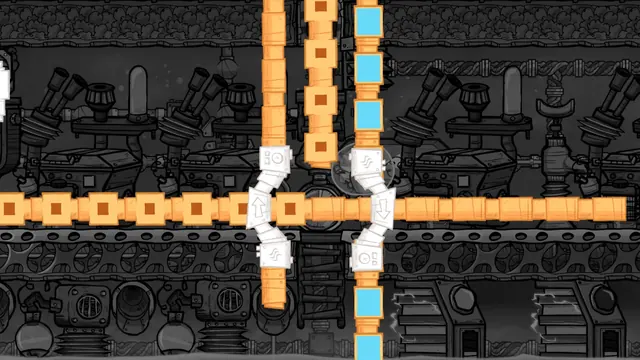 Oxygen Not Included - Conveyor overlay: orange rails and blue packets over a grey base
Same type: City & Base Management; Shared patterns: data-overlay, map-overlay
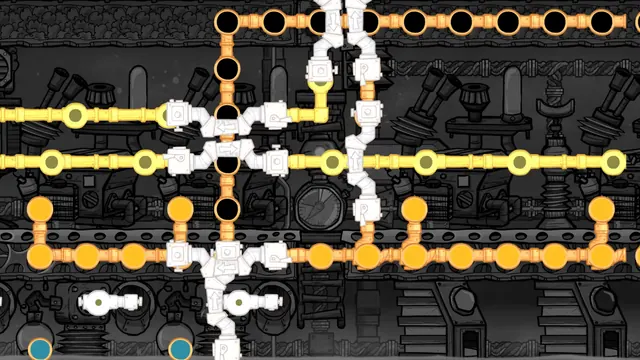 Oxygen Not Included - Pipe networks overlay: liquid and gas flows drawn as moving packets
Same type: City & Base Management; Shared patterns: data-overlay, map-overlay
 Planet Zoo - Habitat heat map: water in solid red
Same type: City & Base Management; Shared patterns: data-overlay, map-overlay
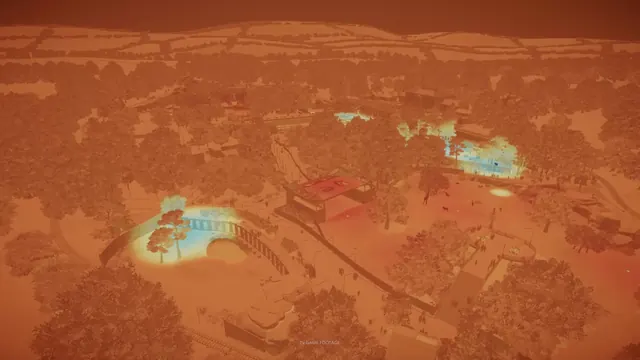 Planet Zoo - Zoo heat map, orange layer: pools glowing pale cyan
Same type: City & Base Management; Shared patterns: data-overlay, map-overlay
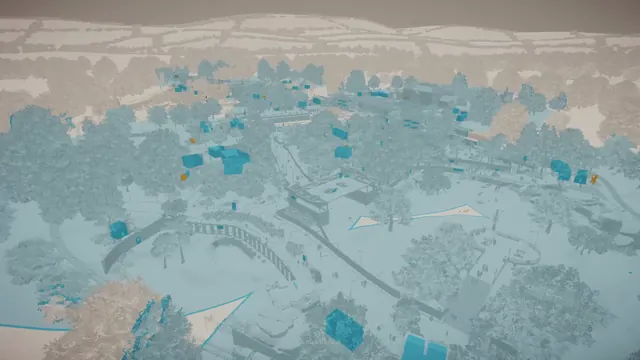 Planet Zoo - Zoo heat map, cyan layer: facilities as cyan blocks
Same type: City & Base Management; Shared patterns: data-overlay, map-overlay