PlayCraft / Gallery / Patterns / Status row
Status row
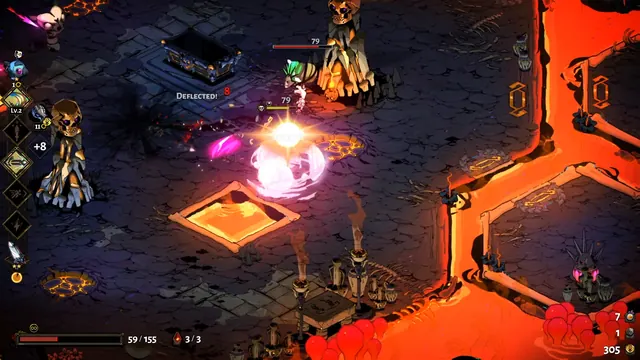
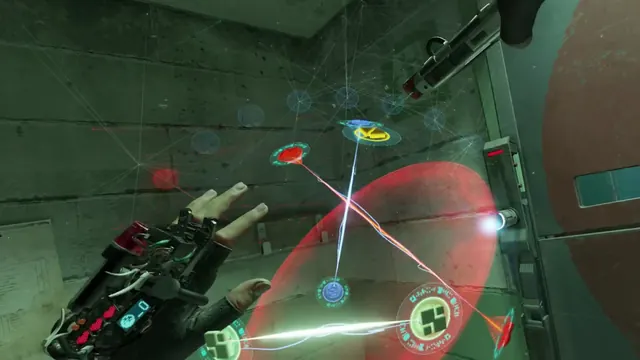
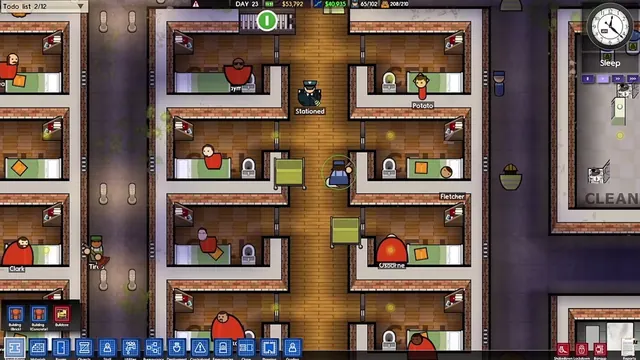
A status row is a single horizontal strip that compresses one system's state into a line the eye can read at a glance: health and resources, turn order, objectives, or an emergency. It usually sits on a frame edge so the playfield stays clear, and it answers one question: what is true right now.
329 screens across 136 games in the Gallery.
What good looks like
- One idea per row, never a junk drawer of unrelated readouts.
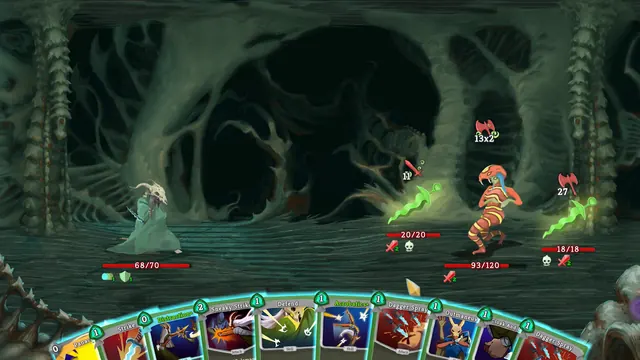
- Numbers exact where the decision needs them: Slay the Spire shows 13x2 multi-hit damage, not a vague strong attack.
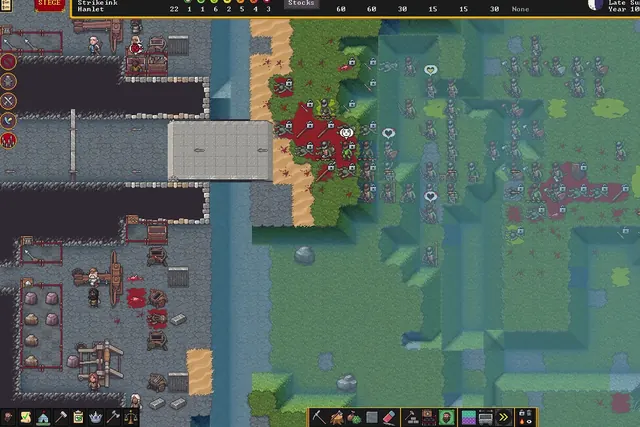
- The emergency leads: Dwarf Fortress puts the red SIEGE banner first in the bar.
- Readable mid-action, with no menu to open.
Examples from the Gallery

Frequently asked questions
What is a status row in game UI?
A status row is a horizontal strip, usually pinned to the top or bottom edge of the screen, that shows the current state of one system in a single glance: health, resources, turn order, or objectives. It stays visible while you play so you never open a menu to check the basics.
Which games show status rows well?
Octopath Traveler, Opus Magnum, Transport Fever 2, Marvel's Midnight Suns, and Lies of P have the most status-row screens in the Gallery. The clearest single example is Slay the Spire: every enemy declares its next move with an icon and exact damage numbers, so a turn is planned against known information rather than guessed.