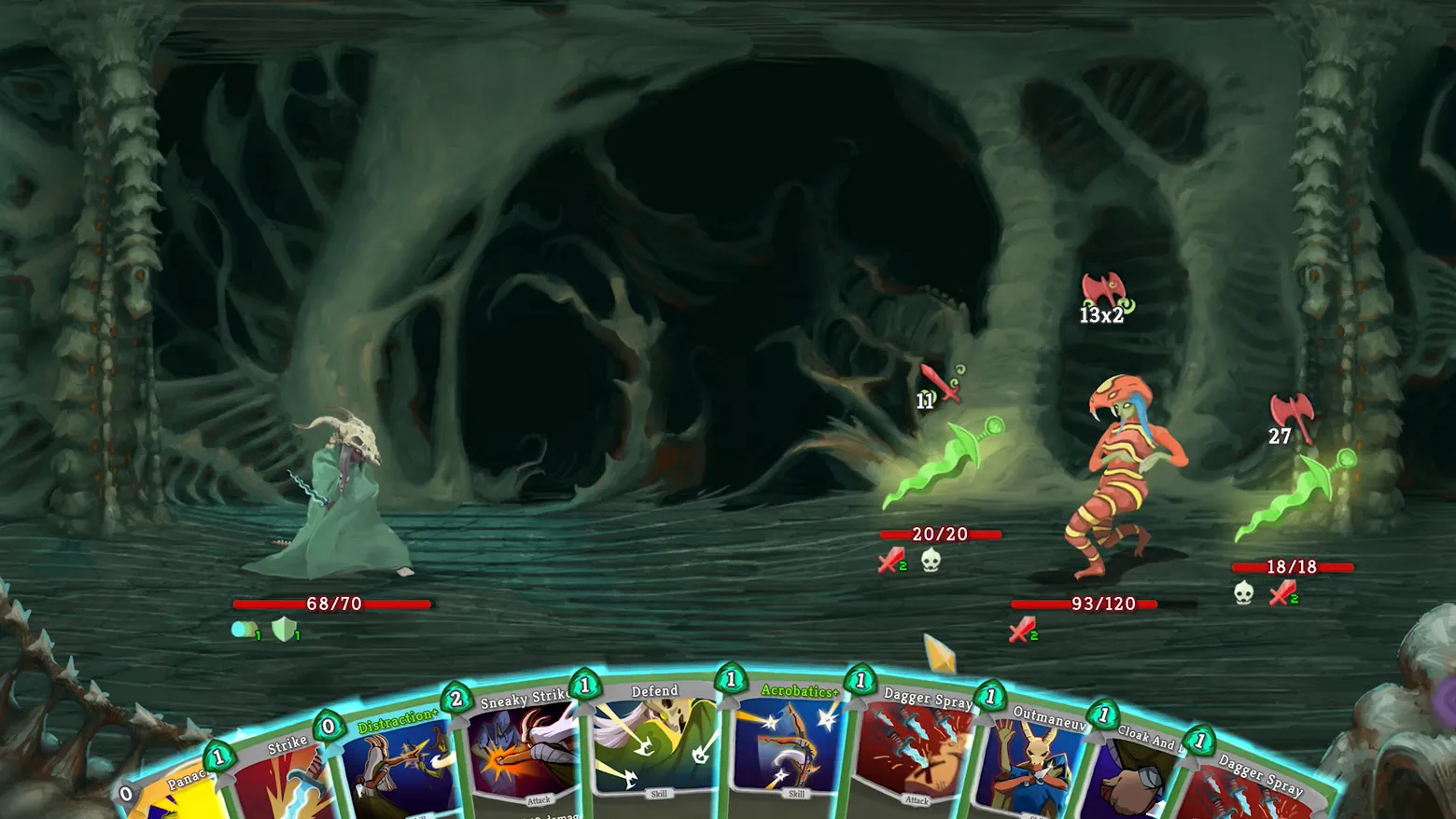
Combat: ten-card hand and enemy intent icons
Slay the Spire · HUD & Gameplay UI
Art style Comic & cartoon
About this game
Developer: Mega Crit · Publisher: Mega Crit · Platform: PC (Steam) · Art style: Comic & cartoon · Screen type: HUD & Gameplay UI
More Slay the Spire screens in the Gallery
What to study
Every enemy declares its next move with an icon floating above it, crossed axes and swords carrying exact damage numbers, including a 13x2 multi-hit, so a turn is planned against known information rather than guessed. The ten-card hand arcs across the bottom with energy gems on each card, and status icons sit directly under each health bar, where the numbers they modify live. Frame at about 0:31 in the Launch Trailer (Steam).
Patterns
How the screen is arranged.
card-hand intent-icons status-row
Components
Parts on screen.
Screen inventory
- fanned hand of cards
- energy cost gems
- enemy intent icons with damage numbers
- health bars
- status effect icons
- player block indicator
Top 3 colors
#2e3e33 22%#081612 22%#1c2b24 18%
Top three palette colors by share. The remaining colors make up the rest.
Source and credit
© Mega Crit, Slay the Spire screenshot: Launch Trailer (Steam), shown for design study and commentary. PlayCraft is an unofficial fan project, not affiliated with or endorsed by Mega Crit.
Source tier 2 (publisher-released) · screenshot: Steam store page · Steam page
Source details
Fetched 2026-10-20. verified 2026-10-20: frame extracted from the official Launch Trailer (Steam) and inspected visually; real game UI (combat card hand and enemy intent icons) confirmed visible
no published policy found (checked 2026-10-20); fair-use study use, takedown honored within 48h
Rights holders: see Copyright & takedown.
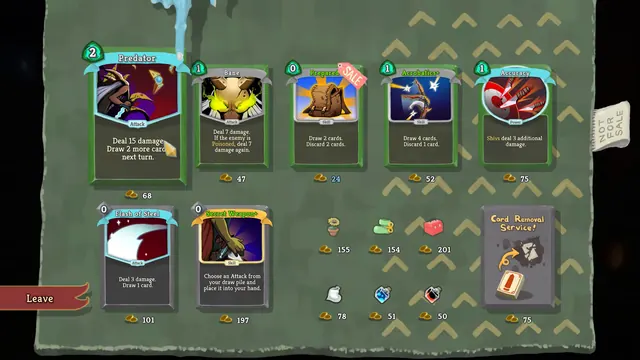
Similar screens
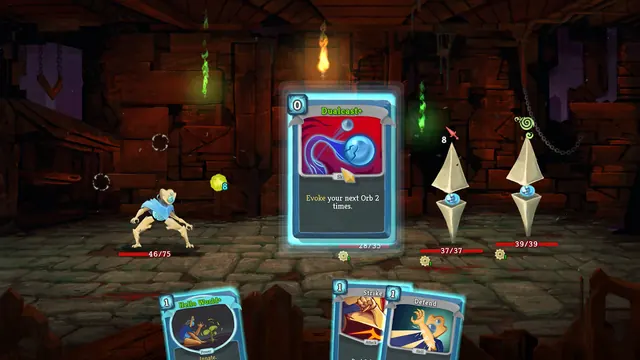
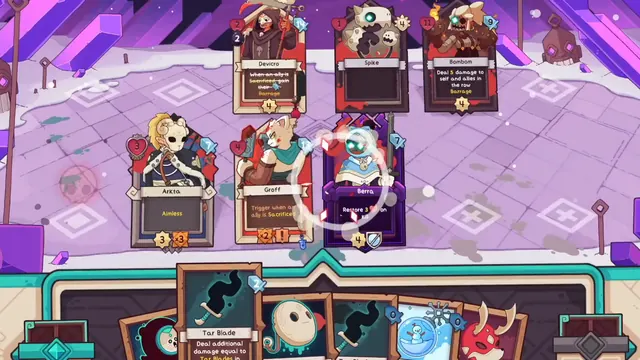 Wildfrost - Battle board: targeting ring on Berra in the crystal arena
Same type: HUD & Gameplay UI; Shared patterns: card-hand, status-row
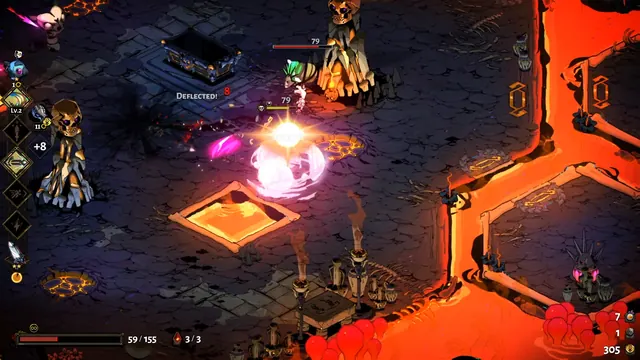 Hades - Combat HUD in Asphodel: boon rail and Deflected! feedback
Same type: HUD & Gameplay UI; Shared patterns: status-row
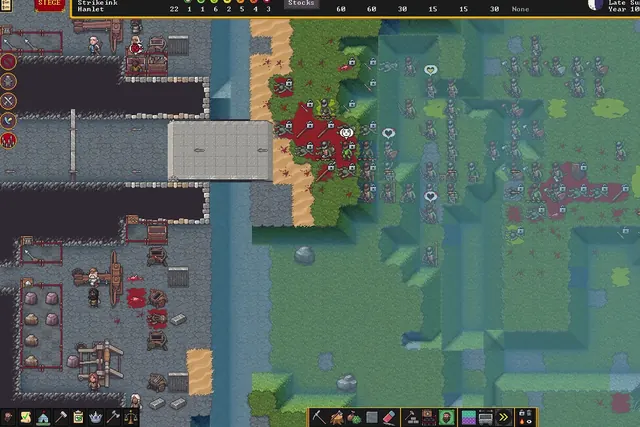 Dwarf Fortress - Fortress HUD under siege: status bar, Stocks readout and toolbars
Same type: HUD & Gameplay UI; Shared patterns: status-row
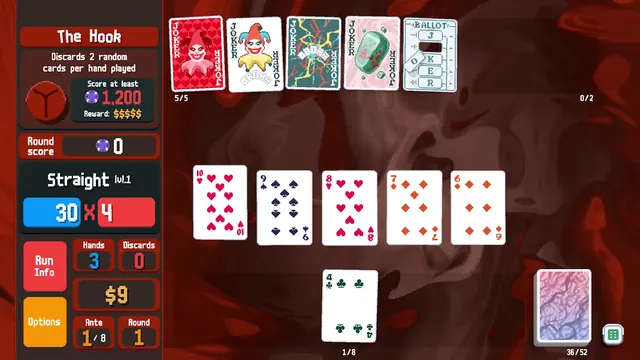 Balatro - Boss blind HUD: The Hook, a Straight, and the Chips × Mult rail
Same type: HUD & Gameplay UI; Shared patterns: card-hand
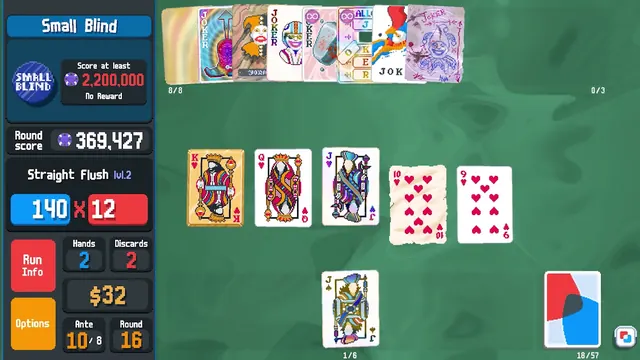 Balatro - Endless-mode HUD: a 2.2 million Small Blind and eight edition Jokers
Same type: HUD & Gameplay UI; Shared patterns: card-hand
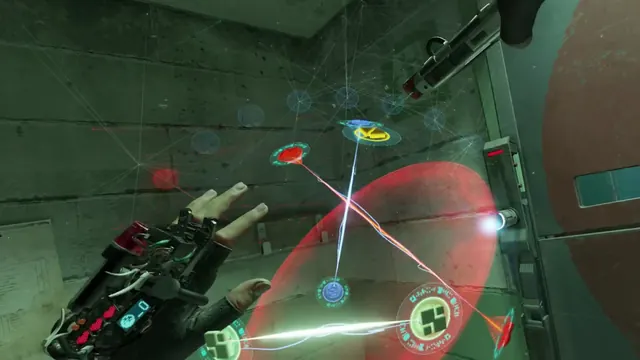 Half-Life: Alyx - Hacking in progress: glove display and connected nodes
Same type: HUD & Gameplay UI; Shared patterns: status-row