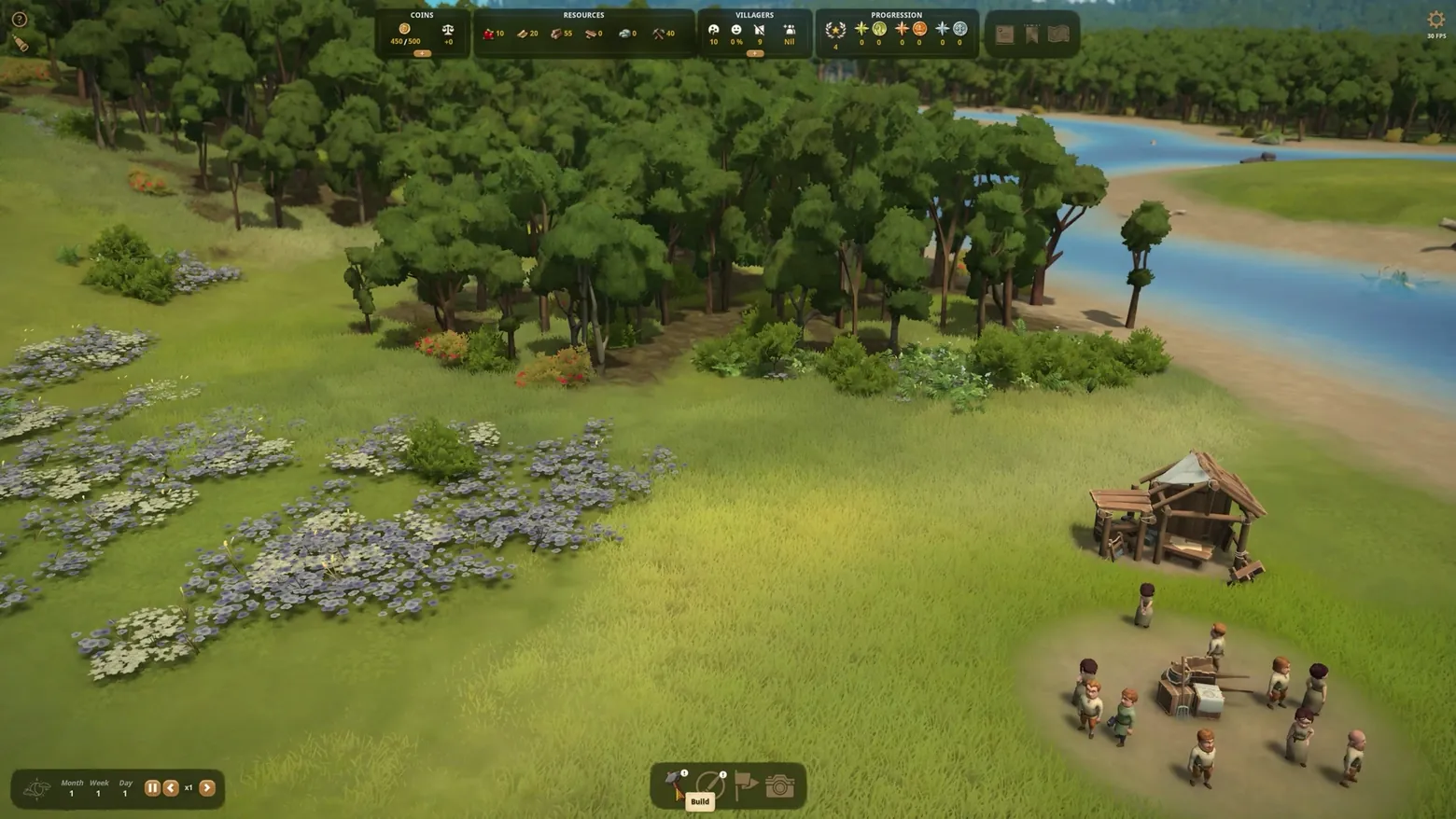
Early settlement HUD: resource bar and Build dock
Foundation · HUD & Gameplay UI
Art style Stylized 3D
About this game
Developer: Polymorph Games · Publisher: Polymorph Games · Platform: PC (Steam) · Art style: Stylized 3D · Screen type: HUD & Gameplay UI
More Foundation screens in the Gallery
What to study
The starting state is deliberately sparse: four labeled top panels (Coins, Resources, Villagers, Progression) carry the whole economy at a glance, while the bottom holds only time controls and a four-icon dock led by Build. Nothing else competes for attention until the player paints their first zones, so the first decision the interface asks for is where the village goes, not which menu to open. Frame at about 0:24 in the Release Date and Demo Trailer (Steam).
Patterns
How the screen is arranged.
top-bar status-row hud-overlay
Components
Parts on screen.
Screen inventory
- Coins 450/500 panel
- Resources panel
- Villagers panel
- Progression panel
- document/map/bookmark icon cluster top right
- time controls Month 1 Week 1 Day 1 bottom left
- Build dock with Build tooltip bottom center
- FPS counter top right (trailer capture artifact, disclose)
Top 3 colors
#343b1c 25%#727f39 20%#5f6737 18%
Top three palette colors by share. The remaining colors make up the rest.
Source and credit
© Polymorph Games, Foundation screenshot: Release Date and Demo Trailer (Steam), shown for design study and commentary. PlayCraft is an unofficial fan project, not affiliated with or endorsed by Polymorph Games.
Source tier 2 (publisher-released) · screenshot: Steam store page · Steam page
Source details
Fetched 2026-10-31. verified 2026-10-31: frame extracted from the official Release Date and Demo Trailer (Steam) and inspected visually at full resolution; real game HUD (resource bar, time controls, Build dock) confirmed visible
no published policy found in this pass; fair-use study use, takedown honored within 48h (Phase-2 to re-check before deploy, as with prior ships)
Rights holders: see Copyright & takedown.
Similar screens
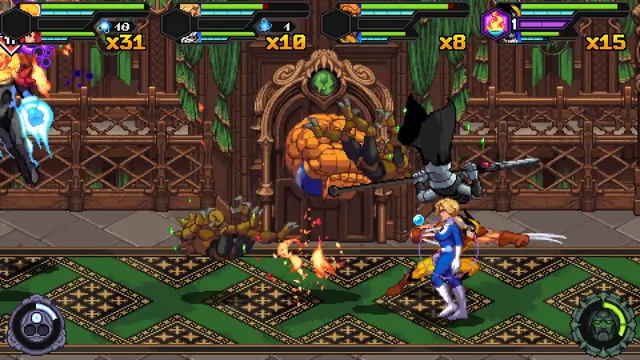 MARVEL Cosmic Invasion - Castle hall fight: four-player HUD over the two mode gauges
Same type: HUD & Gameplay UI; Shared patterns: hud-overlay, status-row, top-bar
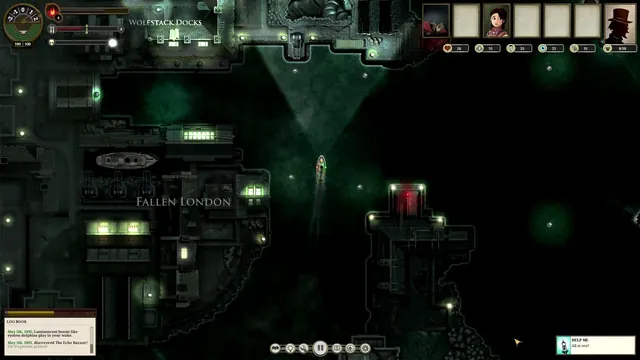 Sunless Sea - Arriving at Fallen London: Wolfstack Docks, the full sailing HUD and the Log Book
Same type: HUD & Gameplay UI; Shared patterns: top-bar, status-row, hud-overlay
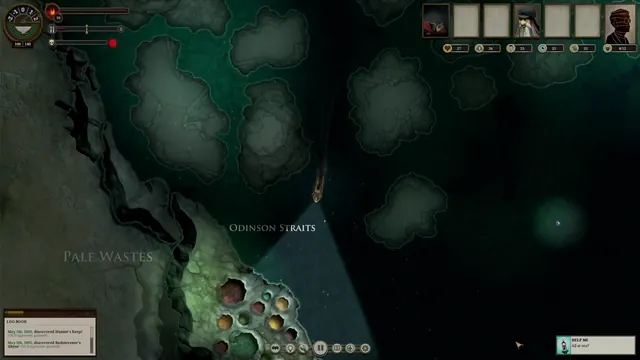 Sunless Sea - Open-sea navigation: the light cone over Odinson Straits and the Pale Wastes
Same type: HUD & Gameplay UI; Shared patterns: top-bar, status-row, hud-overlay
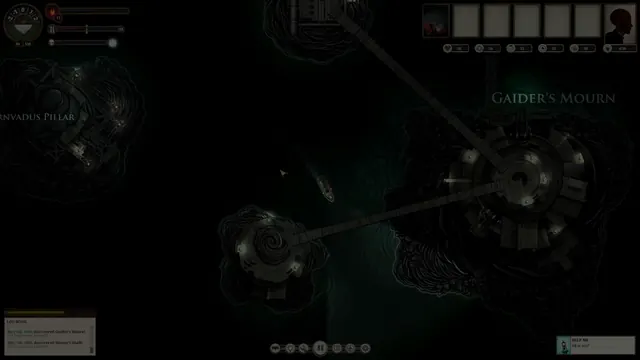 Sunless Sea - Island-hopping: Gaider's Mourn and the bridge-linked islets, early-voyage roster
Same type: HUD & Gameplay UI; Shared patterns: top-bar, status-row, hud-overlay
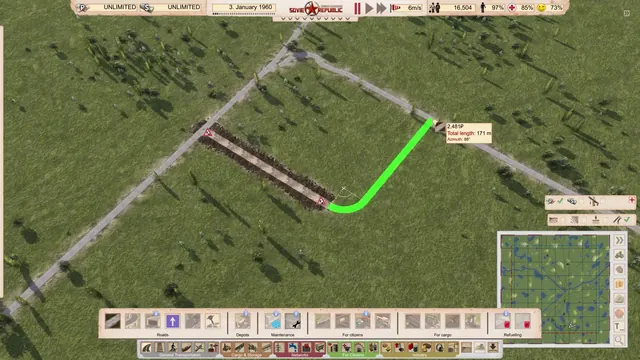 Workers & Resources: Soviet Republic - Drawing a road: green preview, length and azimuth readout, build bar and minimap
Same type: HUD & Gameplay UI; Shared patterns: top-bar, hud-overlay, status-row
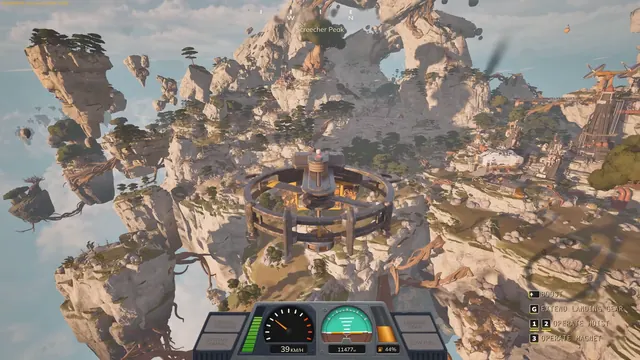 ATMOSFAR - Flight HUD: speed, altitude and fuel gauges
Same type: HUD & Gameplay UI; Shared patterns: hud-overlay, status-row, top-bar